 +

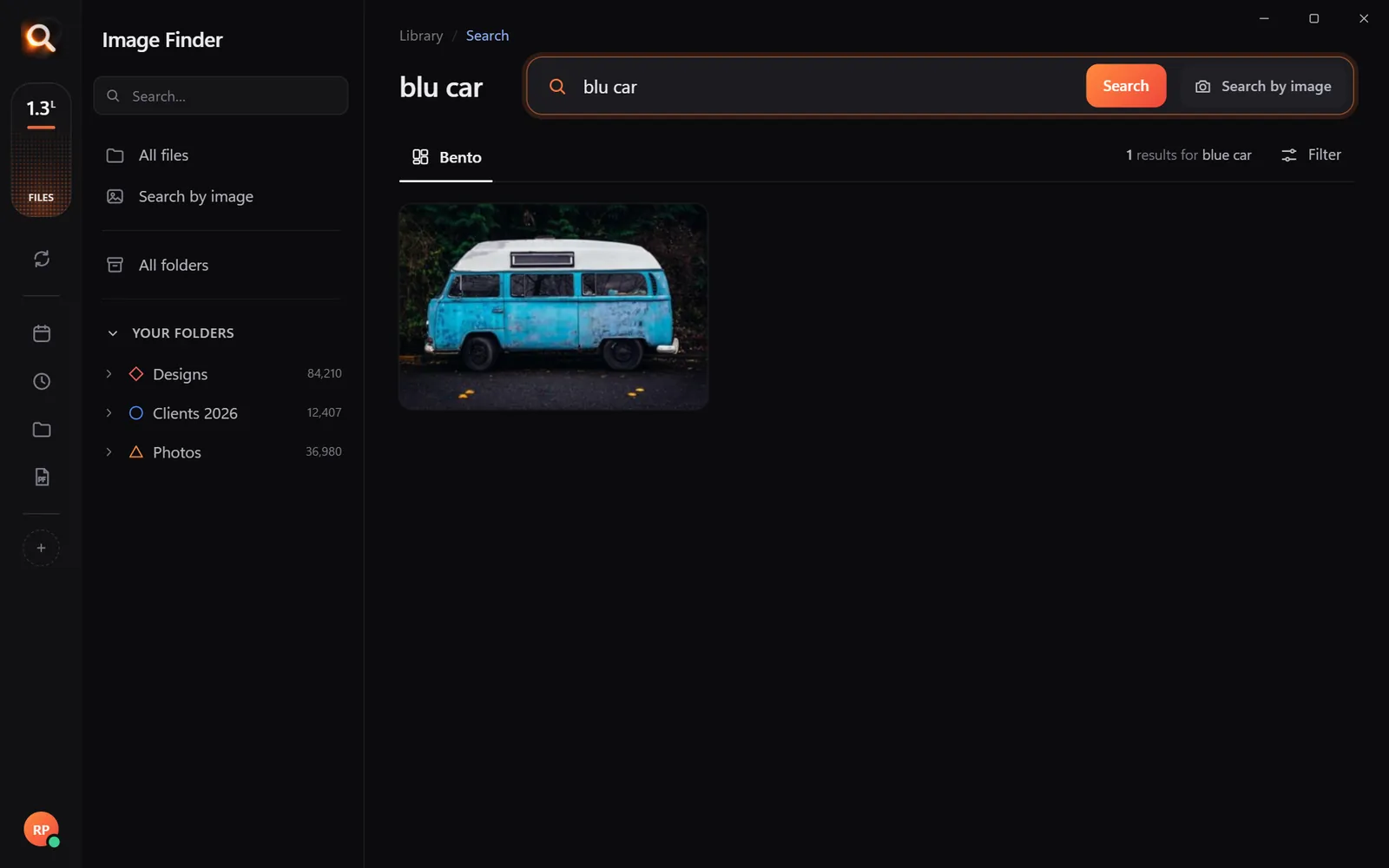
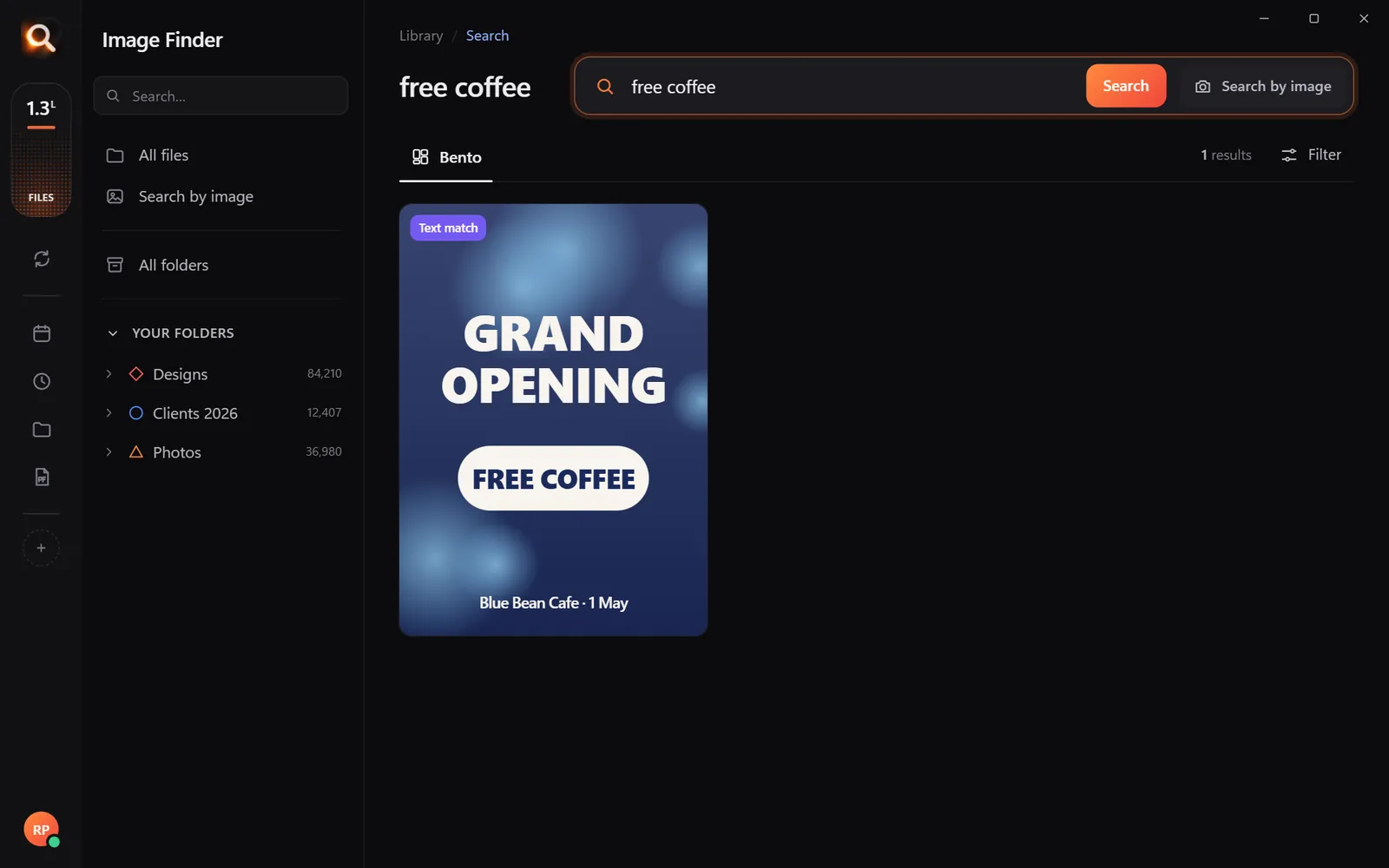
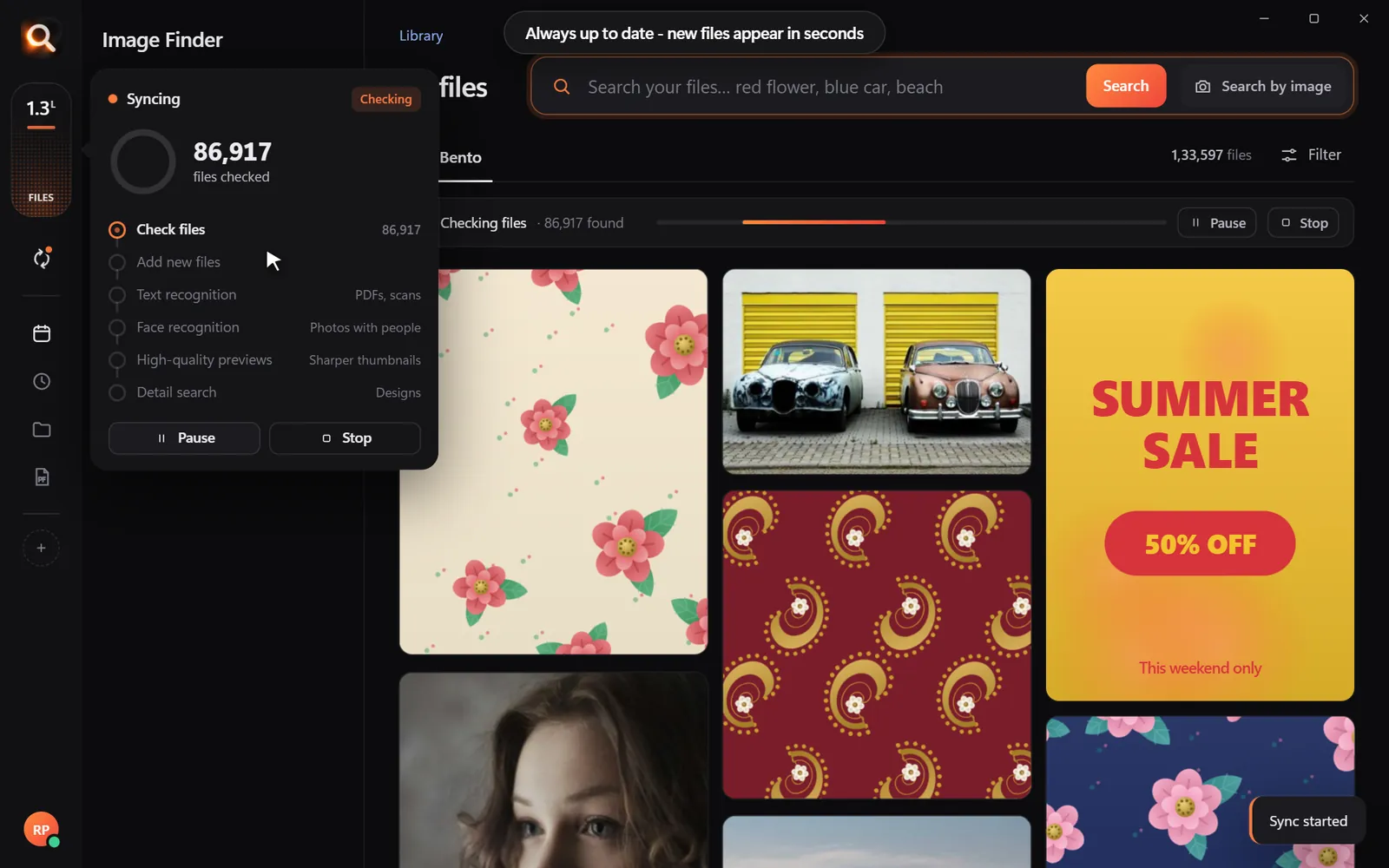
You have a low-resolution thumbnail from a client, an old screenshot, or a cropped graphic from a website, and you need the 50 MB print-ready original saved somewhere on your computer. When you search your computer by filename, you come up empty because the file was saved as IMG_4092.RAW or Final_v3_edit.psd.
Most people turn to Google Lens or TinEye out of habit, only to realize web tools cannot look inside a personal hard drive. This is why having dedicated reverse image search software for pc is essential for photographers, graphic designers, agencies, and anyone managing a massive personal media archive.
In this guide, we will look at why online reverse search fails for local files, what features you actually need in desktop search tools, and how to track down high-resolution originals from a quick crop or thumbnail in seconds.
Why Web Reverse Search Tools Fail for Local PC Archives
Online reverse image search engines like Google Lens, TinEye, and Bing Visual Search are built for the public internet. They crawl websites, index public web pages, and match images across web servers. When it comes to your desktop PC, they fall short for three major reasons:
- They cannot access your hard drives: Web engines have no index of your desktop folders, external storage, or network-attached storage (NAS). They only know what is publicly hosted online.
- Privacy and confidentiality risks: To search using an online tool, you must upload the picture to their servers. If you work with unreleased client branding, confidential documents, or private family photos, uploading those files violates confidentiality and privacy rules. (Read more about this in our guide on private AI photo search).
- Unsupported professional formats: Online tools generally accept standard web formats like JPG, PNG, and WEBP. They cannot parse multi-layer Photoshop (PSD) files, Illustrator vectors (AI, EPS), RAW camera files (CR3, ARW, NEF), or specialized production files.
To find your own work, you need software that sits directly on your Windows or Mac desktop, indexing your files where they live.
What Makes Good Reverse Image Search Software for PC?
Not all desktop image tools are created equal. Standard duplicate finders only check if two files are bit-for-bit identical, which fails if an image was cropped, resized, re-exported, or converted to a different format. Here is what real desktop reverse search requires:
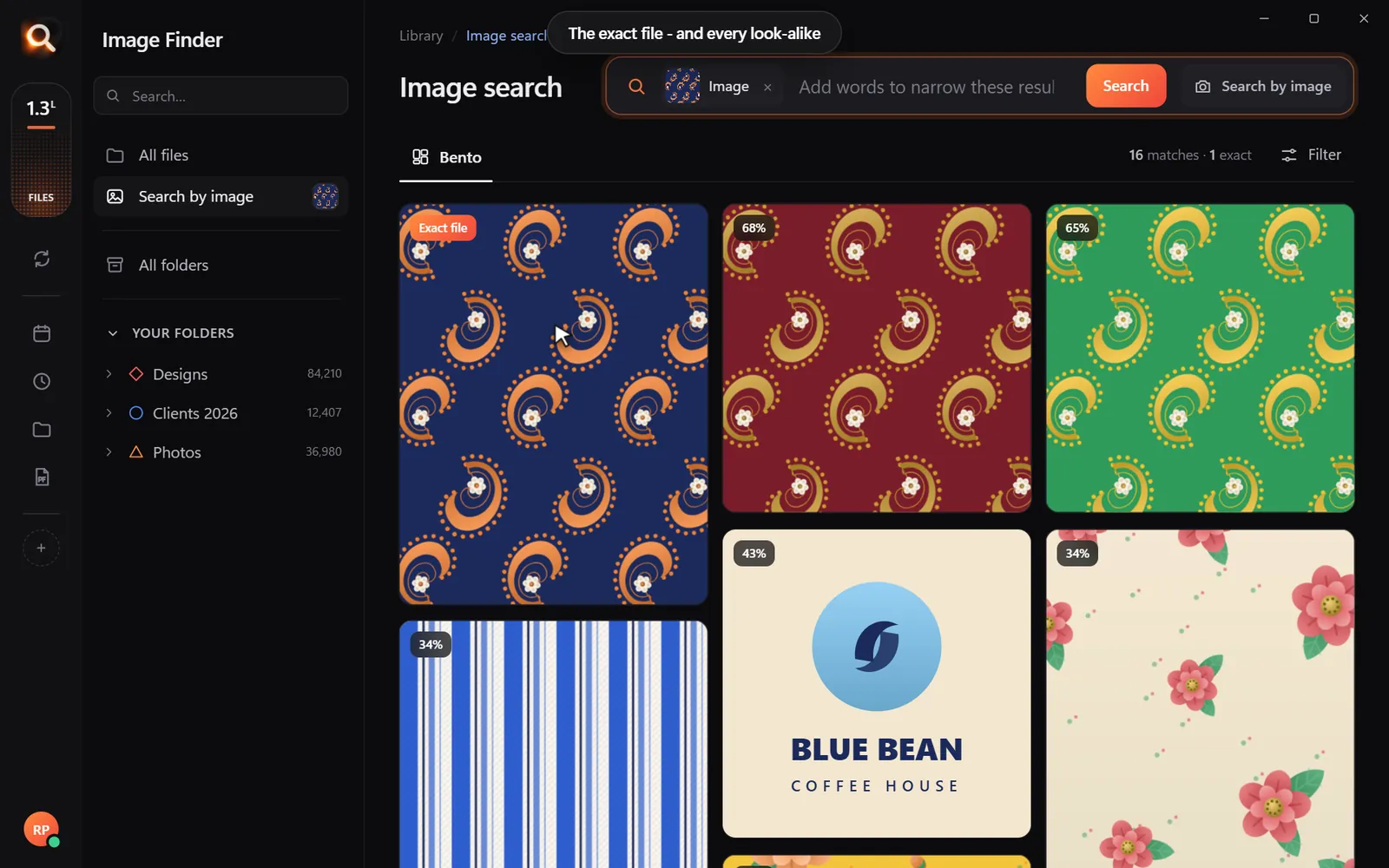
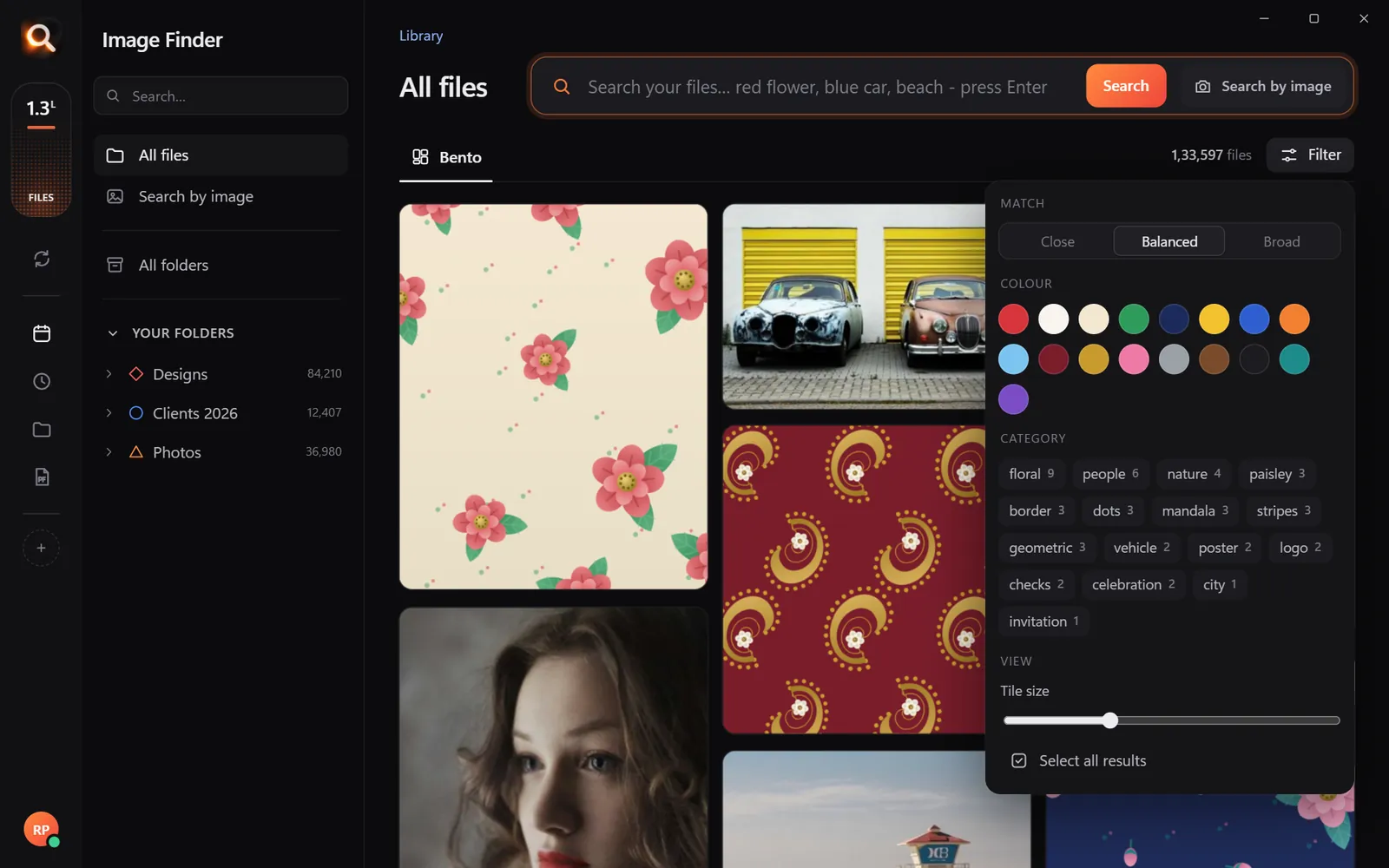
- Visual similarity scoring: The tool should find exact matches first, followed by look-alikes ranked by how closely they match. If you edit the exposure or resize a picture for social media, the tool should still identify the original.
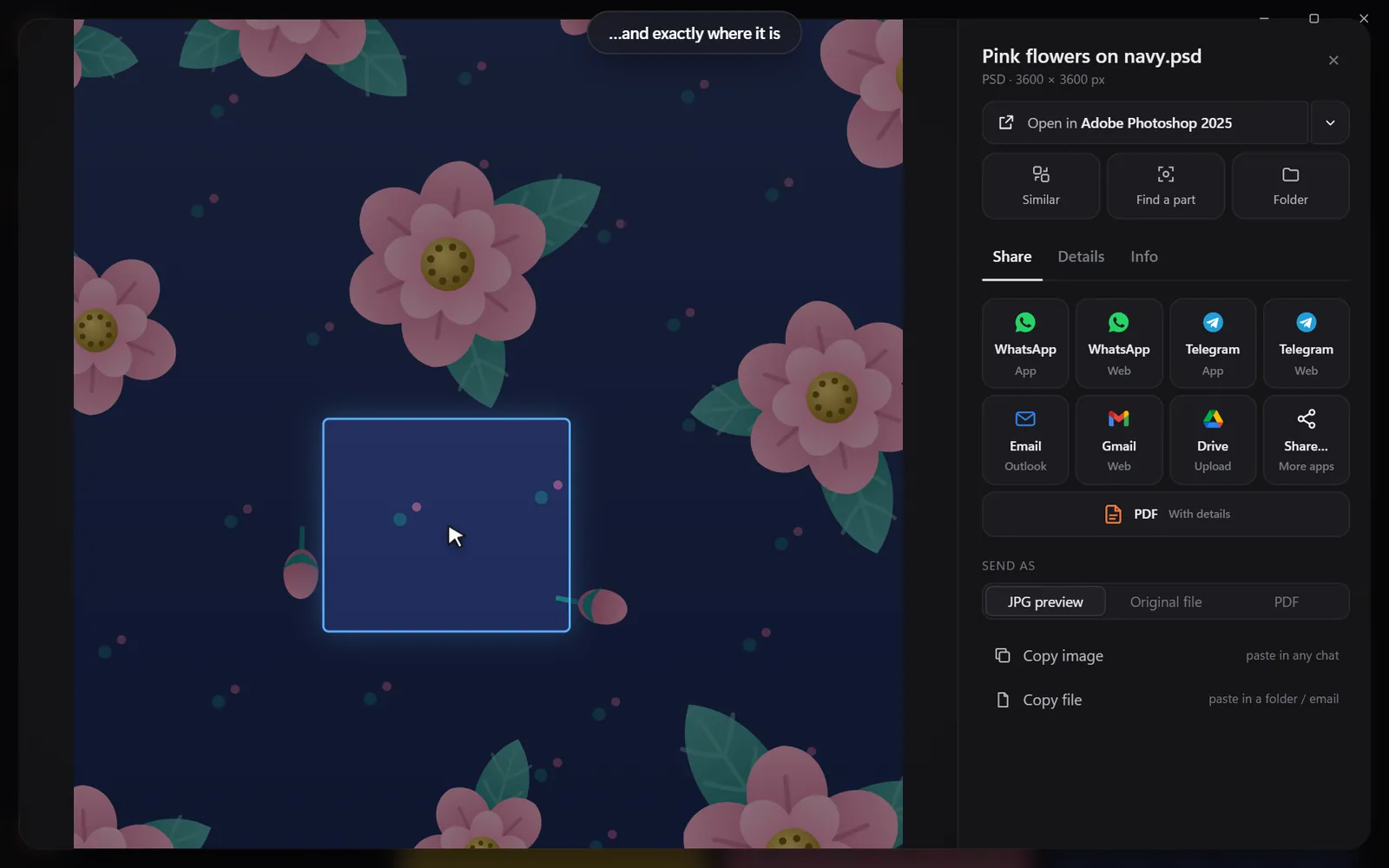
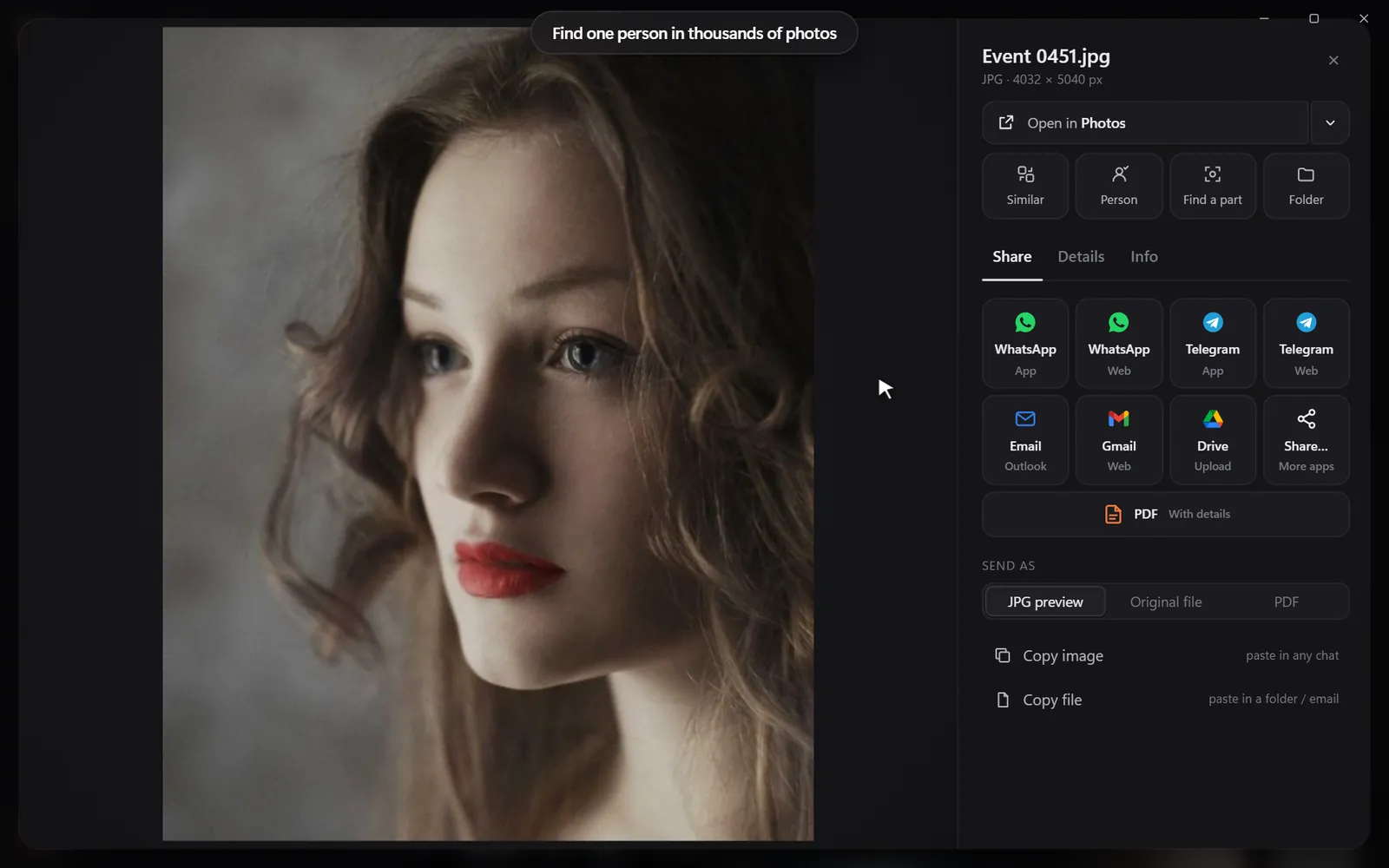
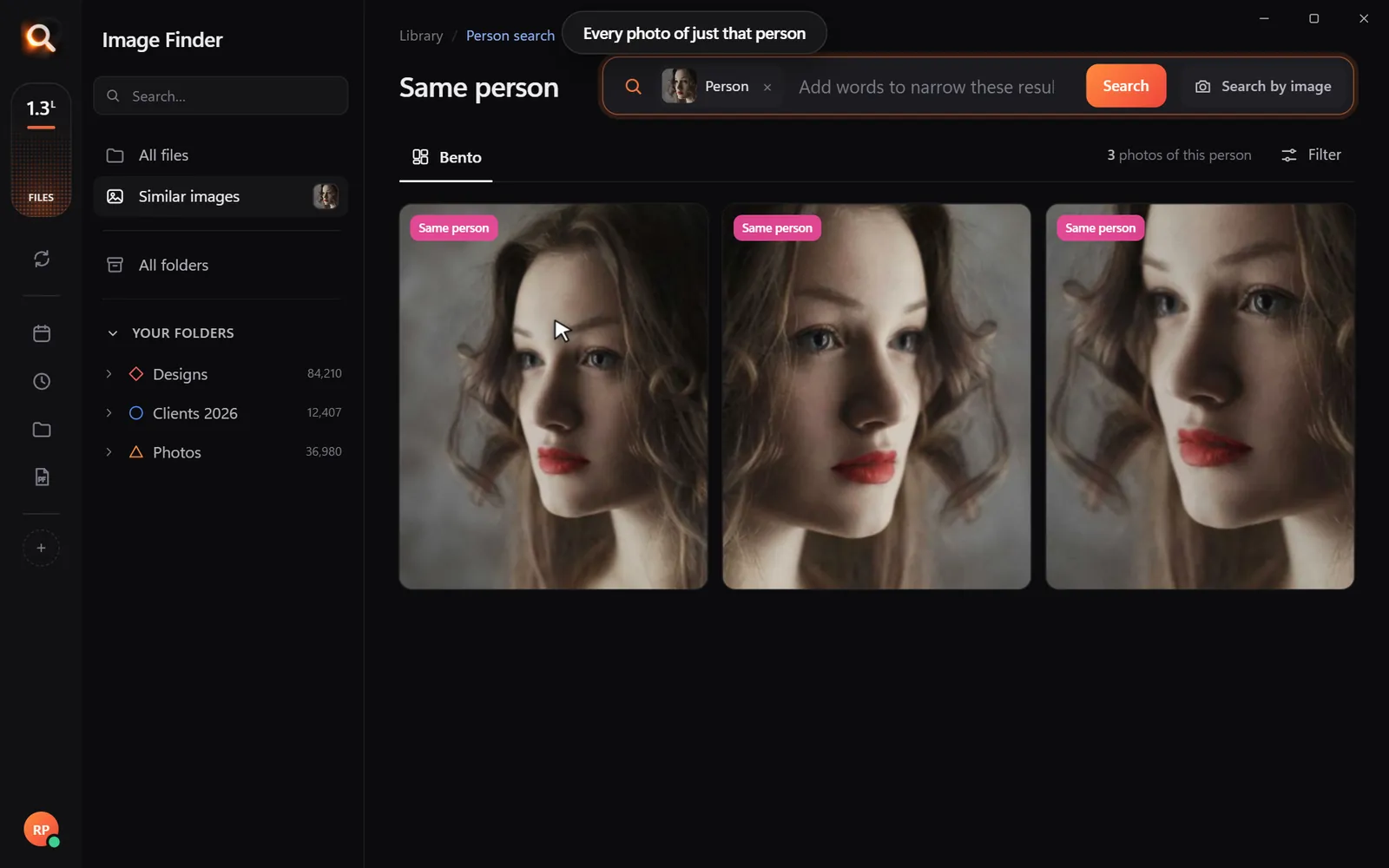
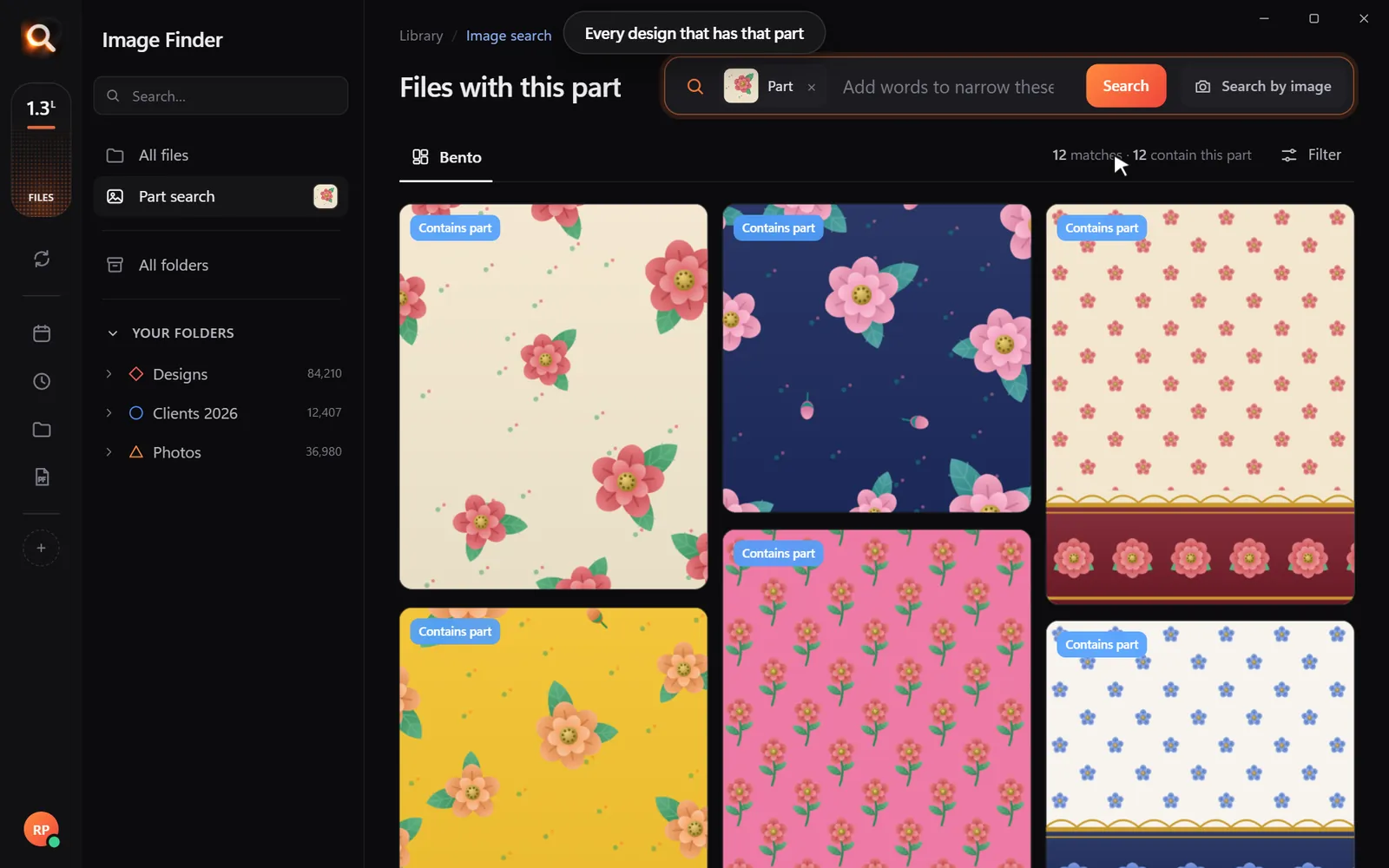
- Sub-image and crop matching (find a part): Often, you do not have the whole picture—you have a cropped detail, like a logo, a floral pattern, or a face. The software needs to let you draw a box around a detail and scan your entire drive for every file containing that specific motif.
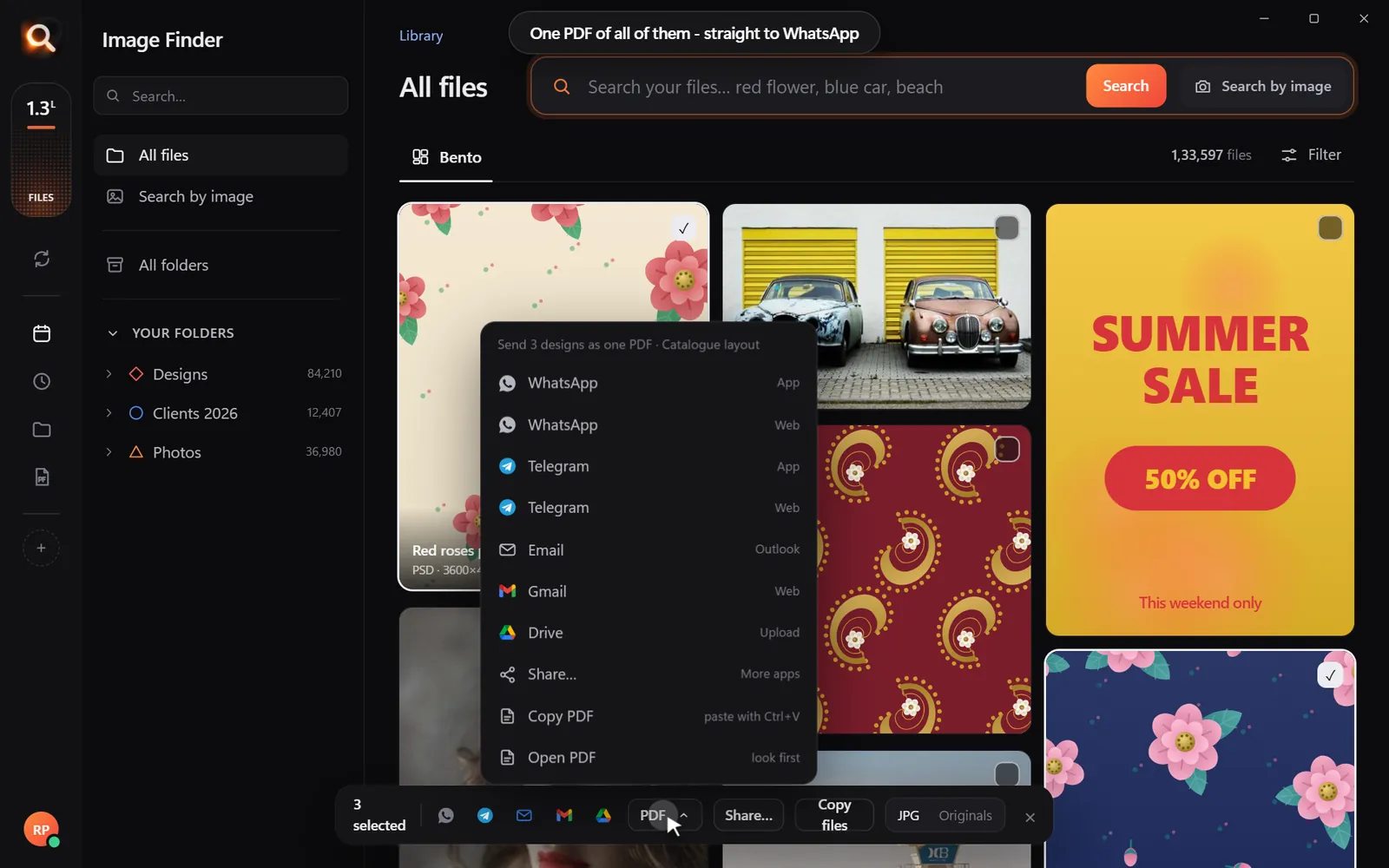
- Broad file support: Professionals do not just store JPGs. A solid tool handles over 150 formats, including RAW camera files, vectors, PDFs, and layered graphics without needing manual conversions.
- Zero cloud dependency: A reliable desktop tool processes everything on your local CPU and GPU. It never uploads your private files to the cloud and works smoothly even when your computer is offline.
| Feature | Web Reverse Search (Google Lens) | Standard Duplicate Finders | Image Finder (Desktop PC) |
|---|---|---|---|
| Works on Local PC Files | No | Yes | Yes |
| Finds Resized / Edited Versions | Yes (web only) | No (exact bytes only) | Yes |
| Search by Cropped Section | Partial | No | Yes |
| Reads RAW, PSD, Vector Files | No | Rare | Yes (150+ formats) |
| 100% Private & Offline | No | Yes | Yes |
If you want a broader comparison of file-name tools versus visual search, check out our breakdown of Everything Search vs visual content search.
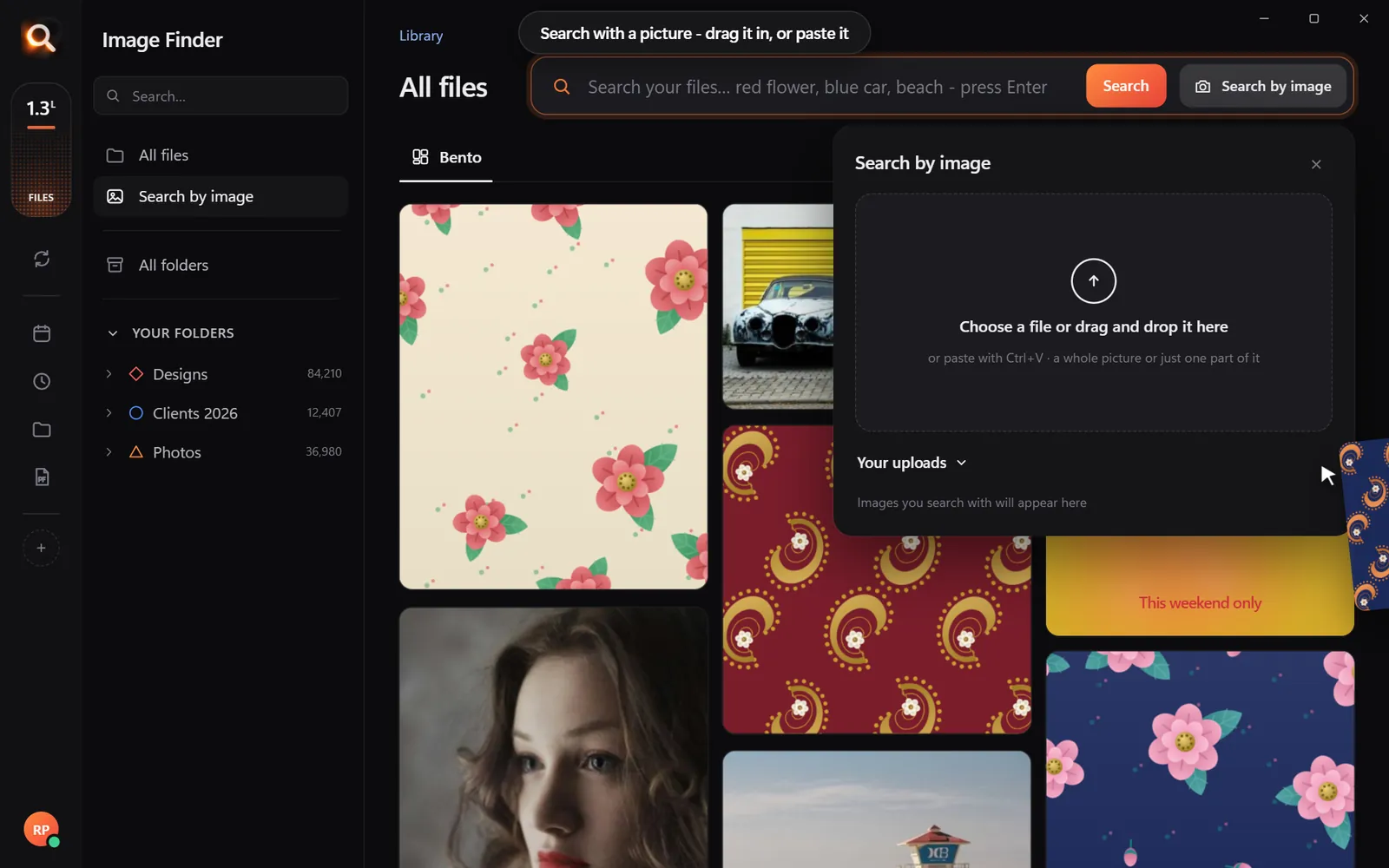
How to Find Originals from a Low-Res Crop in Image Finder
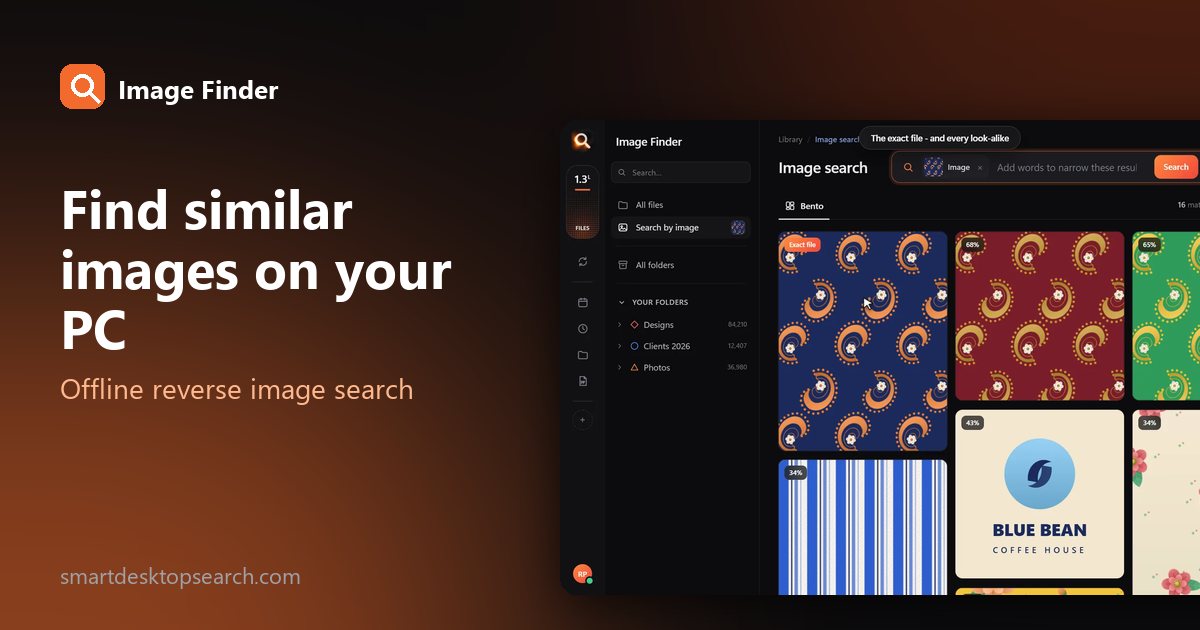
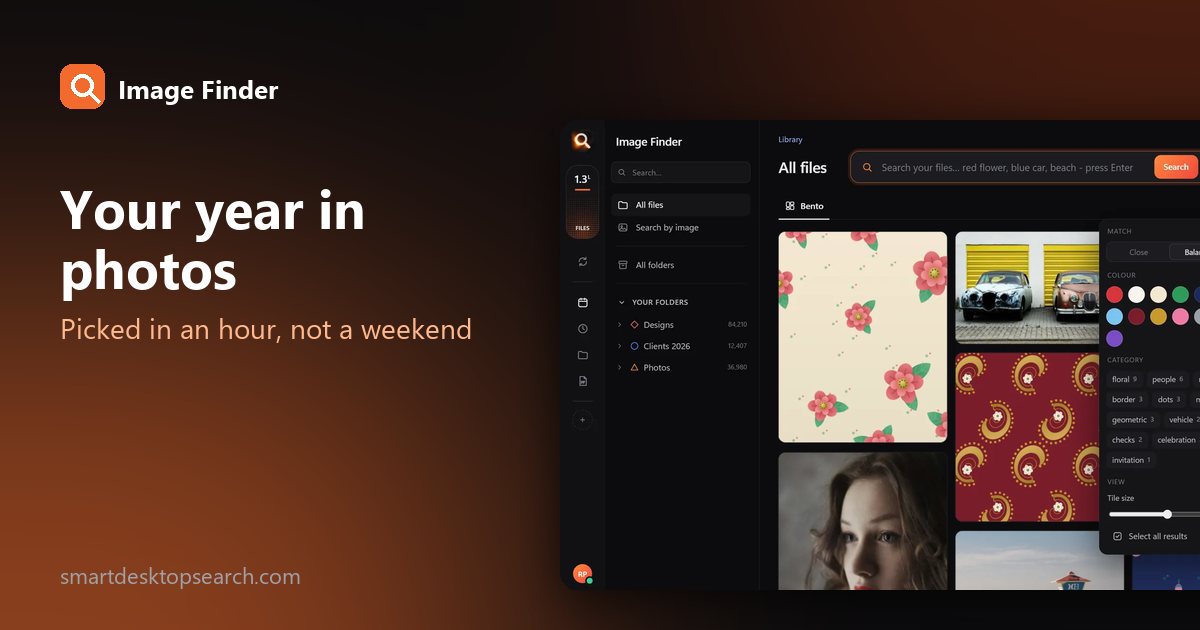
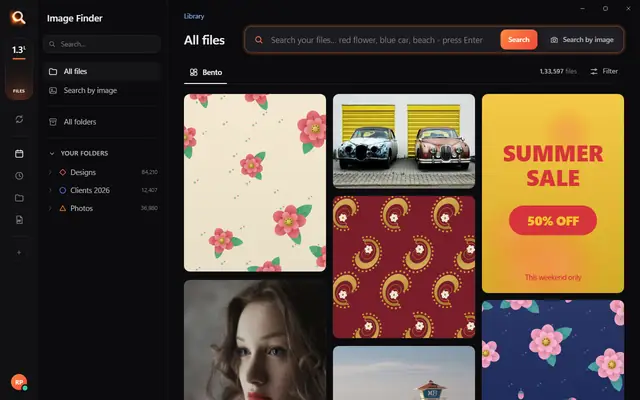
Image Finder is lightweight desktop software designed specifically to solve this problem. It scans large libraries—tested on over 133,000 files—and returns search results in about a tenth of a second.
Here is how to run a reverse search on your PC using a small crop or sample image:
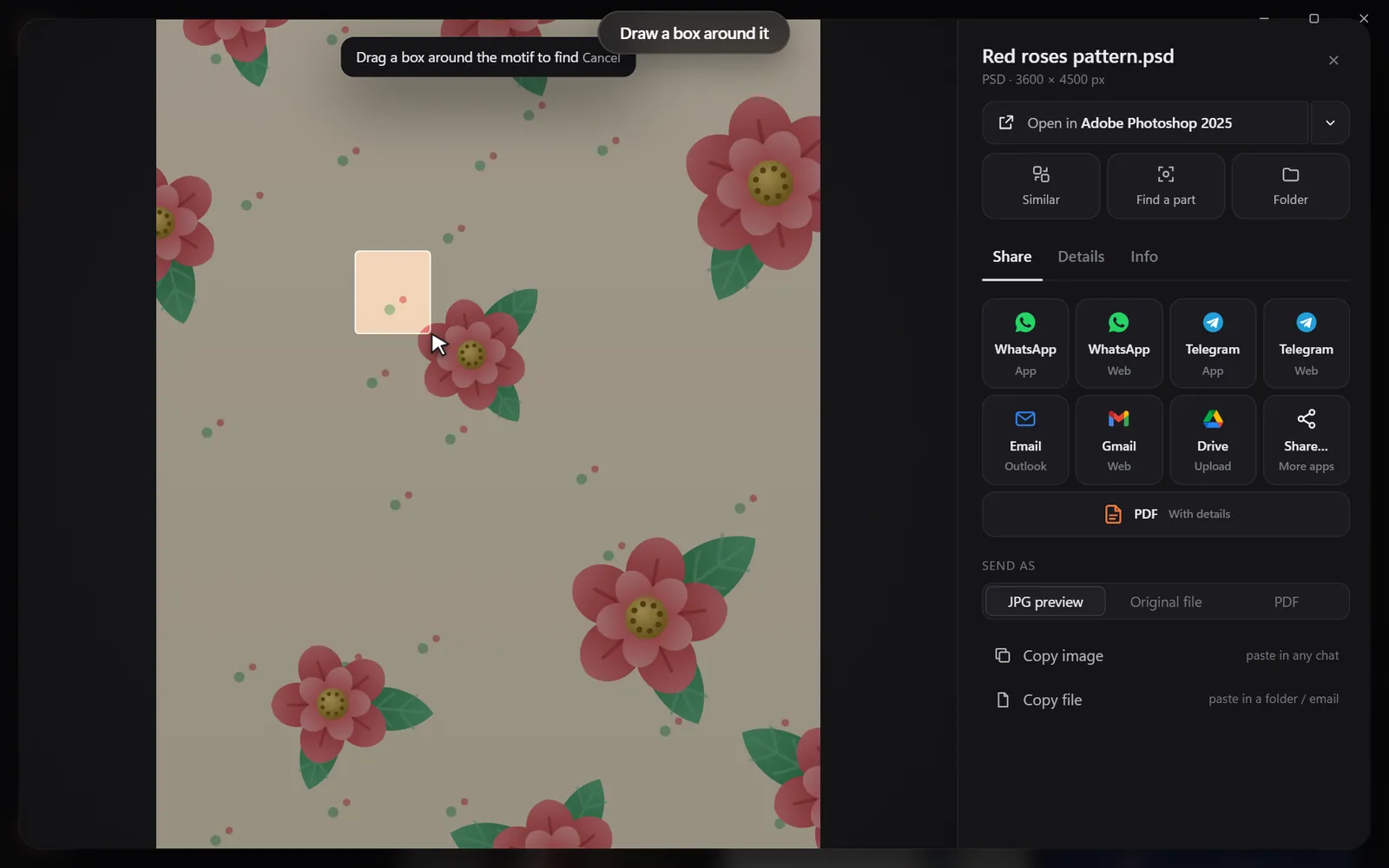
Because the app reads inside archives, it can even find matching pictures stored inside ZIP, RAR, or 7z files without forcing you to unzip them first. (Learn more about this workflow in our post on how to search images inside ZIP files).
Offline Privacy vs Cloud Photo Uploads
Many asset management tools push your media into cloud storage. For a busy studio or independent professional, cloud syncing creates recurring costs, bandwidth bottlenecks, and security questions. Storing 2 TB of client RAW files and PSDs in the cloud can quickly cost hundreds of dollars each year.
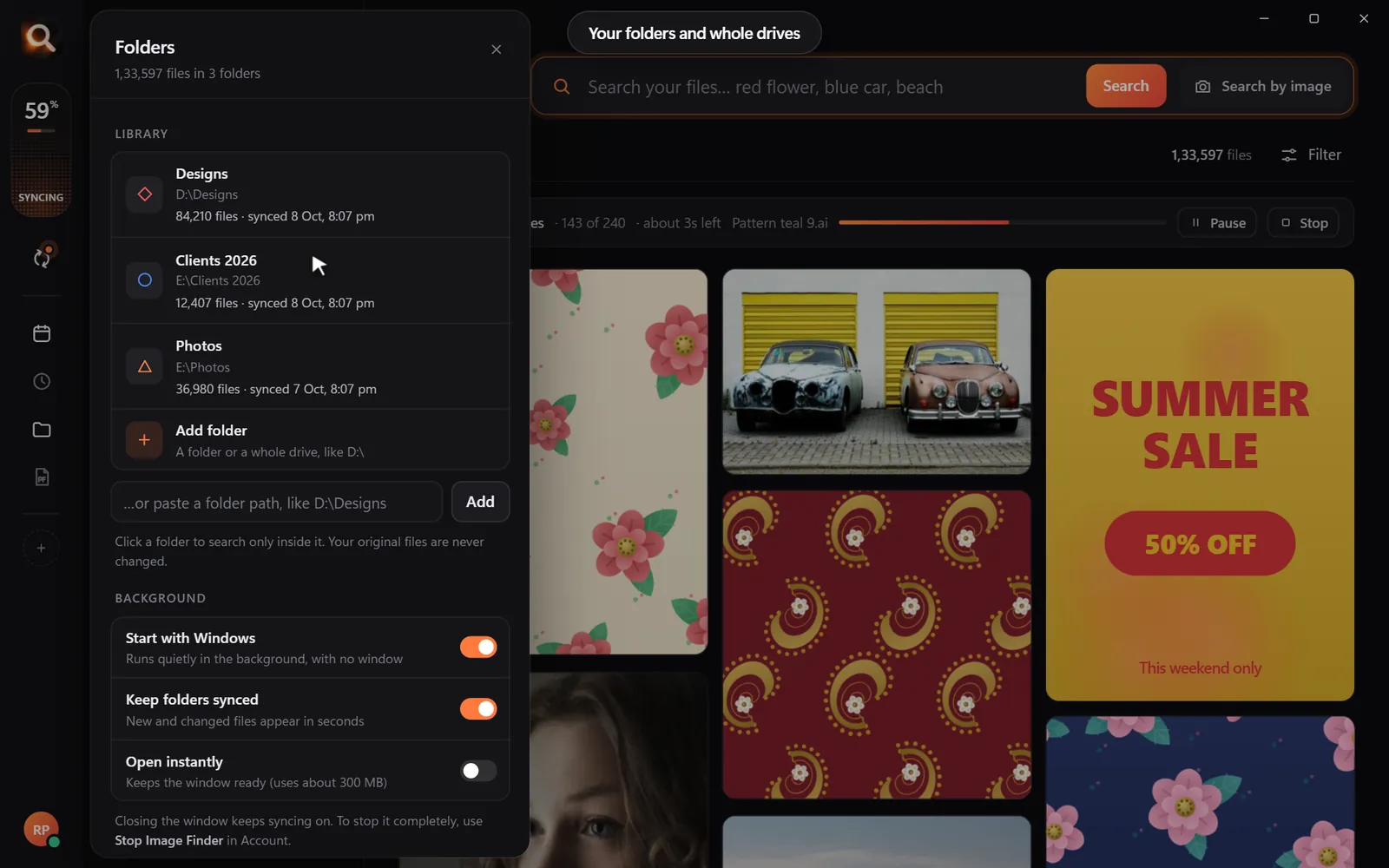
With offline reverse search software, your library stays on your computer. When you add new folders or unplug an external drive, your index updates smoothly. If you work from multiple drives, you can easily pair visual search with a safe storage routine, as detailed in our guide on the 3-2-1 photo backup plan.
Image Finder requires no ongoing monthly subscription lock-in. You choose simple 1, 2, or 3-month plans that you pay once without automatic renewals, starting from US$4 a month depending on your country. Every plan includes every feature, from reverse image matching to text-inside-image recognition.
If you have colleagues or friends looking for local search tools, check out the referral program. Sharing your personal link gives you 15 free days of usage for every friend who starts using it, and your friend receives 5 bonus days.
A tiny sample library in your browser. The app does this with AI across every file on your computer - try the real app in your browser.
Questions People Ask
Can reverse image search software for PC find edited or cropped photos?
Yes. Unlike standard duplicate cleaners that only compare raw file hashes, visual reverse image search software inspects the visual features of the picture. Even if an image was cropped, brightened, converted from RAW to JPG, or compressed for the web, the software can match it to the high-resolution original.
Does scanning a massive drive slow down my computer?
The initial indexing processes your images in the background without locking your system. Once the visual index is built, searches take roughly 0.1 seconds, even across libraries with over 100,000 images, without consuming heavy system memory.
Can I reverse search photos stored on an external hard drive?
Yes. You can add external drives, USB drives, or secondary SSDs to your library. When the drive is plugged into your PC, your visual searches will instantly include those files.
Windows and Mac. Private, offline, no subscription.