Real previews of design files
PSD, PSB, AI, CDR, EPS, SVG, INDD, Sketch, Figma exports - shown as pictures, not icons.
For designers
Years of PSDs, AIs and CDRs in folders named final_v3. Image Finder sees the designs themselves - so the one the client wants is on screen before they finish asking.

Draw a box. Every design with that motif.
150+ file types
seconds per search
Catalogue PDF in one click
Open in
PSD, PSB, AI, CDR, EPS, SVG, INDD, Sketch, Figma exports - shown as pictures, not icons.
Draw a box around a flower, a border or a logo to find every design that uses it.
Pick designs and send them as one neat PDF with names and notes.
Open a result straight in Photoshop, Illustrator or CorelDRAW.
Latest version 1.2.26 · your licence key comes inside the download. Install guide and system needs
Windows download blocked? Get it as a ZIP
From US$4 for a month - about US$0.3 a day. Pay once for the time you need; nothing renews by itself.
Every feature in every plan · one licence per computer · secure checkout
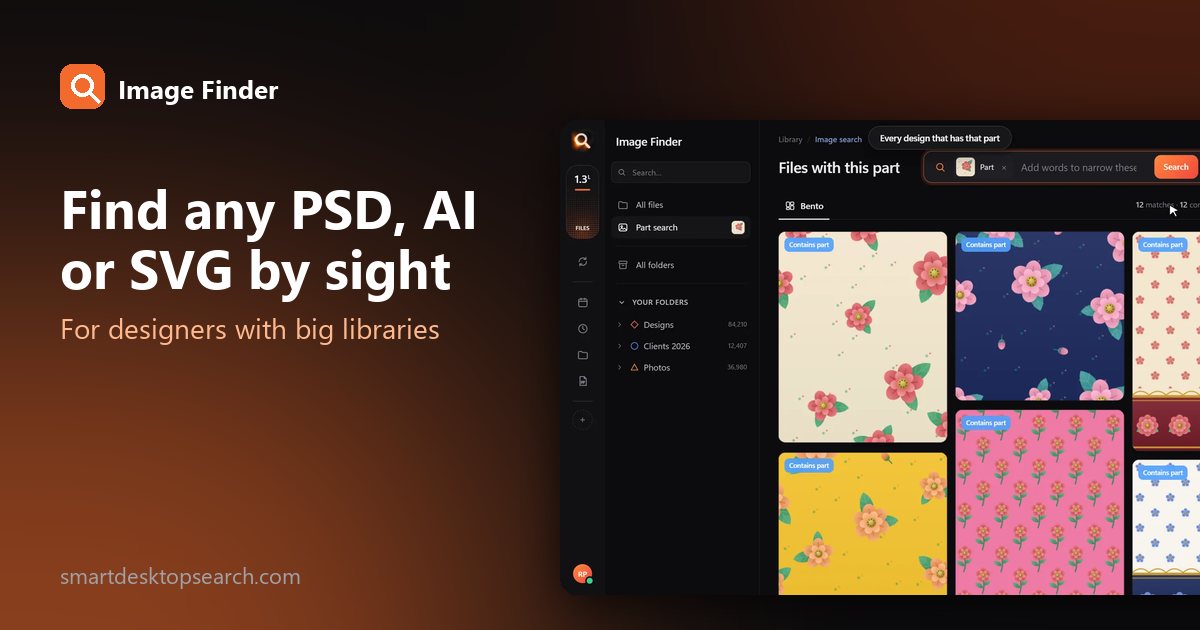
Years of design files named final-v3.psd. Here is how designers search PSD, AI, EPS and SVG files by what they show - a motif, a color, a logo - instead of by name.
8 Oct 2026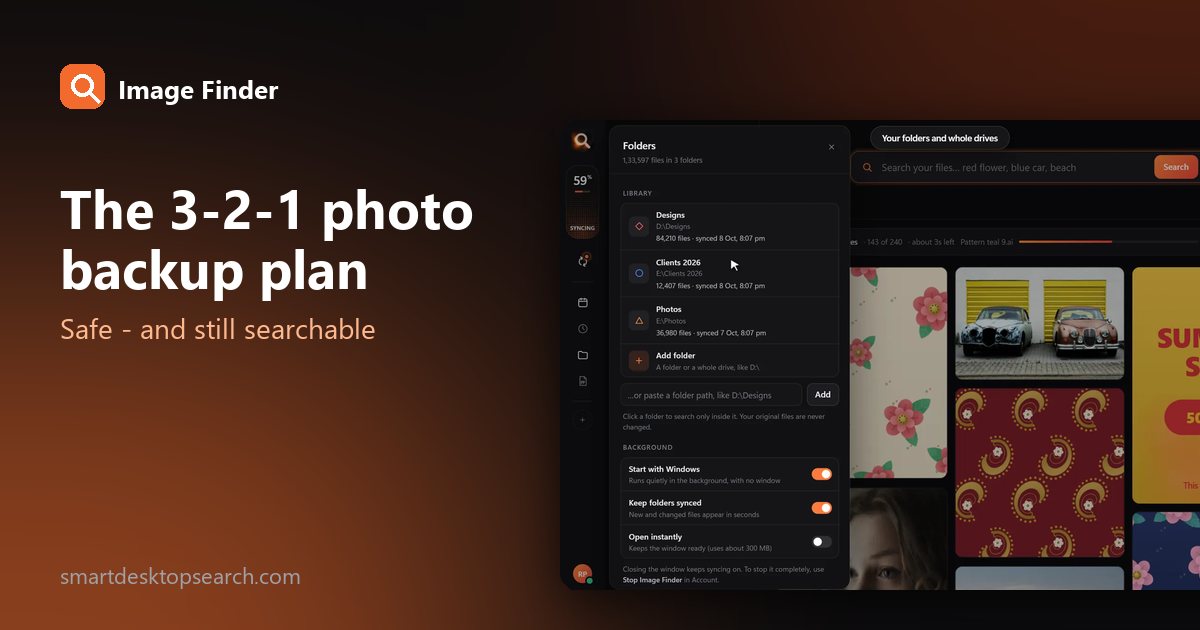
Drives fail, laptops get stolen, accounts get locked. The simple 3-2-1 rule that professionals use to protect photos - set up in an afternoon, with a library you can still search.
9 Dec 2026Organize thousands of family pictures across your hard drives using offline face recognition. Learn how to search photos by face on Windows without uploading anything to the cloud.
18 Nov 2026Yes - CDR, CDT and CMX get real previews and are searched like any picture.
It searches the design as it looks, so a PSD is found by what is in it.
Never. Image Finder only reads your files; it does not move, rename or edit them.
Tips for finding, organising and sharing your designs faster.