Your own words
"beach at sunset", "girl in a yellow dress", "floral border maroon" - plain words work.
Find images by description
No tags, no folders to remember. Write what you see in your own words and Image Finder finds the matching pictures, designs and PDFs on your computer.
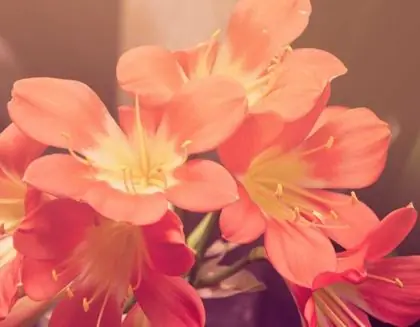
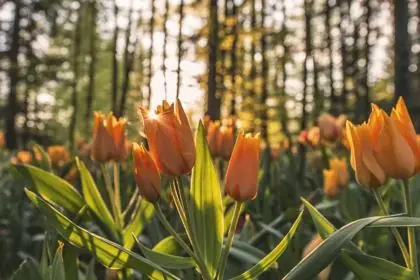

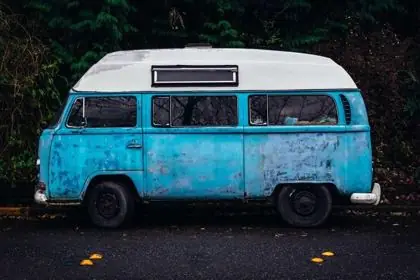
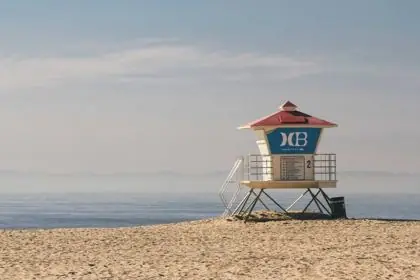






"beach at sunset", "girl in a yellow dress", "floral border maroon" - plain words work.
Add a colour or a category with one click to narrow the results.
Words printed on a poster or written in a scan are found too.
Combine a picture or a face with a few words to get exactly the files you mean.
From ₹30 for a month - about ₹1 a day. Pay once for the time you need; nothing renews by itself.
Every feature in every plan · one licence per computer · secure checkout
Having thousands of photos and designs makes it hard to find look-alikes. Here is a practical guide on how to find similar images on your PC offline.
7 Oct 2026Learn how image search by words lets you locate photos, vector artwork, and layered graphics on your local hard drive using everyday language.
3 Oct 2026Struggling to find a specific design within a massive library of images? Image Finder’s innovative ‘search by motif’ feature lets you pinpoint designs by selecting just one part – a flower, a border, or any recognizable element. It’s the fastest way to find the exact design you need.
3 Oct 2026Latest version 1.2.13 · your licence key comes inside the download. Install guide and system needs
Objects, scenes, colours, styles and words printed in the picture - the way you would describe it to a friend.
Yes - patterns, logos, posters and illustrations in PSD, AI, CDR, EPS, SVG and PDF.
No. Image Finder looks at each picture itself; there is nothing to tag.
Tips for finding, organising and sharing your designs faster.
Search lakhs of designs on your PC in seconds. From ₹1 per day.