1. Turn thumbnails on
In File Explorer open View › Options › View and untick "Always show icons, never thumbnails". Press OK.
PSD thumbnails not showing
Windows itself cannot draw a picture of a Photoshop file, so PSD and PSB files show as blank icons in File Explorer. Here is what to check first - and how to see every PSD as a picture without opening Photoshop.






In File Explorer open View › Options › View and untick "Always show icons, never thumbnails". Press OK.
Open Disk Cleanup for drive C, tick "Thumbnails" and press OK. Windows draws the pictures again the next time you open the folder.
In Photoshop, Preferences › File Handling › Maximize PSD and PSB File Compatibility: Always. Files saved without it carry no full picture inside, so no viewer can show them until they are saved again.
Windows still needs an add-on to draw PSDs. Image Finder shows every PSD and PSB on your computer as a picture, and finds any of them by words or by a photo.
From US$4 for a month - about US$0.3 a day. Pay once for the time you need; nothing renews by itself.
Every feature in every plan · one licence per computer · secure checkout
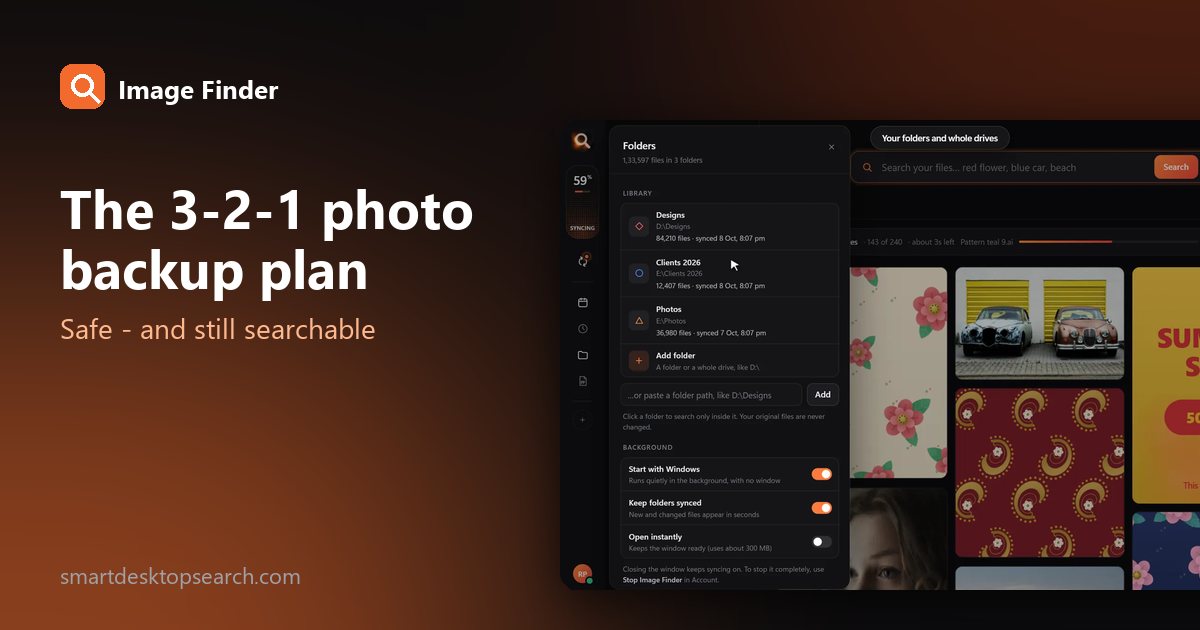
Drives fail, laptops get stolen, accounts get locked. The simple 3-2-1 rule that professionals use to protect photos - set up in an afternoon, with a library you can still search.
9 Dec 2026Organize thousands of family pictures across your hard drives using offline face recognition. Learn how to search photos by face on Windows without uploading anything to the cloud.
18 Nov 2026Looking for image search software for PC? Learn how offline visual search compares to online tools and how to find any photo or design on your drive instantly.
14 Nov 2026Latest version 1.2.26 · your licence key comes inside the download. Install guide and system needs
Windows download blocked? Get it as a ZIP
Windows has no built-in reader for Photoshop files, so File Explorer shows a blank icon unless a thumbnail add-on is installed. Also check that "Always show icons, never thumbnails" is off and clear the thumbnail cache with Disk Cleanup.
Older Photoshop versions came with a thumbnail add-on for Windows; current ones do not. That is why thumbnails often disappear after a Photoshop or Windows update.
Files saved without Maximize Compatibility have no full picture stored inside. Open the file in Photoshop and save it again with Maximize Compatibility on.
Install Image Finder and choose your design folders. It shows every PSD and PSB as a picture - with CDR, AI, PDF and JPG files - and finds any design by describing it or by a photo. It works offline.
No. It only reads them; nothing is moved, renamed or saved.
Tips for finding, organising and sharing your designs faster.