Made for big libraries
Built and tested on a library of 1,33,597 files - searches stay at about a tenth of a second.
Image Finder
Image Finder is a small desktop app that knows what is inside every picture on your computer - so you find files the way you remember them, not by their names.










Built and tested on a library of 1,33,597 files - searches stay at about a tenth of a second.
Photoshop, Illustrator, CorelDRAW, PDF, camera RAW, HEIC, SVG, Office files, fonts and videos - with real previews.
Add a folder or a drive once; new and changed files are ready to search within seconds.
Everything happens on your computer. Your files and searches are never uploaded.
Latest version 1.2.26 · your licence key comes inside the download. Install guide and system needs
Windows download blocked? Get it as a ZIP
From US$4 for a month - about US$0.3 a day. Pay once for the time you need; nothing renews by itself.
Every feature in every plan · one licence per computer · secure checkout
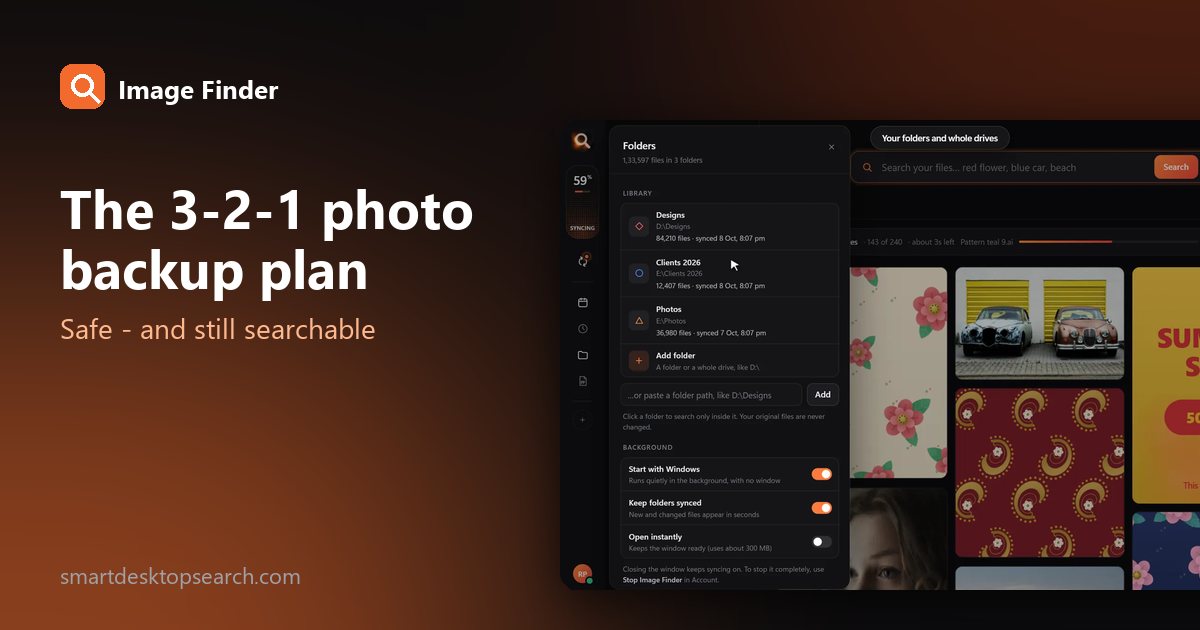
Drives fail, laptops get stolen, accounts get locked. The simple 3-2-1 rule that professionals use to protect photos - set up in an afternoon, with a library you can still search.
9 Dec 2026Organize thousands of family pictures across your hard drives using offline face recognition. Learn how to search photos by face on Windows without uploading anything to the cloud.
18 Nov 2026Looking for image search software for PC? Learn how offline visual search compares to online tools and how to find any photo or design on your drive instantly.
14 Nov 2026A small independent team that builds desktop software for people with big picture libraries.
You can try it free in your browser. The app costs from US$4 a month, paid once for the time you choose.
Windows 10 and 11, and Macs with Apple M chips or Intel processors.
Tips for finding, organising and sharing your designs faster.