Moments, not dates
"birthday cake", "beach with dad", "snow" - find the moment you remember.
Photo library search
Twenty years of phone backups, camera cards and WhatsApp downloads. Describe the moment or pick a face - Image Finder finds it in your library, on your computer.






"birthday cake", "beach with dad", "snow" - find the moment you remember.
Pick a face once to see every photo of that person.
HEIC, JPG, PNG, camera RAW and videos.
Nothing is uploaded - unlike cloud photo apps.
From US$4 for a month - about US$0.3 a day. Pay once for the time you need; nothing renews by itself.
Every feature in every plan · one licence per computer · secure checkout
Latest version 1.2.26 · your licence key comes inside the download. Install guide and system needs
Windows download blocked? Get it as a ZIP
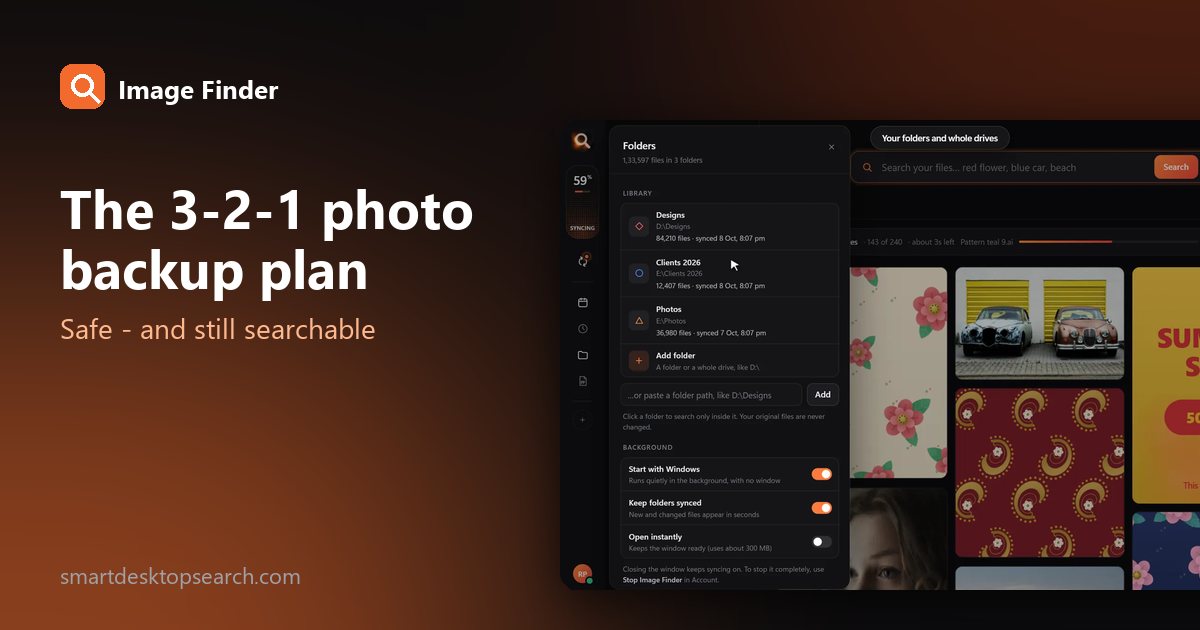
Drives fail, laptops get stolen, accounts get locked. The simple 3-2-1 rule that professionals use to protect photos - set up in an afternoon, with a library you can still search.
9 Dec 2026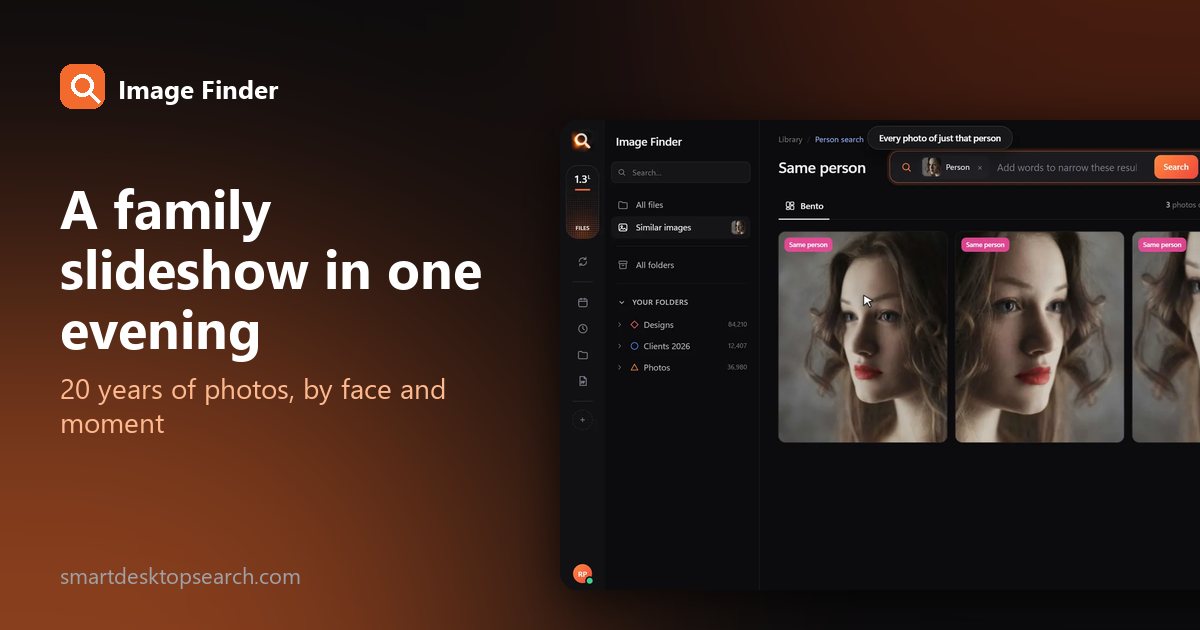
The family wants a slideshow of 'all the old photos'. They are spread over 15 years and five devices. How to pull the best ones together in an evening, by face and by moment.
31 Oct 2026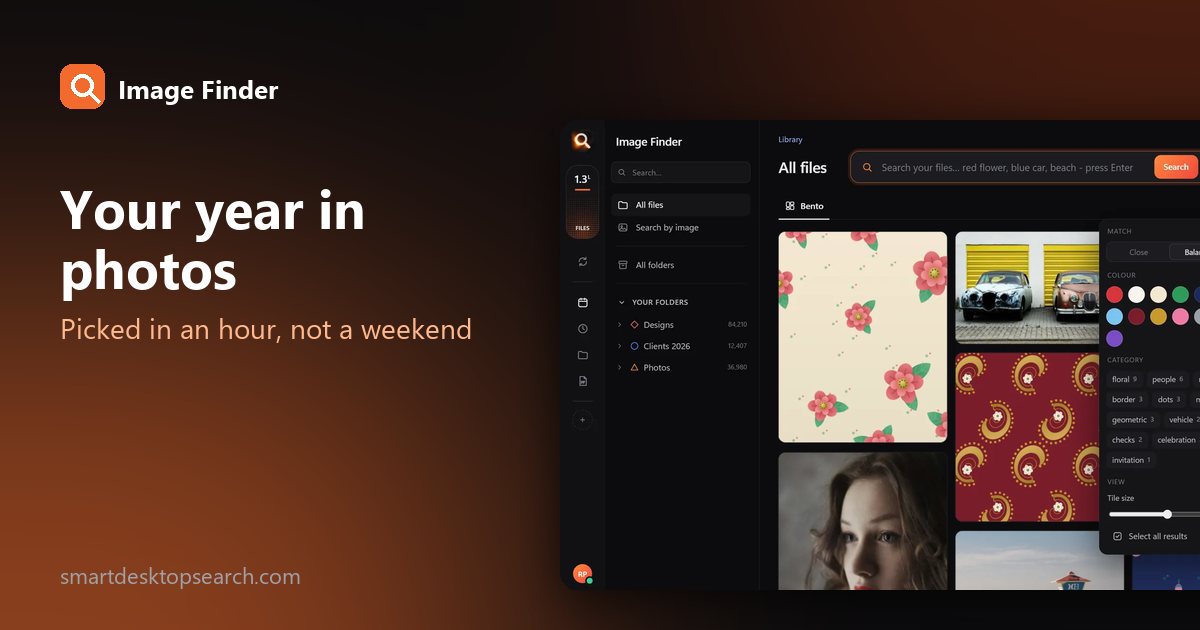
Everyone posts their year in review in December. Here's how to pick your 12 (or 50) best photos of the year from every phone and folder - in an hour, not a weekend.
31 Oct 2026Yes - HEIC photos copied to your computer are searched like any other.
Yes - pick their face and every photo of them appears.
No - everything stays on your computer.
Tips for finding, organising and sharing your designs faster.