 +









Somebody always asks: "Could you put together a slideshow of the old photos for Thanksgiving?" It sounds like an hour. Then you remember the photos are on four old phones, two laptops, a hard drive in the closet and Grandma's shoebox.
Here is how to make a family photo slideshow from decades of photos in one evening - finding the right pictures by face and moment instead of scrolling through 40,000 files.
The plan
| Step | Time |
|---|---|
| Gather photos into one place | 30 min (copying runs in the background) |
| Make them searchable | Runs while you have dinner |
| Find the best photos by face and moment | 45 min |
| Build and play the slideshow | 30 min |
Step 1: gather (don't sort)
Copy photos from each device into one folder - Family Photos - with a subfolder per source. Don't rename or sort anything. If you already did our family photo plan, skip this step.
Step 2: make them searchable
Add the folder to Image Finder. It looks at every photo in the background - leave it running while you eat.
Step 3: find the photos that tell the story
Search by person
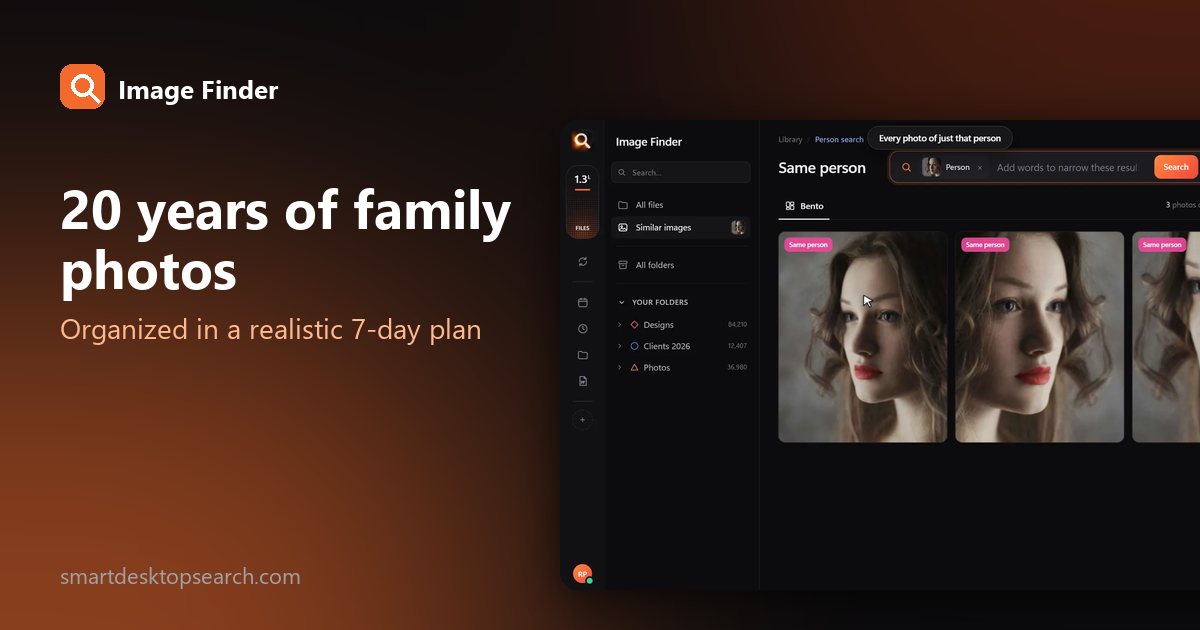
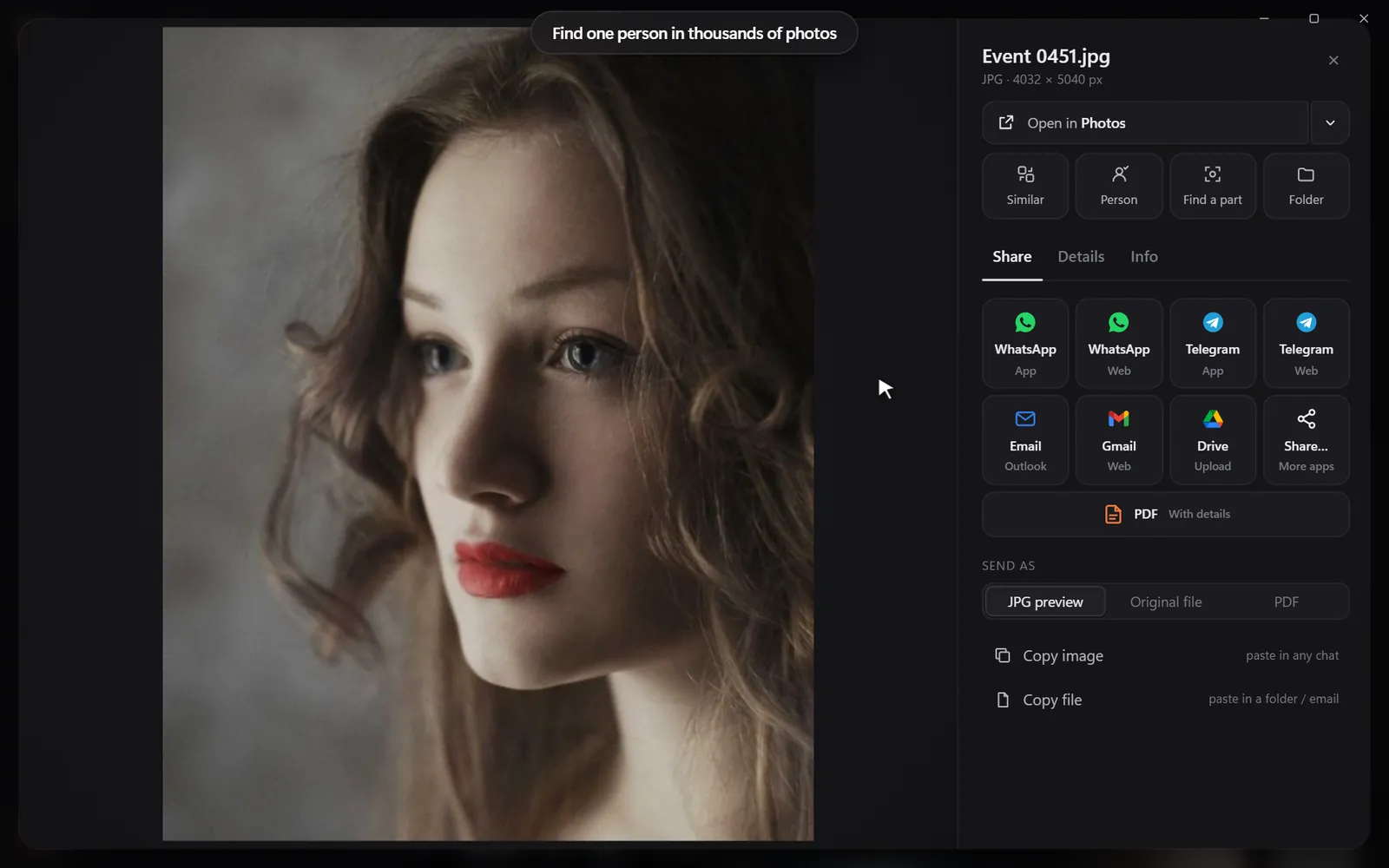
Open one photo of each family member and choose Same person. Every photo of them appears - from baby pictures to last summer. Add a word to narrow: "Grandpa" + "fishing".

Search by moment
Thanksgiving slideshows are made of moments. Try:
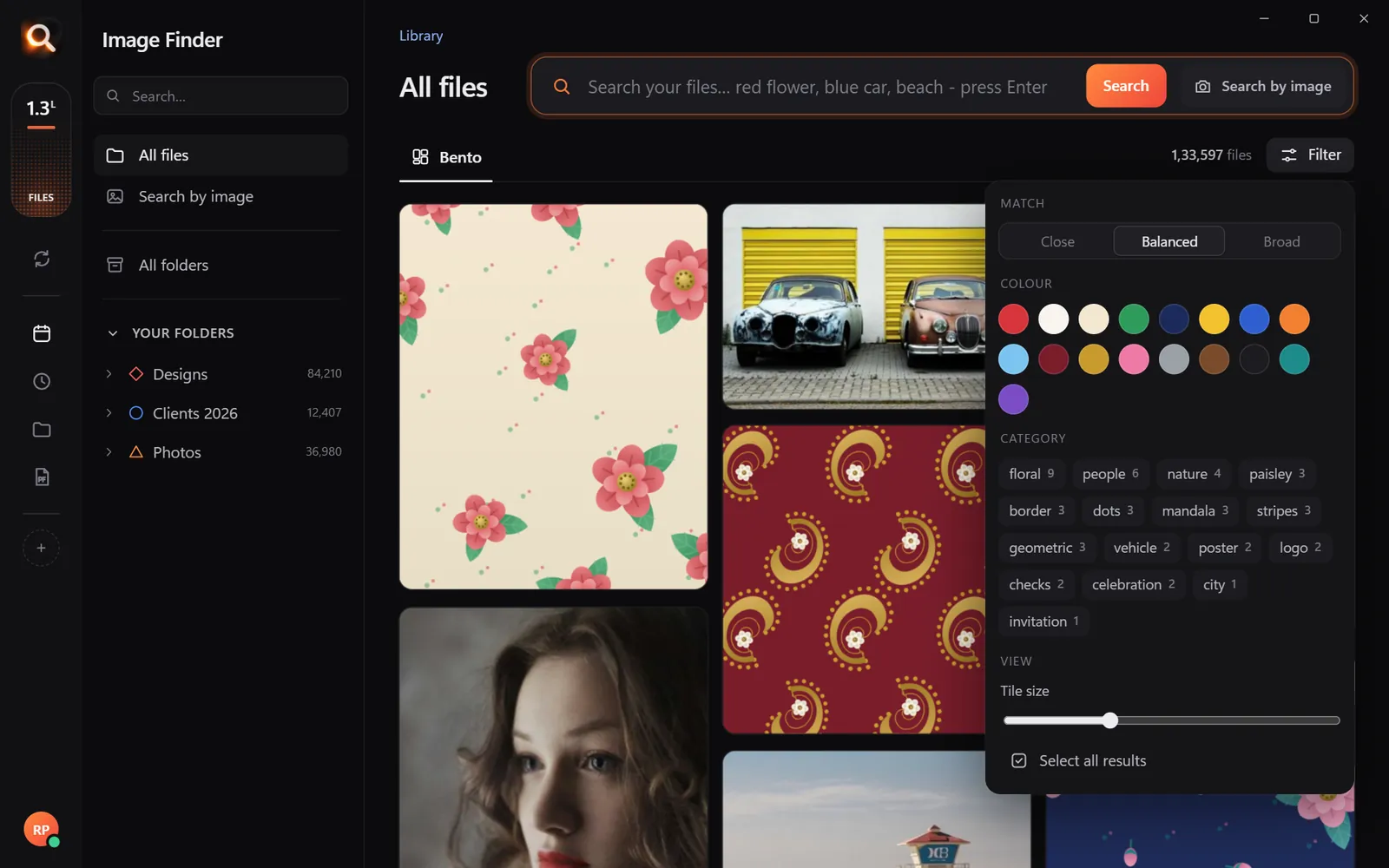
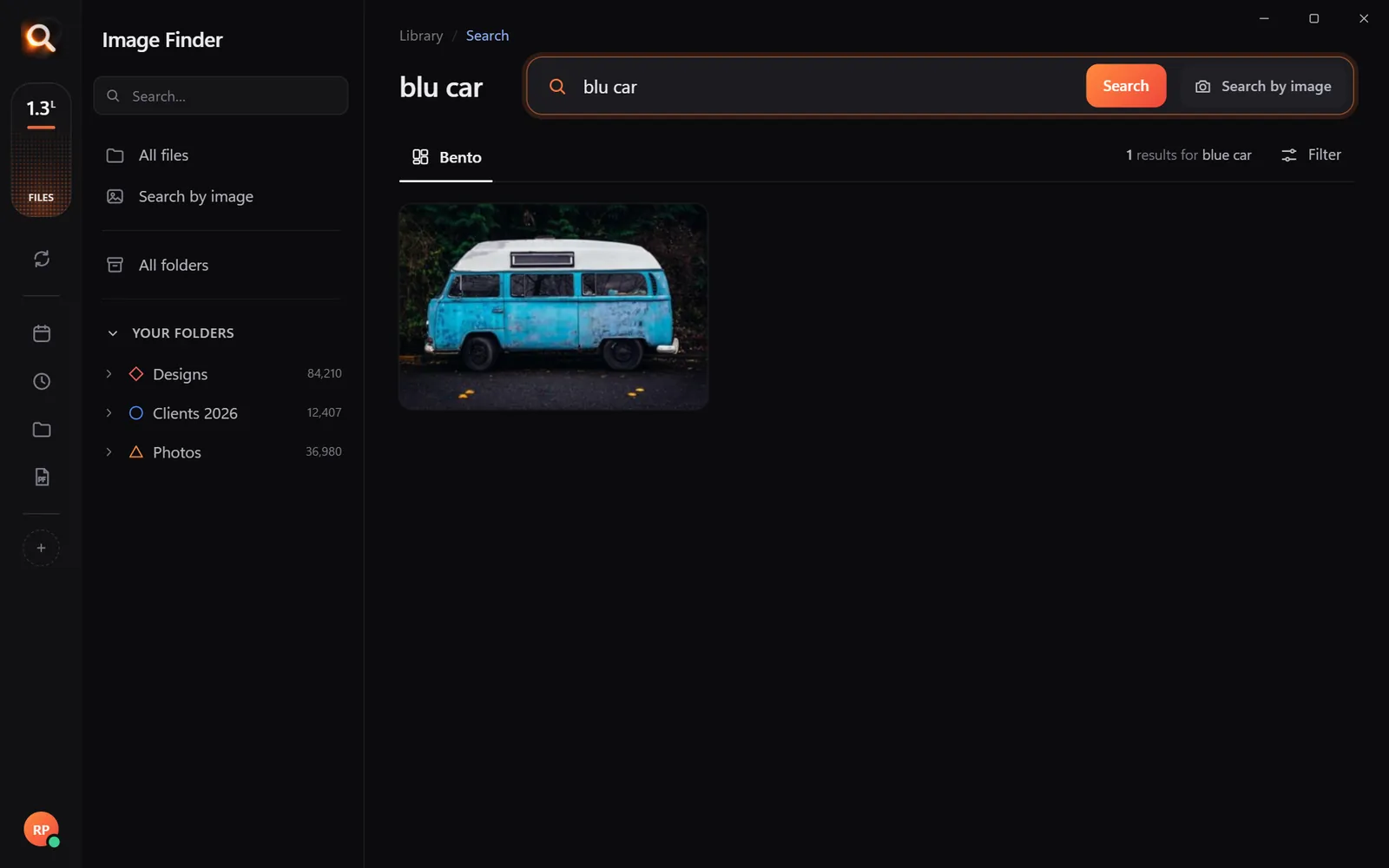
A tiny sample library in your browser. The app does this with AI across every file on your computer - try the real app in your browser.
- "thanksgiving turkey", "dinner table family" - past holidays together;
- "baby", "first steps" - the cutest section of any slideshow;
- "wedding", "graduation" - milestones;
- "beach", "camping", "road trip" - family vacations.
Search the old prints
Scanned prints are searched just like digital photos. Searching a face finds Grandma in a 1985 print scan as well as a 2024 phone photo.
Step 4: choose a story
Great slideshows have an order. Three structures that always work:
Aim for 60-120 photos - about 5-8 minutes at 4 seconds each. Longer and people drift to the kitchen.
Step 5: build and play it
Playing it on the TV
| Method | How |
|---|---|
| Windows Photos app | Open the folder, choose Slideshow |
| Mac Photos or Preview | Select all, press Play / Slideshow |
| TV with USB | Copy the folder to a USB stick and use the TV's photo viewer |
| Cast from laptop | HDMI cable is the simplest, most reliable option |

Keep it for next year
Keep the Slideshow 2026 folder. Next year, add the new year's best and you have a growing family story - in an evening.
Music and timing
A slideshow lives or dies by its pace:
| Photos | Seconds each | Length | Music |
|---|---|---|---|
| 60 | 4-5 | 4-5 min | 1-2 songs |
| 100 | 4 | about 7 min | 2 songs |
| 150 | 3-4 | 8-10 min | 3 songs |
Pick songs the whole family knows. Start with something calm (baby and old photos), build up (vacations and celebrations) and end on something warm (the most recent family photo).
Making it look good on a TV
- Landscape photos fill the screen best. Mix in portraits, but not too many in a row.
- Avoid tiny or blurry photos. Use the reverse search trick to find the full-size original of a small copy.
- Old prints: scan at 600 dpi for TV-size display.
- Group by decade with a simple title slide ("The 1990s") - make one in any slide app and save it as a picture.
Finding the originals of shared photos
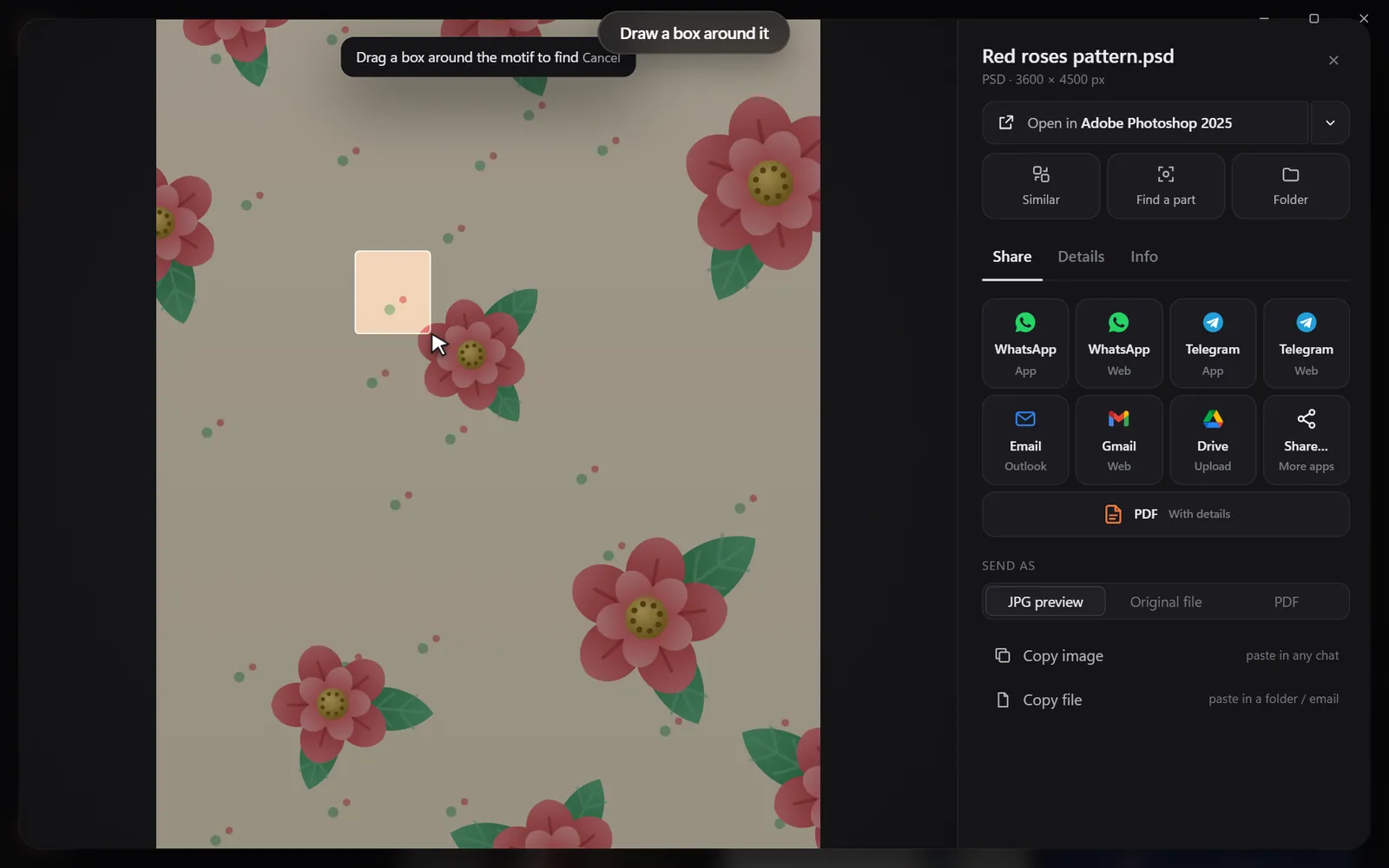
Family members often share small, compressed photos by chat. Before adding one to the slideshow, drop it into Image Finder: if the full-size original exists on any of the drives you gathered, it comes up first - much better on a big screen.

Including everyone
Slideshows easily turn into "photos of the kids". Make a quick checklist of everyone at the table and do a same-person search for each - grandparents, in-laws, cousins, the family friend who's always there. Two or three photos each and nobody feels left out.
Bring the old prints to life
The oldest prints are usually the biggest hit. If you don't have time to scan, photograph prints with your phone in daylight, flat on a table. Then add them to the folder - they're searchable by face like any other photo.
After the holiday
The slideshow folder is a ready-made gift. Make a PDF of it for relatives who couldn't come, or copy it to a USB stick for grandparents to watch on their own TV.
Questions people ask
How do I find all photos of a family member?
Open one photo of them in Image Finder and choose Same person - every photo of them appears, across all folders.
How many photos should a family slideshow have?
60-120 photos at about 4 seconds each makes a 5-8 minute slideshow that holds attention.
Can I include scanned old photos?
Yes. Scans are searched like any other photo, by face and by what's in them.
What's the easiest way to play a slideshow on a TV?
Connect a laptop with an HDMI cable, or copy the photos to a USB stick and use the TV's photo viewer.
Windows and Mac. Private, offline, no subscription.