Faces across all shoots
Pick a face and see every photo of just that person, from every folder.
For photographers
A client asks for every photo of the bride's mother from three weddings ago. Pick her face once - Image Finder finds them all, RAW files included.



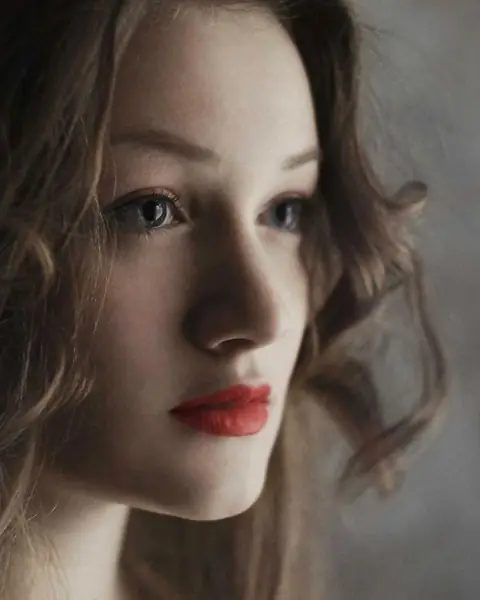

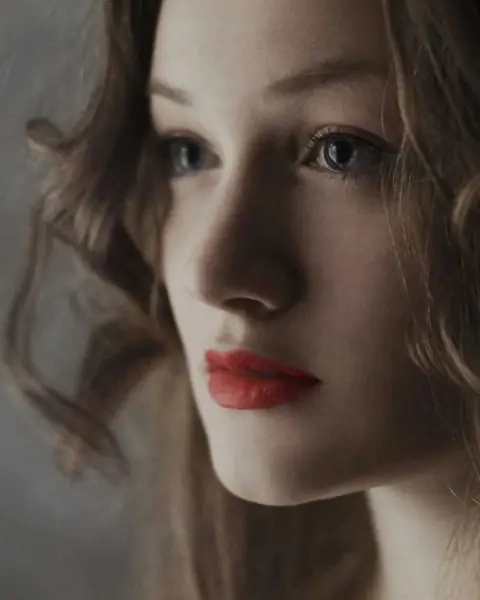



Pick a face and see every photo of just that person, from every folder.
NEF, CR2, CR3, ARW, RAF, ORF, DNG and more - with real previews.
"first dance", "cake cutting", "beach at sunset" - find the scene, not the file.
Your clients' photos never leave your computer.
From US$4 for a month - about US$0.3 a day. Pay once for the time you need; nothing renews by itself.
Every feature in every plan · one licence per computer · secure checkout
Latest version 1.2.26 · your licence key comes inside the download. Install guide and system needs
Windows download blocked? Get it as a ZIP
Yes - Image Finder only reads your folders; your catalogue stays as it is.
No - faces are recognised on your own computer.
Hundreds of thousands - searches stay at about a tenth of a second.
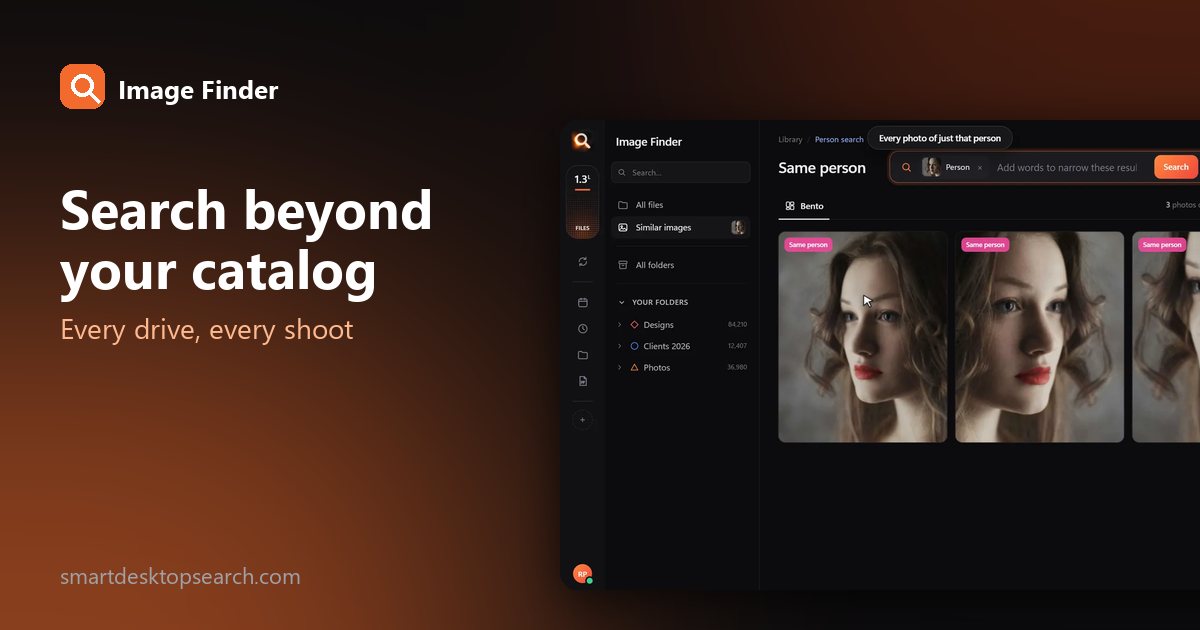
Lightroom only knows the photos you imported. What about the drives you never catalogued, the exports, the client folders? How to search everything - and keep Lightroom for editing.
31 Oct 2026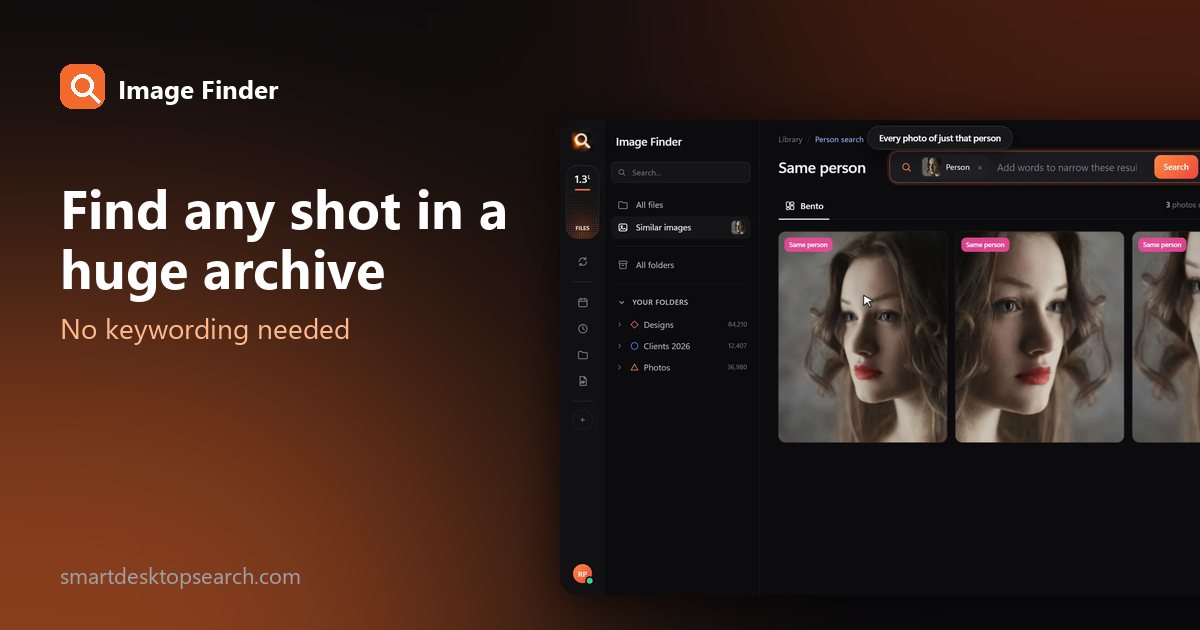
Ten years of shoots, a client wants one photo, and nothing is keyworded. How working photographers find any shot by describing it, by face, or by a reference picture.
15 Oct 2026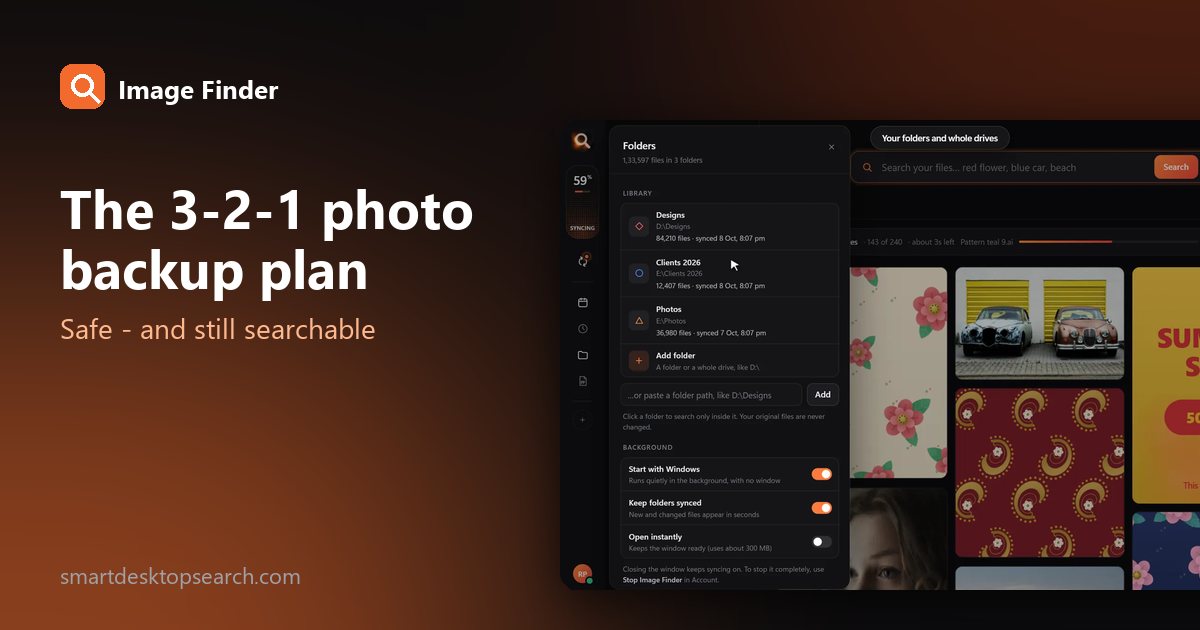
Drives fail, laptops get stolen, accounts get locked. The simple 3-2-1 rule that professionals use to protect photos - set up in an afternoon, with a library you can still search.
9 Dec 2026Tips for finding, organising and sharing your designs faster.