

Try itFeaturesPricingHow it works QuestionsBlogSign in DownloadContact usRefunds
Try it in your browser

Find any photo on your computer. Just describe it.

Type what you see - “dog on the beach”, “receipt from Costco” - and the right photo, design or PDF appears in a second. Nothing uploaded, nothing to rename.

Just ₹1 a day

No credit cardWindows 10+ & macOSPay once - no subscription

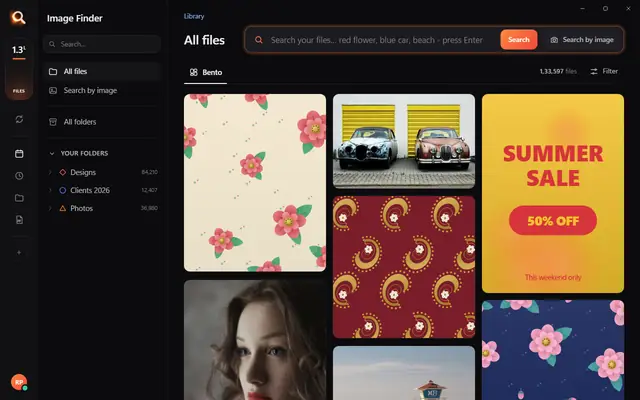
The Image Finder window with sample pictures

The real Image Finder window with sample files - click anywhere in it to try it yourself. In the app it searches hundreds of thousands of your own files in a fraction of a second, all on your PC. Open it full screen

Reads 107 kinds of files, straight from your folders

JPGHEICPNGRAWPSDAISVGPDFZIP

A photo search that sees what you see

It looks at every picture on your computer once - what is in it, the colours, the faces, the words - so you can find any of them by simply describing it. Even with a hundred thousand files.

+

Point

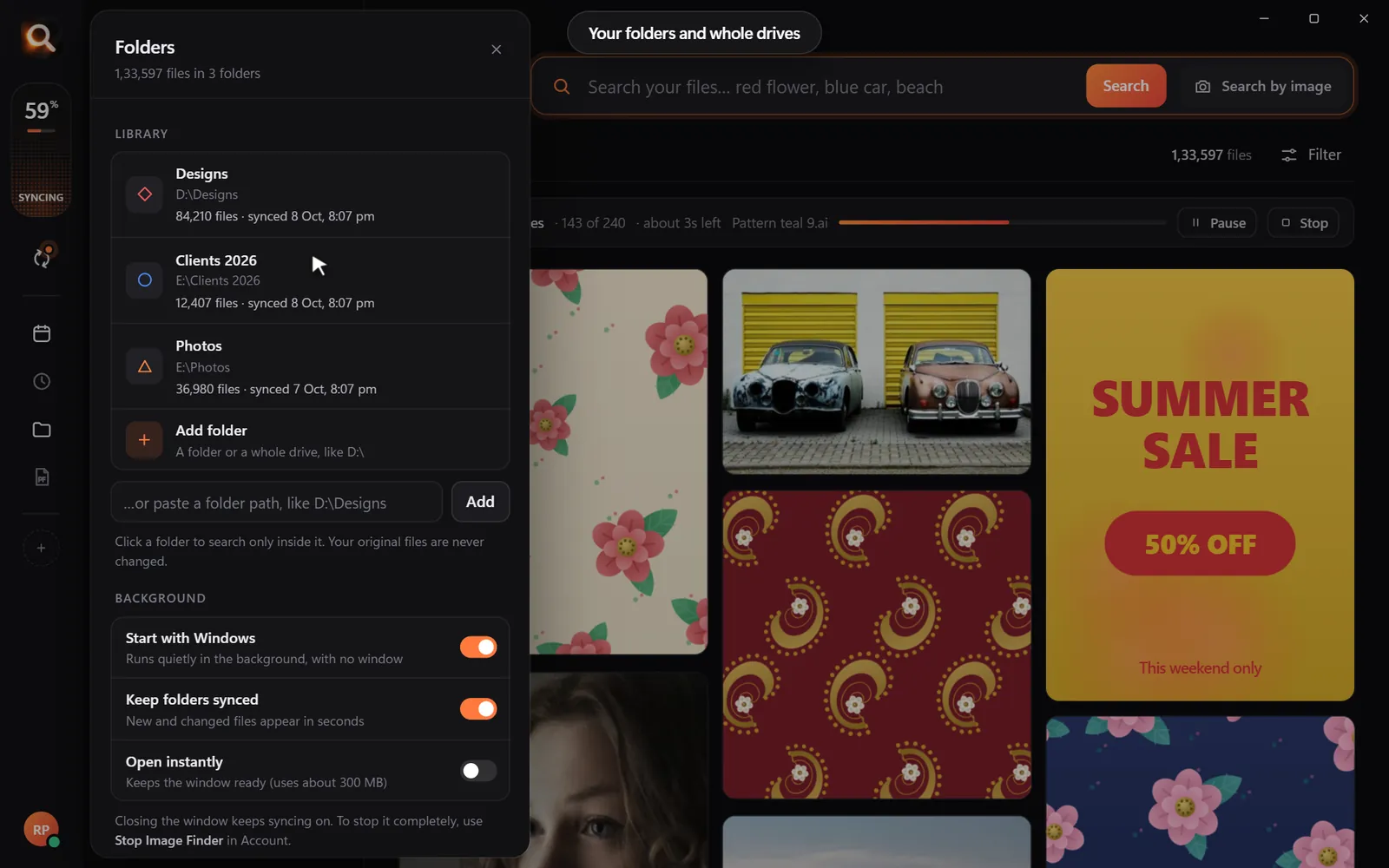
Choose folders or whole drives. No importing, no renaming.

Read

Every picture is looked at once, in the background.

red flower

Describe

Type what you see, drop in a picture, or pick a face.

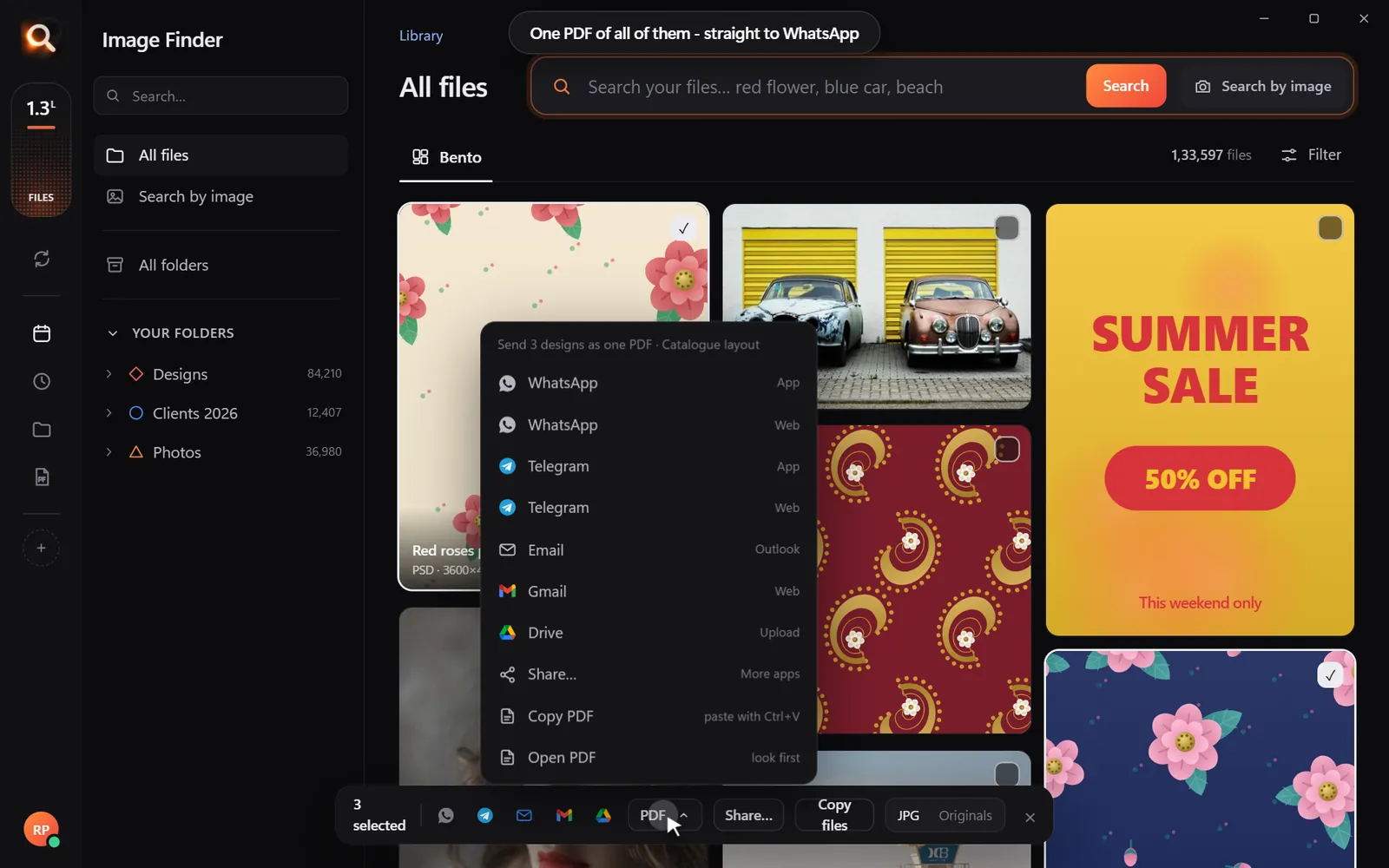
Open in appWhatsAppOne PDF

Use

Open it, copy it, or send many as one PDF.

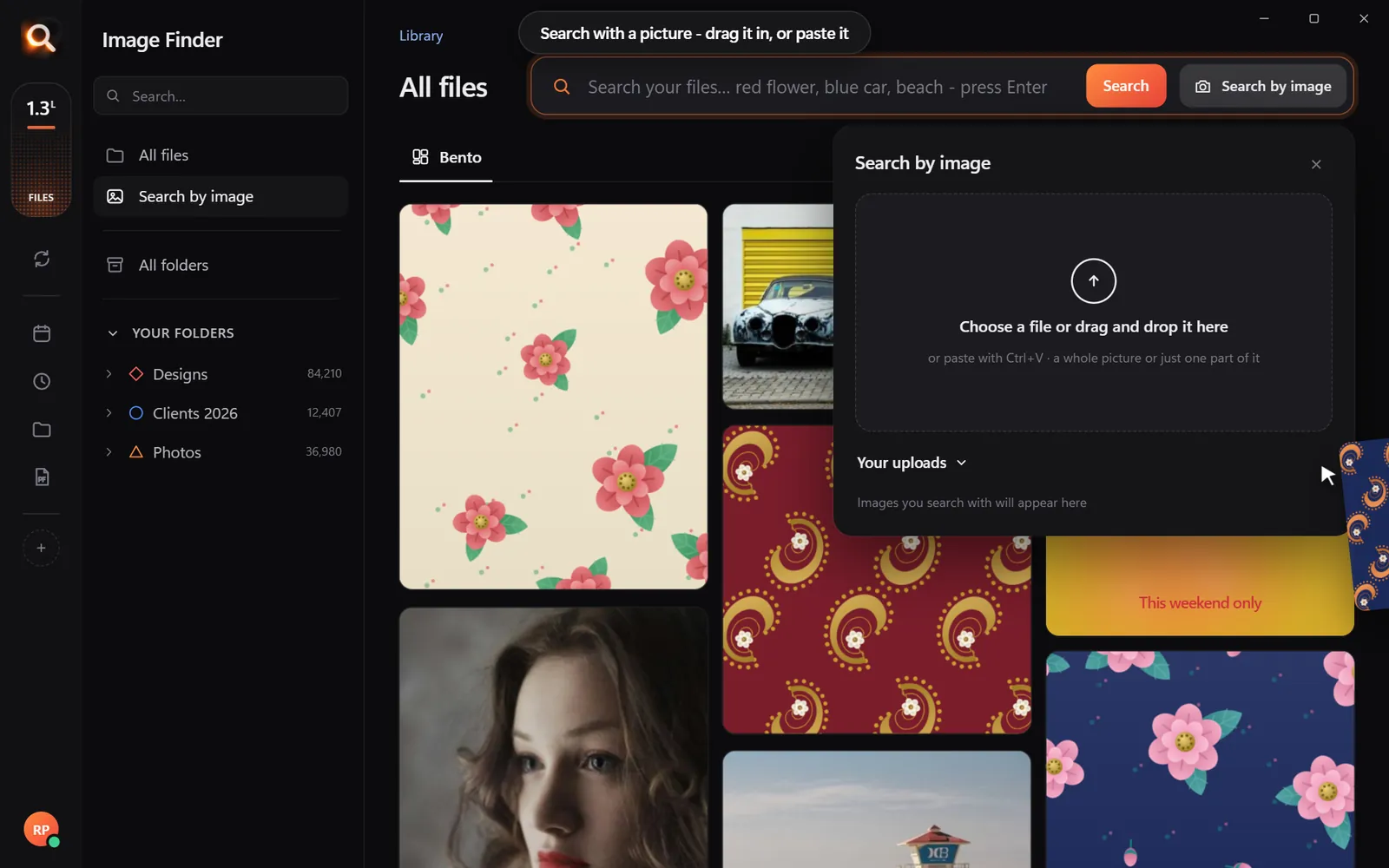
Search by picture

Have a copy? Find the original.

A blurry screenshot, a photo of a print, a crop someone sent you. Drop it in and get the full-size original - and every look-alike, even after crops and filters.

Search with a picture

Understands pictures the way you do - not by their file names.

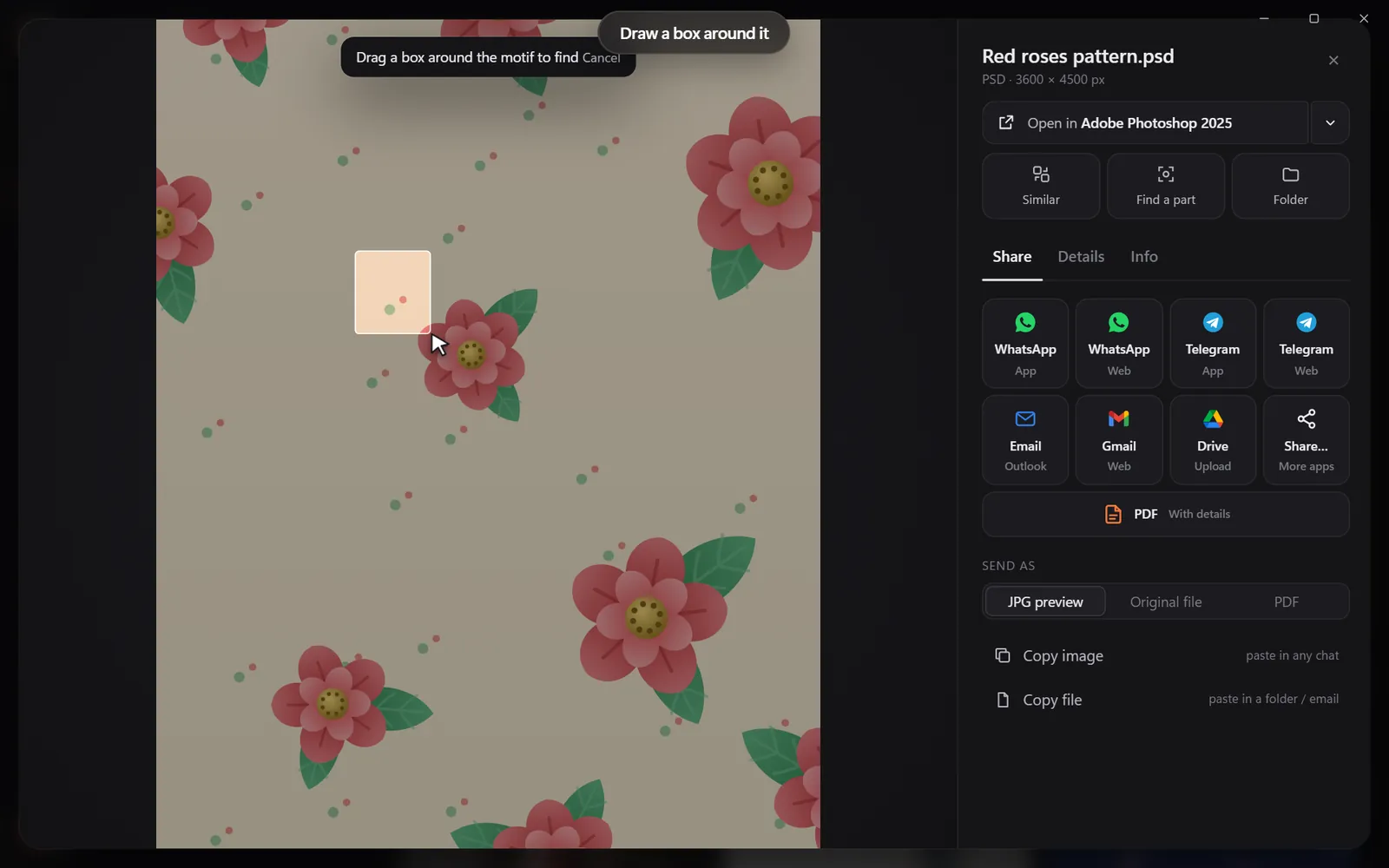
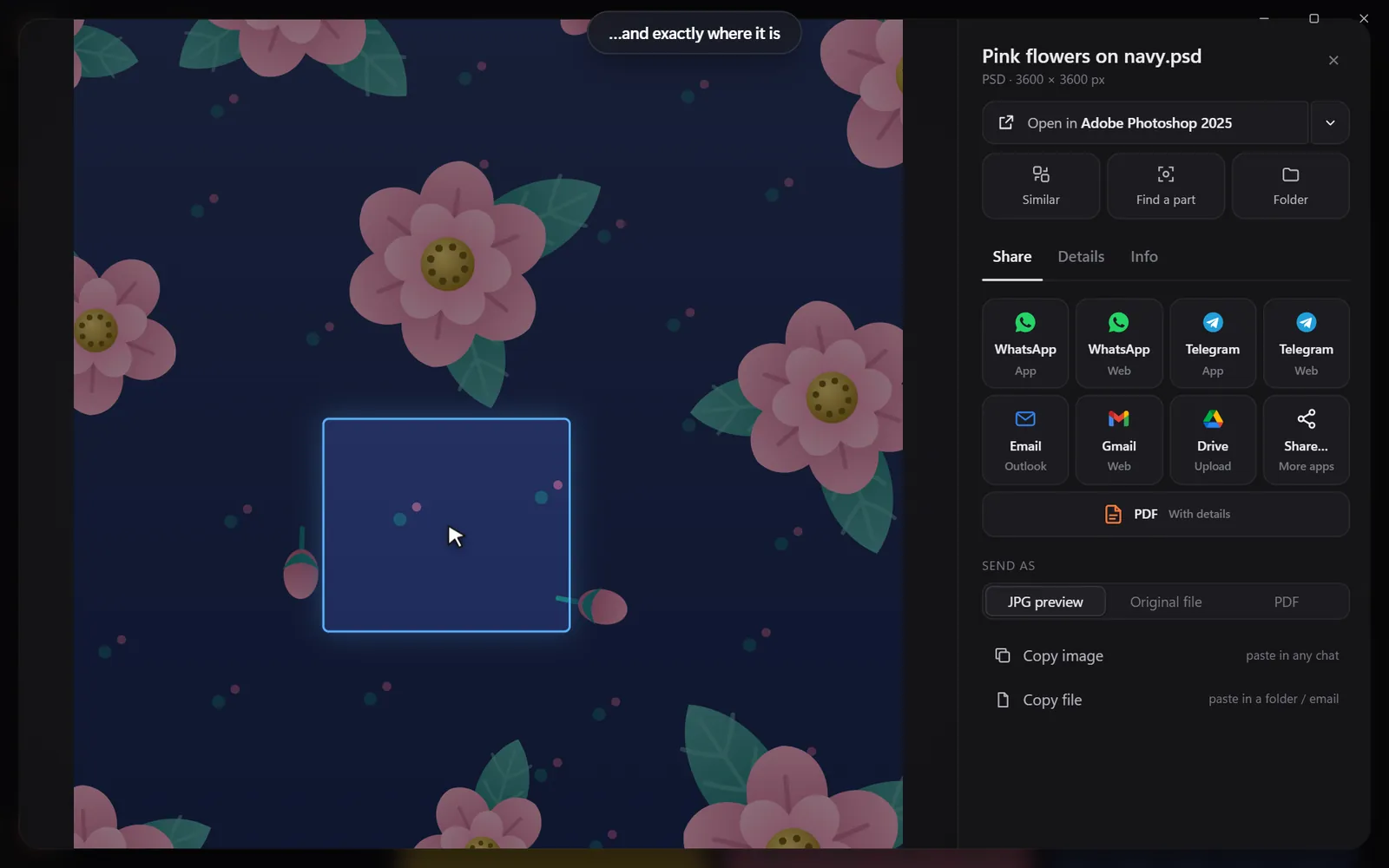
Drop in a pictureThe exact file and every look-alikeDraw a box around one partSee exactly where it is

Found it? Use it.

Every result opens in the app you made it in, copies with one click, or goes out as one tidy PDF.

Open it in your appSend many as one PDFShare in one click

Search

Search the way you remember

You never remember a file name. You remember a colour, a face, a word on a sign. That is enough.

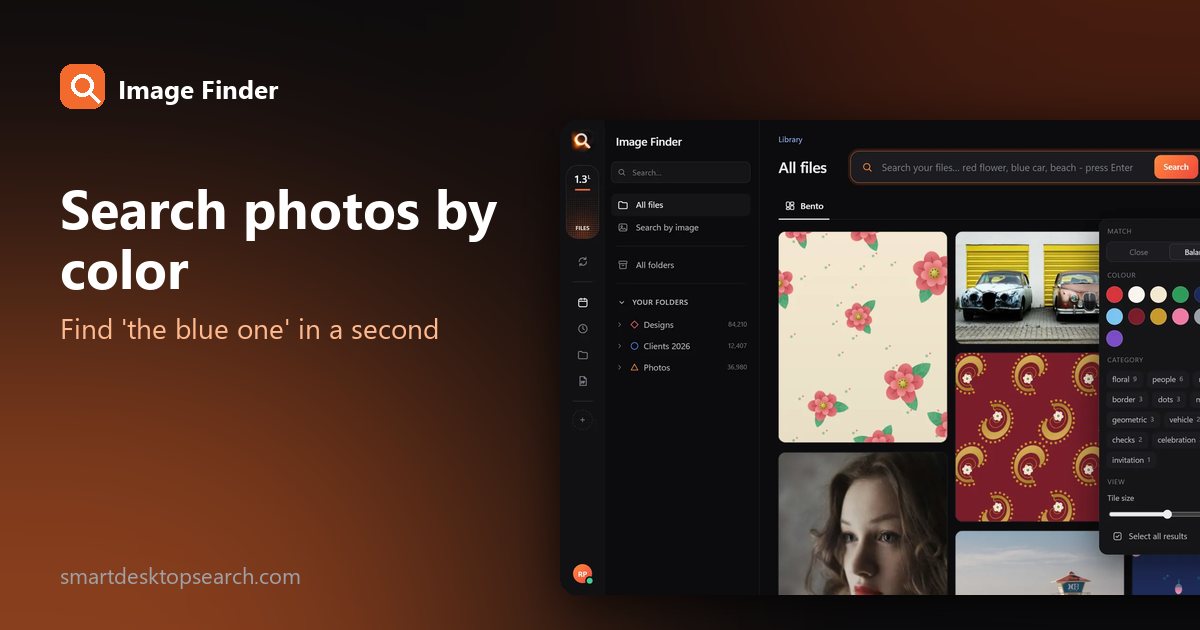
By colour

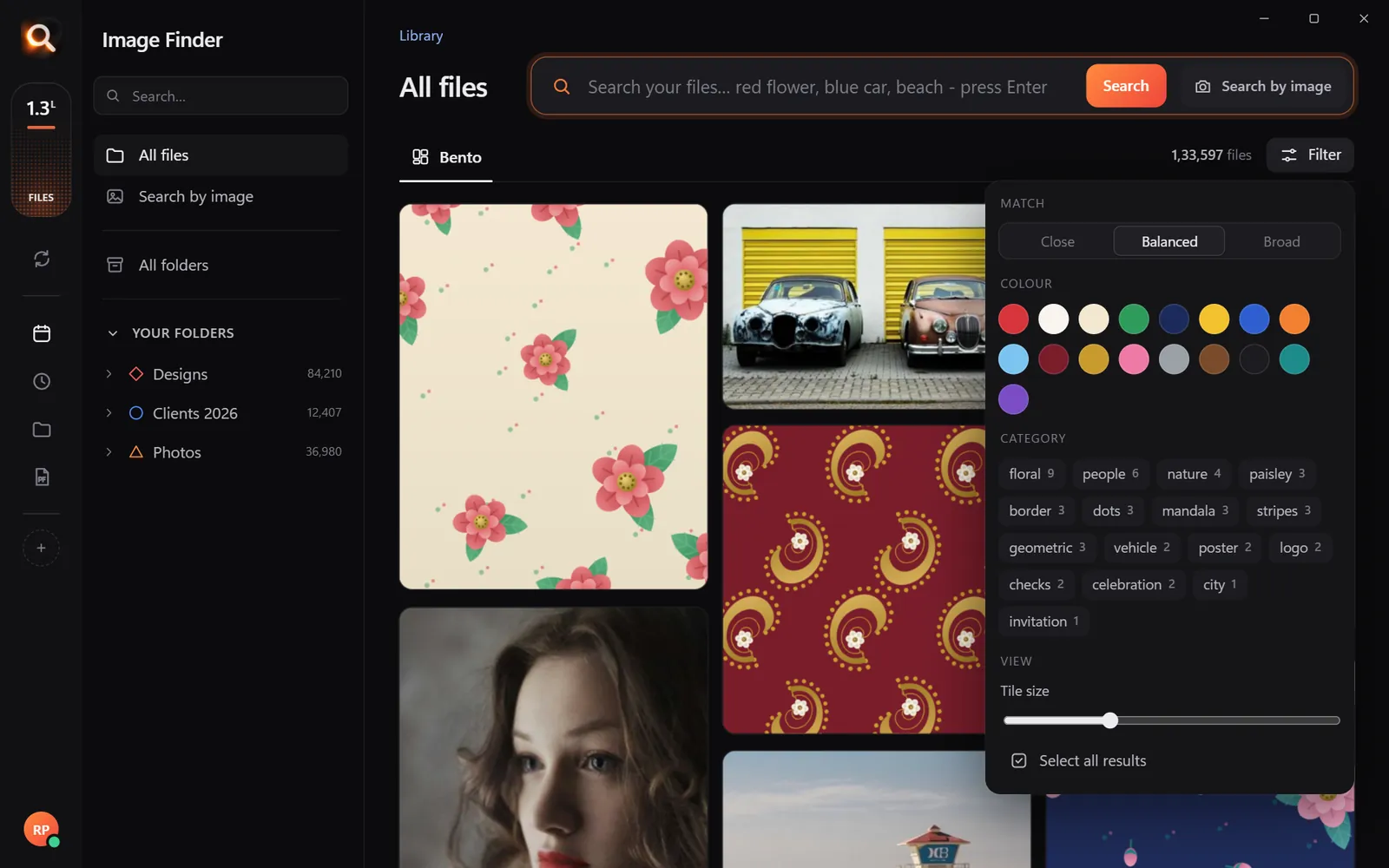
Pick a colour and the photos with the most of it come first - or narrow any search to it.

Searching by colour

Typos welcome

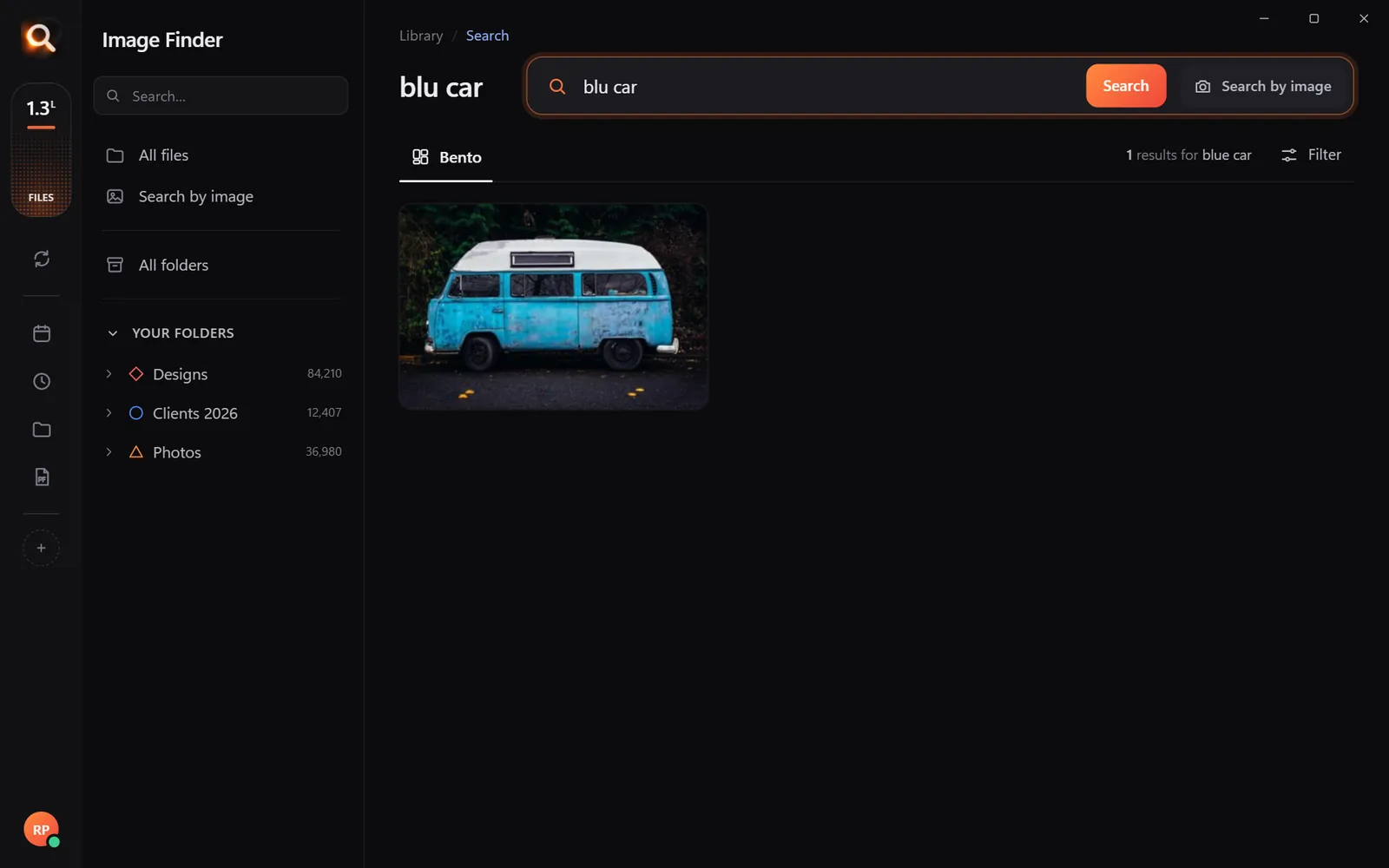
"blu car" finds the blue car.

A search with a typo

Every photo of one person

Pick a face once - from every folder and every drive.

Every photo of one person

Words inside pictures

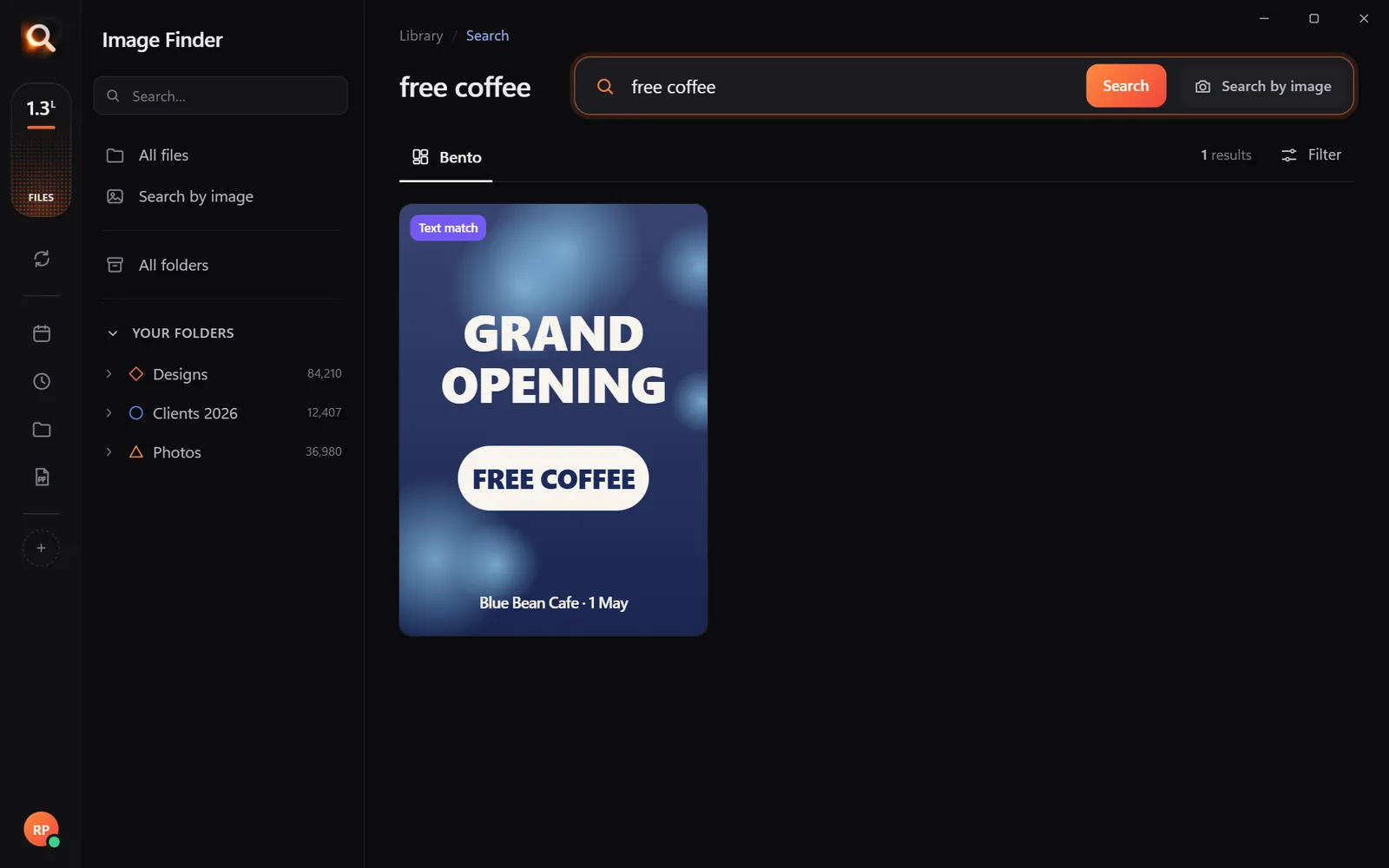
Screenshots, receipts, posters and scanned PDFs.

Finding a poster by its words

One part of a design

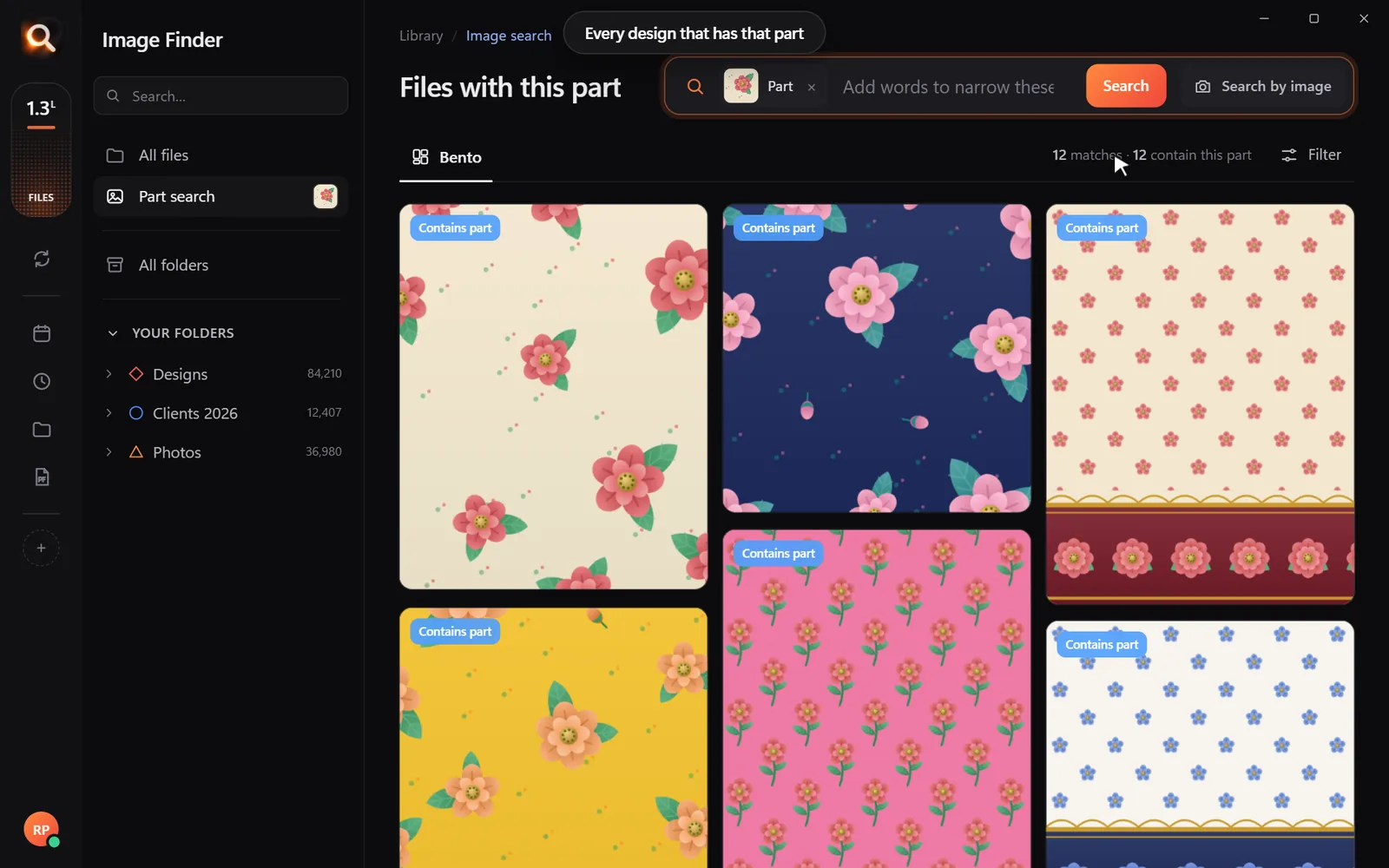
Draw a box around a logo or a motif.

Every design with the same part

Always in sync

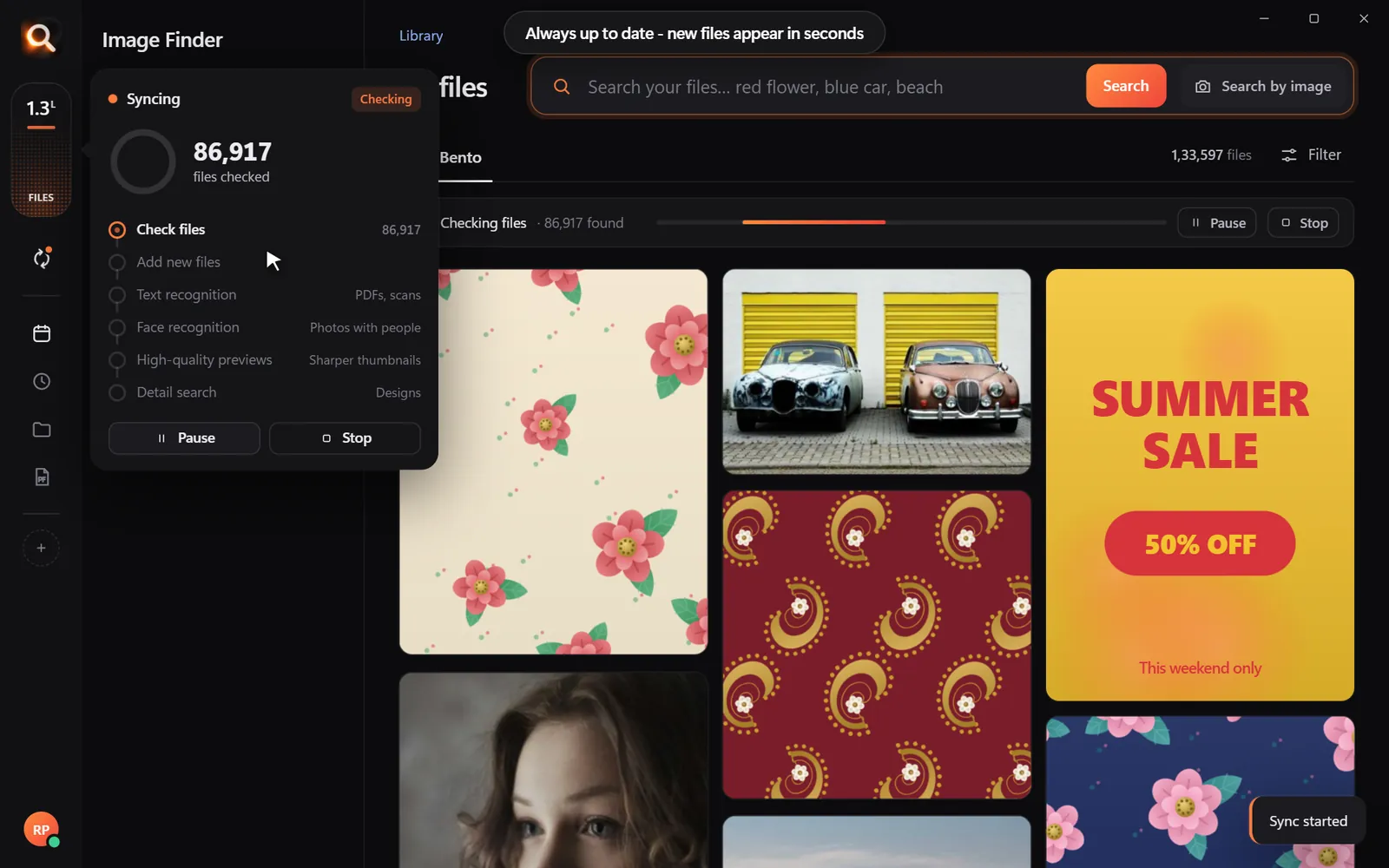
New files appear within seconds, by themselves.

Keeping folders up to date

Folders, whole drives, external disks

Point it at Pictures, Desktop, a whole disk or an external drive. Unplugged drives stay findable, so you know which one to grab.

Choosing folders and drives
107 file types

JPG, PNG, HEIC, camera RAW, PSD, AI, EPS, SVG, PDF, Office files, fonts and videos.

Inside ZIP and RAR

Pictures inside archives are searchable - without unzipping anything.

External drives

Unplugged drives stay findable, so you know which one to grab.

Always up to date

New and changed files appear within seconds, by themselves.

A tenth of a second

Search 100,000+ files about as fast as you can type.

Typos welcome

"blu car" finds the blue car. The meaning matters, not the spelling.

Steps aside

It reads your library once in the background and pauses while you work.

Windows & Mac

Windows 10 and 11, Macs with Apple chips and Intel Macs.

Private

Your photos never leave your computer

The AI runs on your own PC or Mac. No upload, no cloud copy, no account full of your pictures that could leak.

Nothing uploaded

Your photos, designs and searches stay on your disk. Only your licence is checked now and then.

Works offline

On a plane, in a basement studio, when the internet is down - search works the same.

No subscription

Pay once for the time you choose. Nothing renews by itself, nothing to cancel.

Made for real libraries

Whatever you keep, find it by describing it

What people type - and what it saves them.

P
Photographerssearch for
the one by the window, spring shoot

Pick a client's face once - every shot of them, across every drive.

D
Graphic designerssearch for
blue logo on white

final_FINAL_v3.psd is not a search term. Find PSD, AI and SVG by how they look.

S
Online sellerssearch for
blue mug white background

Five thousand product shots, one blue mug - found in a second.

F
Familiessearch for
grandma at the cake table

Twenty years of photos, searchable without uploading a single one.

T
Teacherssearch for
fractions worksheet

Worksheets and slides, found by the words printed on them.

R
Real estate agentssearch for
white kitchen with island

Every listing photo by room, feature or view.

A
Agenciessearch for
summer sale poster

Ten people, one shared drive, nobody hunting for files any more.

U
Studentssearch for
mitosis slide

Every lecture screenshot, searched by the words on the slide.

Compare

Why not just use what you have?

Image FinderFile Explorer / FinderCloud photo apps
Find a photo by describing itNames onlyPhotos only
Search with a picture-Some
Design files: PSD, AI, EPS, RAWNames only-
Works with no internet-
Your photos stay on your computerUploaded
No monthly subscription-

Pricing

Just ₹1 a day. Paid once.

Every feature in every plan. No subscription - nothing renews by itself.

Every feature for just ₹1 a day - paid once, nothing renews by itself.

One licence works on one computer. Your days start when you activate it.

In India? See the India page - prices in ₹, pay by UPI

Questions? Answers.

How much does it cost?

Plans are priced per day in your own currency - every feature, paid once for the time you choose. Nothing is charged automatically, and nothing renews by itself.

Does it upload my photos?

No. Image Finder runs entirely on your computer. Your photos, designs and searches never leave it - there is no cloud copy to leak. Only your licence is checked online now and then.

Does it work on Mac?

Yes. There are versions for Macs with Apple M-series chips and for older Intel Macs, plus Windows 10 and 11.

Which files can it search?

107 types: JPG, PNG, HEIC (iPhone), WEBP, camera RAW (NEF, CR2, CR3, ARW, DNG), PSD, AI, EPS, SVG, PDF, Office files, fonts and videos - including files inside ZIP and RAR archives.

Is it a subscription?

No. You pay once for the time you choose; nothing renews by itself and there is nothing to cancel.

Do I have to organize or tag anything?

No renaming, no tagging, no importing. Point it at your folders or whole drives and it reads them by itself - new files appear within seconds.

Will it slow down my computer?

It reads your library once in the background and steps aside while you work. Searching takes about a tenth of a second, even with 100,000+ files.

Can I get a refund?

Yes - see the refund policy.

Image Finder

Find any design in a second

Every feature, no credit card. Find the first photo you have been looking for in the next five minutes.

Get it - ₹1 a day
Just ₹1 a day

Blog

Tips for finding, organising and sharing your designs faster.

← All posts

How Photographers Find Any Shot in a Huge Archive (Without Keywording Everything)

How Photographers Find Any Shot in a Huge Archive (Without Keywording Everything)

Every working photographer knows the email: "Could you send that photo of the bride's mother laughing - from the reception, maybe three years ago?" Your archive is organized by date and client, the shot is somewhere in 40,000 RAW files, and nobody keyworded it.

Here is how photographers find any shot in a large photo archive without keywording everything first.

Why keywording never catches up

Keywording works - for the shoots you finish keywording. In practice, deliveries come first and the archive grows faster than anyone can tag it. And a keyword you add today rarely matches the words a client uses years later.

How long do archive searches take you?

0 hours a year spent looking for files - with a search that takes a second, that is about 0 working days back.

Three ways to find a shot without keywords

1. Describe it

"Bride laughing outdoors", "kids on a beach at sunset", "black and white portrait with a hat". The search compares your words with what is in each photo.

2. Pick a face

Open one photo of the person and choose Same person. Every photo of them across all shoots appears - add "reception" or "outdoor" to narrow it.
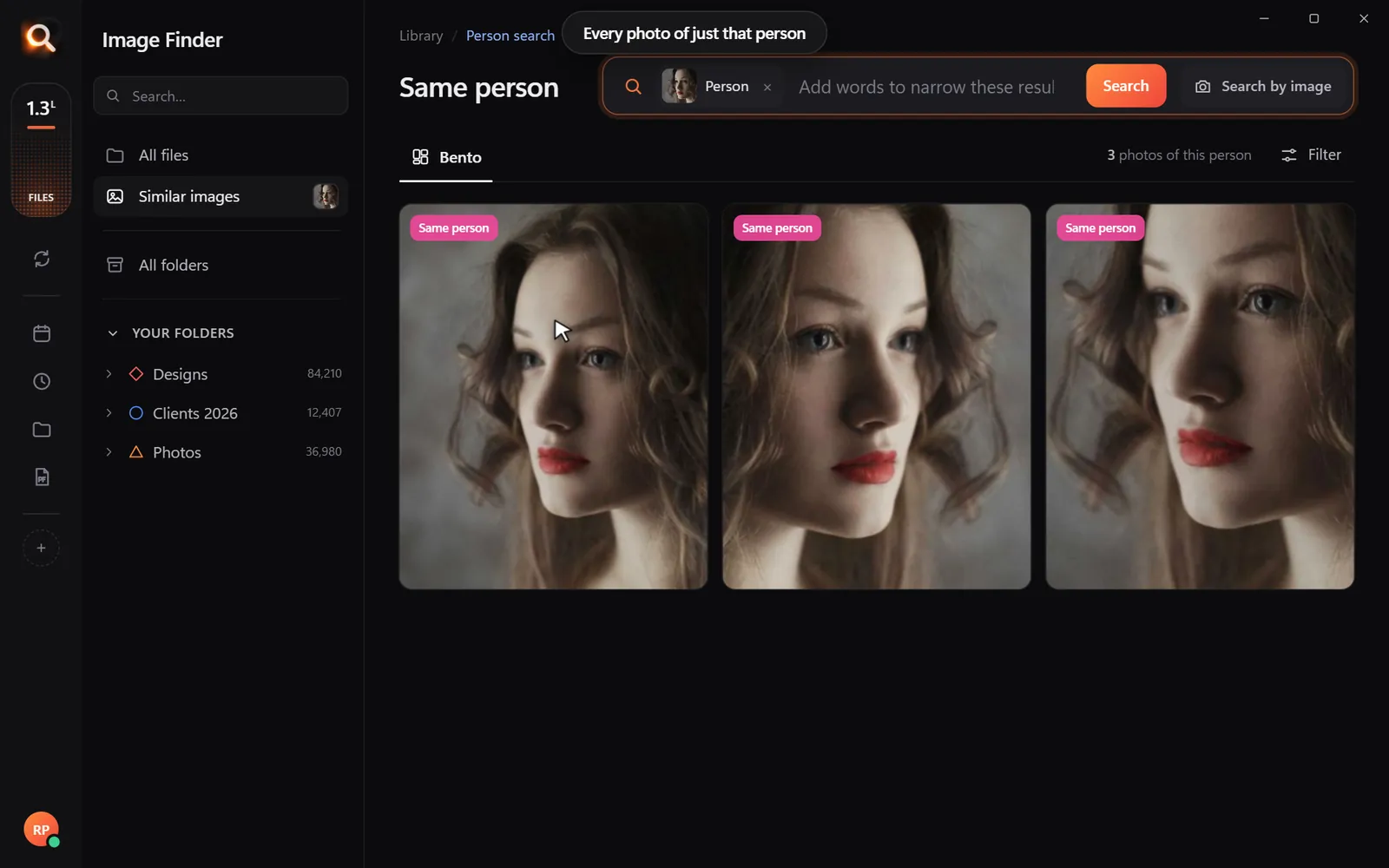
Every photo of one person across shoots
Same person: every photo of them, across every shoot.

3. Use a reference picture

The client sends a phone photo of a print, or a low-res copy from social media. Drop it in - the original file comes first.
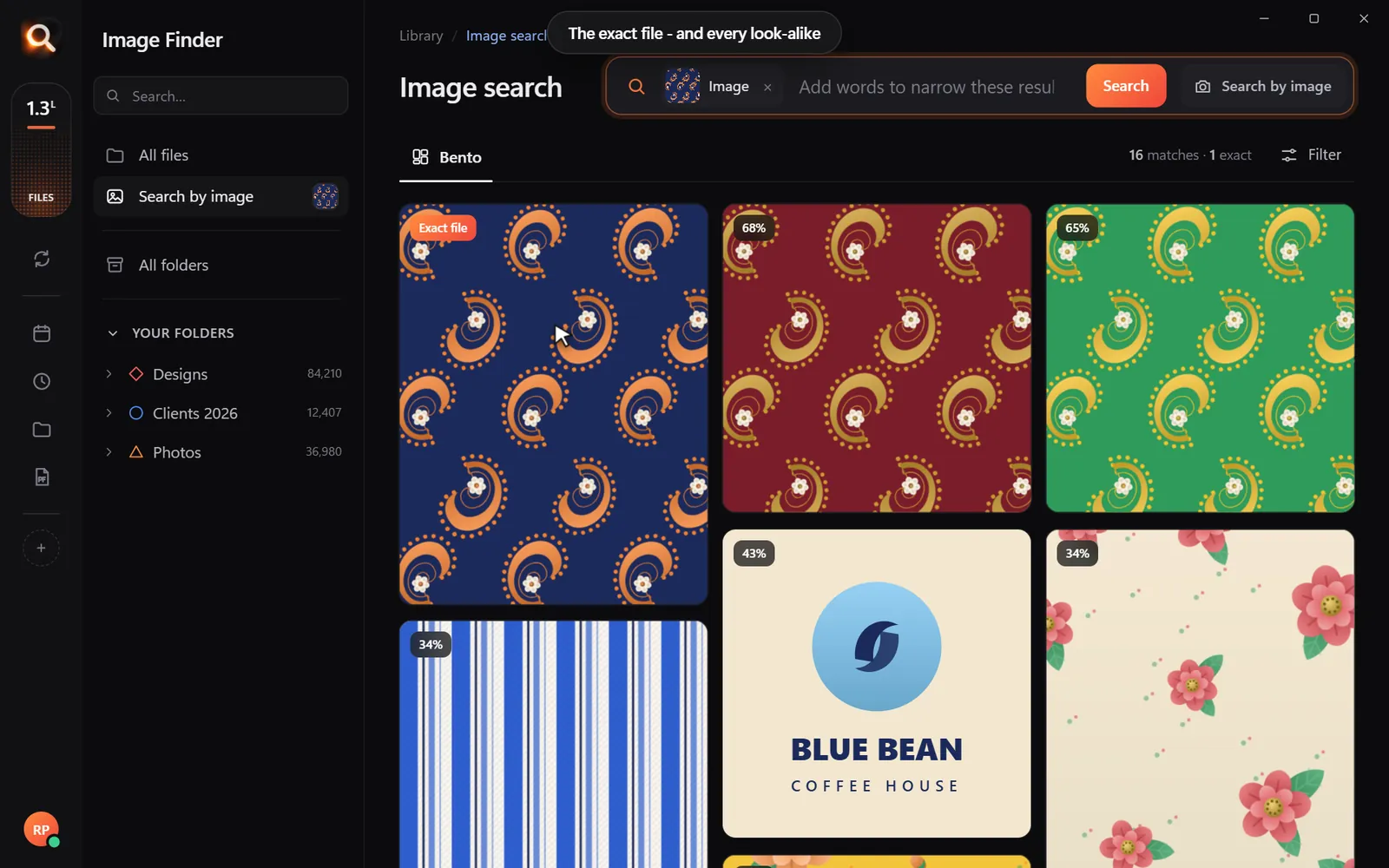
The exact original first, then every look-alike
From a client's copy to your original file.

Works with your formats

Image Finder searches camera RAW, JPG, TIFF, HEIC and PNG - plus your PSD edits and PDF proofs - in the folders and drives where they already are. Nothing is imported or moved, and your catalog app keeps working as before.

A workflow that fits around your catalog

Add search without changing how you work 0/4

Common requests - and how to answer them fast

The client asksSearch
"The one of grandma laughing"Pick grandma's face, add "laughing"
"Our team photo outside the office""group photo outdoors building"
"That sunset shot from the beach day""beach sunset"
"The photo on our old website"Drop in a screenshot of the website
"Every photo with our logo banner"Draw a box around the banner

Find your best work for a portfolio

Search your strongest themes - "silhouette", "black and white portrait", "mountain landscape" - across every year at once. It is a quick way to rediscover strong shots you forgot, without scrolling through whole shoots.

How a typical photographer's archive grows

It helps to be honest about the numbers. A busy wedding photographer shoots 40-60 weddings a year at 2,000-4,000 frames each - well over 100,000 RAW files a year before family sessions and personal work. A commercial photographer might deliver less but keep every version: RAW, edited TIFF, web JPG, client PDF proof.

After five years you have half a million files on four or five drives, organized by date and client. Every file has a camera name like _DSC4821.ARW.

How many hours a month go into finding old shots?

0 hours a year spent looking for files - with a search that takes a second, that is about 0 working days back.

The most common archive requests (and the fastest answer)

The requestFastest search
"The photo of me with the blue dress"Pick the client's face, type "blue dress"
"That sunset shot you posted last year"Drop in the social media image - the original comes first
"All the photos with our logo"Draw a box around the logo in one photo
"Every group photo from the reunion"Describe it: "large group outdoors", narrow by folder
"Something in black and white"Filter by black/white, add a word

Search across shoots, not inside one shoot

Lightroom, Capture One and Photo Mechanic are brilliant inside a shoot - for culling, rating and editing. They are much weaker when the question spans ten years and five drives, especially for drives that are not in the current catalog.

That is where a separate search layer helps. It does not replace your editor; it answers the question "where is that shot?" and then you open the file in your editor as usual.

Faces across the years

Same-person search is especially useful for photographers because clients come back: the couple you photographed at their engagement returns for their wedding, then newborn photos, then family portraits. Pick their face once and every session appears - perfect for an anniversary gift album or a "then and now" post (with permission).
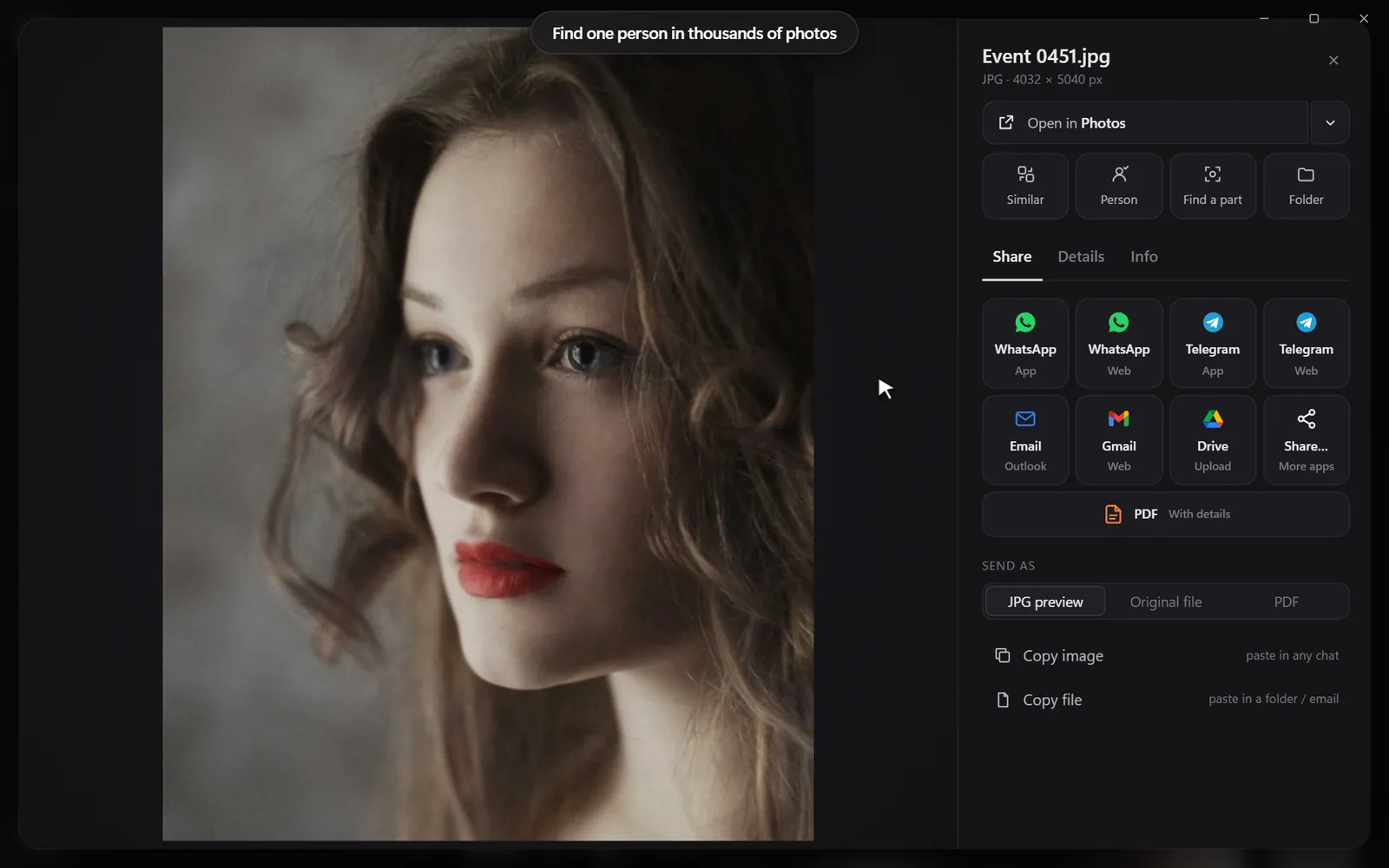
Open a photo and choose Same person
Pick a face once - every session with that person appears.

Portfolio building from a decade of work

Most photographers' best work is buried. Try these searches when you update your portfolio or website:

  • "golden hour portrait", "backlit couple", "rain umbrella"
  • "dramatic black and white"
  • "children laughing", "first dance", "confetti"

Select the strongest results and make a PDF contact sheet to compare them side by side.

Archive hygiene that pays off

Keep a searchable archive healthy 0/4

Questions people ask

Do I have to keyword my photos to search them?

No. The search looks at the photos themselves, so unkeyworded shoots are just as searchable.

Does it work with RAW files?

Yes. Camera RAW files are searched like any other photo.

Will it change my catalog or files?

No. Image Finder only reads files. It never moves, renames or edits them, and it does not touch your catalog.

Does Image Finder replace Lightroom?

No. Keep editing and culling in your usual app. Image Finder answers "where is that shot?" across all your drives, then you open the file in your editor.

Can it search drives that are not connected?

It searches the pictures it has already looked at; connect the drive to open the full file. Keep archive drives connected now and then so new shoots are added.

Search your whole archive by description, face or reference.

Windows and Mac. Private, offline, no subscription.
Try Image Finder

Find any photo, design or PDF on your computer in seconds. From ₹1 per day.

See plans
For photographersEvery shot of every shoot, found by a face.A client asks for every photo of the bride's mother from three weddings ago. Pick her face once - Image Finder finds them all, RAW files included.

More posts

The 3-2-1 Photo Backup Plan: Protect Every Photo (and Keep Them Searchable)

The 3-2-1 Photo Backup Plan: Protect Every Photo (and Keep Them Searchable)

Drives fail, laptops get stolen, accounts get locked. The simple 3-2-1 rule that professionals use to protect photos - set up in an afternoon, with a library you can still search.

9 Dec 2026
How to Search Photos and Designs by Color on Your Computer

How to Search Photos and Designs by Color on Your Computer

Need 'the blue one'? Here is how to find every picture on your computer with a certain color - for brand work, mood boards, catalogs and decorating.

14 Oct 2026
Spotlight Not Finding Your Images on Mac? How to Search Pictures by What's in Them

Spotlight Not Finding Your Images on Mac? How to Search Pictures by What's in Them

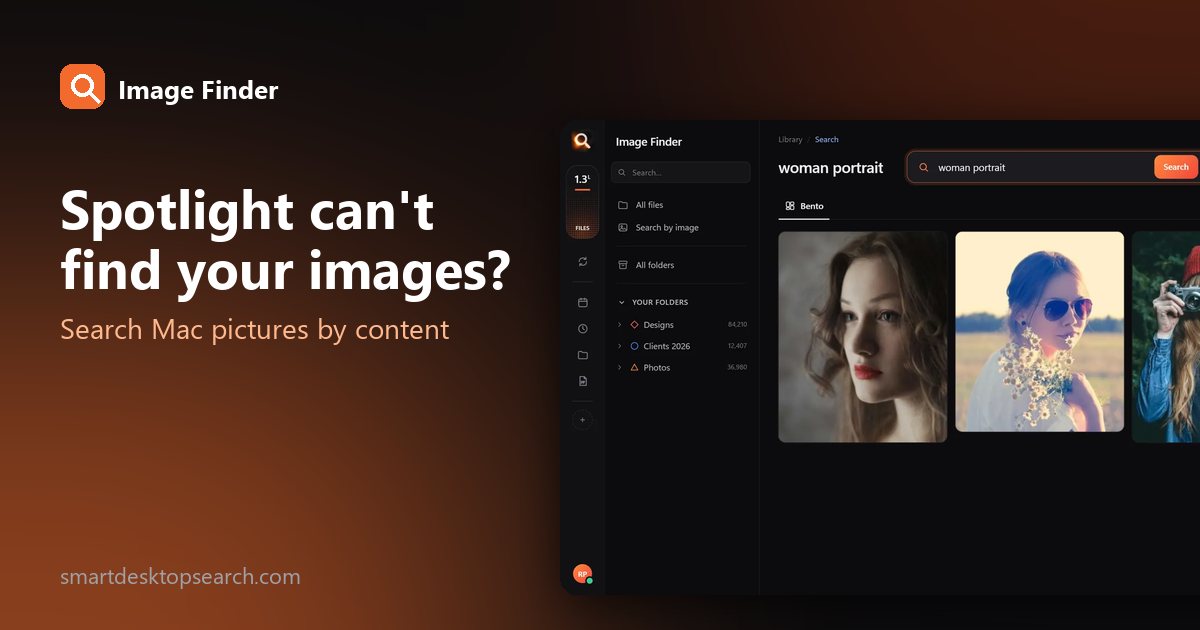
Spotlight is great for names, not for pictures in Finder folders. Here is how to get more from it, and how to search every image on your Mac by what it shows.

13 Oct 2026