

Try itFeaturesPricingHow it works QuestionsBlogSign in DownloadContact usRefunds
Try it in your browser

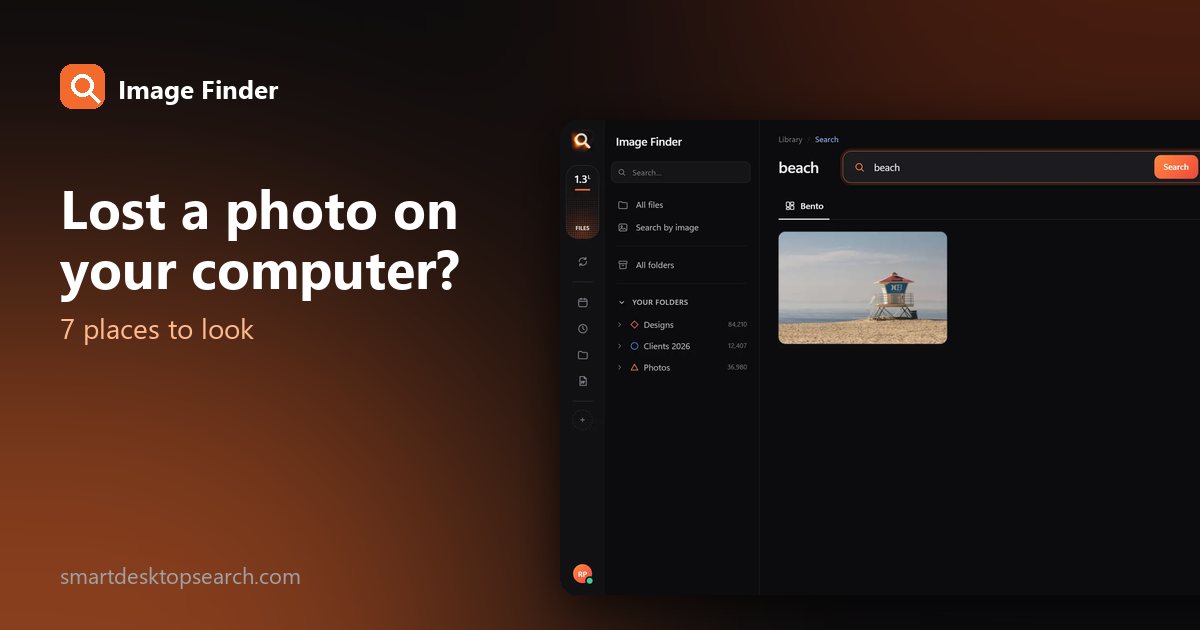
Find any photo on your computer. Just describe it.

Type what you see - “dog on the beach”, “receipt from Costco” - and the right photo, design or PDF appears in a second. Nothing uploaded, nothing to rename.

Just ₹1 a day

No credit cardWindows 10+ & macOSPay once - no subscription

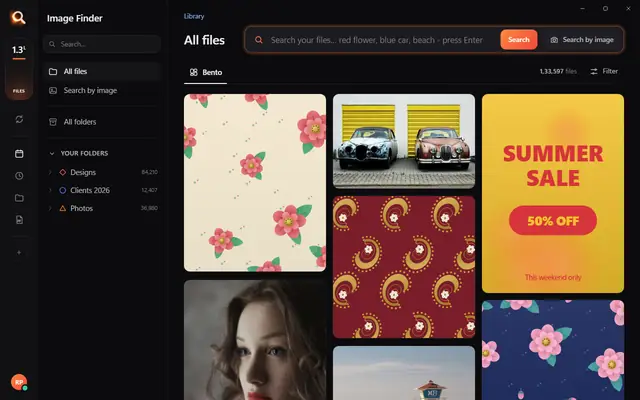
The Image Finder window with sample pictures

The real Image Finder window with sample files - click anywhere in it to try it yourself. In the app it searches hundreds of thousands of your own files in a fraction of a second, all on your PC. Open it full screen

Reads 107 kinds of files, straight from your folders

JPGHEICPNGRAWPSDAISVGPDFZIP

A photo search that sees what you see

It looks at every picture on your computer once - what is in it, the colours, the faces, the words - so you can find any of them by simply describing it. Even with a hundred thousand files.

+

Point

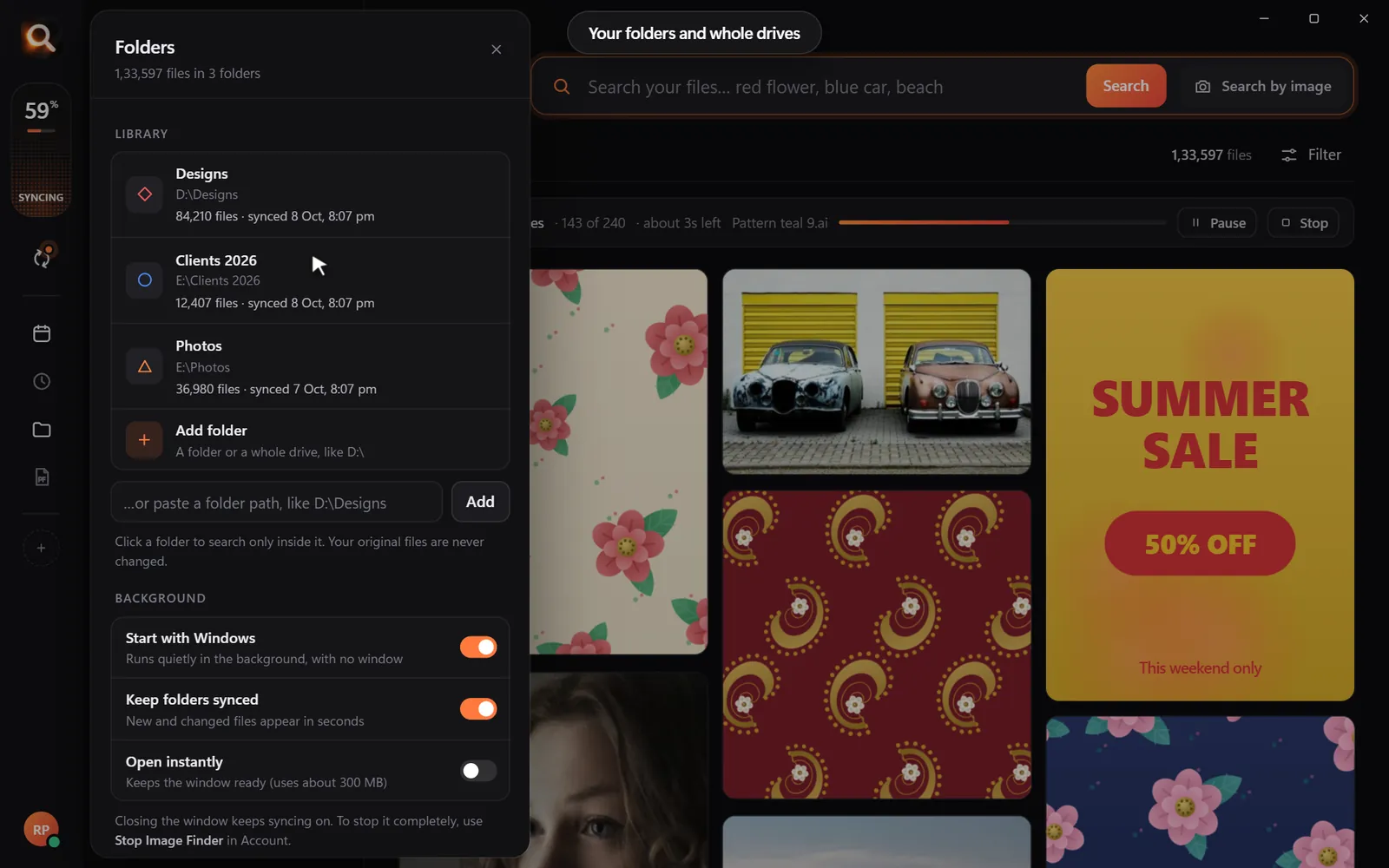
Choose folders or whole drives. No importing, no renaming.

Read

Every picture is looked at once, in the background.

red flower

Describe

Type what you see, drop in a picture, or pick a face.

Open in appWhatsAppOne PDF

Use

Open it, copy it, or send many as one PDF.

Search by picture

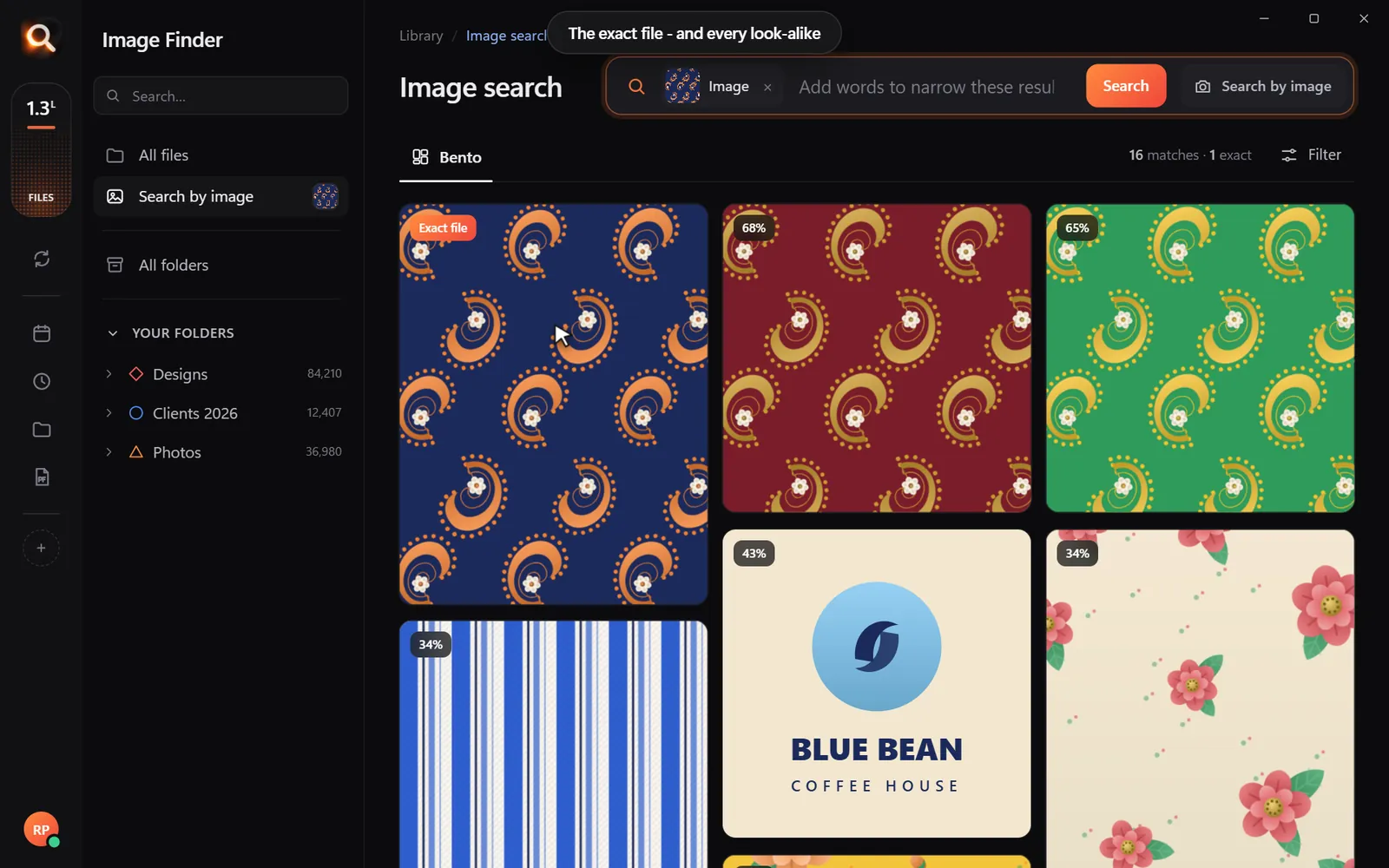
Have a copy? Find the original.

A blurry screenshot, a photo of a print, a crop someone sent you. Drop it in and get the full-size original - and every look-alike, even after crops and filters.

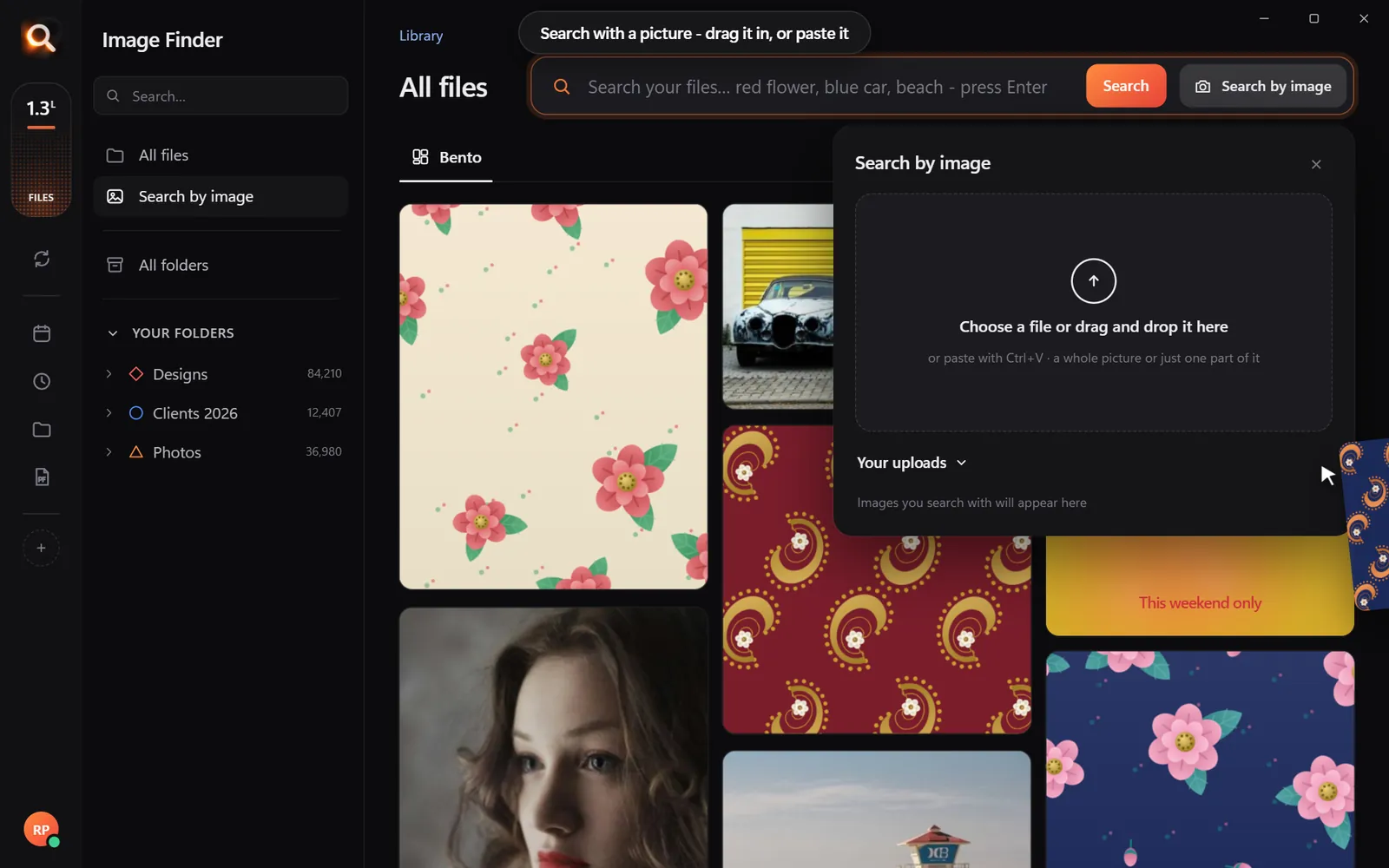
Search with a picture

Understands pictures the way you do - not by their file names.

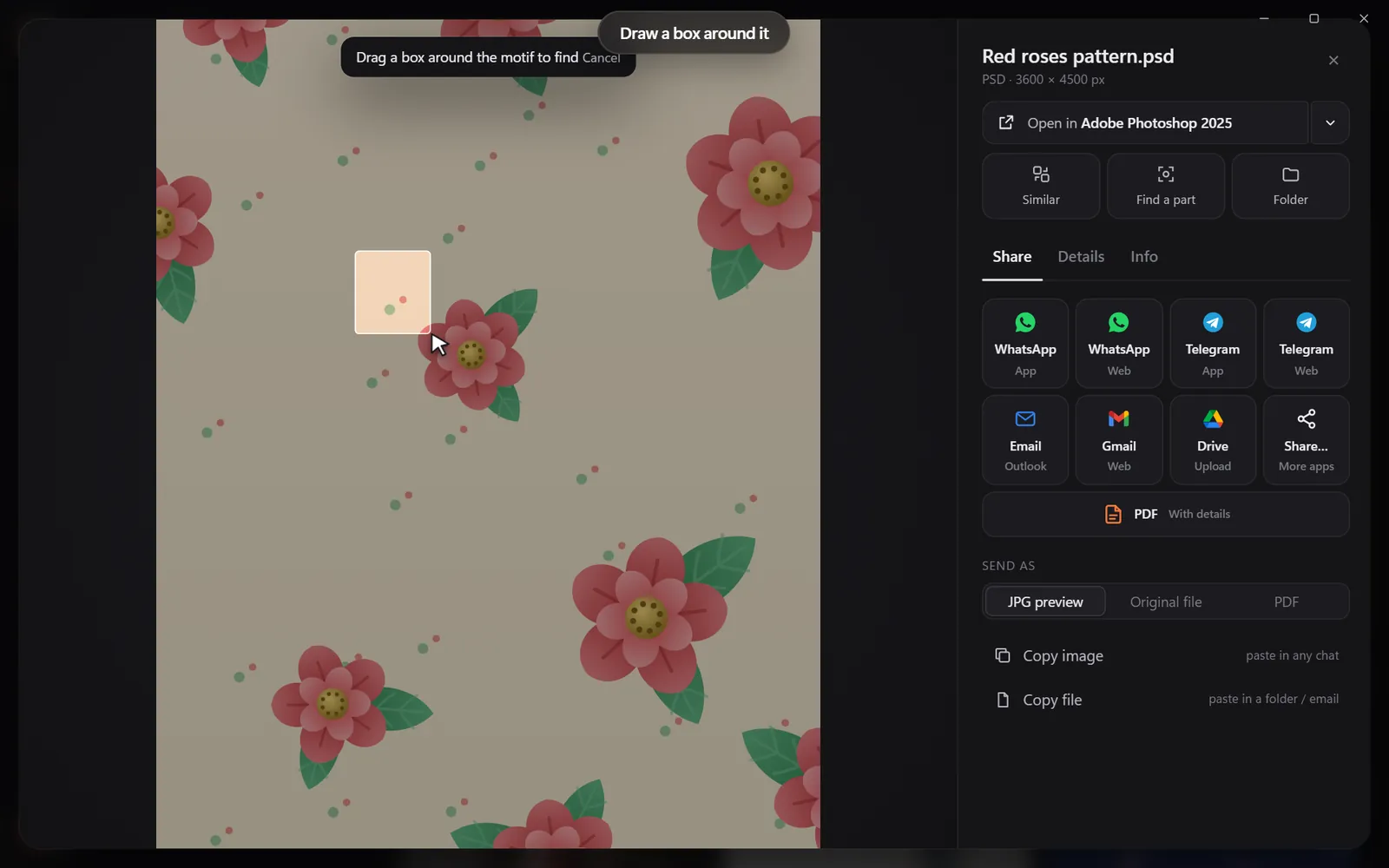
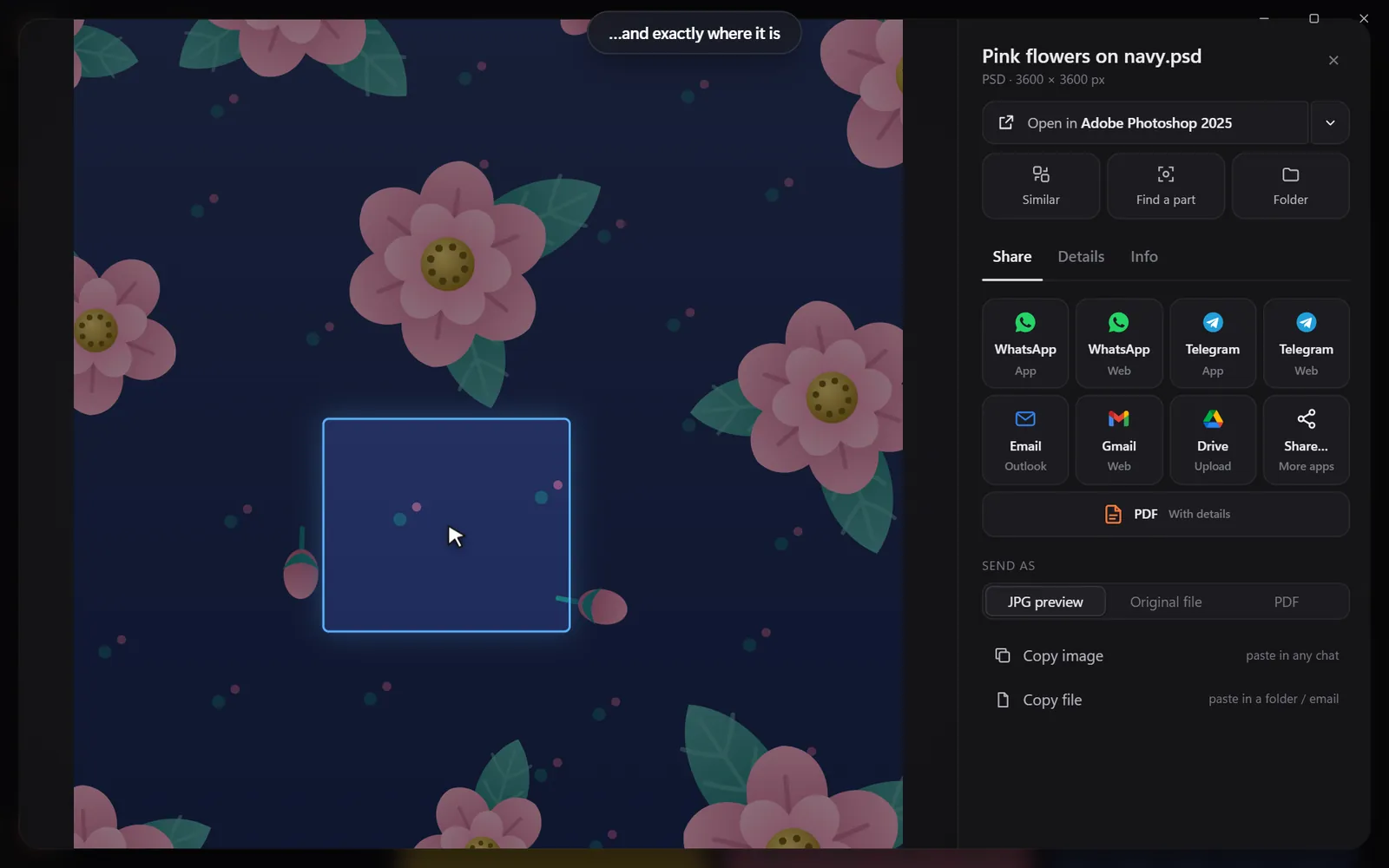
Drop in a pictureThe exact file and every look-alikeDraw a box around one partSee exactly where it is

Found it? Use it.

Every result opens in the app you made it in, copies with one click, or goes out as one tidy PDF.

Open it in your appSend many as one PDFShare in one click

Search

Search the way you remember

You never remember a file name. You remember a colour, a face, a word on a sign. That is enough.

By colour

Pick a colour and the photos with the most of it come first - or narrow any search to it.

Searching by colour

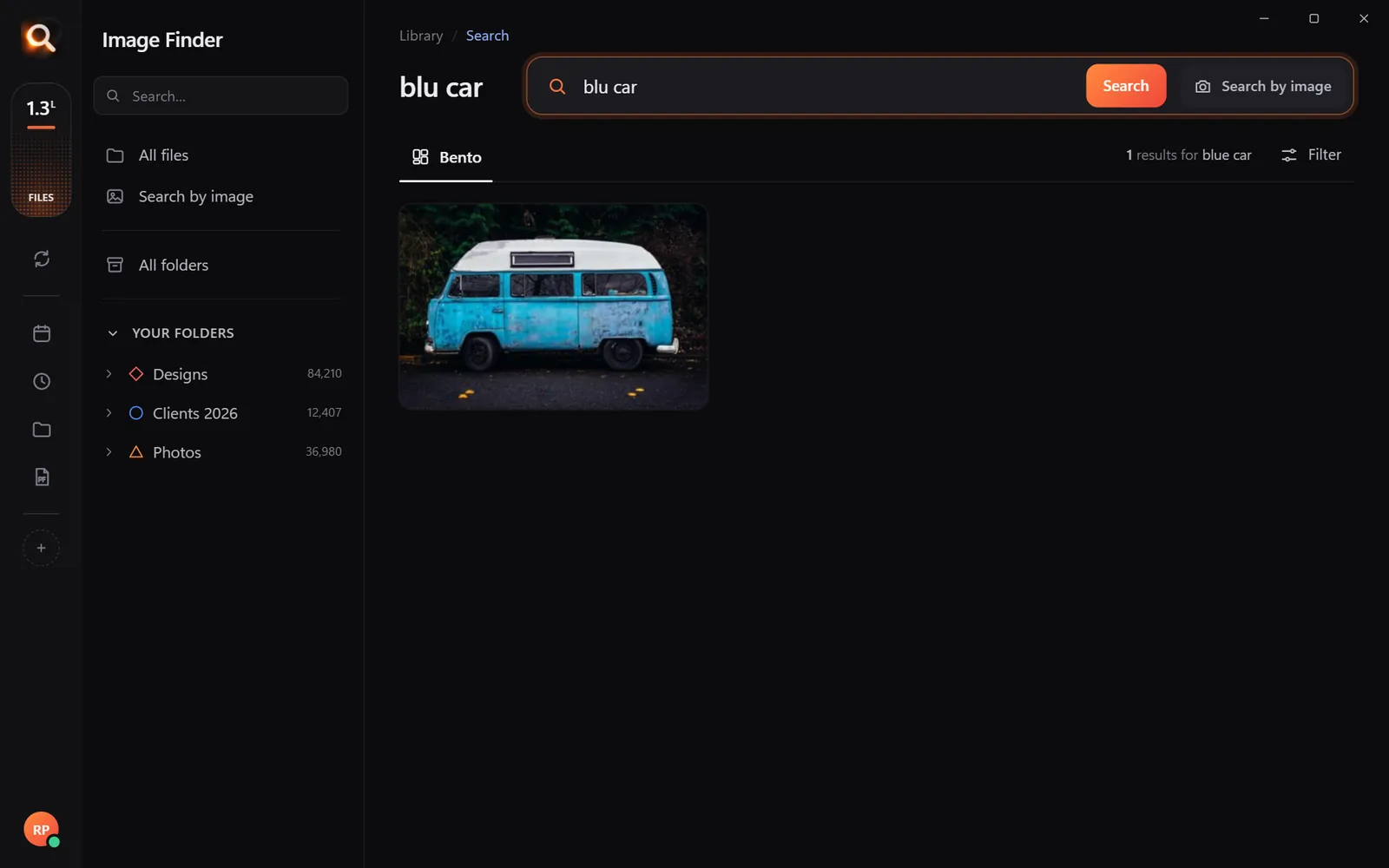
Typos welcome

"blu car" finds the blue car.

A search with a typo

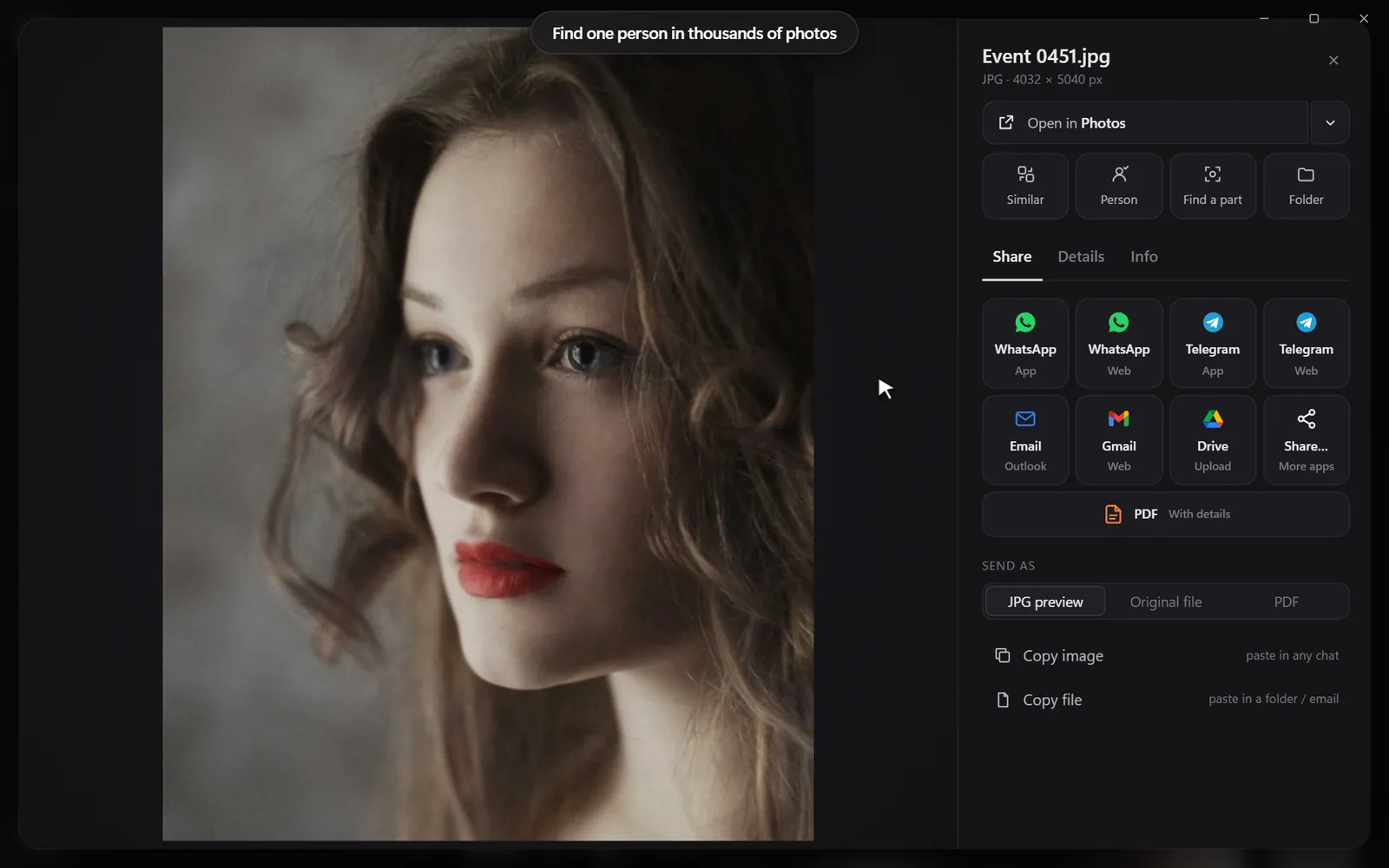
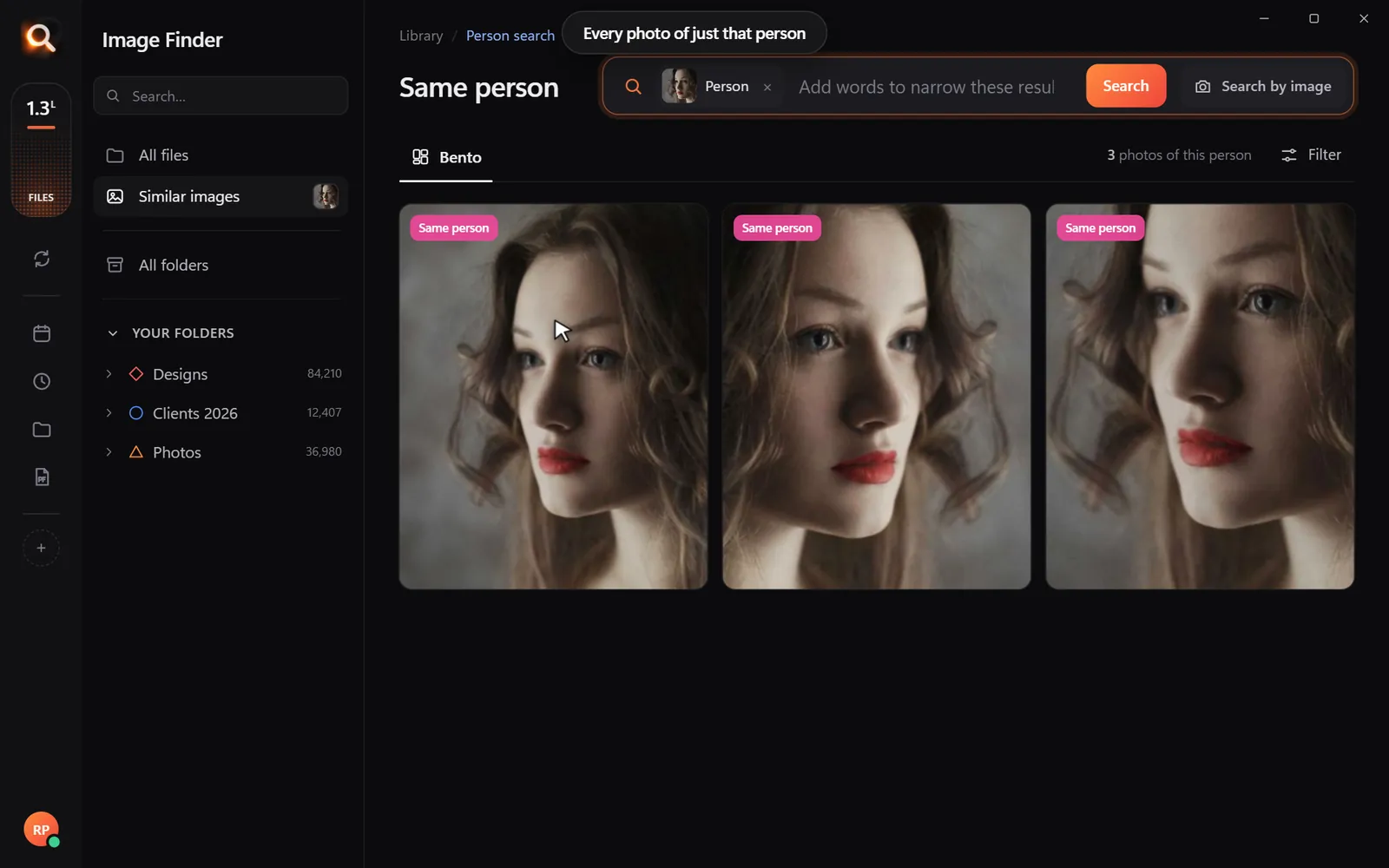
Every photo of one person

Pick a face once - from every folder and every drive.

Every photo of one person

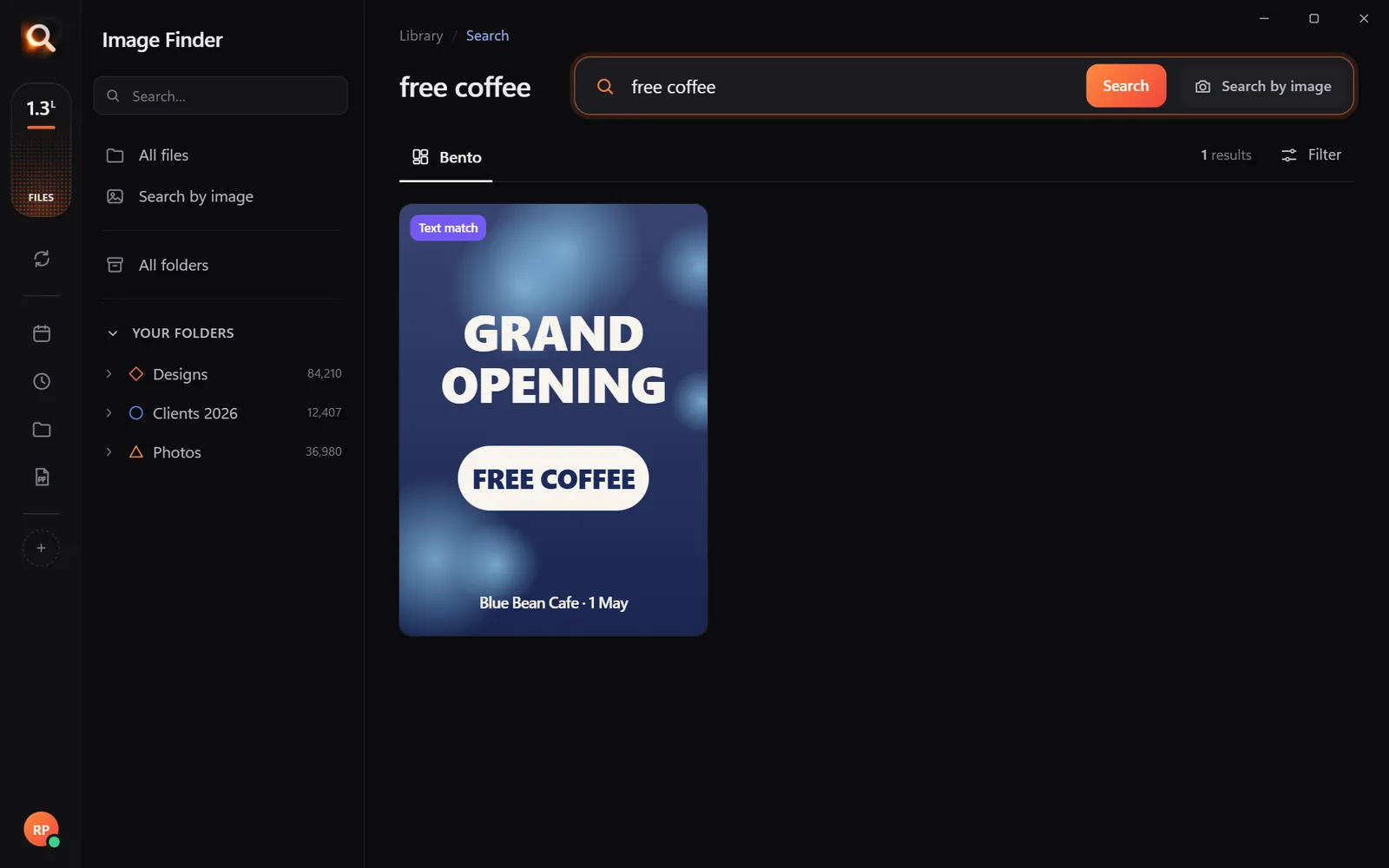
Words inside pictures

Screenshots, receipts, posters and scanned PDFs.

Finding a poster by its words

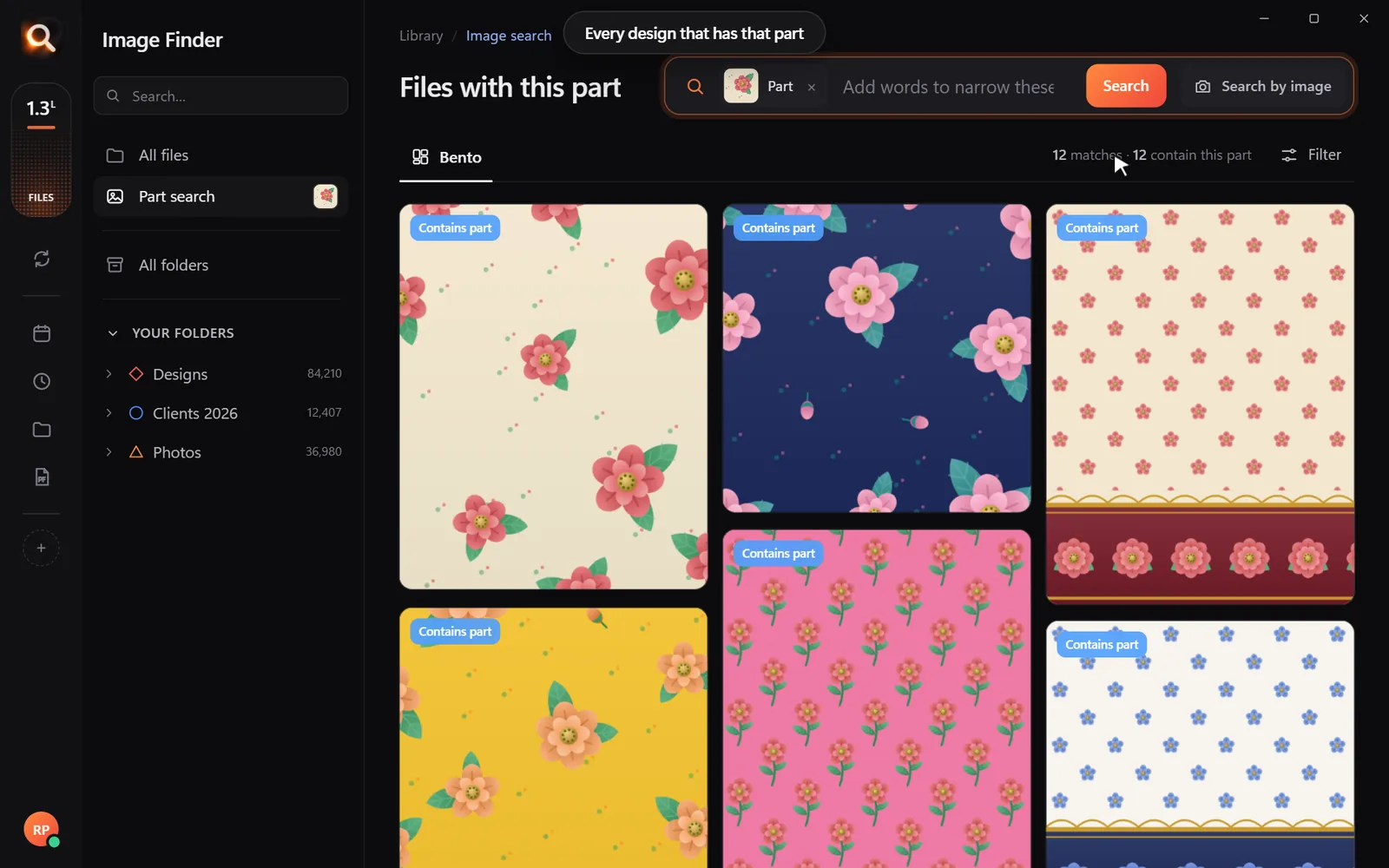
One part of a design

Draw a box around a logo or a motif.

Every design with the same part

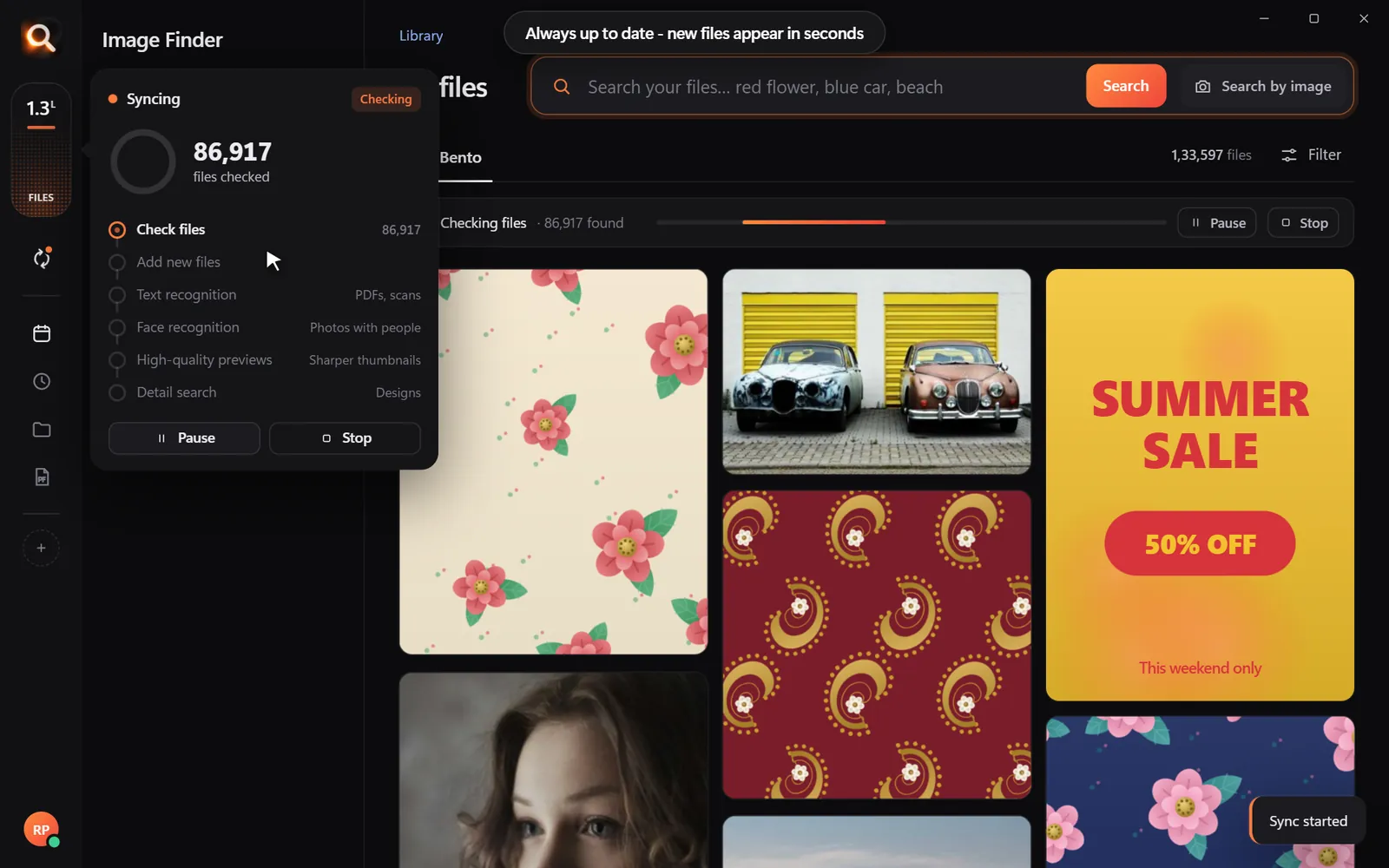
Always in sync

New files appear within seconds, by themselves.

Keeping folders up to date

Folders, whole drives, external disks

Point it at Pictures, Desktop, a whole disk or an external drive. Unplugged drives stay findable, so you know which one to grab.

Choosing folders and drives
107 file types

JPG, PNG, HEIC, camera RAW, PSD, AI, EPS, SVG, PDF, Office files, fonts and videos.

Inside ZIP and RAR

Pictures inside archives are searchable - without unzipping anything.

External drives

Unplugged drives stay findable, so you know which one to grab.

Always up to date

New and changed files appear within seconds, by themselves.

A tenth of a second

Search 100,000+ files about as fast as you can type.

Typos welcome

"blu car" finds the blue car. The meaning matters, not the spelling.

Steps aside

It reads your library once in the background and pauses while you work.

Windows & Mac

Windows 10 and 11, Macs with Apple chips and Intel Macs.

Private

Your photos never leave your computer

The AI runs on your own PC or Mac. No upload, no cloud copy, no account full of your pictures that could leak.

Nothing uploaded

Your photos, designs and searches stay on your disk. Only your licence is checked now and then.

Works offline

On a plane, in a basement studio, when the internet is down - search works the same.

No subscription

Pay once for the time you choose. Nothing renews by itself, nothing to cancel.

Made for real libraries

Whatever you keep, find it by describing it

What people type - and what it saves them.

P
Photographerssearch for
the one by the window, spring shoot

Pick a client's face once - every shot of them, across every drive.

D
Graphic designerssearch for
blue logo on white

final_FINAL_v3.psd is not a search term. Find PSD, AI and SVG by how they look.

S
Online sellerssearch for
blue mug white background

Five thousand product shots, one blue mug - found in a second.

F
Familiessearch for
grandma at the cake table

Twenty years of photos, searchable without uploading a single one.

T
Teacherssearch for
fractions worksheet

Worksheets and slides, found by the words printed on them.

R
Real estate agentssearch for
white kitchen with island

Every listing photo by room, feature or view.

A
Agenciessearch for
summer sale poster

Ten people, one shared drive, nobody hunting for files any more.

U
Studentssearch for
mitosis slide

Every lecture screenshot, searched by the words on the slide.

Compare

Why not just use what you have?

Image FinderFile Explorer / FinderCloud photo apps
Find a photo by describing itNames onlyPhotos only
Search with a picture-Some
Design files: PSD, AI, EPS, RAWNames only-
Works with no internet-
Your photos stay on your computerUploaded
No monthly subscription-

Pricing

Just ₹1 a day. Paid once.

Every feature in every plan. No subscription - nothing renews by itself.

Every feature for just ₹1 a day - paid once, nothing renews by itself.

One licence works on one computer. Your days start when you activate it.

In India? See the India page - prices in ₹, pay by UPI

Questions? Answers.

How much does it cost?

Plans are priced per day in your own currency - every feature, paid once for the time you choose. Nothing is charged automatically, and nothing renews by itself.

Does it upload my photos?

No. Image Finder runs entirely on your computer. Your photos, designs and searches never leave it - there is no cloud copy to leak. Only your licence is checked online now and then.

Does it work on Mac?

Yes. There are versions for Macs with Apple M-series chips and for older Intel Macs, plus Windows 10 and 11.

Which files can it search?

107 types: JPG, PNG, HEIC (iPhone), WEBP, camera RAW (NEF, CR2, CR3, ARW, DNG), PSD, AI, EPS, SVG, PDF, Office files, fonts and videos - including files inside ZIP and RAR archives.

Is it a subscription?

No. You pay once for the time you choose; nothing renews by itself and there is nothing to cancel.

Do I have to organize or tag anything?

No renaming, no tagging, no importing. Point it at your folders or whole drives and it reads them by itself - new files appear within seconds.

Will it slow down my computer?

It reads your library once in the background and steps aside while you work. Searching takes about a tenth of a second, even with 100,000+ files.

Can I get a refund?

Yes - see the refund policy.

Image Finder

Find any design in a second

Every feature, no credit card. Find the first photo you have been looking for in the next five minutes.

Get it - ₹1 a day
Just ₹1 a day

Blog

Tips for finding, organising and sharing your designs faster.

← All posts

How to Search Photos and Designs by Color on Your Computer

How to Search Photos and Designs by Color on Your Computer

"Send me the blue one." "Do we have anything in gold?" "I need warm colors for this page." Color is how people remember pictures - and how designers, shops and decorators think. Here is how to search photos by color on your own computer.

Why color search is hard on a normal computer

File names never say "navy". Windows and macOS cannot filter folders by color, and most photo apps only sort by date. Some online stock sites let you pick a color - but only for their pictures, not yours.

Search by color, step by step

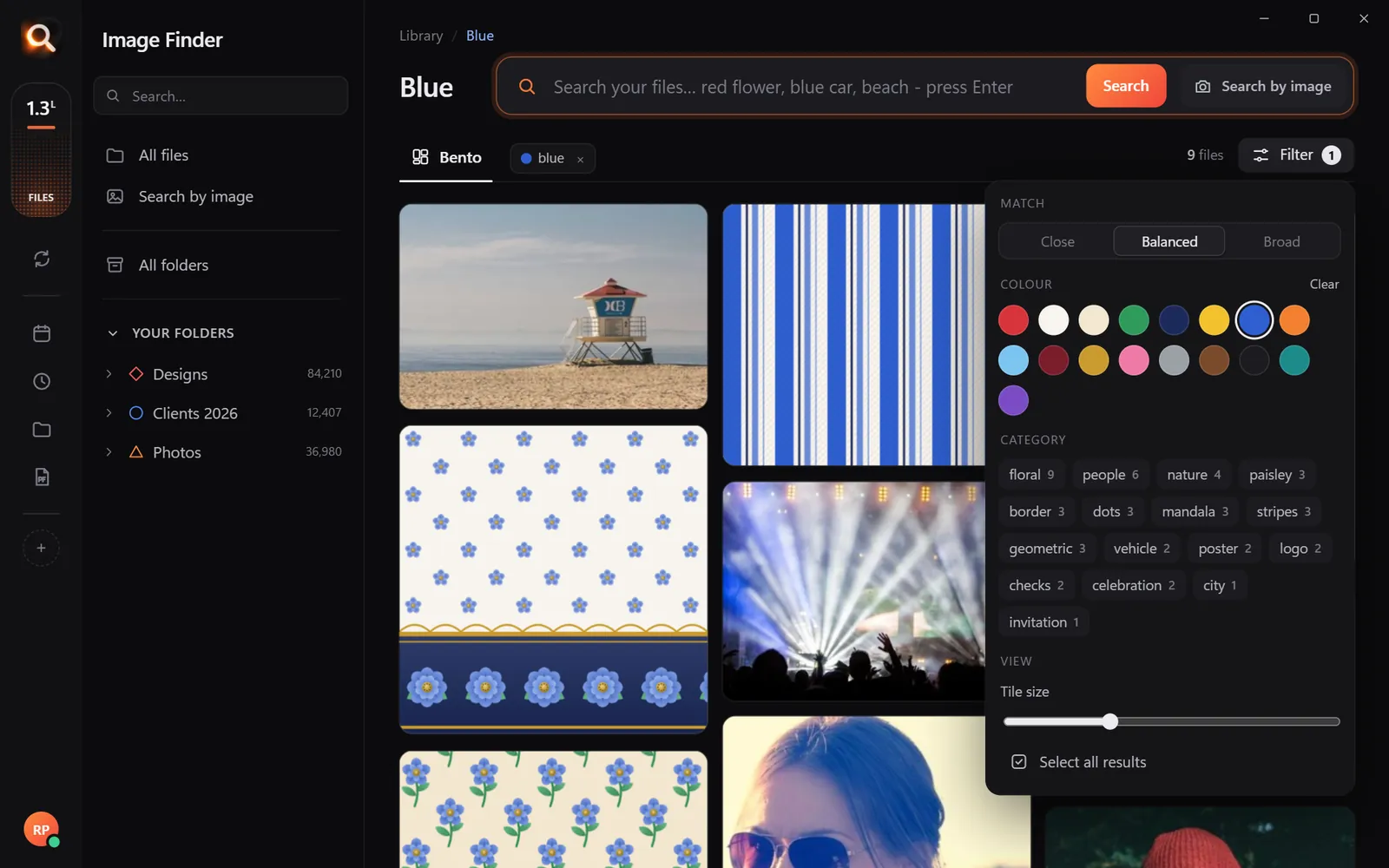
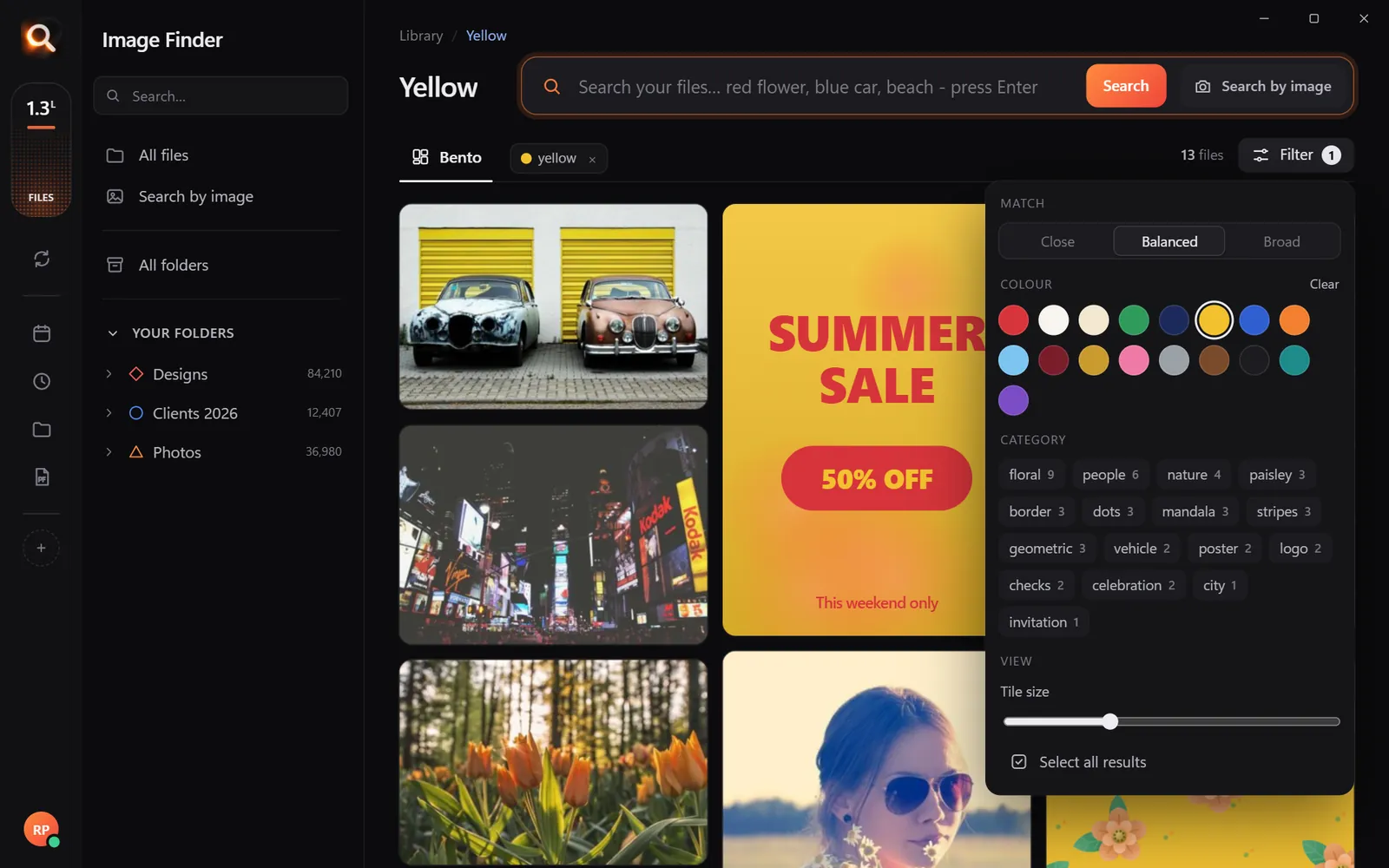
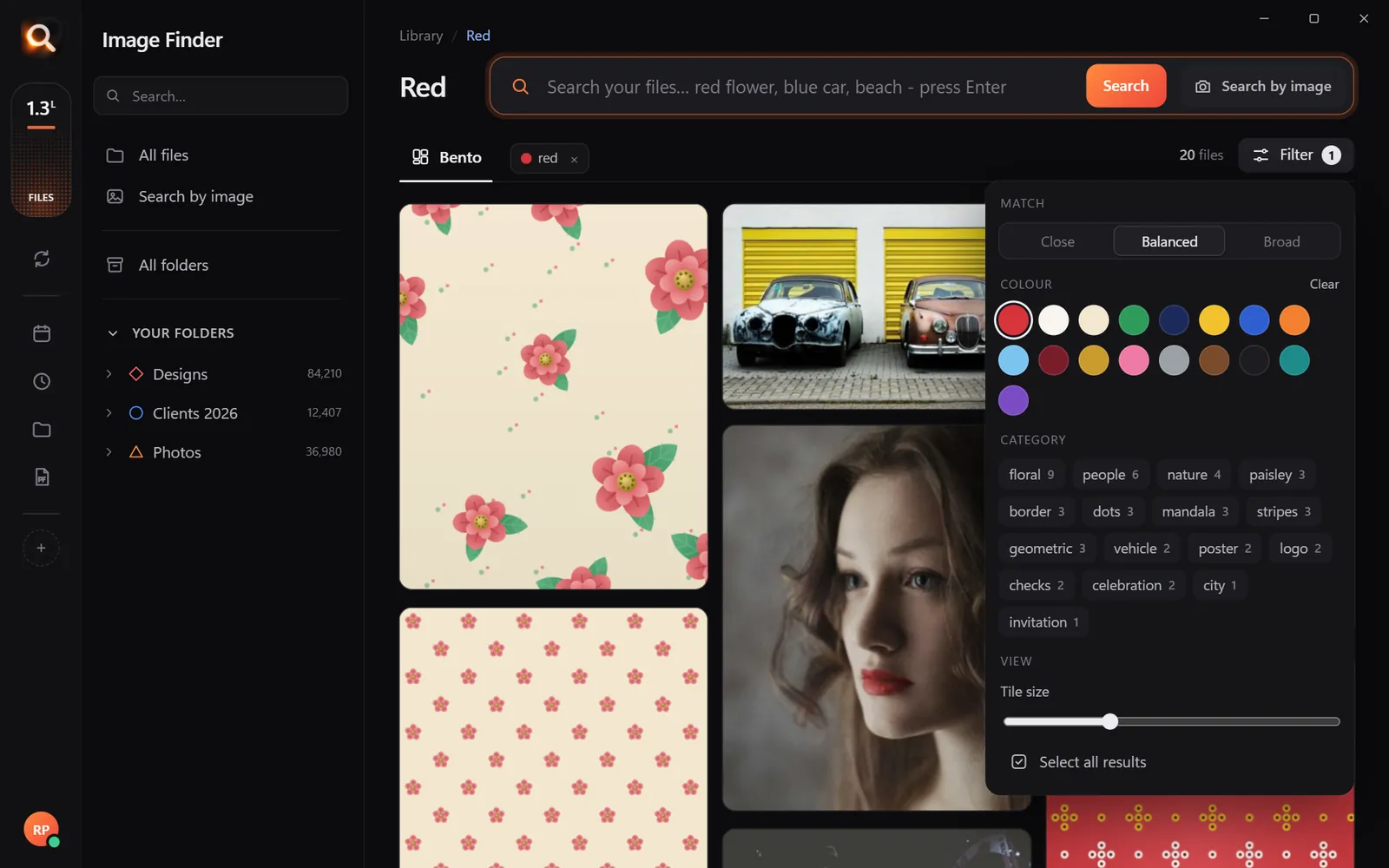
Image Finder checks the colors in every picture once. Then:
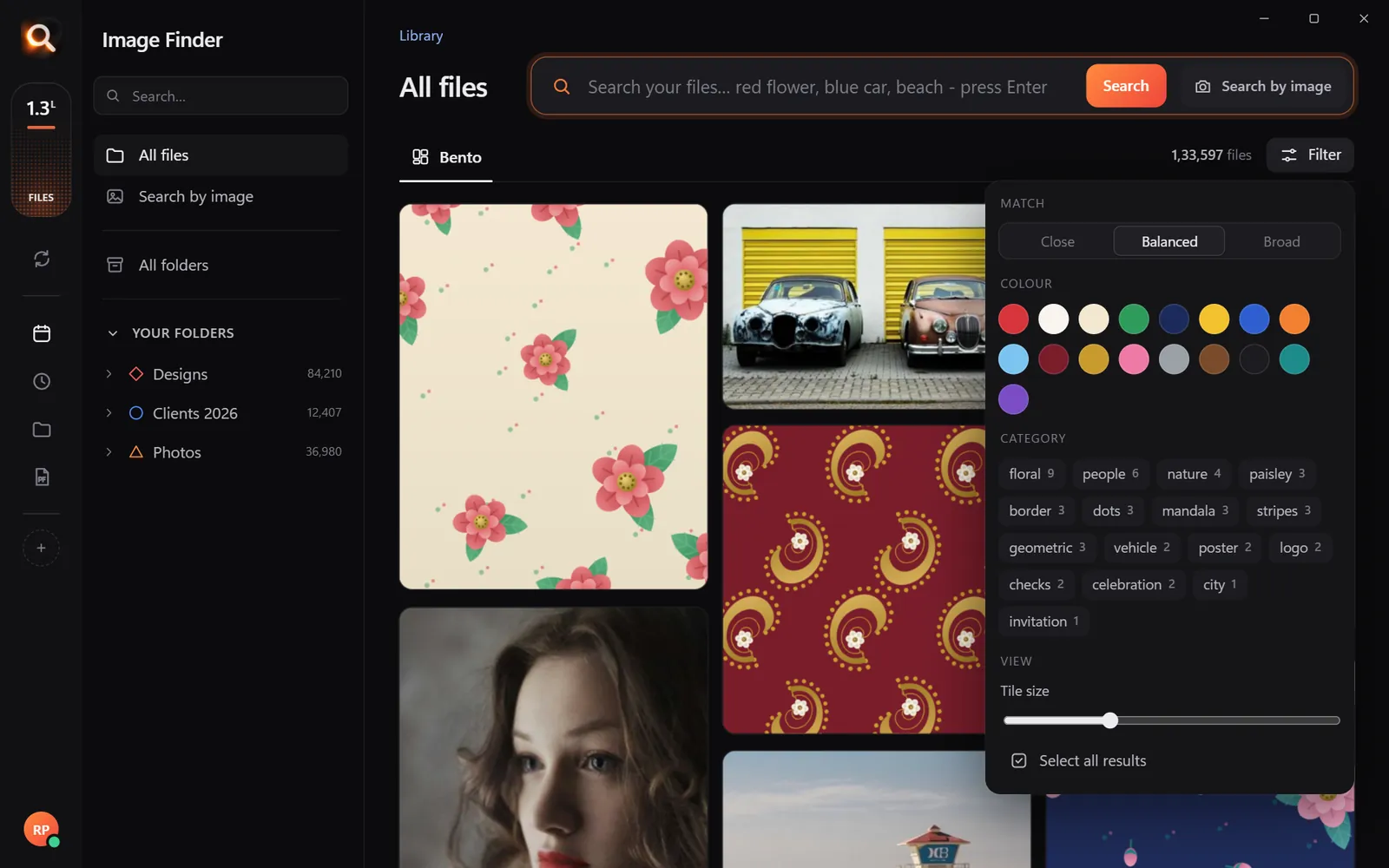
Find every picture in one color 0/5
The filter: colors, categories and how strict a match should be
The filter: 17 colors, categories, and how strict a match should be.
Blue
Blue
Yellow
Yellow
Red
Red

Color plus words is the magic combination

You needDo this
Navy brand graphicsPick navy, type "logo" or "banner"
Warm photos for a pagePick orange or yellow, type "photo"
Pink floral printsPick pink, type "flower"
Dark, moody shotsPick black, type "city night"
  • Brand and marketing teams checking that a campaign stays on palette.
  • Designers building mood boards from their own archive - see how designers find any PSD or AI file.
  • Shops finding every product photo in a color a customer asks for.
  • Print, fashion and textile studios sending a client every design in their requested color.

Color search for real jobs

Brand consistency checks

Pick your brand's main color, type "banner" or "social", and scan the results: anything off-palette stands out immediately.

Catalogs and product requests

A customer asks for "the same thing in green". Pick green, describe the product, and send the matching pictures as one PDF.

Interior and decorating references

Search "living room" and pick a color to collect references from your own photos for a client presentation.

How strict should a match be?

SettingUse it when
CloseYou need the exact shade or near-identical pictures
BalancedEveryday searching - a good default
BroadYou want ideas and variety, not exact matches
Try it here

A tiny sample library in your browser. The app does this with AI across every file on your computer - try the real app in your browser.

A short guide to how people see color

Color search works best when you understand that people do not remember exact color codes - they remember families of color. Nobody asks for "#1F3A5F"; they ask for "the navy one". That is why Image Finder's filter offers 17 named swatches rather than a color wheel:

FamilySwatches you can pick
NeutralsWhite, grey, black, beige
WarmRed, maroon, orange, yellow, gold, brown
CoolBlue, navy, teal, green
Soft and brightPink, purple, pastel tones

A photo usually has many colors. The filter keeps a picture only when the color you picked really appears in it - not when there is one tiny red dot in the corner. The Close / Balanced / Broad setting decides how strict that is.

Five color jobs, step by step

1. Check a brand palette

Pick the brand's main color, type "banner" or "social post". Anything off-palette stands out immediately when you scan the results.

2. Build a seasonal mood board

Fall: orange, brown, gold. Winter: white, navy, grey. Spring: pastel pink, green. Search each color with a theme word ("leaves", "snow", "flowers") and collect the best into one PDF.

3. Answer a customer's color request

"Do you have this in teal?" Pick teal, type the product name ("cushion", "dress", "mug"). Send the results as a PDF or straight to WhatsApp.

4. Find a photo for a page layout

Designers often need a picture that matches a page's colors. Pick the page's accent color, type "photo" and choose from pictures that will sit well on the page.

5. Clean up a messy archive

Searching "black" with "background" finds every cut-out product photo on black - useful when you need a consistent set for a store.
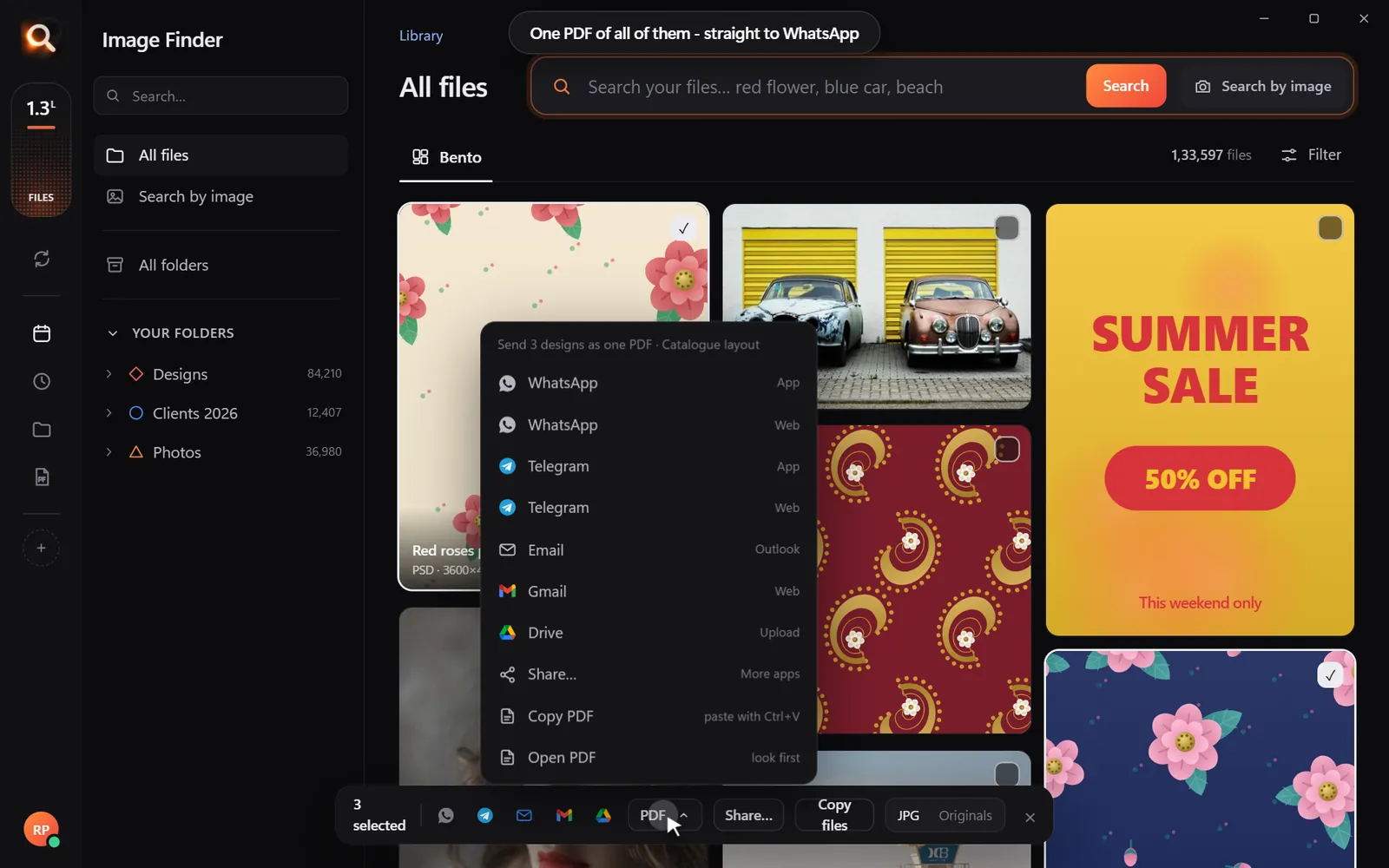
Make a color board to send 0/4
Selected pictures sent as one PDF
Select, make a PDF, send - one message instead of twenty.

Color in words vs the color filter

ApproachBest when
Type the color ("red car")The color belongs to one thing in the picture
Use the filter (pick red)The color should dominate the whole picture
Both (filter blue, type "yellow")You need two colors together

Common mistakes

  • Expecting exact shades. "Navy" and "blue" overlap; try both.
  • Using Broad for brand checks. Broad is for exploring; use Close when the color must be right.
  • Forgetting design files. Colors are checked in PSD, AI, CDR, SVG and PDF too - often where your best color work lives.

Questions people ask

Can I search my photos by color on Windows or Mac?

Not with File Explorer or Finder. A visual search app like Image Finder lets you filter any search by color on both.

Does it work with design files?

Yes. Colors are checked in PSD, AI, CDR, SVG, PDF and photo files alike.

Can I find pictures with two colors?

Search with words for the second color - pick blue in the filter and type "yellow" - to find pictures with both.

Can I search by an exact hex color code?

The filter uses named color families (17 swatches), which is how most people remember color. Choose Close for stricter matches.

Is color search useful for photos, or only designs?

Both. Photographers use it to find sunsets, autumn colors or black-and-white shots; designers use it for palettes and prints.

Search every picture on your computer by color.

Windows and Mac. Private, offline, no subscription.
Try Image Finder

Find any photo, design or PDF on your computer in seconds. From ₹1 per day.

See plans
Visual image searchSearch with your eyes, not with file names.Point at what you mean. A whole picture, one flower in a pattern, one face in a crowd - Image Finder searches your files visually.

More posts

The 3-2-1 Photo Backup Plan: Protect Every Photo (and Keep Them Searchable)

The 3-2-1 Photo Backup Plan: Protect Every Photo (and Keep Them Searchable)

Drives fail, laptops get stolen, accounts get locked. The simple 3-2-1 rule that professionals use to protect photos - set up in an afternoon, with a library you can still search.

9 Dec 2026
Spotlight Not Finding Your Images on Mac? How to Search Pictures by What's in Them

Spotlight Not Finding Your Images on Mac? How to Search Pictures by What's in Them

Spotlight is great for names, not for pictures in Finder folders. Here is how to get more from it, and how to search every image on your Mac by what it shows.

13 Oct 2026
Lost a Photo on Your Computer? 7 Places to Look (and the Fastest Way to Find It)

Lost a Photo on Your Computer? 7 Places to Look (and the Fastest Way to Find It)

It was right there - and now it is gone. Seven places lost photos usually hide on Windows and Mac, and how to find one by describing it.

12 Oct 2026