Exact copies first
Every identical copy of the picture, wherever it is.
Find copies of an image
Not sure how many copies of a photo or design you have, or where they are? Drop it into Image Finder: the exact copies come first, then the near-copies - edited, resized, re-saved - from every folder and drive.
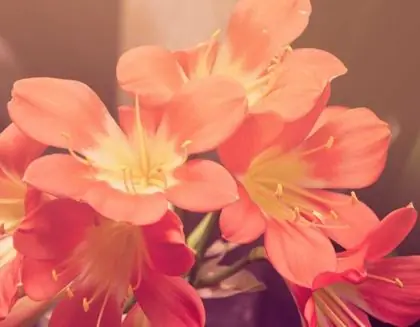 Same file100% Copy in another folder100% Smaller version98%
 Look-alike81%
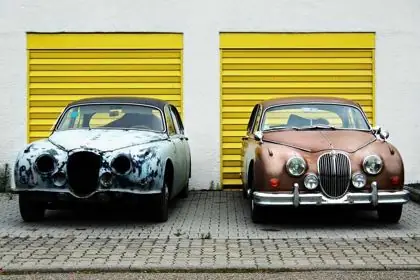 Same file100% Renamed copy100%
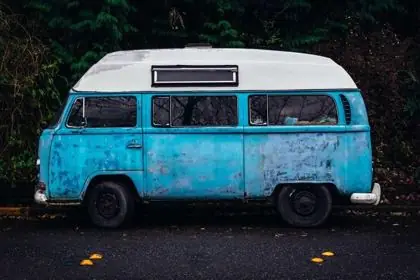 Look-alike84%
 Same file100%
 Same person92%
 Same person90%
 Same person88%
Every identical copy of the picture, wherever it is.
Resized, cropped, recoloured or re-saved versions, each with how close it is.
Every folder and drive you added is checked at once.
Open, show in its folder, or share - Image Finder never deletes or moves your files.
No - Image Finder finds the copies of a picture you give it. It does not list every duplicate on a drive or delete files for you.
Yes - resized, cropped and recoloured versions come up as close matches.
Never. You see where every copy is and decide yourself.
From ₹30 for a month - about ₹1 a day. Pay once for the time you need; nothing renews by itself.
Every feature in every plan · one licence per computer · secure checkout
Latest version 1.2.13 · your licence key comes inside the download. Install guide and system needs
Having thousands of photos and designs makes it hard to find look-alikes. Here is a practical guide on how to find similar images on your PC offline.
7 Oct 2026Learn how image search by words lets you locate photos, vector artwork, and layered graphics on your local hard drive using everyday language.
3 Oct 2026Struggling to find a specific design within a massive library of images? Image Finder’s innovative ‘search by motif’ feature lets you pinpoint designs by selecting just one part – a flower, a border, or any recognizable element. It’s the fastest way to find the exact design you need.
3 Oct 2026Tips for finding, organising and sharing your designs faster.
Search lakhs of designs on your PC in seconds. From ₹1 per day.