 +


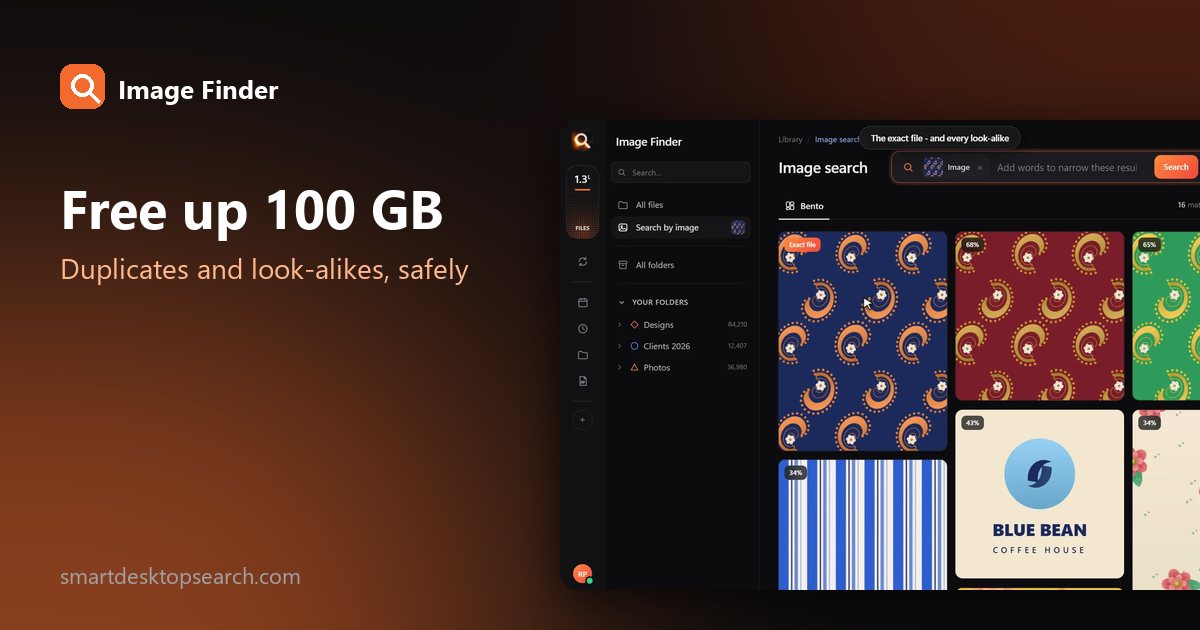

A full drive is often a drive full of copies: the same vacation imported three times, phone backups of phone backups, bursts of 20 nearly identical shots, the edited version next to the original next to the WhatsApp copy. It is not unusual to win back tens or even hundreds of gigabytes.
This guide shows how to find duplicate photos and free up space - safely, without deleting anything you will regret.
Three kinds of "duplicate"
| Kind | Example | How to find |
|---|---|---|
| Exact copy | Same file copied to two folders | Identical content, any name |
| Resized or converted copy | A smaller JPG made from the original | Looks the same, different file |
| Near-duplicate | Burst shots, retakes, slight edits | Looks almost the same |
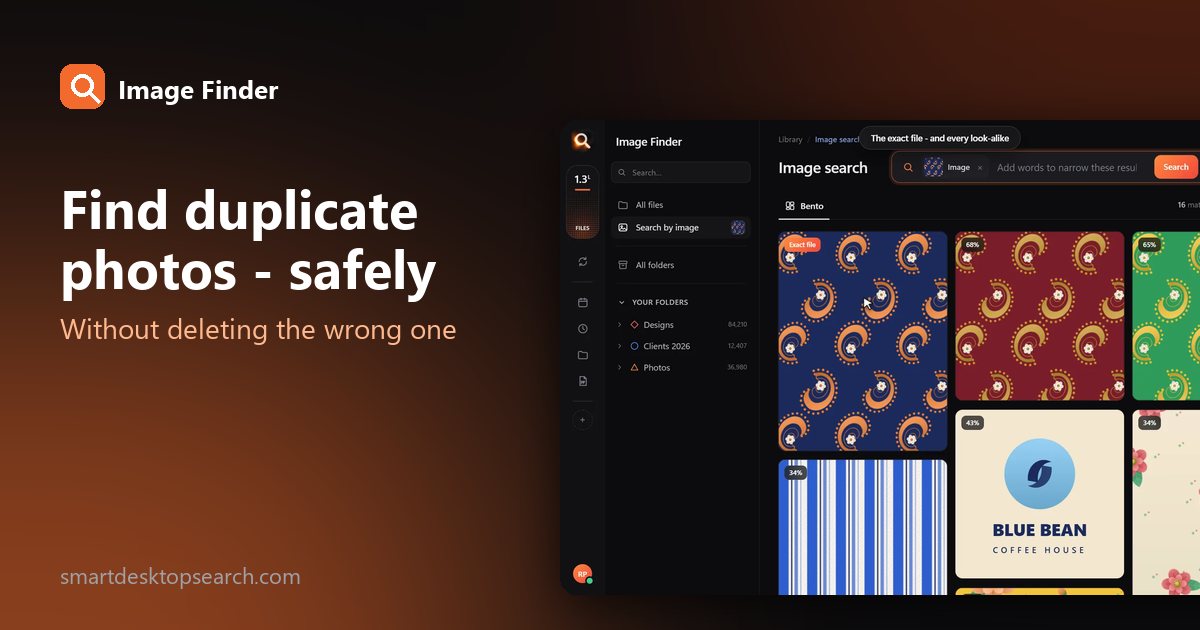
Classic duplicate finders only catch the first kind, by comparing file bytes. The other two often take more space - and need a search that compares what photos look like.
Before you delete anything
Find where the space went
On Windows, sort a folder by Size in Details view, or search kind:=picture size:>20MB. On a Mac, use Finder search with File Size is greater than. Big wins usually come from:
- RAW bursts you never edited;
- duplicate imports from phones;
- exported copies in several sizes;
- old backups inside a newer backup.
Find exact copies and look-alikes with Image Finder
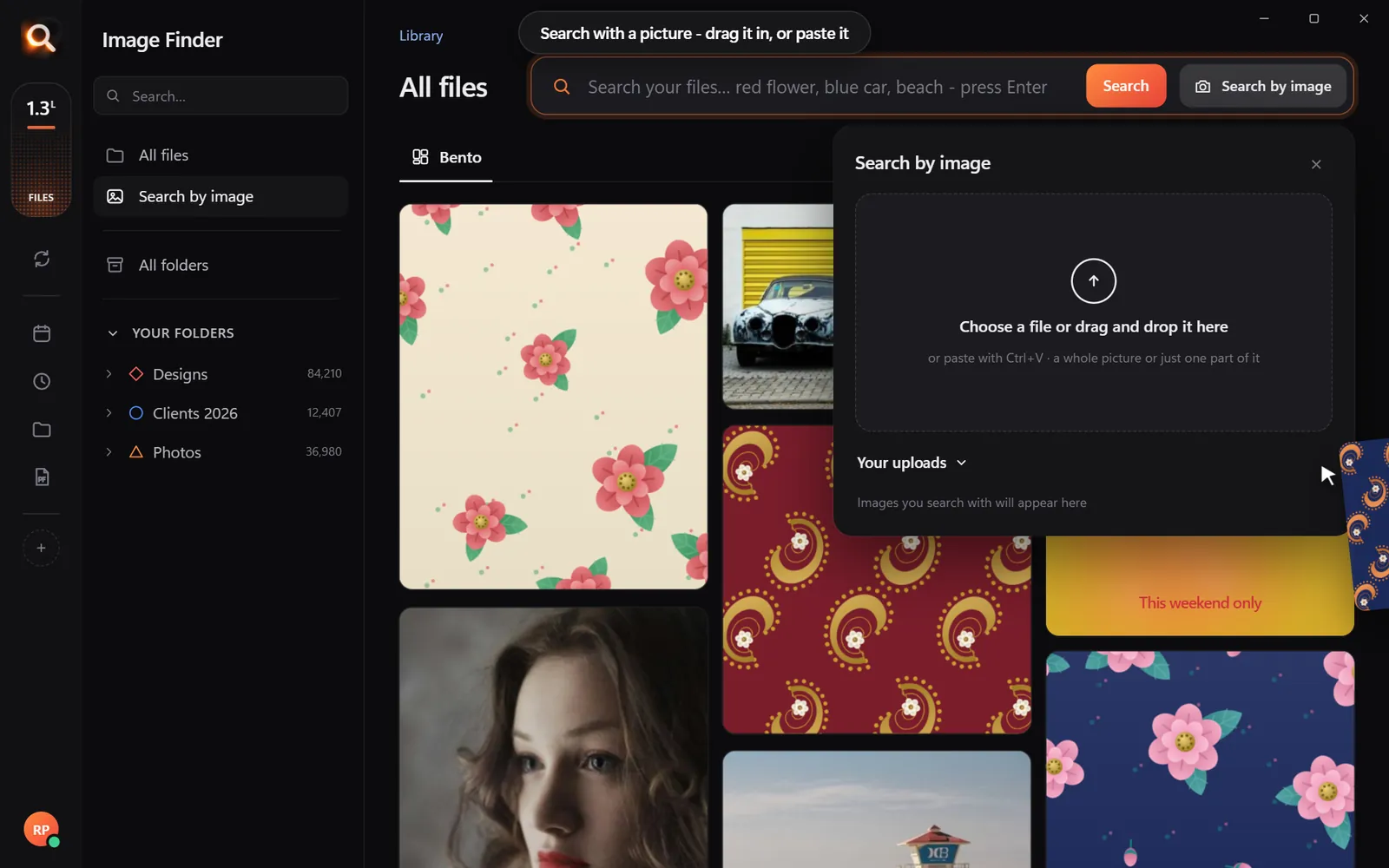
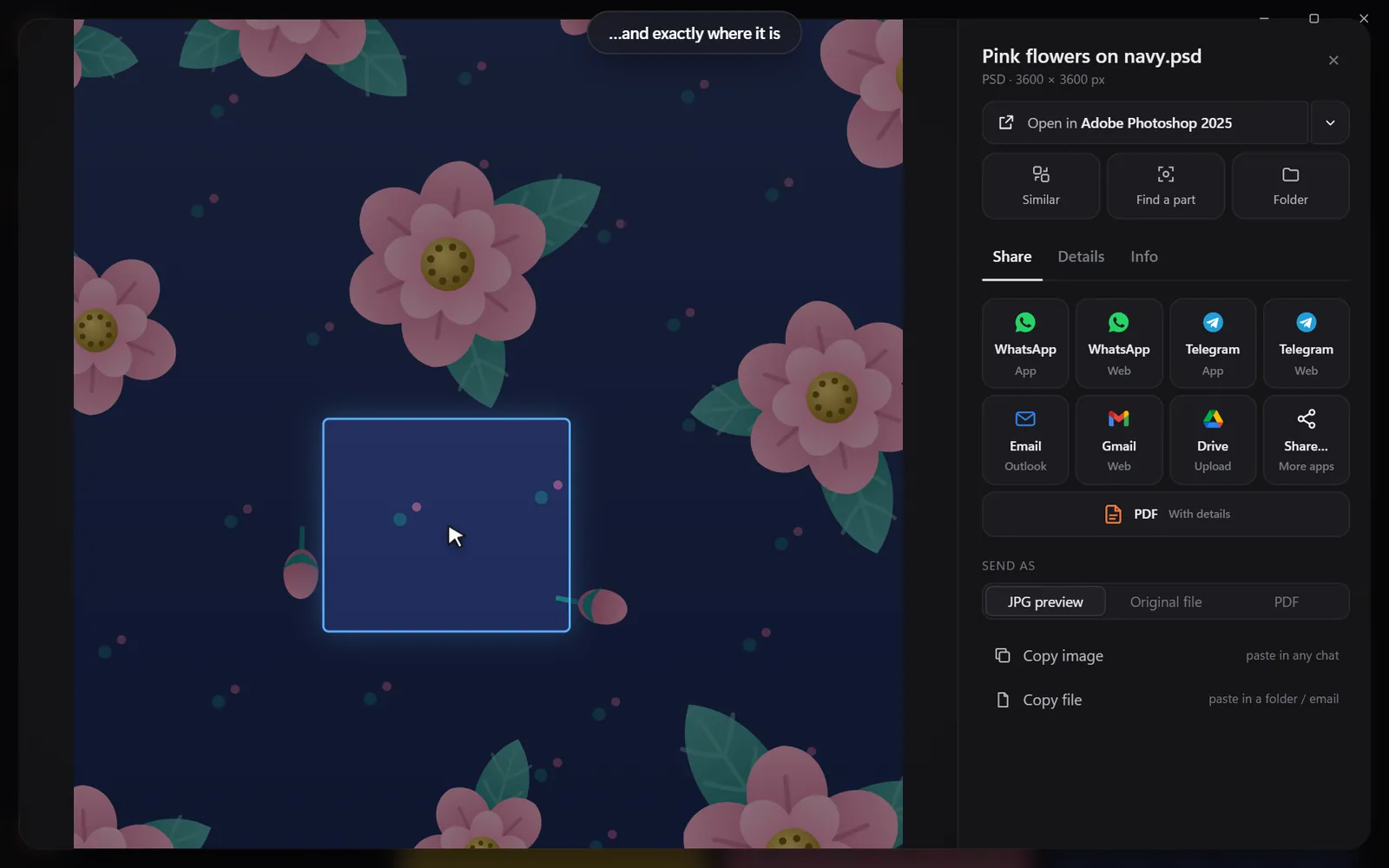
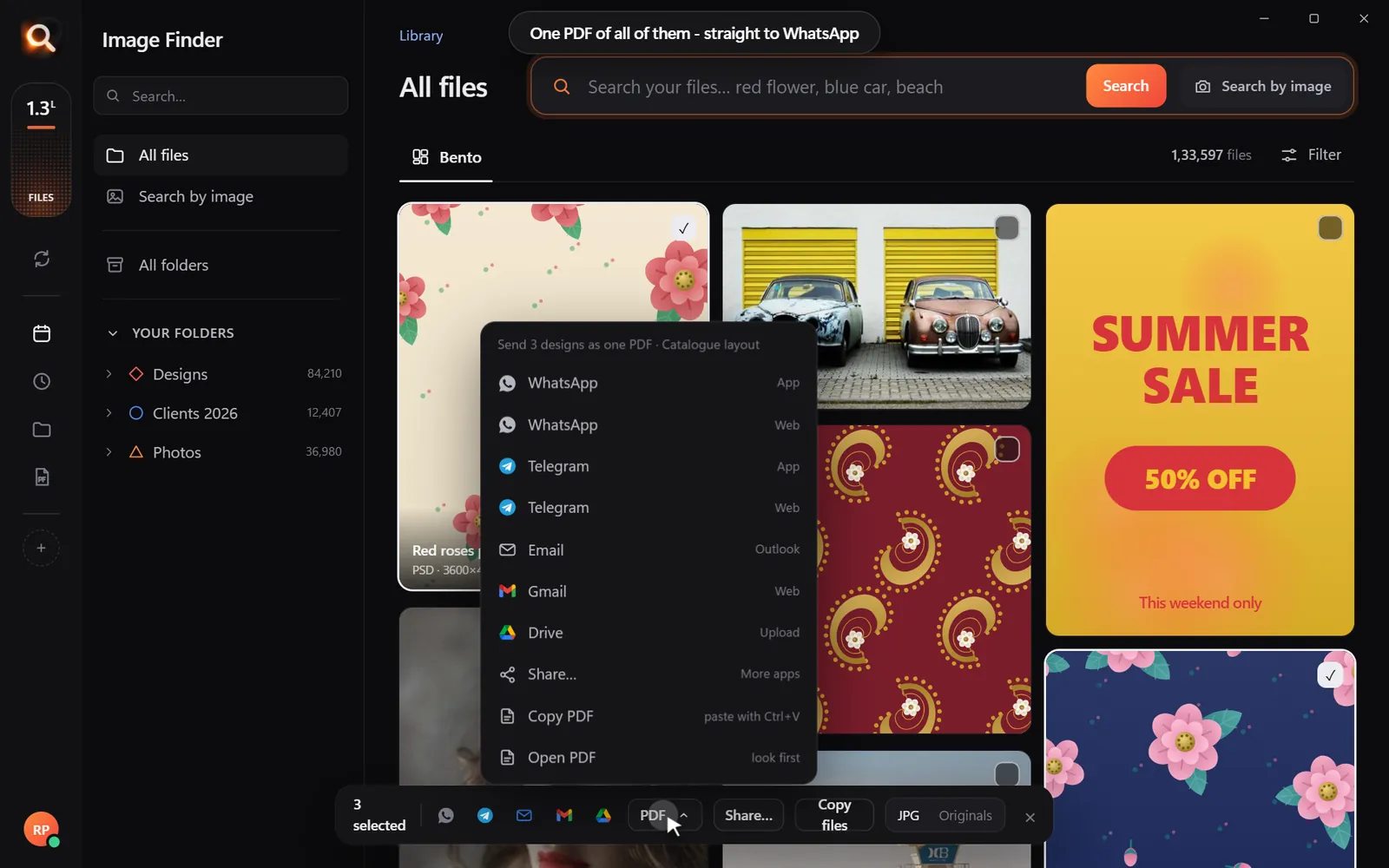
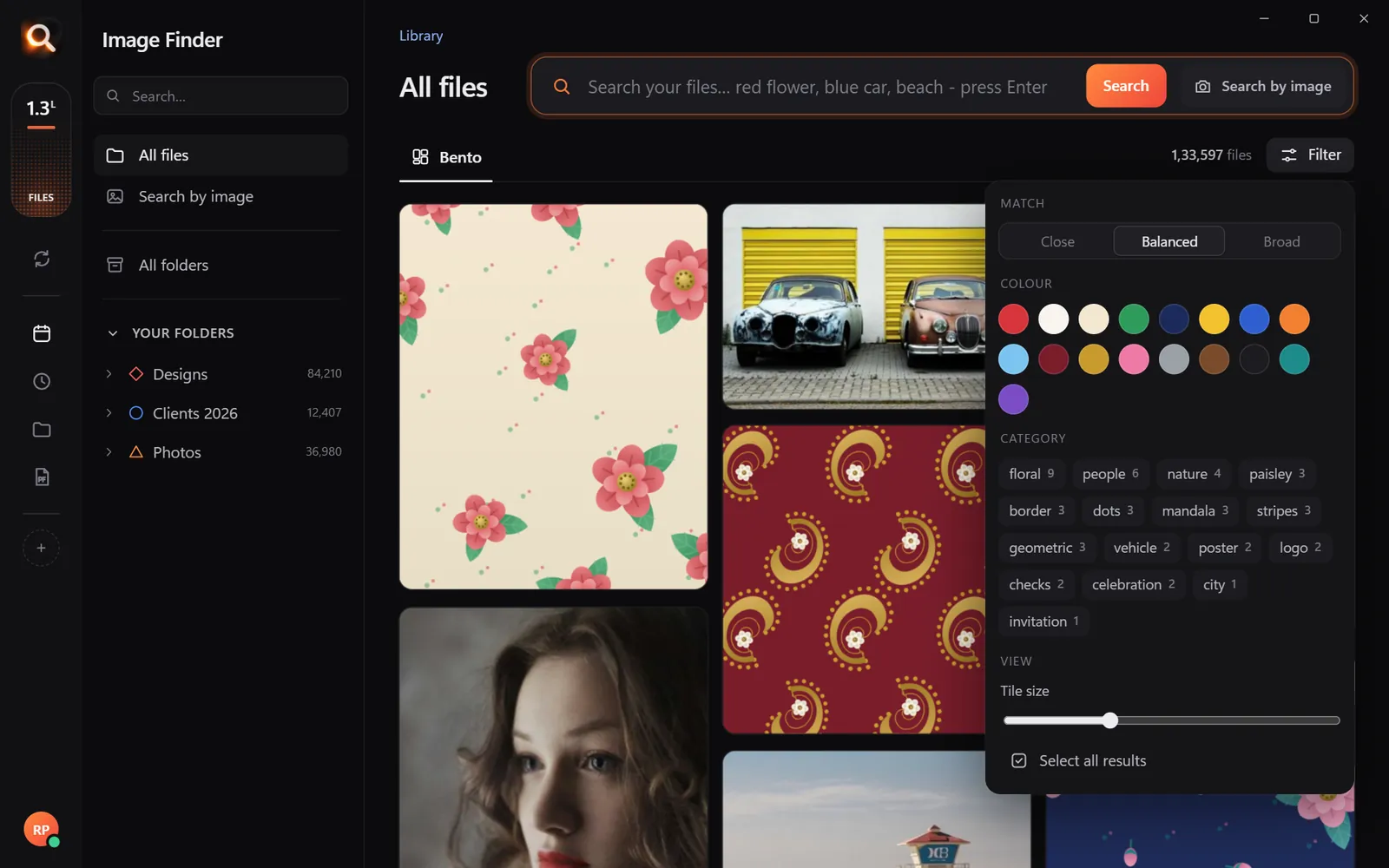
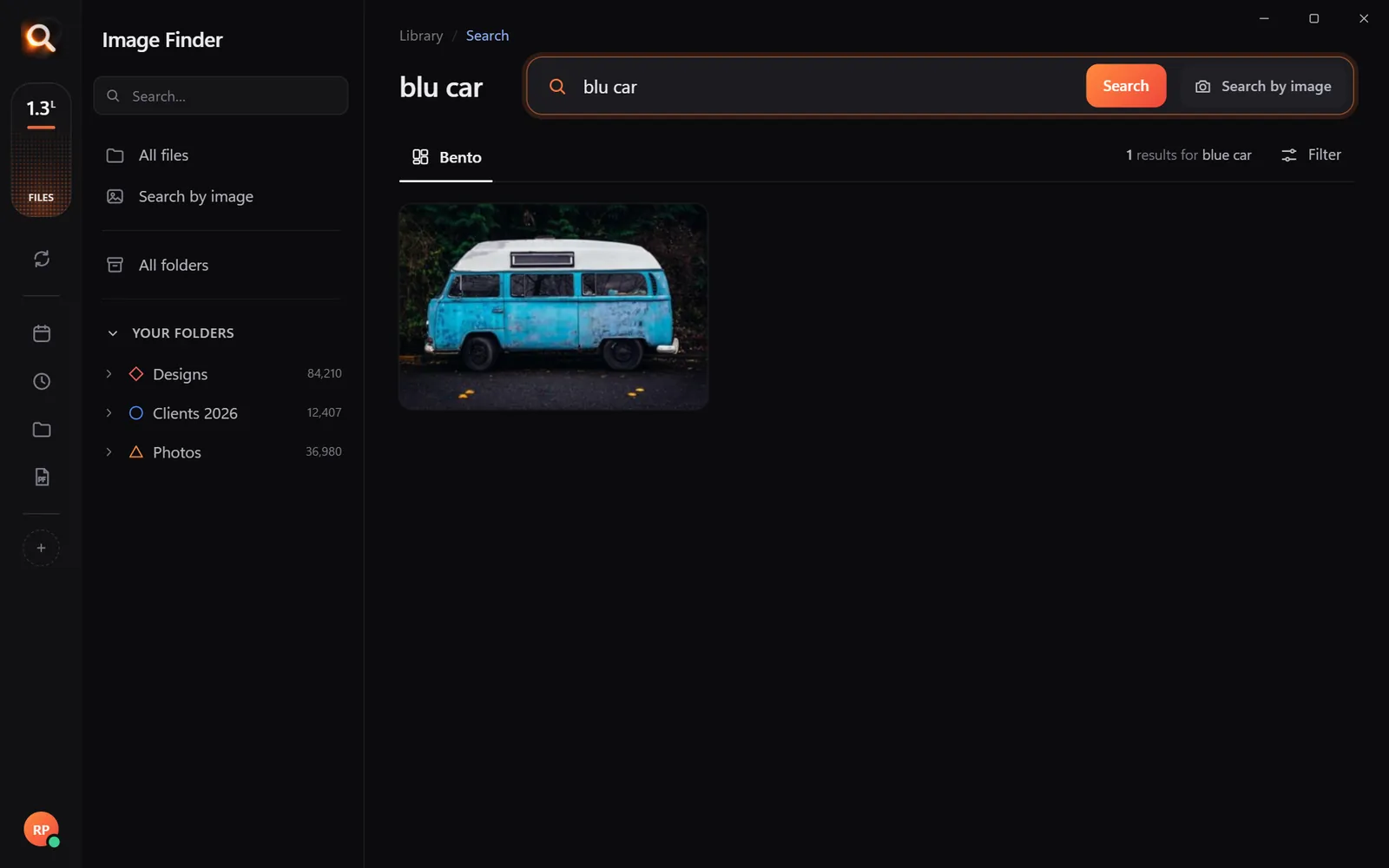
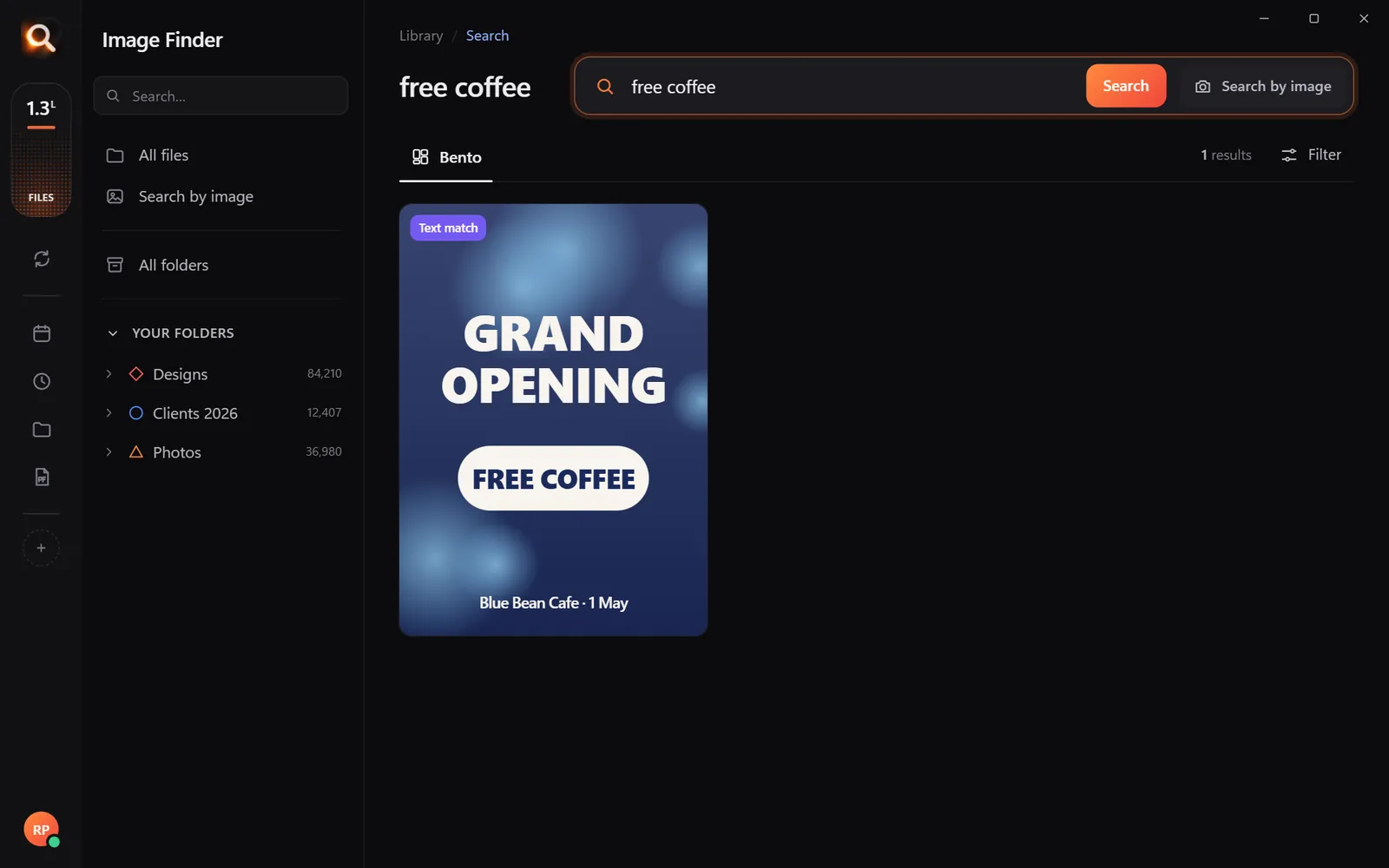
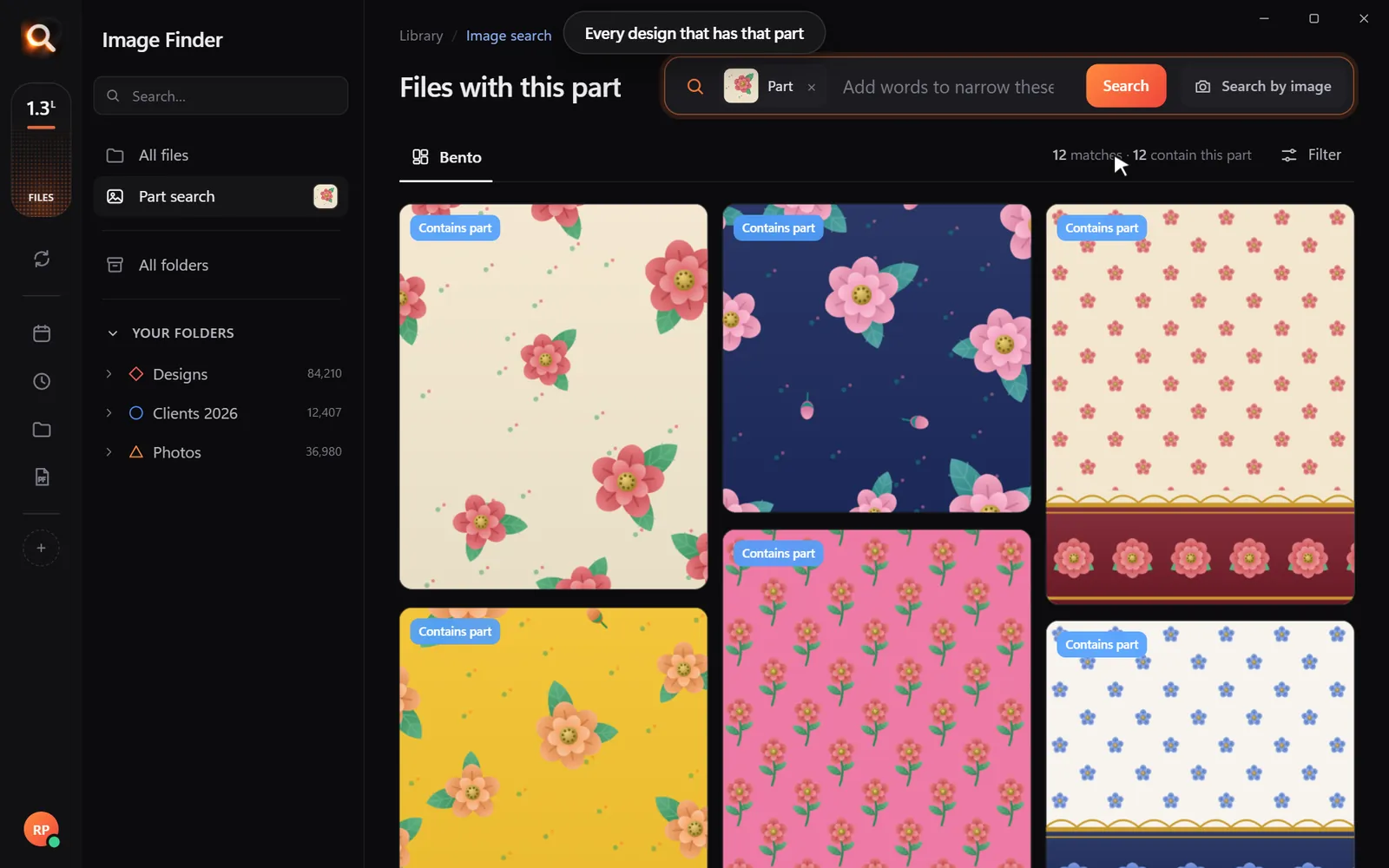
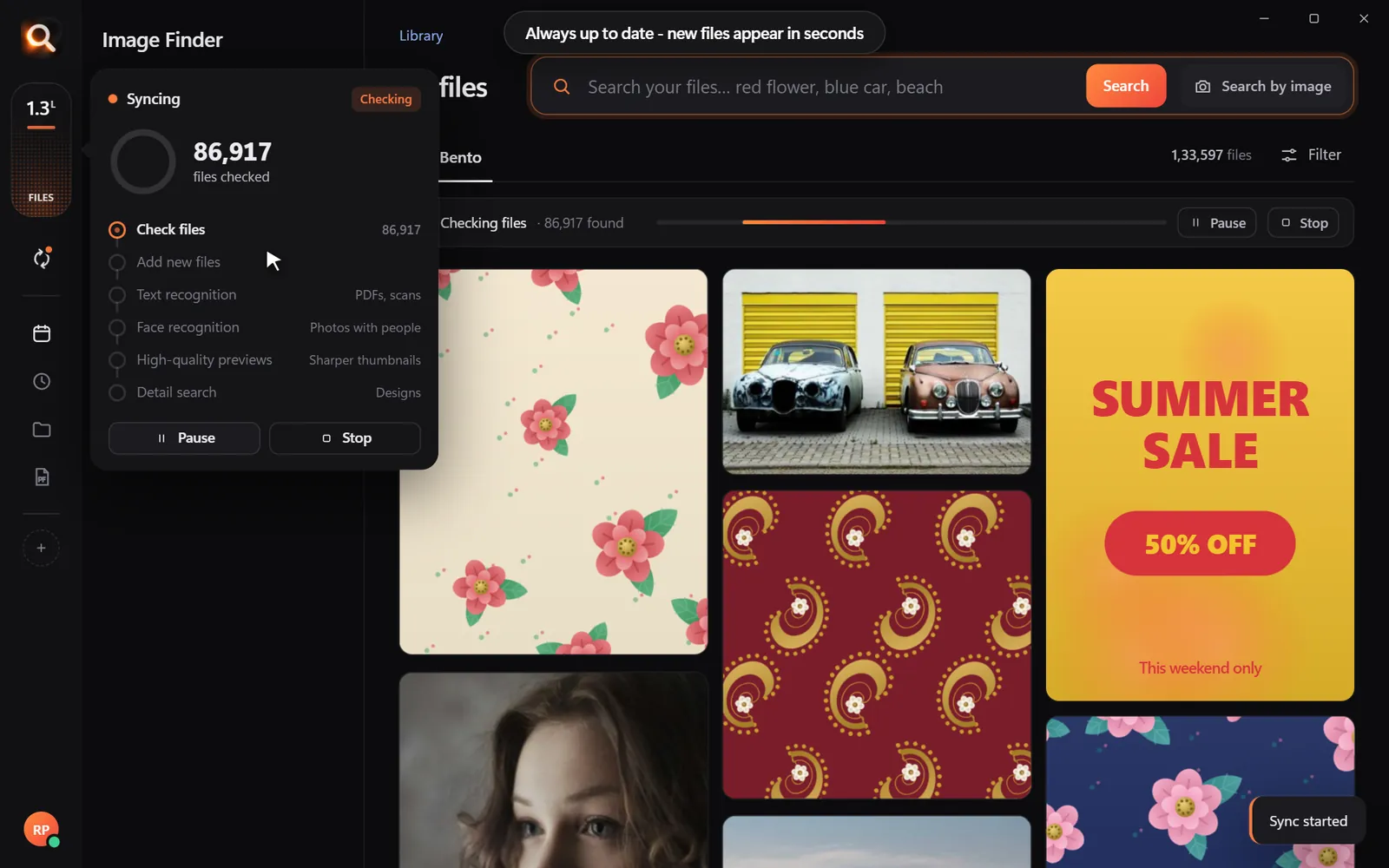
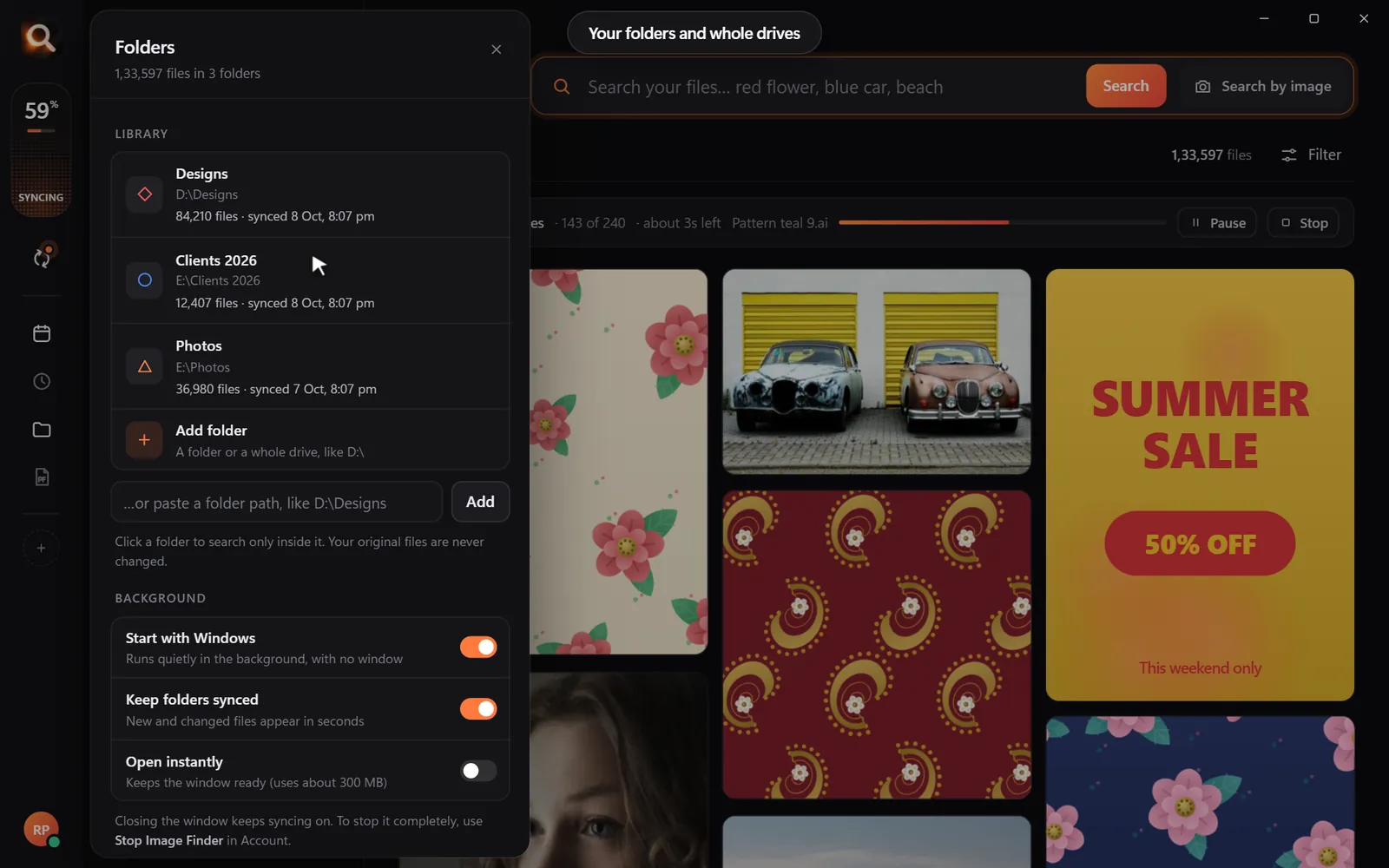
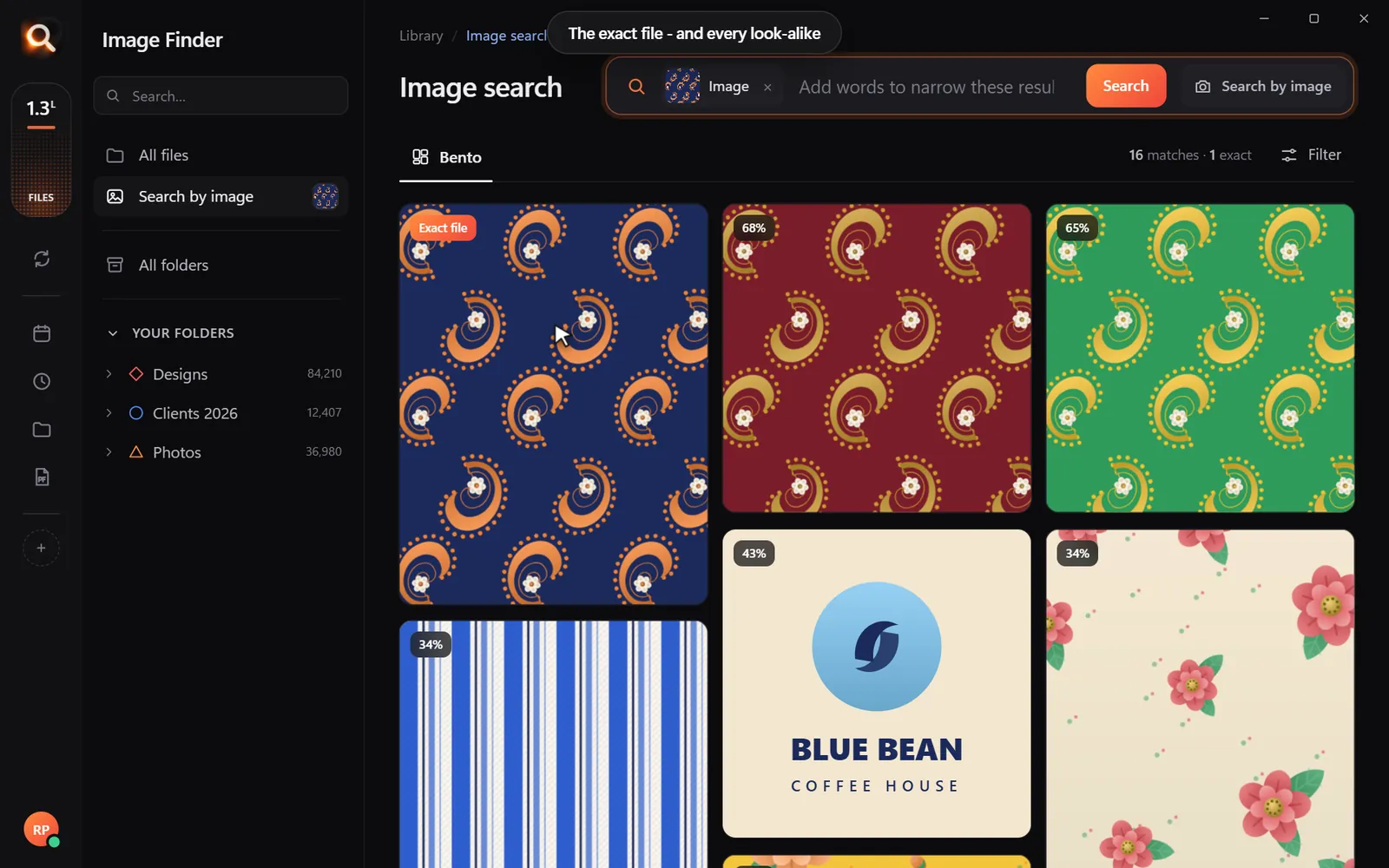
Image Finder compares what pictures show, so one search brings up exact copies, resized copies and near-duplicates together - with their folders and sizes.
Which copy to keep?
| Keep | Delete |
|---|---|
| The largest resolution | Small resized copies |
| The RAW or original file | Chat-app copies (WhatsApp, Telegram) |
| The edited version you love | Earlier edits you abandoned |
| The copy in your main library | The copy in "New folder (3)" |
Burst shots: keep one, not twenty
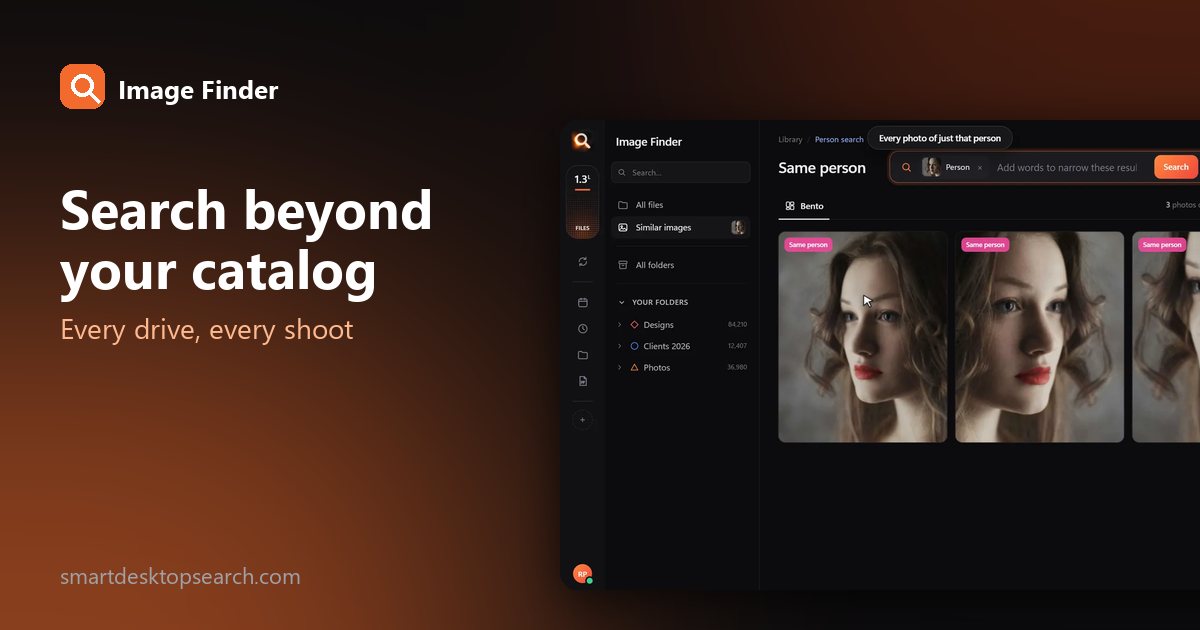
Phones and cameras take bursts. Searching with the best shot of a burst brings up its siblings together - pick the winner and delete the rest. Doing this for your 50 biggest events often frees more space than everything else combined.
Make room without deleting
Not ready to delete? Move older years to an external drive. Image Finder keeps previews, so you can still search them and see where they are - plug the drive in when you need the full file. See finding photos on external hard drives.
How much space could you save?
0 hours a year spent looking for files - with a search that takes a second, that is about 0 working days back.
A rough guide from typical libraries:
| Library | Common duplicates | Space often recovered |
|---|---|---|
| Family photos, several phones | 10-30% | 20-100 GB |
| Photographer with RAW bursts | 20-40% | Hundreds of GB |
| Design studio with exports | 15-25% | 50-200 GB |
Where duplicates come from
| Cause | What it looks like |
|---|---|
| Importing the same card twice | Two folders with the same photos, different names |
| Phone backup apps | The same photo in Camera Roll and Backup folders |
| Downloading from chats | Small copies of photos you already have |
| Editing | Original + edit + export in several sizes |
| Backups of backups | A whole old drive copied inside a new backup |
| Sharing albums | Photos shared back to you by family |
Knowing the cause helps you clean up a whole batch at once rather than photo by photo.
Folder-level clean-ups win big
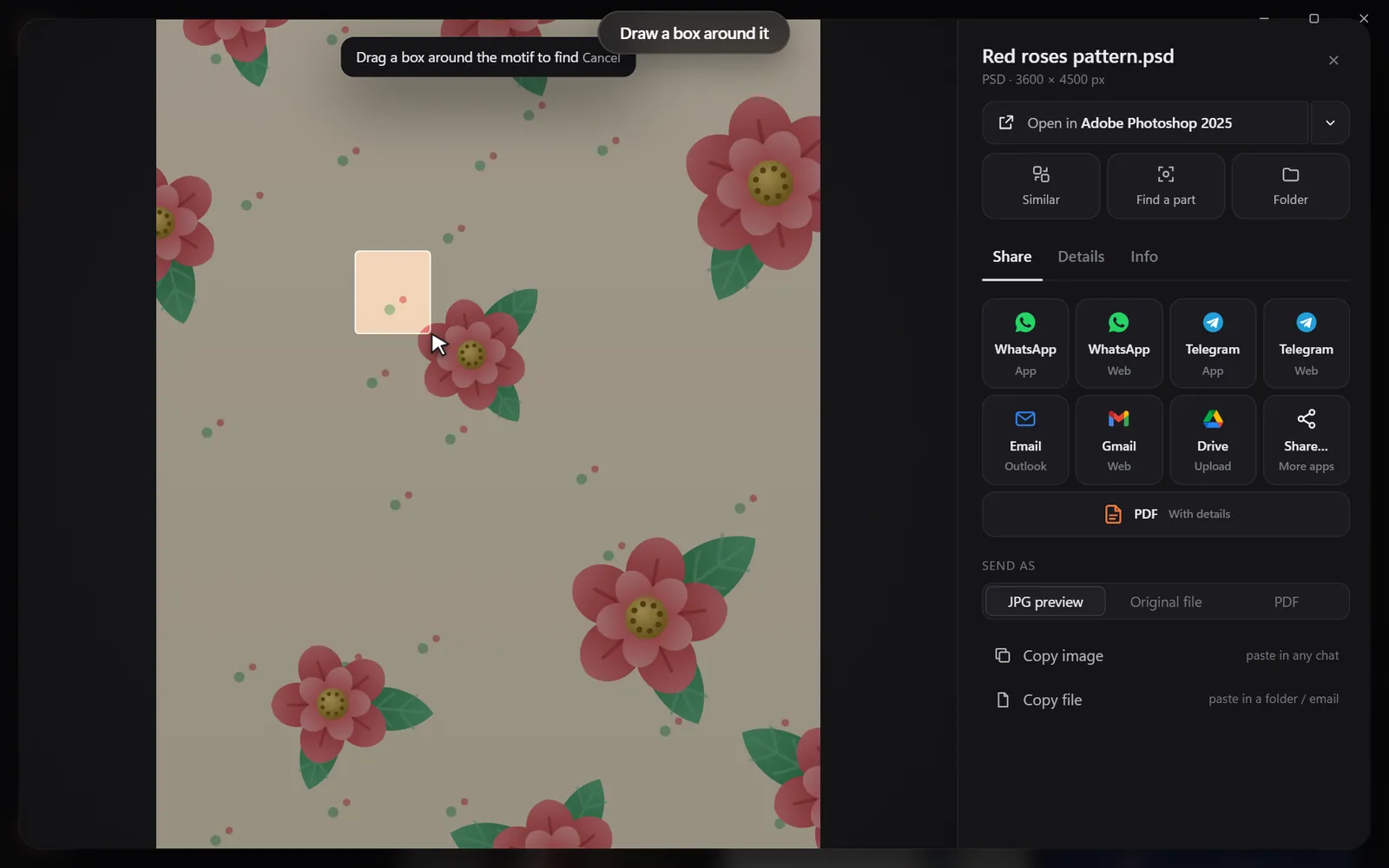
If you find a whole folder that's a copy of another (an old import, a backup inside a backup), compare a few photos from each with a reverse search. If every photo matches, you can delete the whole duplicate folder after checking its size and file count match - one decision instead of thousands.
Don't forget other space hogs
| Space hog | How to find it |
|---|---|
| Videos | Sort by size; videos usually dwarf photos |
| RAW + JPG pairs | Keep RAW for favorites, JPG for the rest (your choice) |
| Old phone backups | Search for "Backup" folders |
| Downloads folder | Sort by size, delete installers and old ZIPs |
Duplicates in design libraries
Designers end up with the same artwork as PSD, AI, PDF, PNG and JPG. Those aren't true duplicates - each format has a job. Search with the artwork to see all formats together, and keep the working file plus the exports you actually use.
After the clean-up
Once space is free, keep it that way:
- Import cards once, into one place.
- Turn off duplicate backup apps doing the same job.
- Check your Downloads folder monthly.
- Search with new photos occasionally to catch copies early.
Questions people ask
What is the safest way to delete duplicate photos?
Back up first, review each set, keep the largest original, and delete into the Recycle Bin or Trash so you can undo.
Can it find duplicates with different names?
Yes. Image Finder compares what pictures show, so names do not matter.
Does it find edited or resized copies?
Yes - crops, resizes, color edits and format changes come up as look-alikes.
Does Image Finder delete files by itself?
No. It never deletes or changes files. You decide what to remove.
Windows and Mac. Private, offline, no subscription.