Every CDR as a picture
See your CorelDRAW designs as a gallery, side by side with your PSD, AI and JPG files.
CDR file finder
Thousands of CDR files and no way to see what's inside without opening each one? Image Finder shows every CorelDRAW design as a picture and finds it by words, by a photo or by one motif.

Draw a box. Every design with that motif.
150+ file types
seconds per search
Catalogue PDF in one click
Open in
See your CorelDRAW designs as a gallery, side by side with your PSD, AI and JPG files.
A photo of a printed design finds the CDR it came from.
Draw a box around a motif, or pick a colour, to see every design that has it.
One click opens the file in CorelDRAW or shows it in its folder.
Latest version 1.2.26 · your licence key comes inside the download. Install guide and system needs
Windows download blocked? Get it as a ZIP
From US$4 for a month - about US$0.3 a day. Pay once for the time you need; nothing renews by itself.
Every feature in every plan · one licence per computer · secure checkout
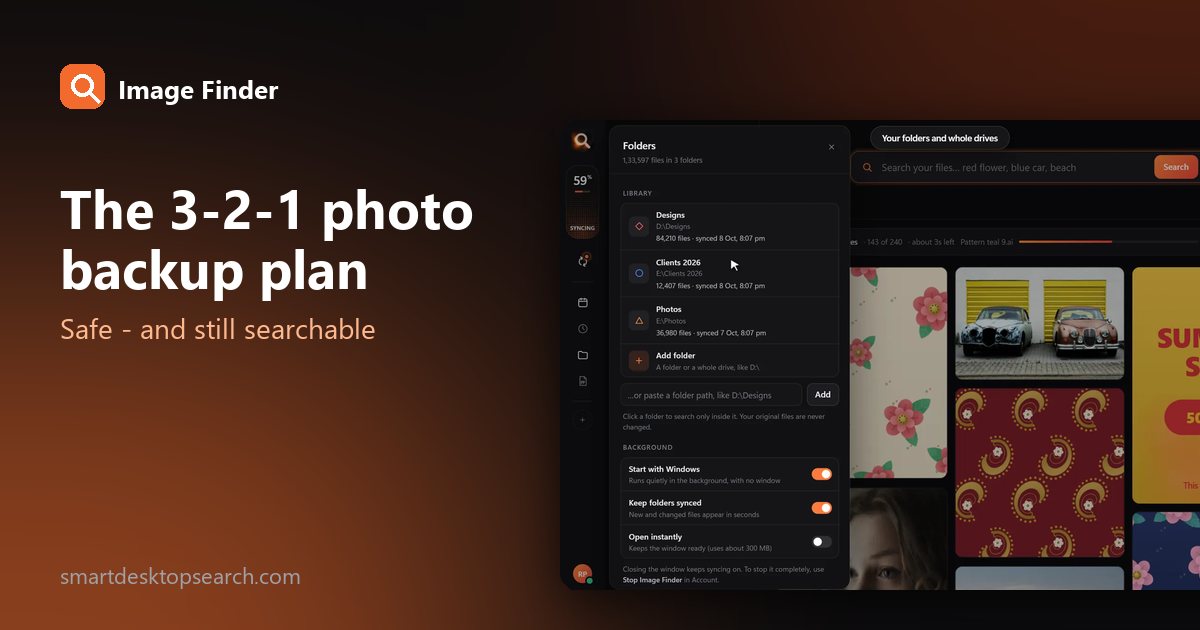
Drives fail, laptops get stolen, accounts get locked. The simple 3-2-1 rule that professionals use to protect photos - set up in an afternoon, with a library you can still search.
9 Dec 2026Organize thousands of family pictures across your hard drives using offline face recognition. Learn how to search photos by face on Windows without uploading anything to the cloud.
18 Nov 2026Looking for image search software for PC? Learn how offline visual search compares to online tools and how to find any photo or design on your drive instantly.
14 Nov 2026Image Finder reads every CDR file on the folders you choose and keeps a preview. Drop in a picture and the CDR files that match it come up first.
Not to search. Image Finder shows the previews of your CDR files itself; you only need CorelDRAW to edit them.
CDR files from the versions designers use today are shown with their picture. Every CDR is always findable by its name and folder.
Yes - files inside ZIP, RAR and 7z archives are searched as if they were in a folder.
Tips for finding, organising and sharing your designs faster.