Search, then pick
Find designs by words, colour, a motif or a client's photo, and tick the ones to send.
Design catalogue maker
A client asks for ten blue florals. Search them, tick the ones you like, and Image Finder makes a clean catalogue PDF and opens the client's WhatsApp with it attached - in under a minute.









Find designs by words, colour, a motif or a client's photo, and tick the ones to send.
A neat PDF with every design, its name and details - catalogue, showcase or lookbook layout.
Type the client's number; their chat opens with the designs or the PDF ready to send.
Gmail, Outlook or Google Drive, from the same button.
From US$4 for a month - about US$0.3 a day. Pay once for the time you need; nothing renews by itself.
Every feature in every plan · one licence per computer · secure checkout
Latest version 1.2.26 · your licence key comes inside the download. Install guide and system needs
Windows download blocked? Get it as a ZIP
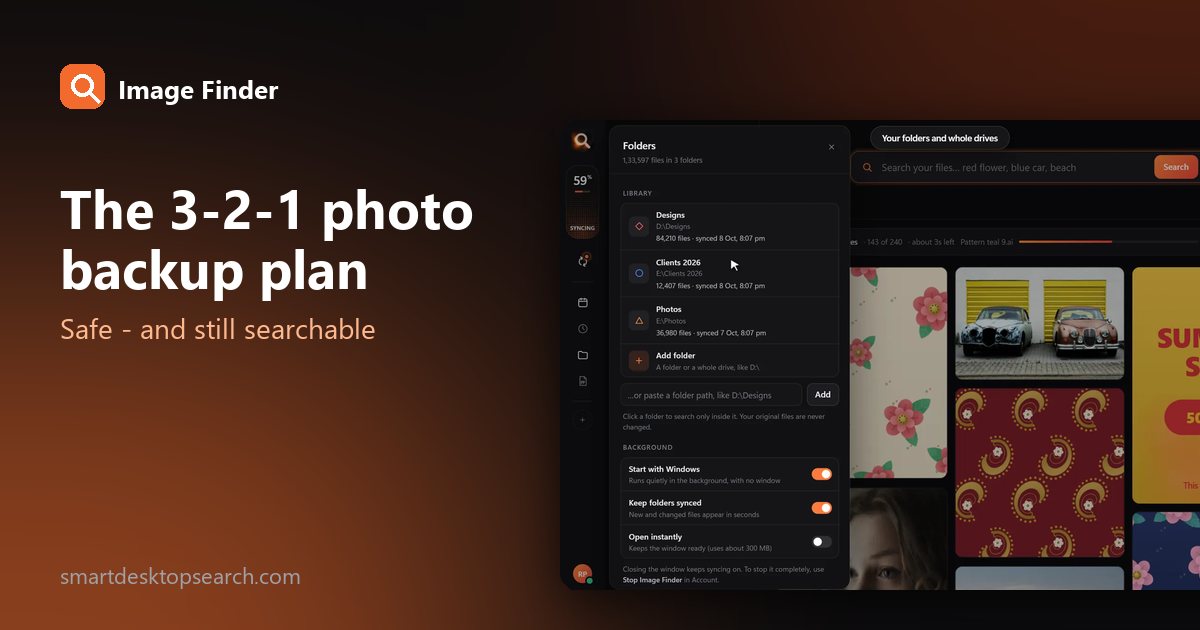
Drives fail, laptops get stolen, accounts get locked. The simple 3-2-1 rule that professionals use to protect photos - set up in an afternoon, with a library you can still search.
9 Dec 2026Organize thousands of family pictures across your hard drives using offline face recognition. Learn how to search photos by face on Windows without uploading anything to the cloud.
18 Nov 2026Looking for image search software for PC? Learn how offline visual search compares to online tools and how to find any photo or design on your drive instantly.
14 Nov 2026In Image Finder, search for the designs, select the ones you want and click PDF. Choose a layout and it makes the catalogue in seconds, ready to send or print.
Yes. Enter the client's number and Image Finder opens their WhatsApp chat with the designs or the catalogue PDF attached - you just press Send.
No. The PDF is made on your own computer; it only leaves when you send it.
Any picture or design Image Finder shows - JPG, PNG, PSD, CDR, AI, PDF and more.
Tips for finding, organising and sharing your designs faster.