






Any Windows 10 or 11 PC
No special hardware; a graphics chip makes reading faster when there is one.
For Windows
File Explorer only knows names. Windows 11's describe-search needs a new Copilot+ PC and only covers photos. Image Finder works on any Windows 10 or 11 PC - photos and designs alike.
Latest version 1.2.26 · your licence key comes inside the download. Install guide and system needs
Windows download blocked? Get it as a ZIP
No special hardware; a graphics chip makes reading faster when there is one.
Open results in their program, show them in File Explorer, copy and paste them anywhere.
Search the drives you choose and keep them up to date.
Steps aside while you work; pause it whenever you like.
From US$4 for a month - about US$0.3 a day. Pay once for the time you need; nothing renews by itself.
Every feature in every plan · one licence per computer · secure checkout
No - any Windows 10 or 11 PC with 8 GB RAM works.
Windows shows "Windows protected your PC" for apps from smaller publishers; click More info, then Run anyway.
Yes - Windows 10 and 11, 64-bit.
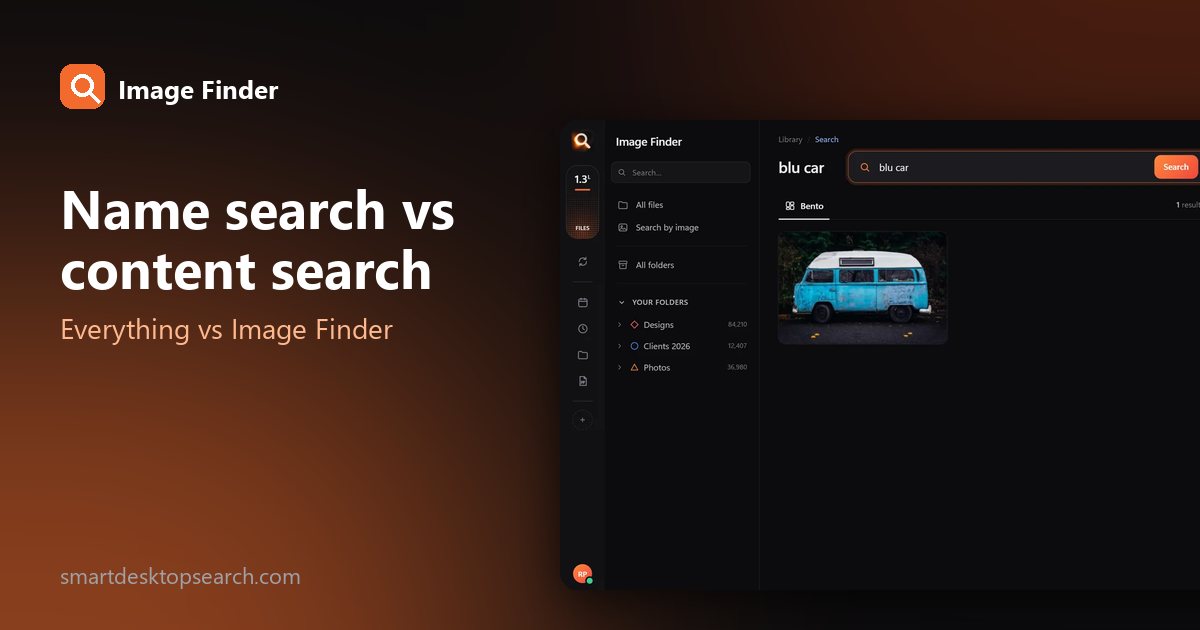
Everything by voidtools finds any file name instantly - power users love it. So why can't it find 'the red car photo'? Name search vs content search, and when you need each.
31 Oct 2026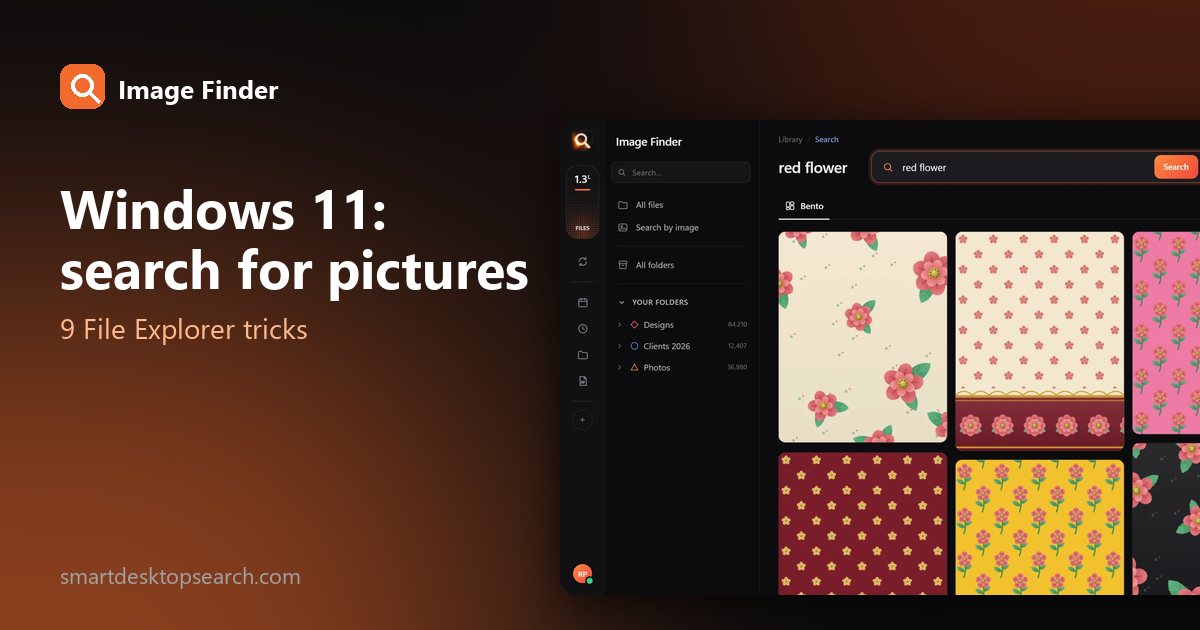
File Explorer can do more than you think: search only pictures, by date taken, size or type. Nine tricks that work today - and what to do when you need to search what is in the picture.
9 Oct 2026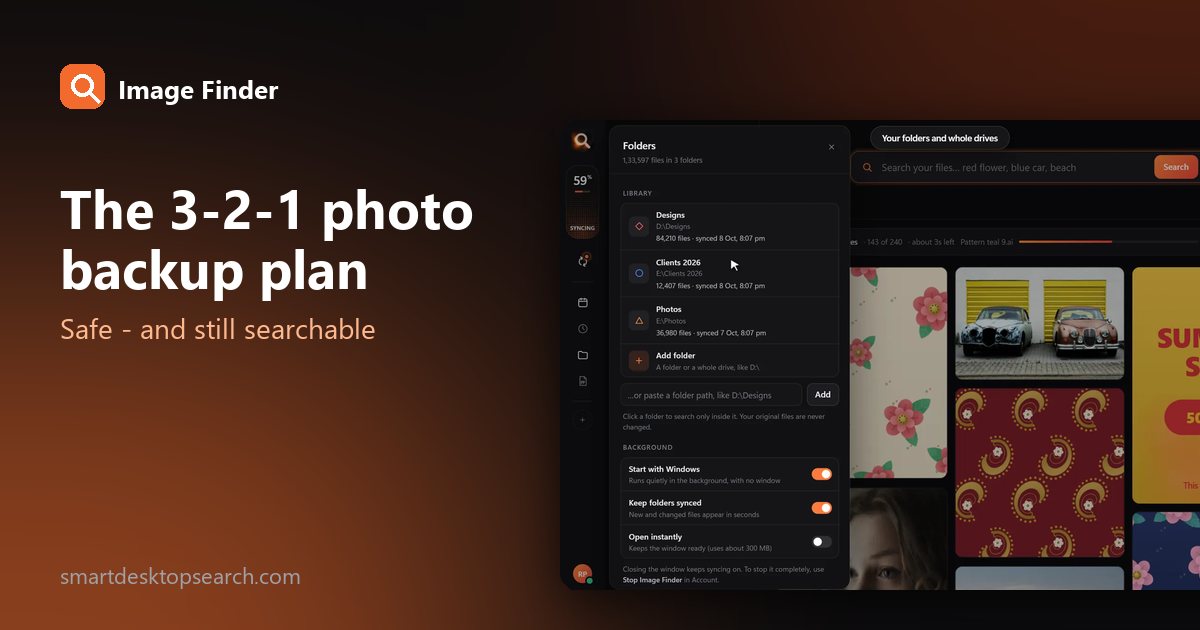
Drives fail, laptops get stolen, accounts get locked. The simple 3-2-1 rule that professionals use to protect photos - set up in an afternoon, with a library you can still search.
9 Dec 2026Tips for finding, organising and sharing your designs faster.