 +




Selling online means living in product photos: white-background shots, lifestyle photos, close-ups, every colorway, edited and unedited versions, sizes for each marketplace, and the customer photos you want to reuse. A shop with 200 products can easily have 10,000 images.
Here is a simple system to organize product photos for Etsy, Shopify, Amazon or your own site - and a way to find any photo in seconds, even when it is in the wrong folder.
The product photo life cycle
| Stage | Files |
|---|---|
| Shoot | RAW or phone photos, many retakes |
| Edit | Cleaned, cropped, color-corrected versions |
| Export | Sized for each marketplace and social platform |
| Publish | Listings, ads, emails, social posts |
| Reuse | Seasonal sales, bundles, new marketplaces |
Every stage multiplies files. Without a system, "where is the clean photo of the blue mug?" becomes a 15-minute hunt.
A folder structure that scales
| Folder | What goes in |
|---|---|
Products/<SKU or name>/Raw | Untouched shoot files |
Products/<SKU or name>/Final | Edited, full-size masters |
Products/<SKU or name>/Web | Exports for listings |
Lifestyle/<season> | Styled and in-use photos |
Brand | Logo, banners, packaging |
Find any product photo, however it was saved
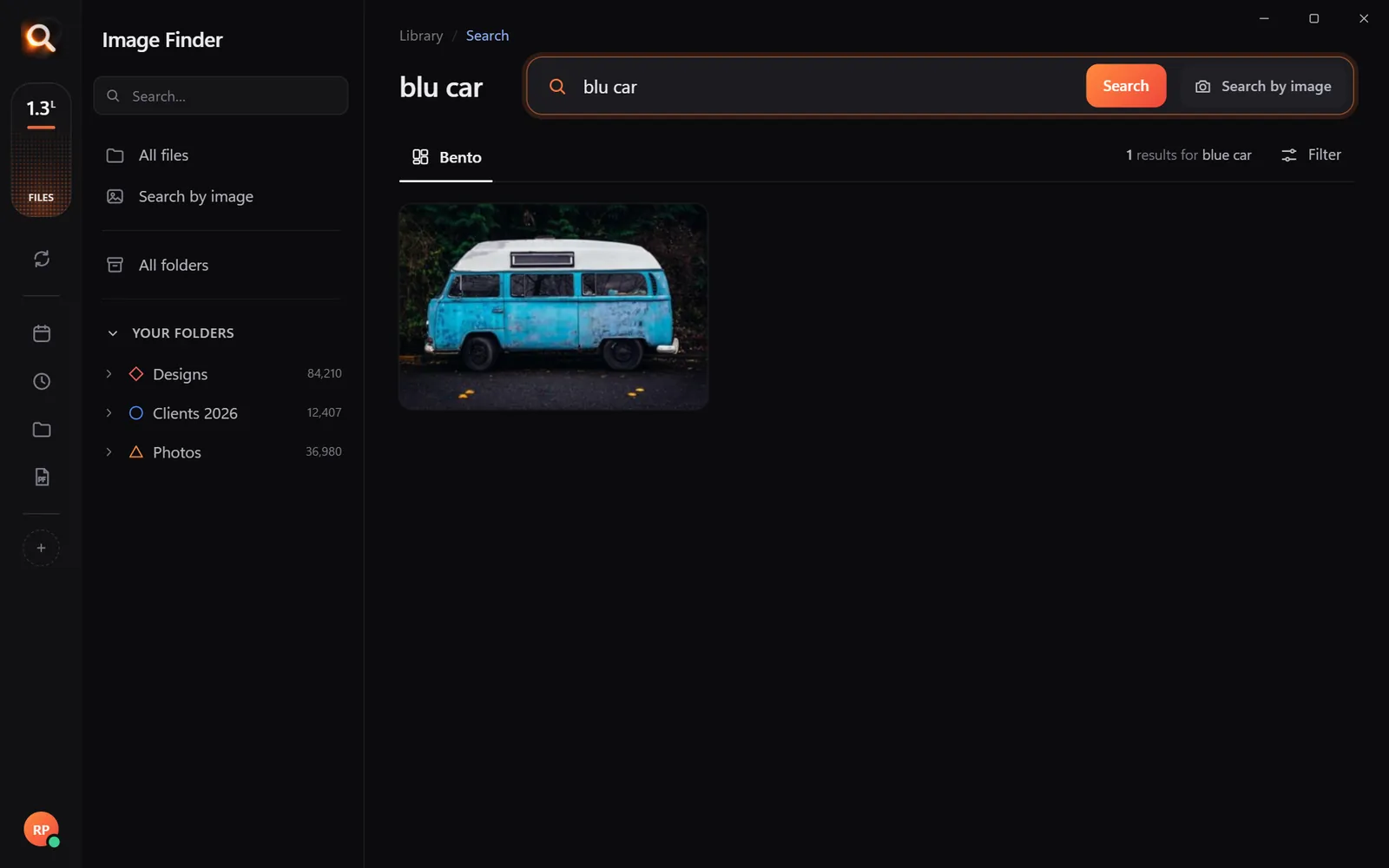
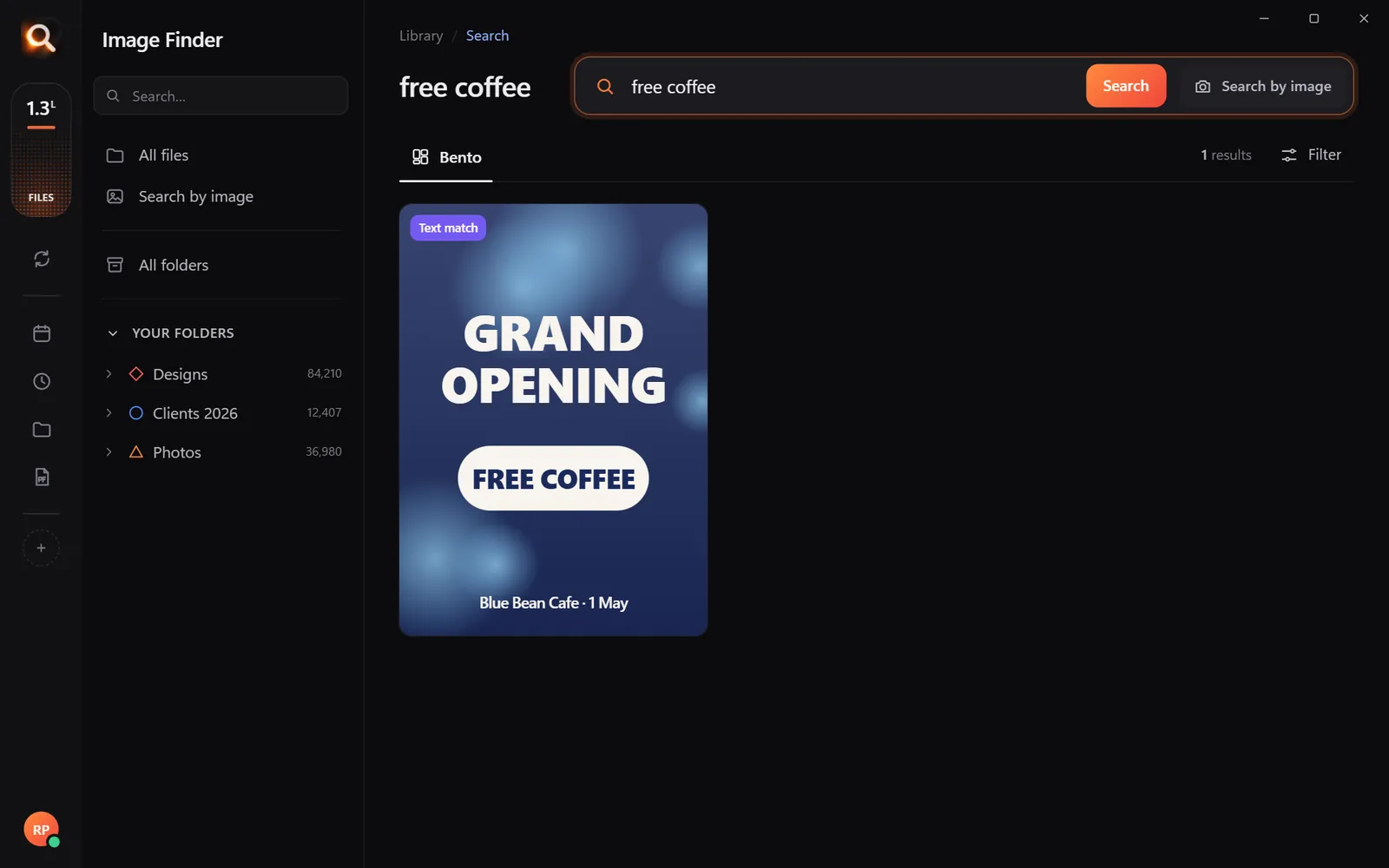
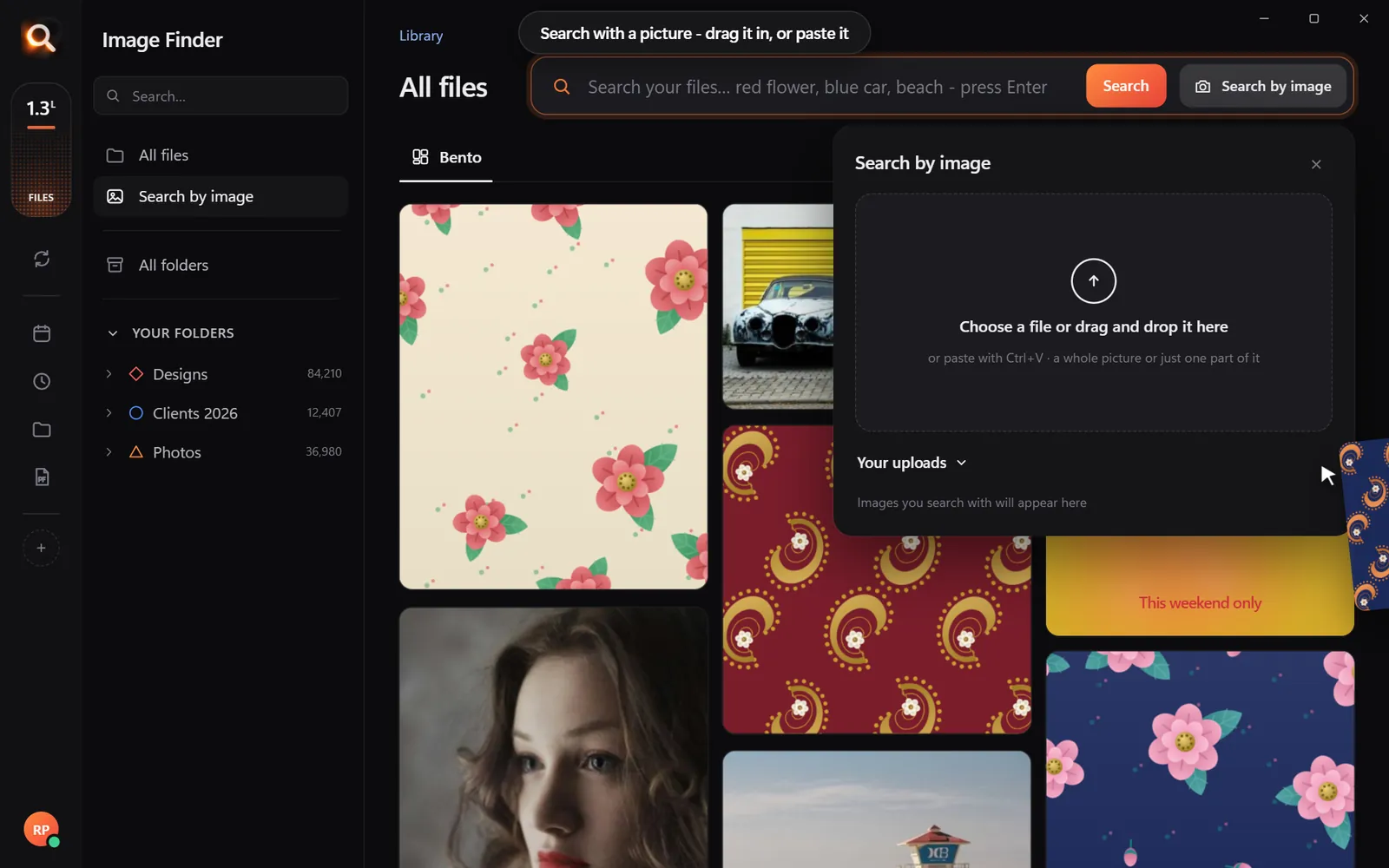
Real life is messier than any folder plan: photos land in Downloads, on the phone, in a freelancer's delivery ZIP. Image Finder finds them by what they show:
- Describe: "blue ceramic mug on white", "necklace on a model", "candle lifestyle shot".
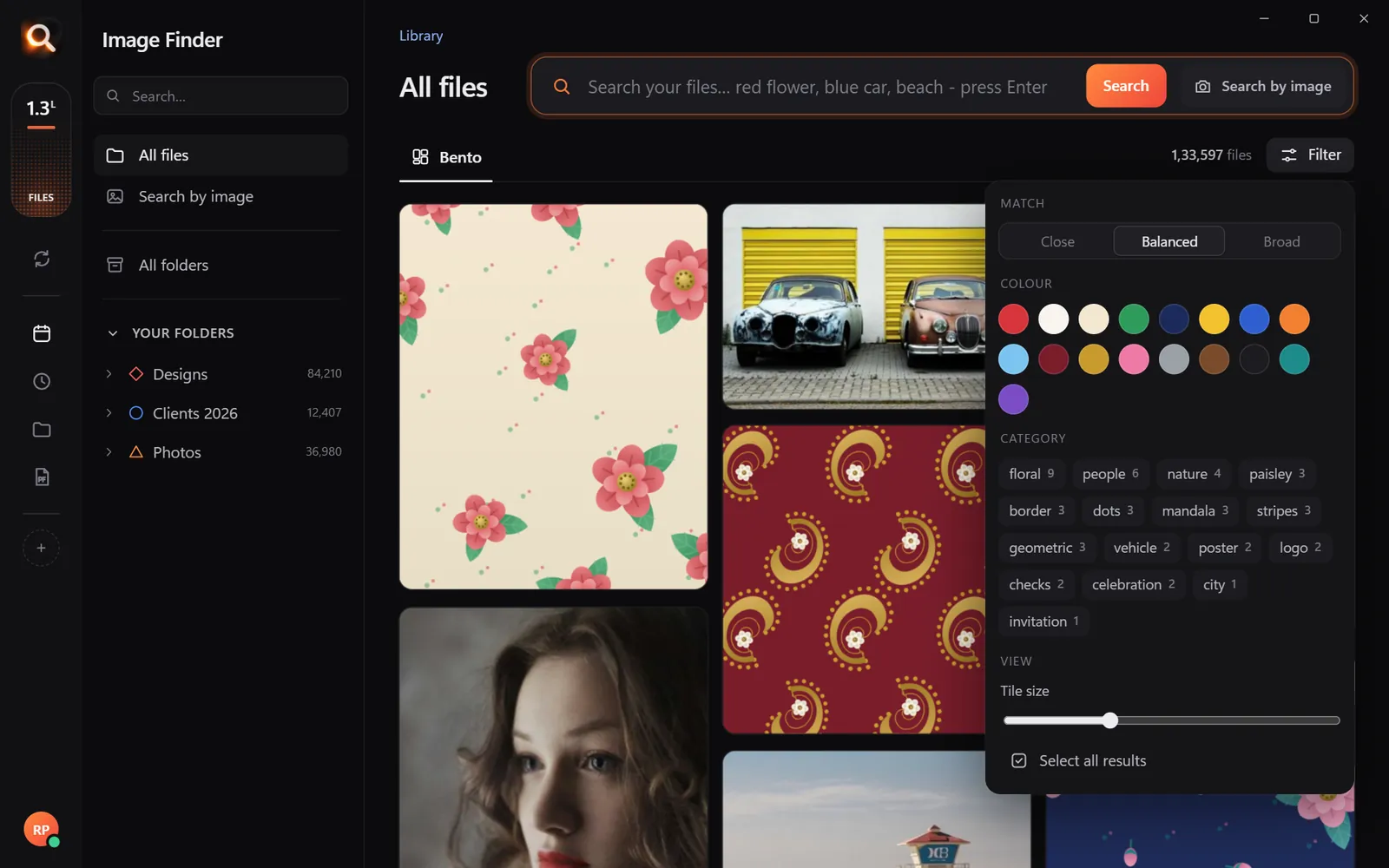
- Filter by color: a customer asks for the green version - pick green, type "mug".
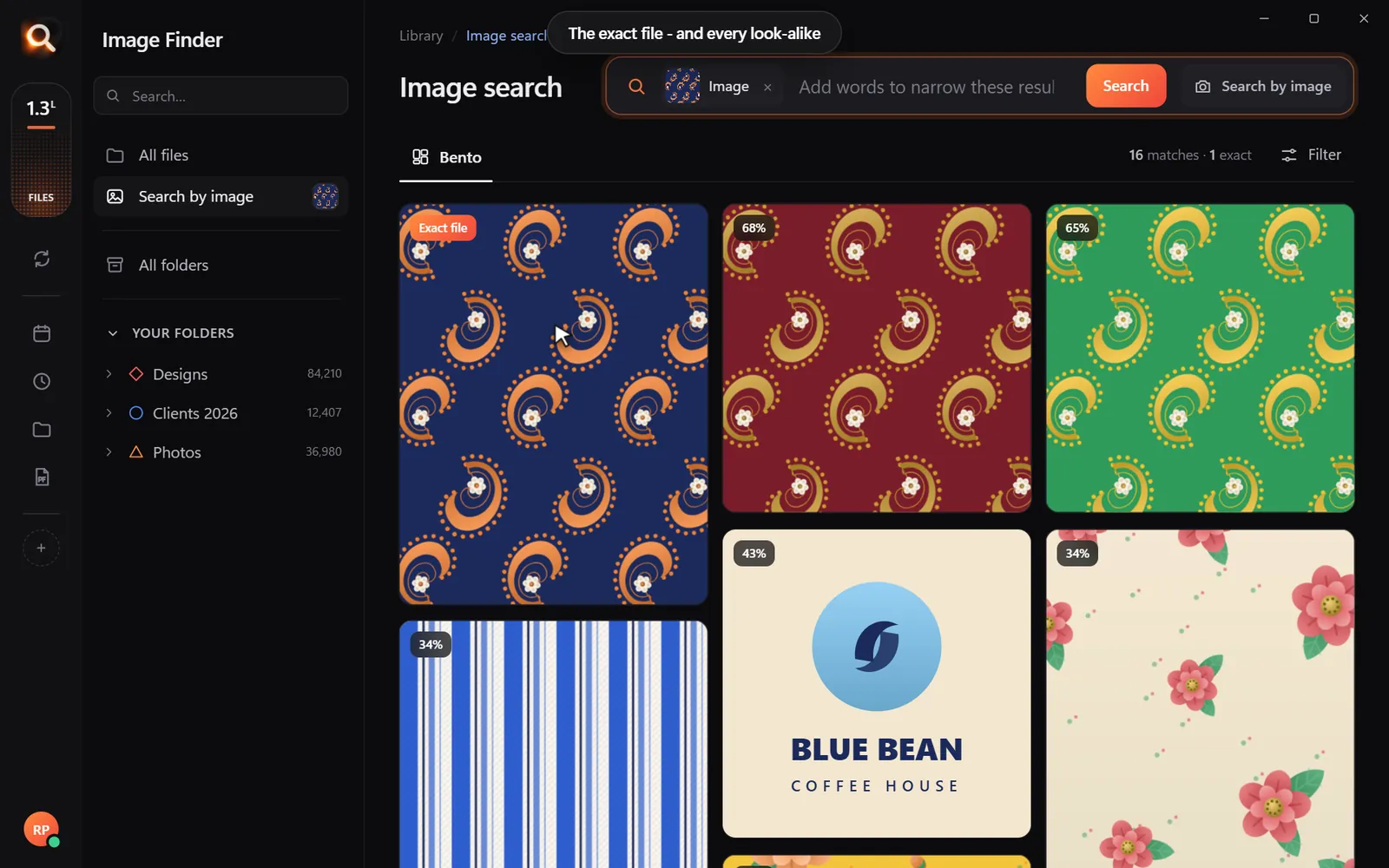
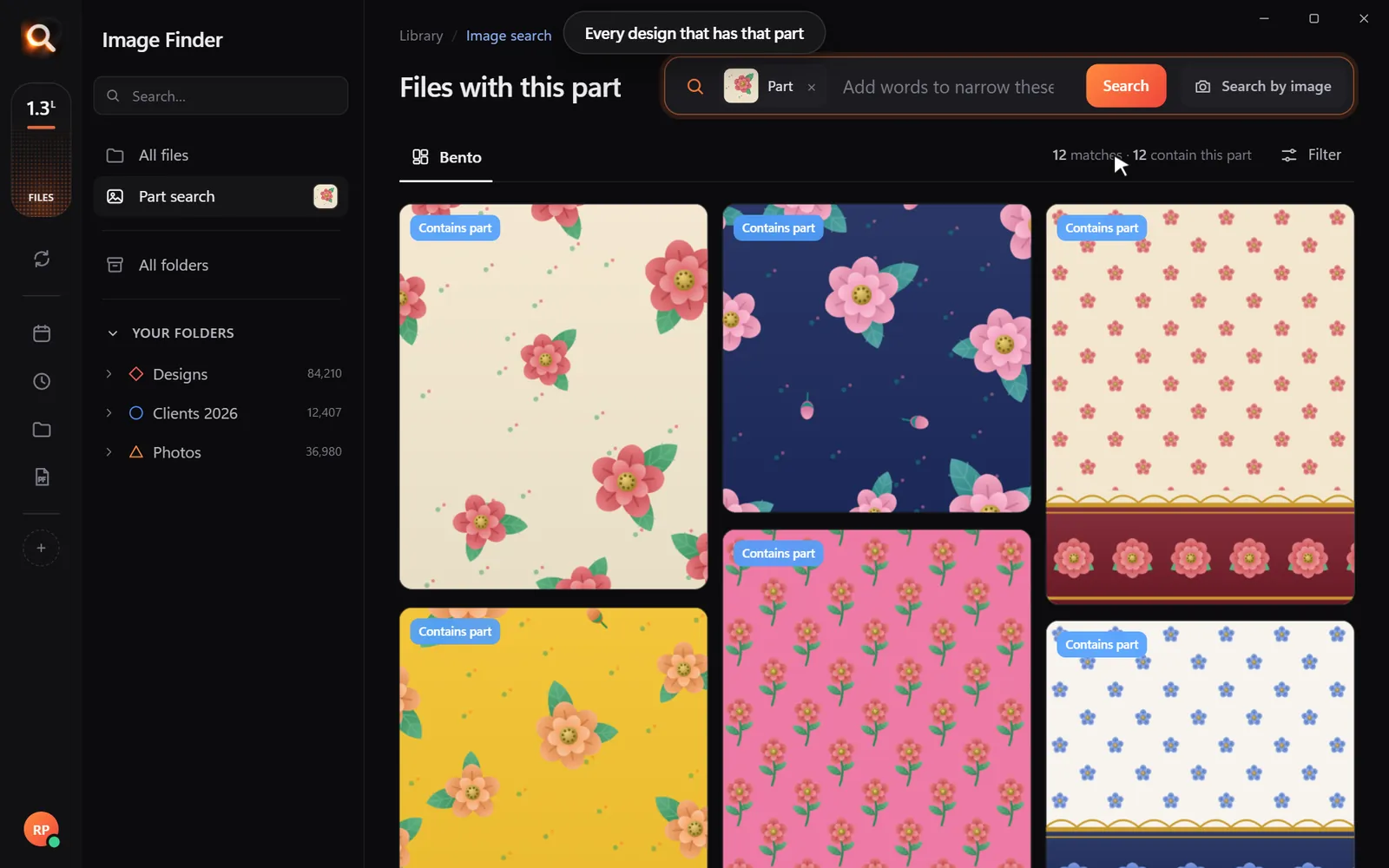
- Search with a picture: drop in the photo from your live listing to find its full-size master.
- Read the text: labels, packaging and price tags printed in photos are searchable.
Seller tasks that get faster
| Task | Search |
|---|---|
| Make a "new colors" email | Filter each color + product name |
| Find all lifestyle shots for a product | Drop in the product shot, look at look-alikes |
| Build a holiday collection page | "christmas", "gift", "red gold" + product type |
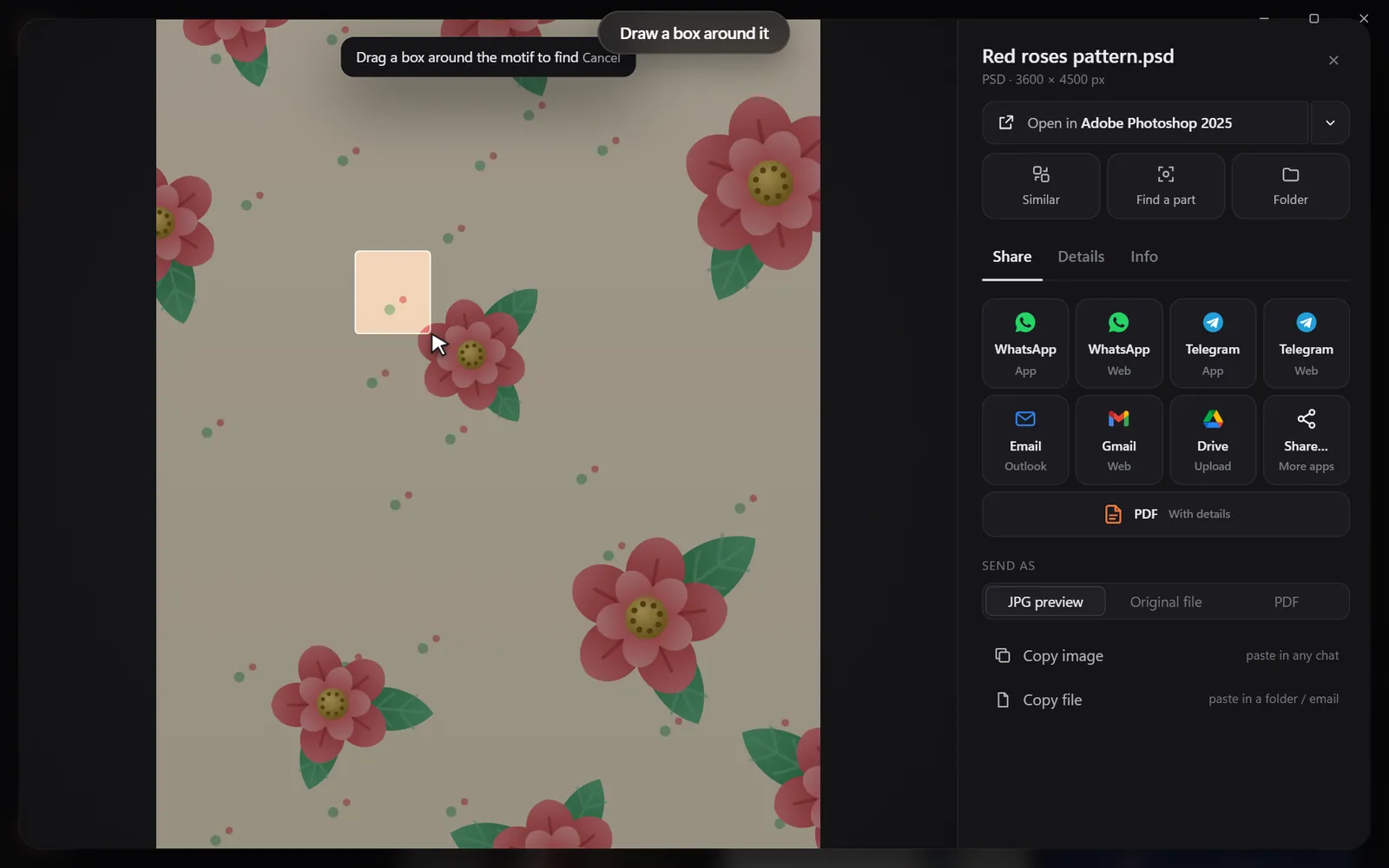
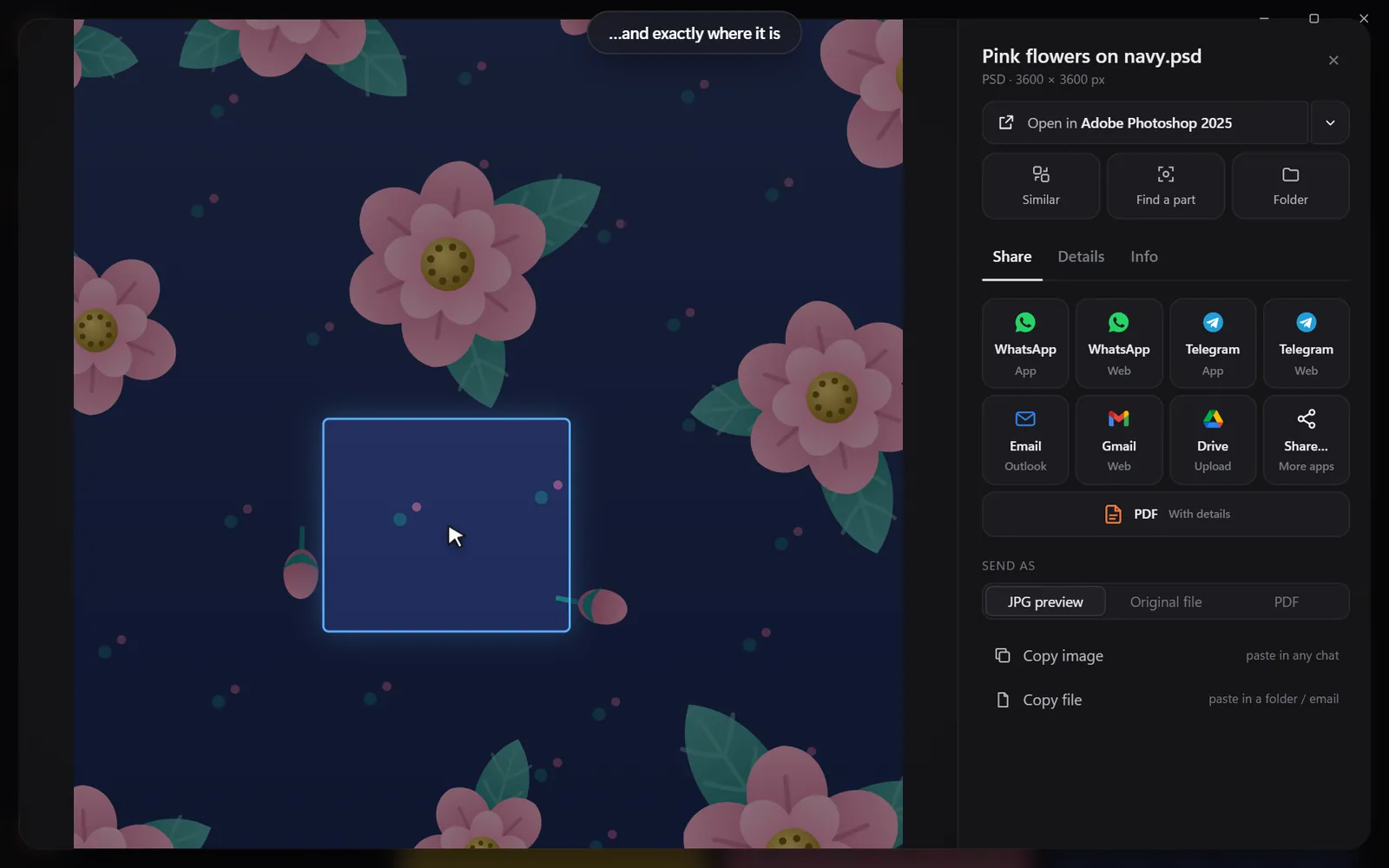
| Check where an old logo still appears | Draw a box around the old logo |
| Reply to "do you have it in navy?" | Filter navy + product, send the photo |

Wholesale and line sheets
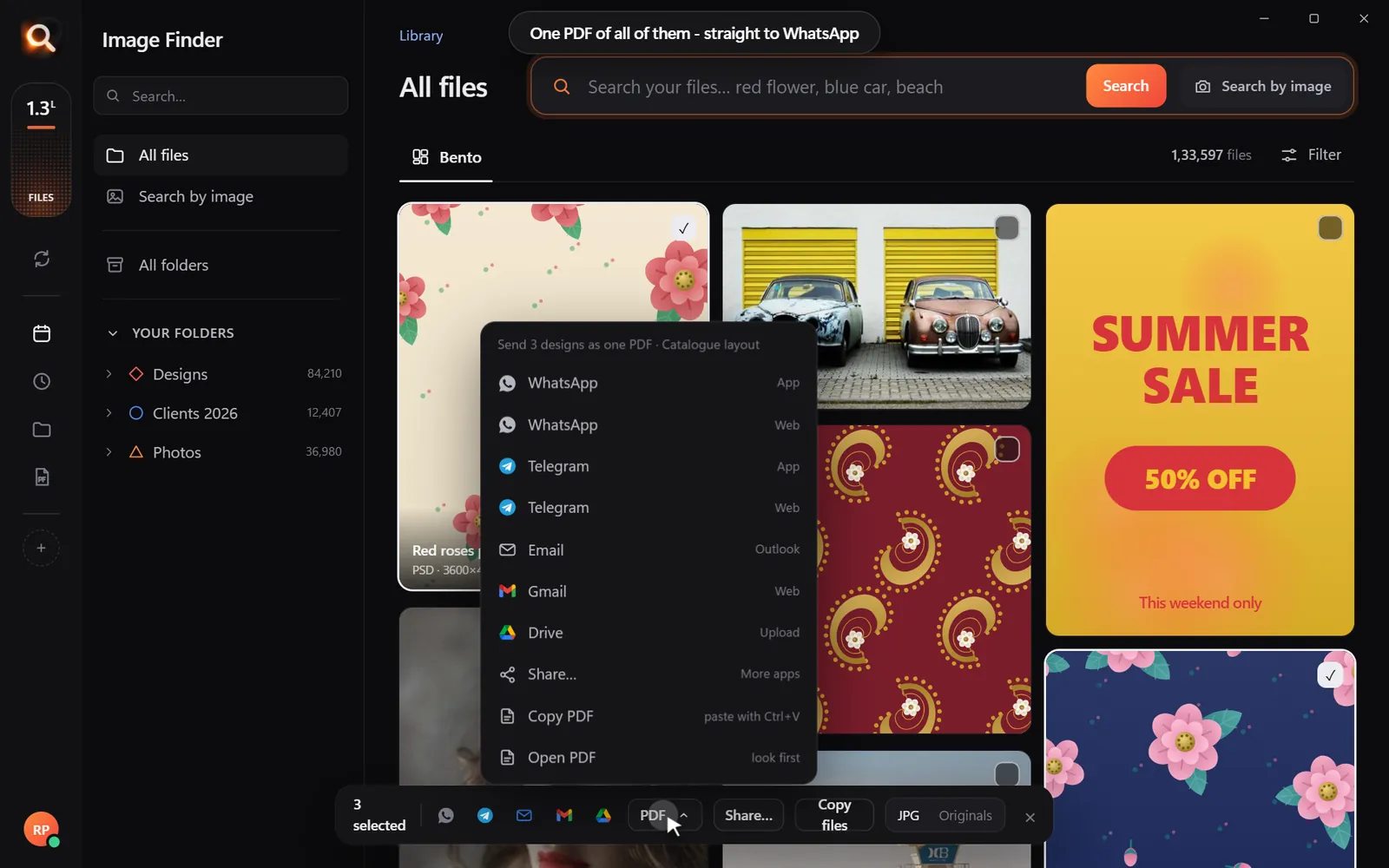
Wholesale buyers want a quick look at what you have. Search a category ("earrings"), select the best, and make a PDF - a simple line sheet in a minute. Send it by email or WhatsApp.
Protect unreleased products
New collections are your competitive edge. Image Finder searches on your own computer - unreleased product photos are never uploaded to a third-party service.
Checklist for a tidy photo library
Marketplace image requirements (quick reference)
Every platform has its own rules, and they change - always check the current guidelines. Common patterns:
| Platform | Typical main image | Notes |
|---|---|---|
| Amazon | Pure white background, product fills most of the frame | Strict main-image rules |
| Etsy | Square-friendly crops work well in search results | Lifestyle photos encouraged |
| Shopify themes | Consistent aspect ratio across products | Set by your theme |
| Square or 4:5 portrait | Lifestyle and detail shots | |
| Tall 2:3 | Styled photos do best |
Keep one full-size master per photo and export sizes as needed - never edit the only copy.
Naming: the one place it helps
Inside a product folder, names don't matter. But for exports that go to marketplaces, descriptive file names can help with image search engines: blue-ceramic-mug-12oz.jpg beats IMG_2231.jpg. Rename exports, not masters.
Customer photos and reviews
Customer photos are gold for social proof. Save the ones customers allow you to use into a Customer Photos folder. Later, search "mug on a desk" or drop in your product photo to find every customer photo featuring it.
Seasonal campaigns in minutes
| Campaign | Searches |
|---|---|
| Valentine's | Filter red or pink + "gift" |
| Mother's Day | "flowers", "gift box" |
| Summer sale | "beach", "outdoor" + product type |
| Black Friday | Your bestsellers: drop in each listing photo to find all its shots |
| Holiday gift guide | "gift", "christmas", "red gold" |
Working with a photographer or VA
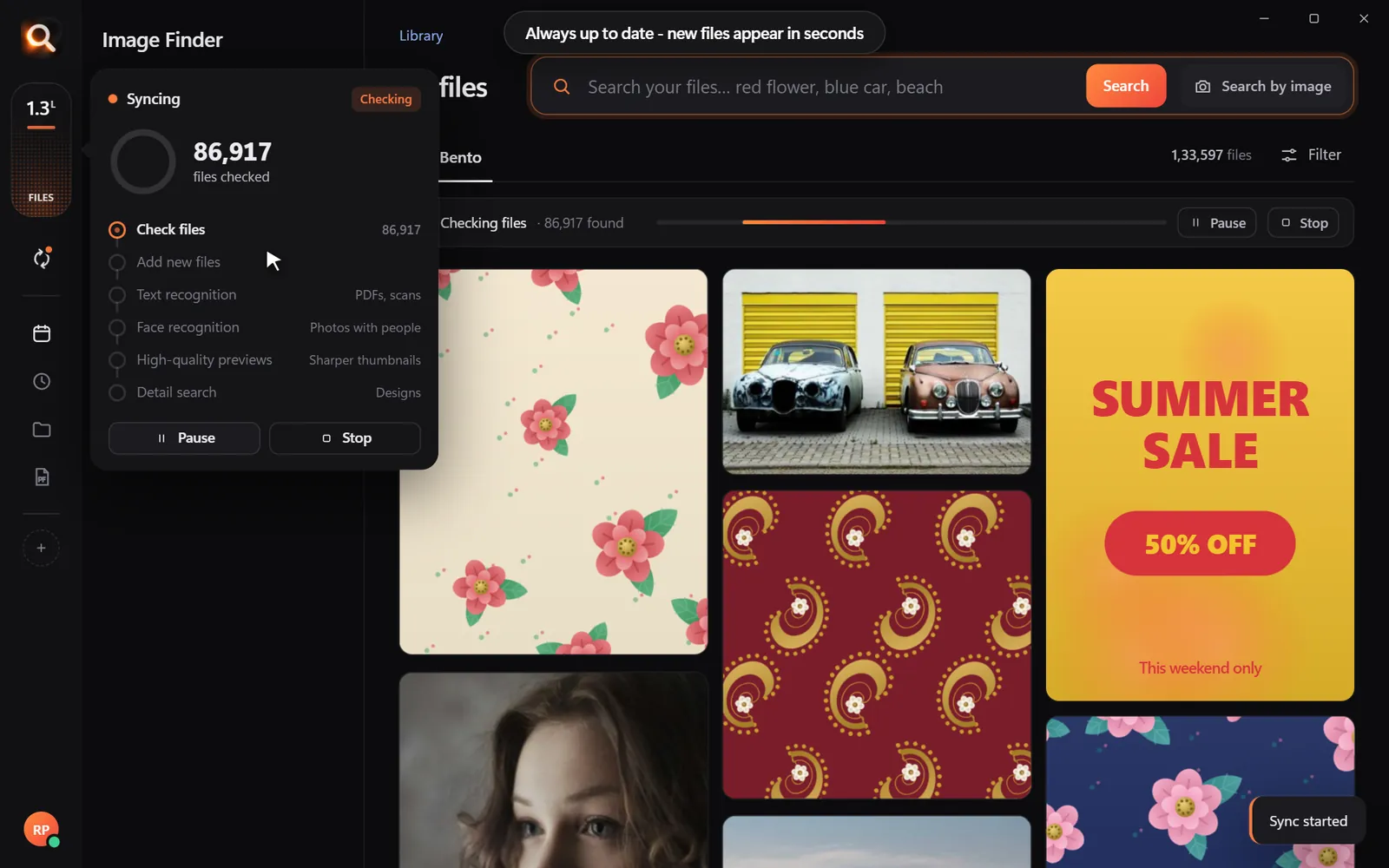
Freelancers often deliver photos as ZIP files with their own naming. Drop the ZIP into your product library as it is - Image Finder looks inside ZIP files, so the photos are searchable before you unpack anything. When a virtual assistant needs product photos, they search on their own computer over your shared folder.
Rights and releases
Keep model releases and photographer licences next to the photos (PDF in the same folder). Image Finder reads PDFs, so "release" or the model's name finds the paperwork when a platform asks.
Questions people ask
What is the best way to organize product photos?
One folder per product (by SKU or name) with Raw, Final and Web inside, plus a shared Lifestyle and Brand folder. Use search for everything that ends up elsewhere.
How do I find a product photo by color?
Use a visual search with a color filter - pick the color, then type the product name.
Can I find the original of a photo from my listing?
Yes. Drop the listing photo into Image Finder and the full-size original comes first.
Does it work for a team?
Each person runs Image Finder on their own computer over a shared or synced folder.
Windows and Mac. Private, offline, no subscription.