 +








Good news: you did the hard part. All year you snapped photos of receipts - the office chair, the client lunch, the new laptop, the mileage log. Bad news: they are now 600 files called IMG_4417.JPG, mixed in with vacation photos, spread over your phone backup, Downloads and email attachments.
Here is how to find every receipt photo for taxes (or an expense report) in minutes instead of a weekend - on Windows or Mac.
Where receipt photos hide
| Source | Where they end up |
|---|---|
| Phone camera | Phone backup / synced photo folder |
| Email receipts | Downloads, saved as PDF |
| Online orders | Downloads, as PDF invoices |
| Scanner or copier | A "Scans" folder, as PDF |
| Chat apps | Downloads or the app's folder |
Why normal search can't find them
File Explorer and Finder search names and dates. Receipt photos have camera names, and their dates are spread across the year. Unless you renamed every receipt as you went (nobody does), name search is useless.
Find receipts by the words printed on them
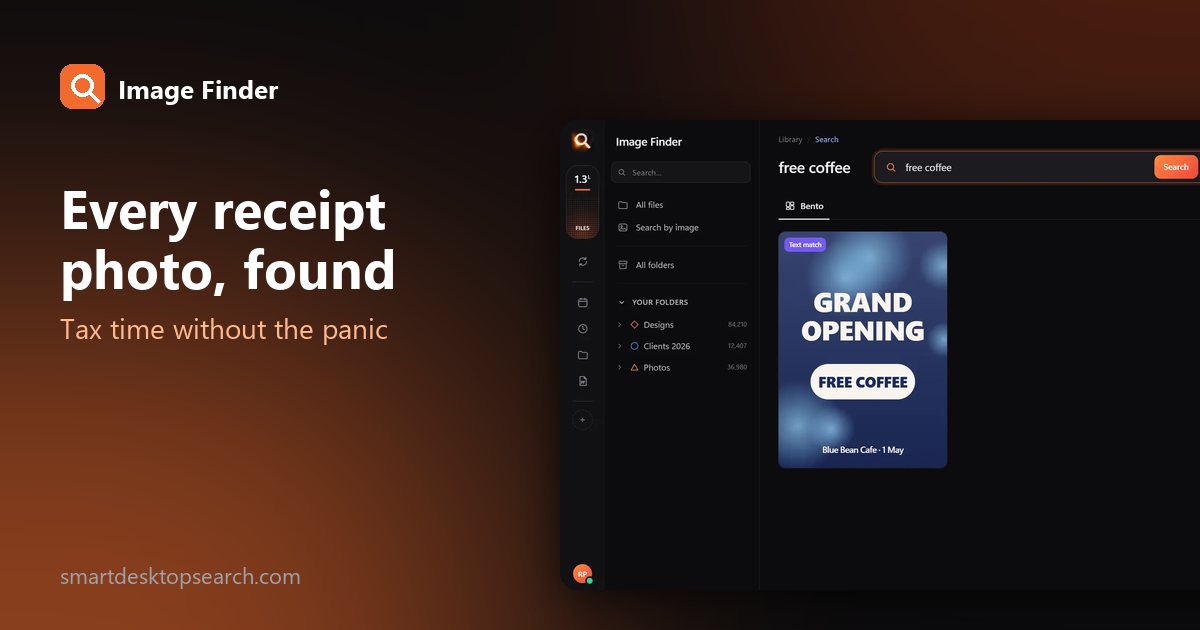
Receipts are full of text: the store name, the date, the total, "receipt", "invoice", "subtotal", "tax". Image Finder reads the words in every photo and every PDF page on your computer - so you can search receipts like you search email.

Searches that catch the stragglers
| Search | Finds |
|---|---|
receipt | Most store receipts |
invoice, bill | Online orders, contractors, utilities |
total, subtotal, tax | Receipts that never say "receipt" |
mileage, miles | Photos of mileage logs |
| A store name | Everything from one place |
An amount, e.g. 249.99 | That one receipt you need |
A tiny sample library in your browser. The app does this with AI across every file on your computer - try the real app in your browser.
When the receipt is faded or crumpled
Thermal receipts fade and wrinkle. When the text is unreadable, describe the picture instead: "receipt on a table", "paper receipt". Image Finder searches by what pictures show, not only the words in them.
Build an accountant-ready package
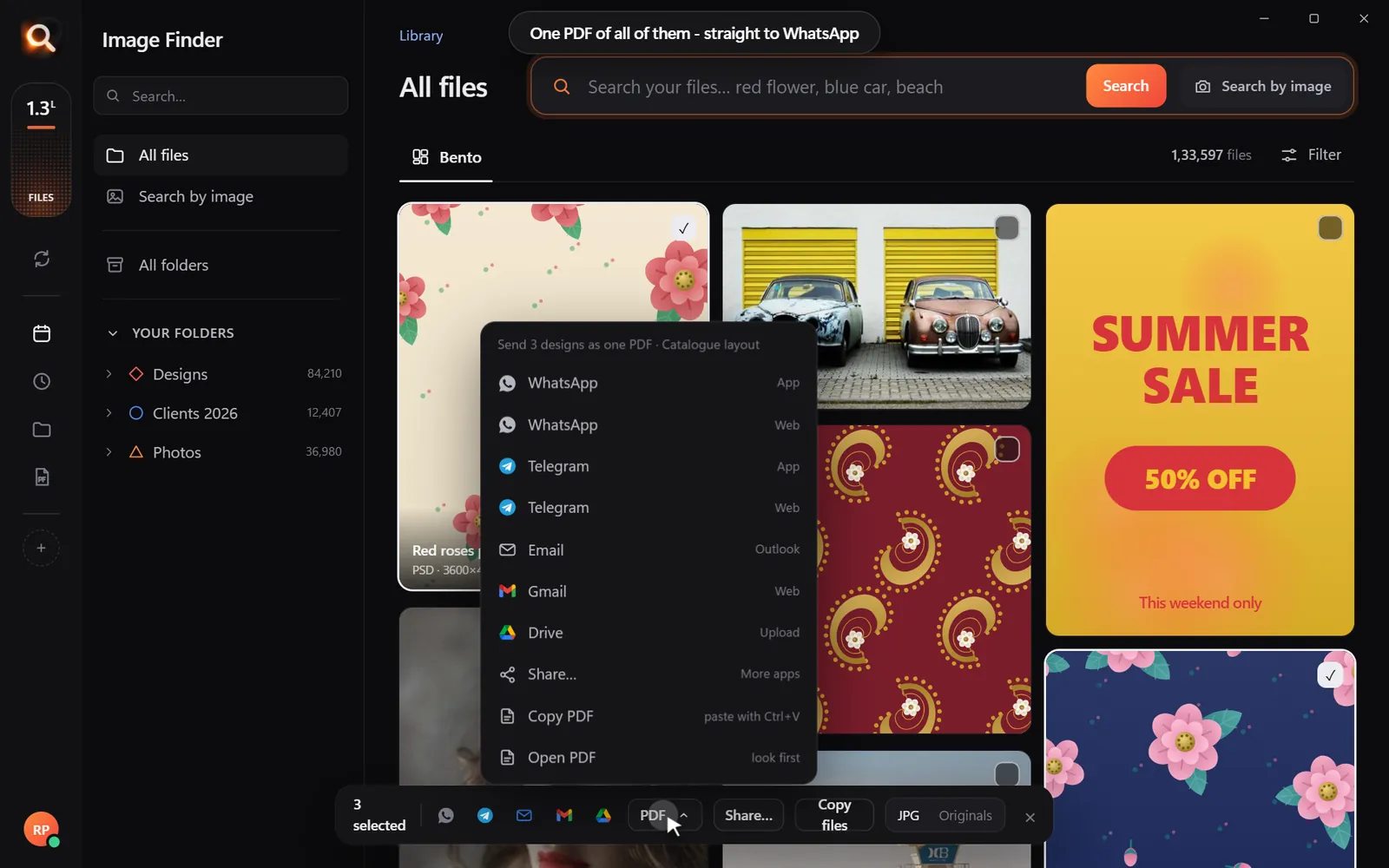
Expense reports at work
The same trick saves time every month: search the client's name or the trip city, pick the receipts, make a PDF, attach it to the expense report. No more digging through your phone in the taxi queue.
Start next year right
Who needs receipt photos?
| You are | Receipts you'll be asked for |
|---|---|
| Freelancer or self-employed | Equipment, software, home office, travel, meals with clients |
| Small business owner | Supplies, inventory, contractors, utilities |
| Employee with expenses | Travel, meals, mileage, client gifts |
| Landlord | Repairs, maintenance, insurance |
| Anyone | Big purchases for warranties, medical bills, donations |
Finding receipts by amount
Remember roughly how much something cost? Searching the amount works when it's printed clearly - try it with and without cents: 249.99 and 249. If a total is unclear, search the store name and look at the dates.
Digital receipts are receipts too
Many receipts never existed on paper:
- Online orders: confirmation emails saved as PDF, or screenshots of the order page.
- Apps and subscriptions: receipts in your email or app store account.
- Ride-share and delivery: receipts as emails or in the app.
Save the important ones as PDF into one folder (most email apps have Print > Save as PDF). Image Finder reads every page, so they're searchable with your photographed receipts.
A quarterly routine that takes 15 minutes
At the end of the year, you have four tidy PDFs per category - no January panic.
Mileage and other "invisible" expenses
Some deductions need logs, not receipts. Photograph odometer readings at the start and end of each month, or a paper mileage log. Search "mileage" or "odometer" to find them later. Photos of parking tickets, tolls and parking receipts are found the same way.
For teams: expense reports in minutes
Finance teams spend hours chasing missing receipts. If employees keep receipt photos in a synced folder, each person can search their trip ("Chicago", "hotel") and attach one PDF to their report - fewer back-and-forth emails, faster reimbursements.
Questions people ask
How do I find all my receipt photos?
Search the words printed on receipts - "receipt", "invoice", "total", or the store name - with a search that reads text in pictures, such as Image Finder.
Can I search PDFs and photos at the same time?
Yes. Image Finder searches the words in photos, screenshots and every page of PDFs in one search.
What if a receipt is too faded to read?
Describe the picture instead ("paper receipt on a table") to find it by what it looks like.
Is it safe to keep receipts on my computer?
Keep a backup and protect your computer with a password. Image Finder never uploads them.
Windows and Mac. Private, offline, no subscription.