 +
+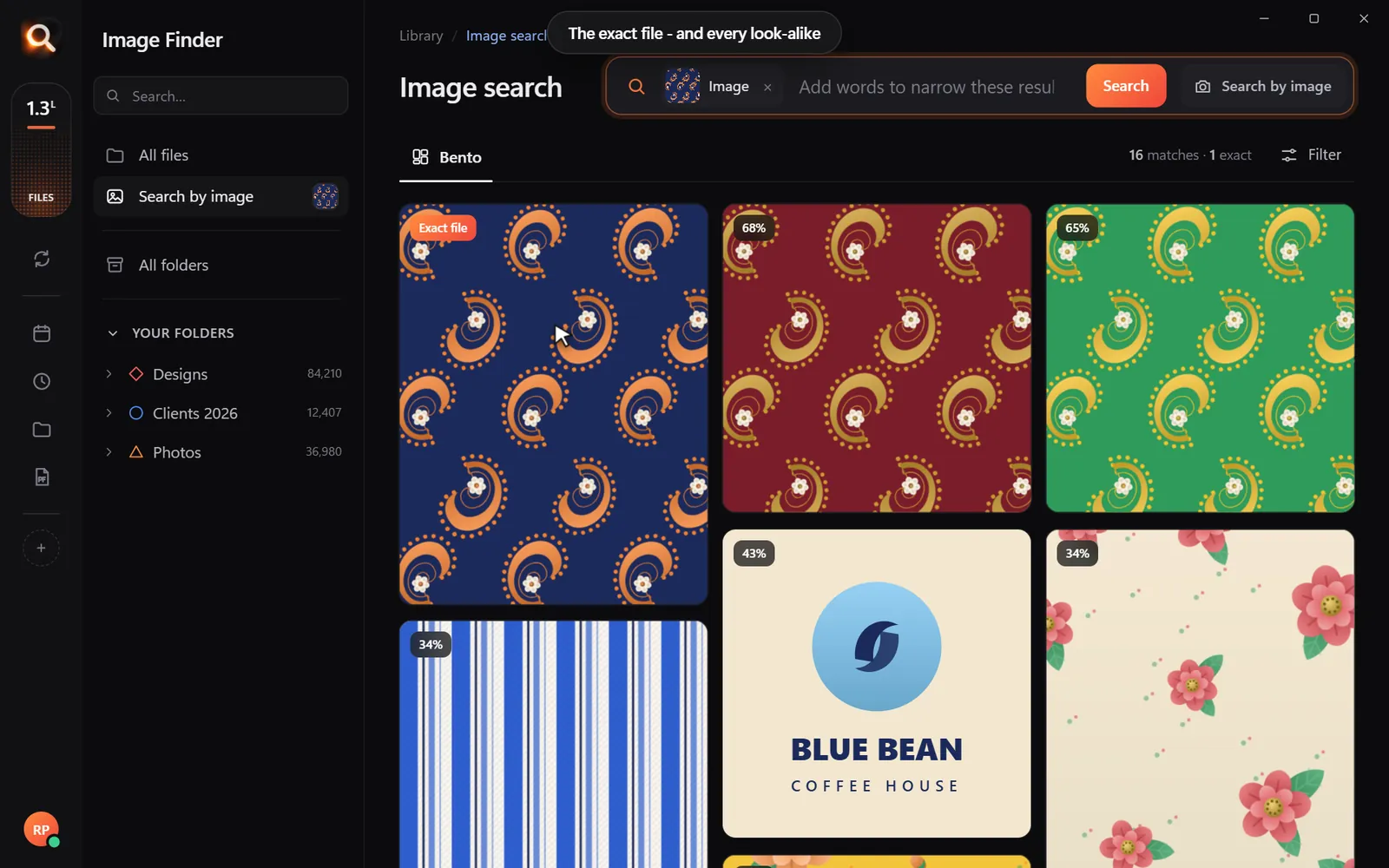

A fashion collection leaves a trail of files: hand sketches photographed on a phone, print repeats in Illustrator, fabric swatch scans, tech packs, reference photos and lookbooks. Season after season, finding "that paisley from two springs ago" gets harder. Here is a simple way to organize fashion design files - and find any of them in seconds.
A folder system that survives busy seasons
| Folder | What goes in |
|---|---|
Seasons/2026-SS/Sketches | Phone photos and scans of sketches |
Seasons/2026-SS/Prints | Print repeats and colorways (AI, PSD) |
Seasons/2026-SS/Lookbook | Shoot selects and the final lookbook PDF |
Library/Fabrics | Swatch scans and supplier photos |
Library/References | Inspiration and mood board images |
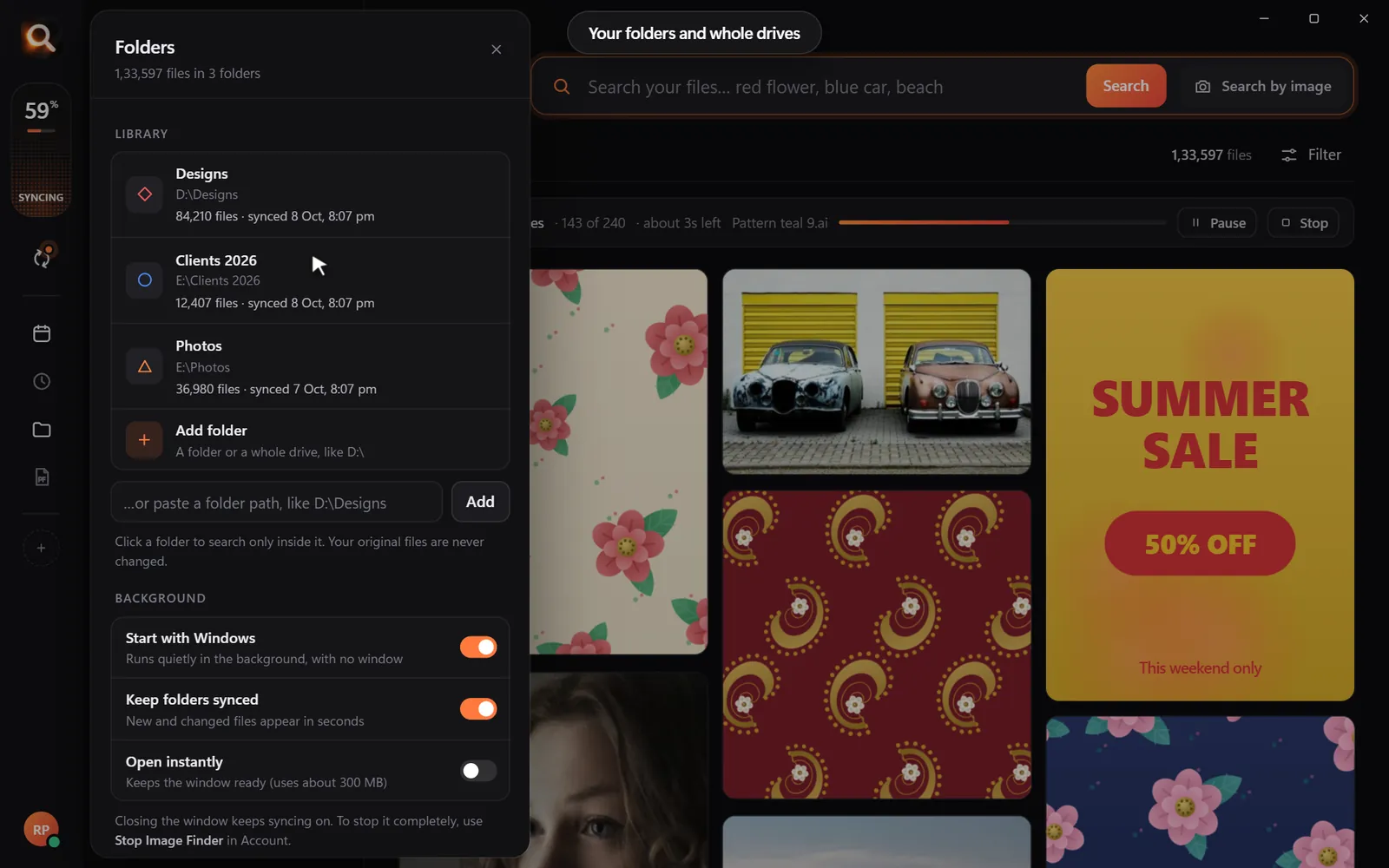
Keep it simple - and do not worry when files end up in the wrong place. Search will find them.
Find anything in three ways
By description
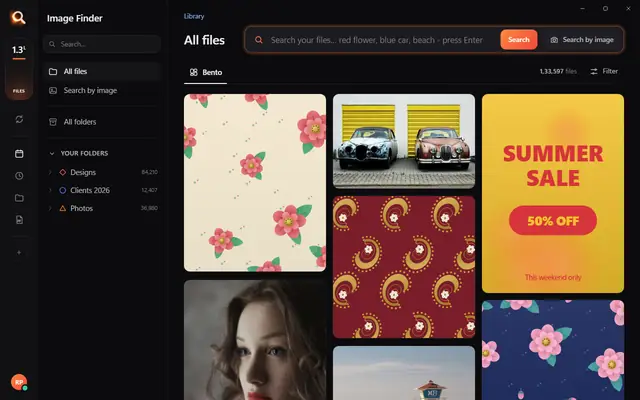
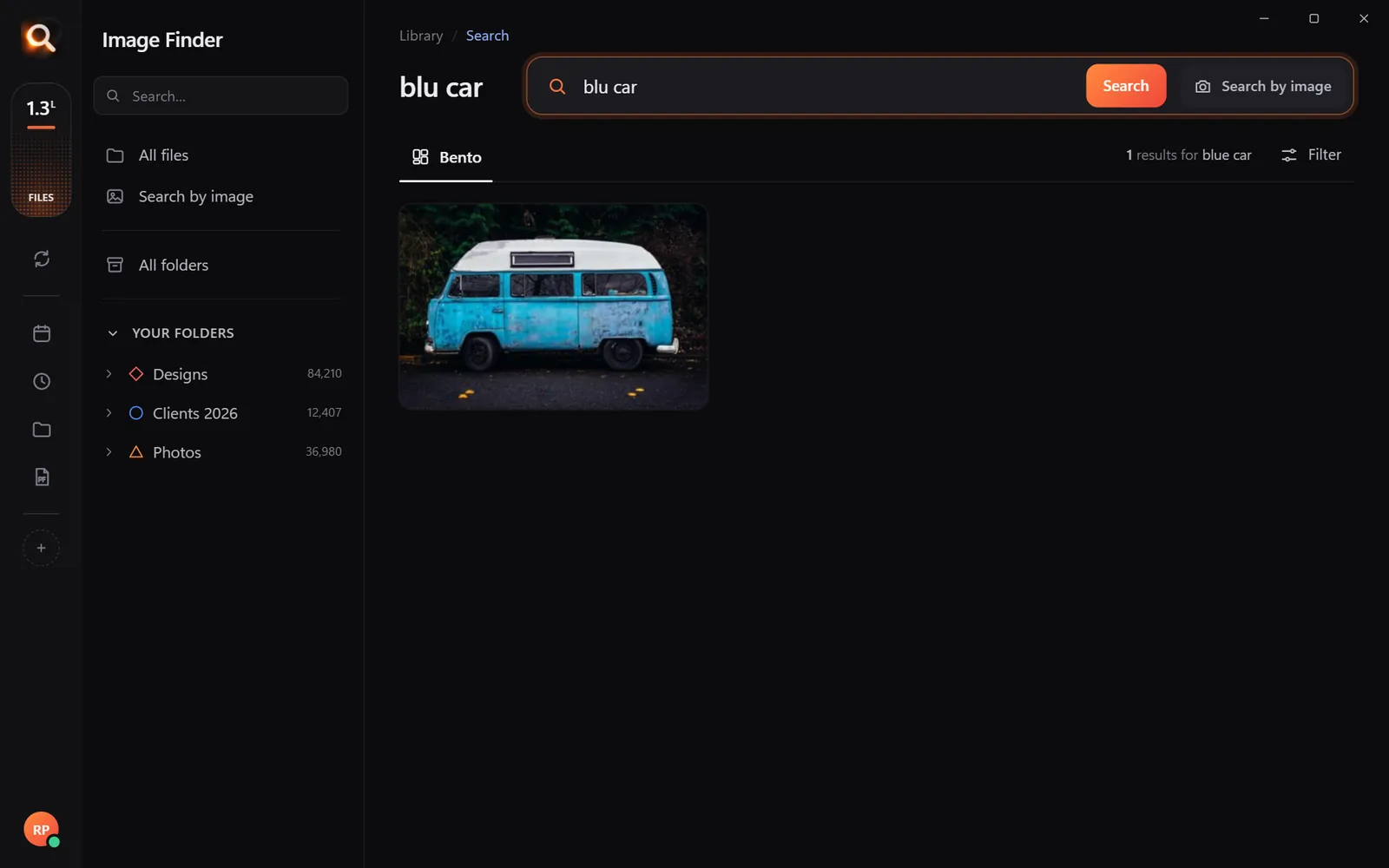
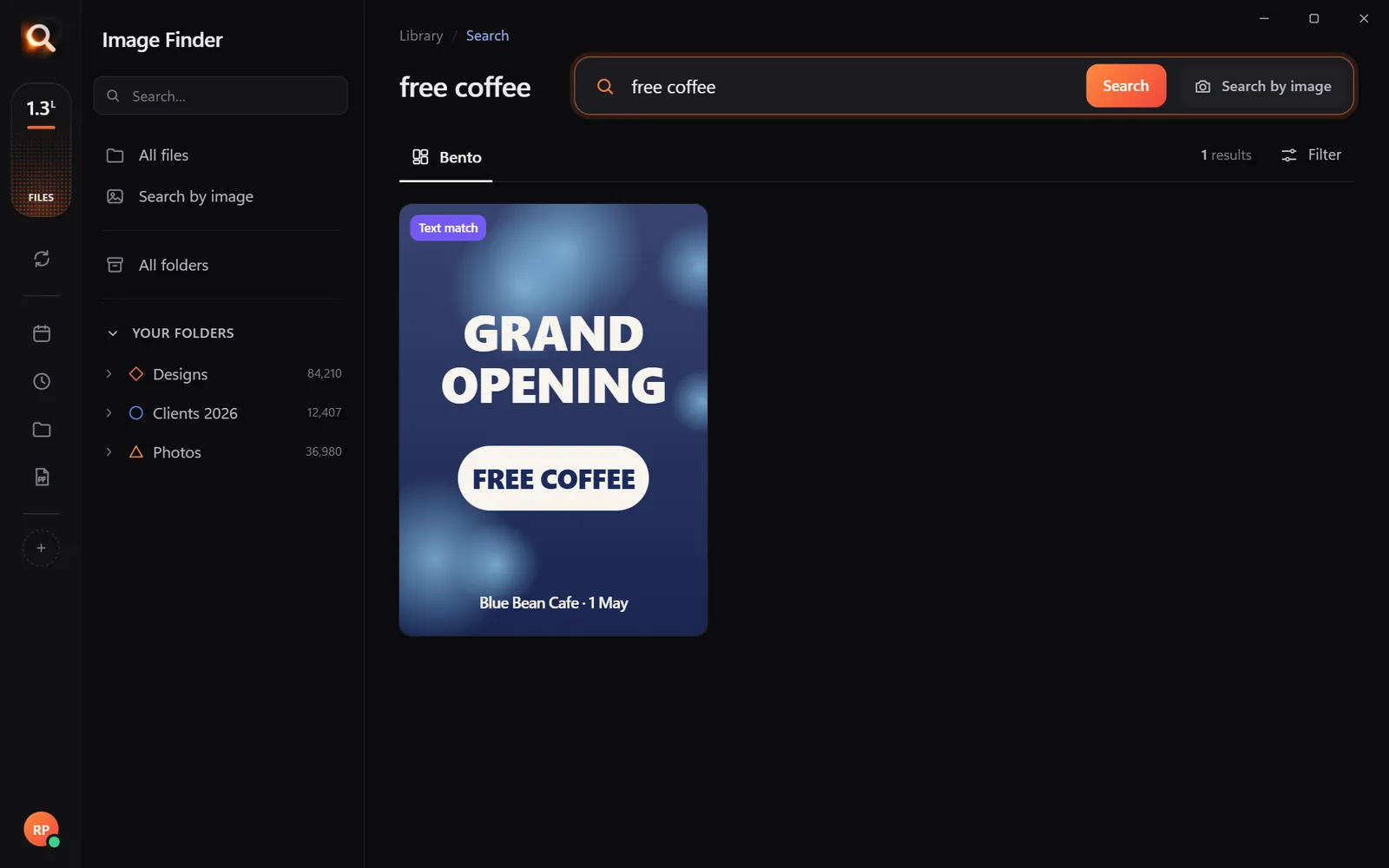
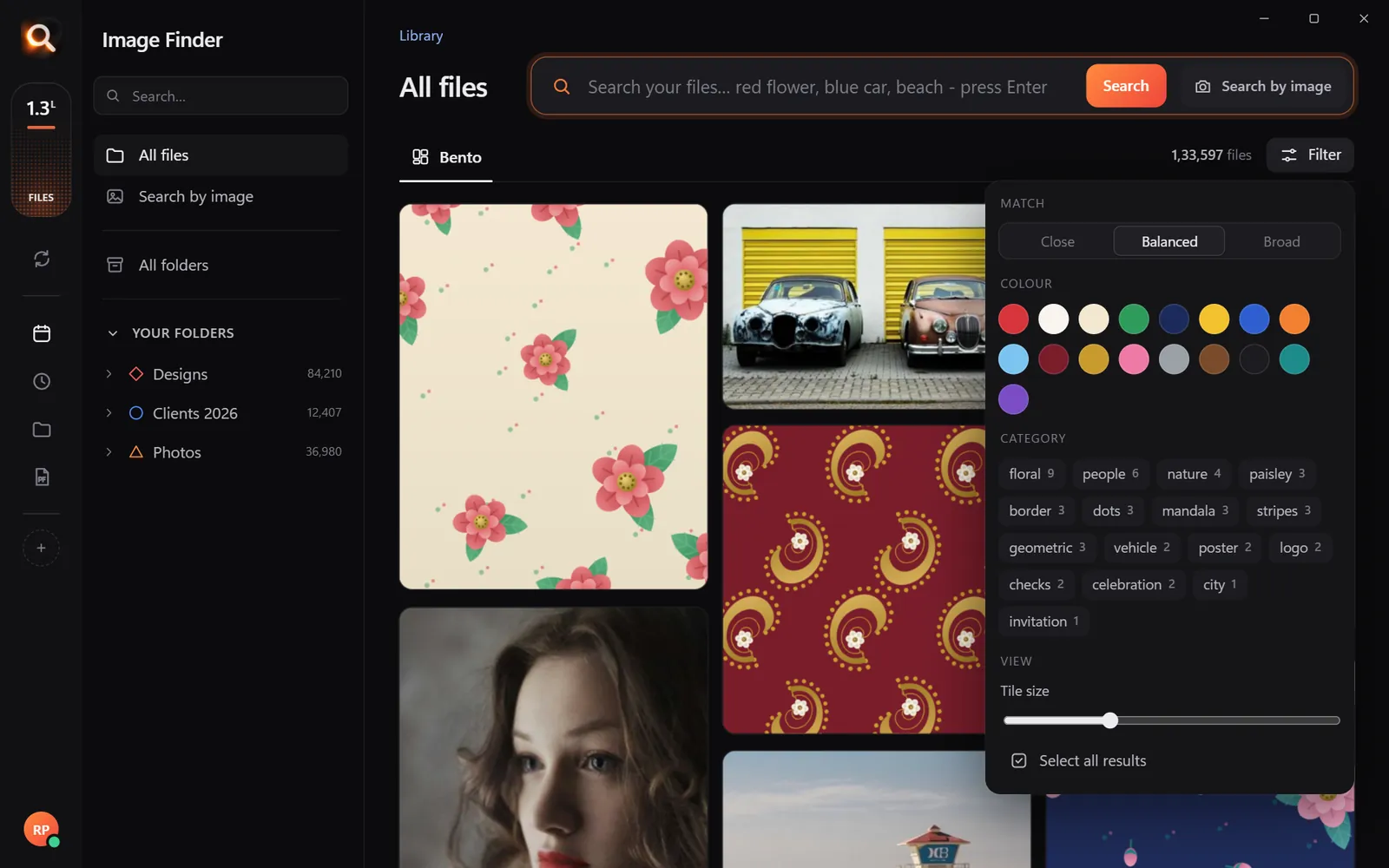
"Floral maxi dress sketch", "navy pinstripe", "model in a red coat". The search looks at the pictures, so IMG_0231.jpg is found too.
By color
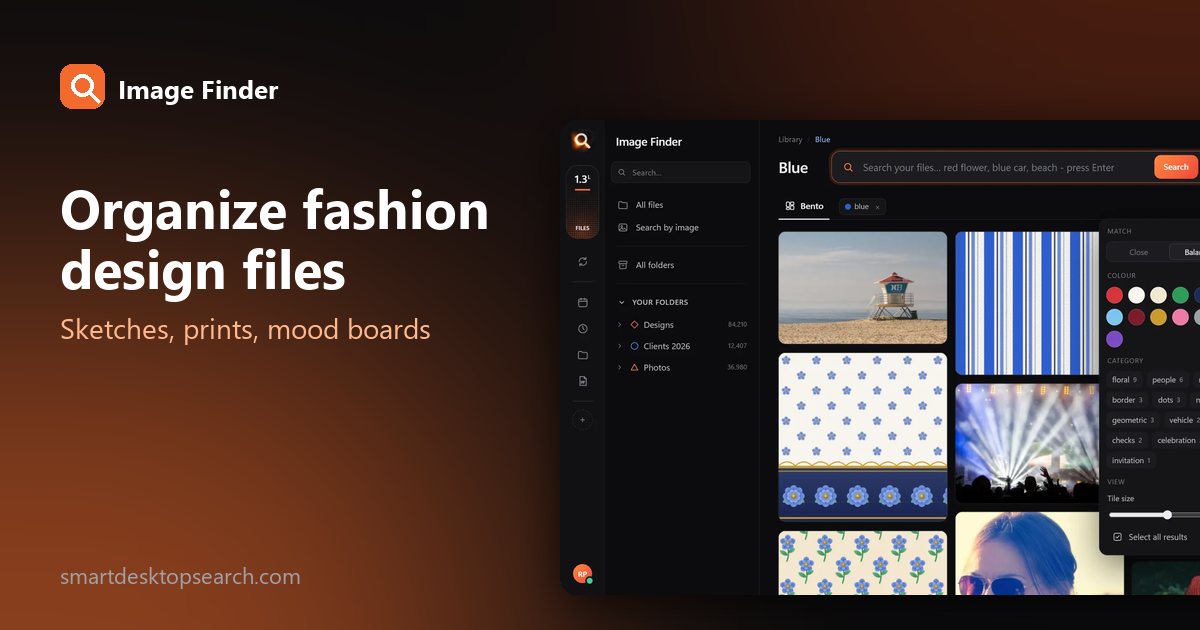
Open the filter and pick a color - every print and photo where it really appears stays. Add a word: pick pink, type "floral".
By one motif
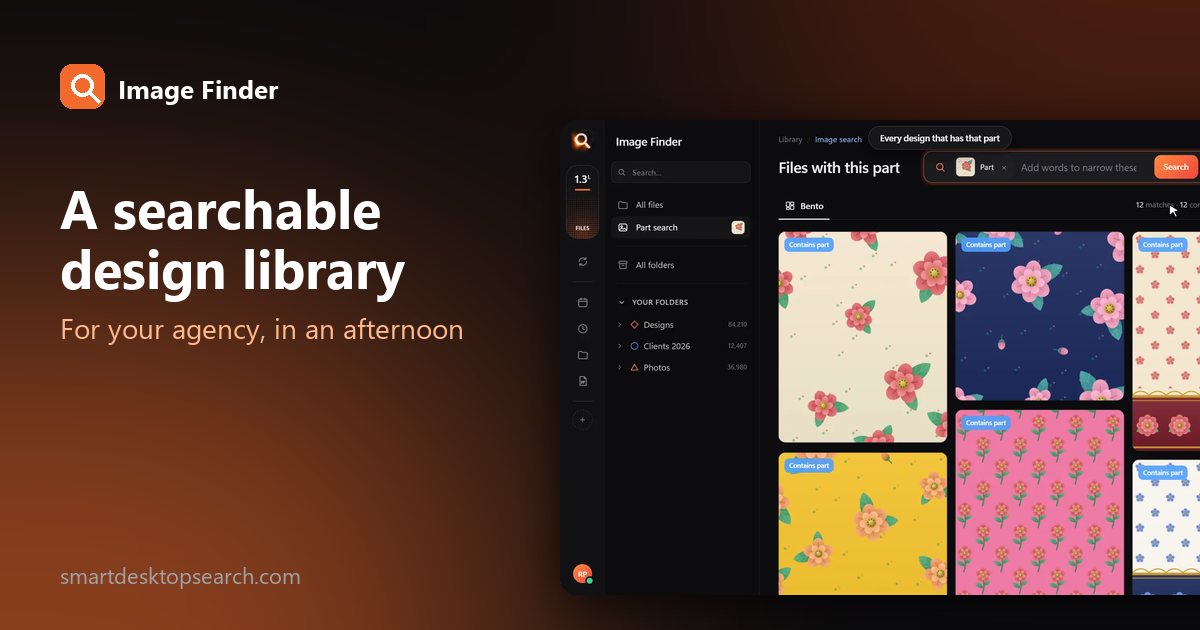
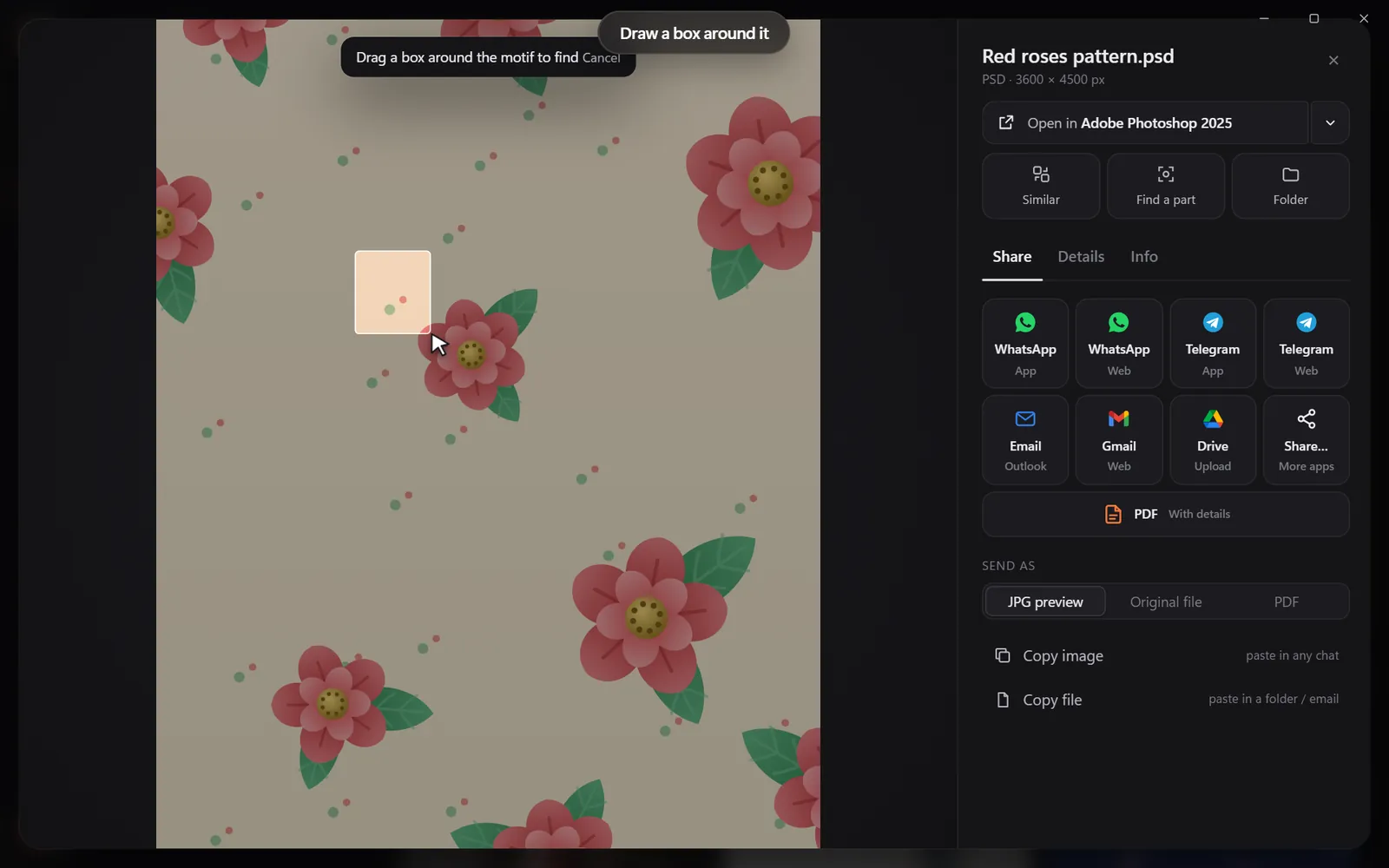
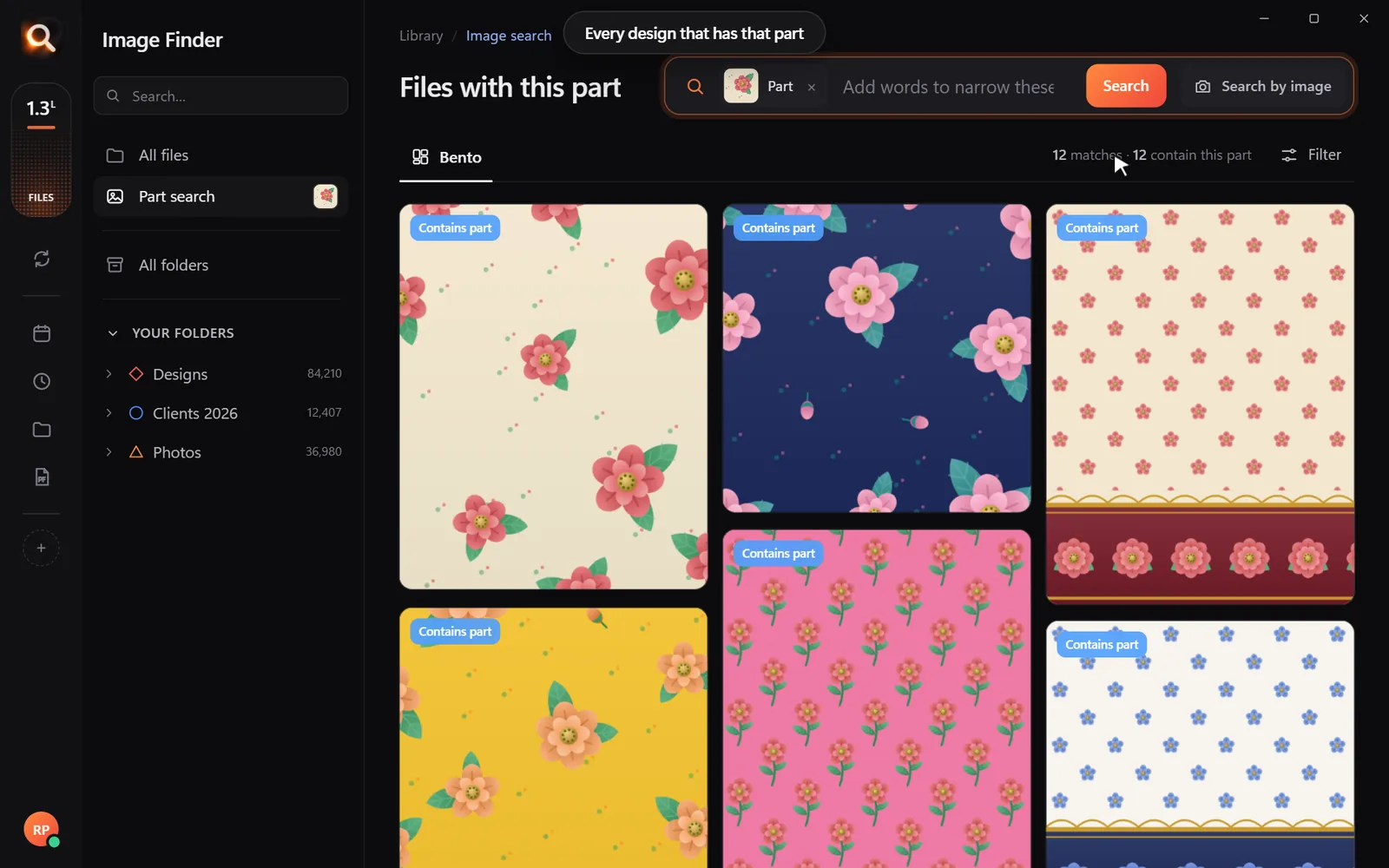
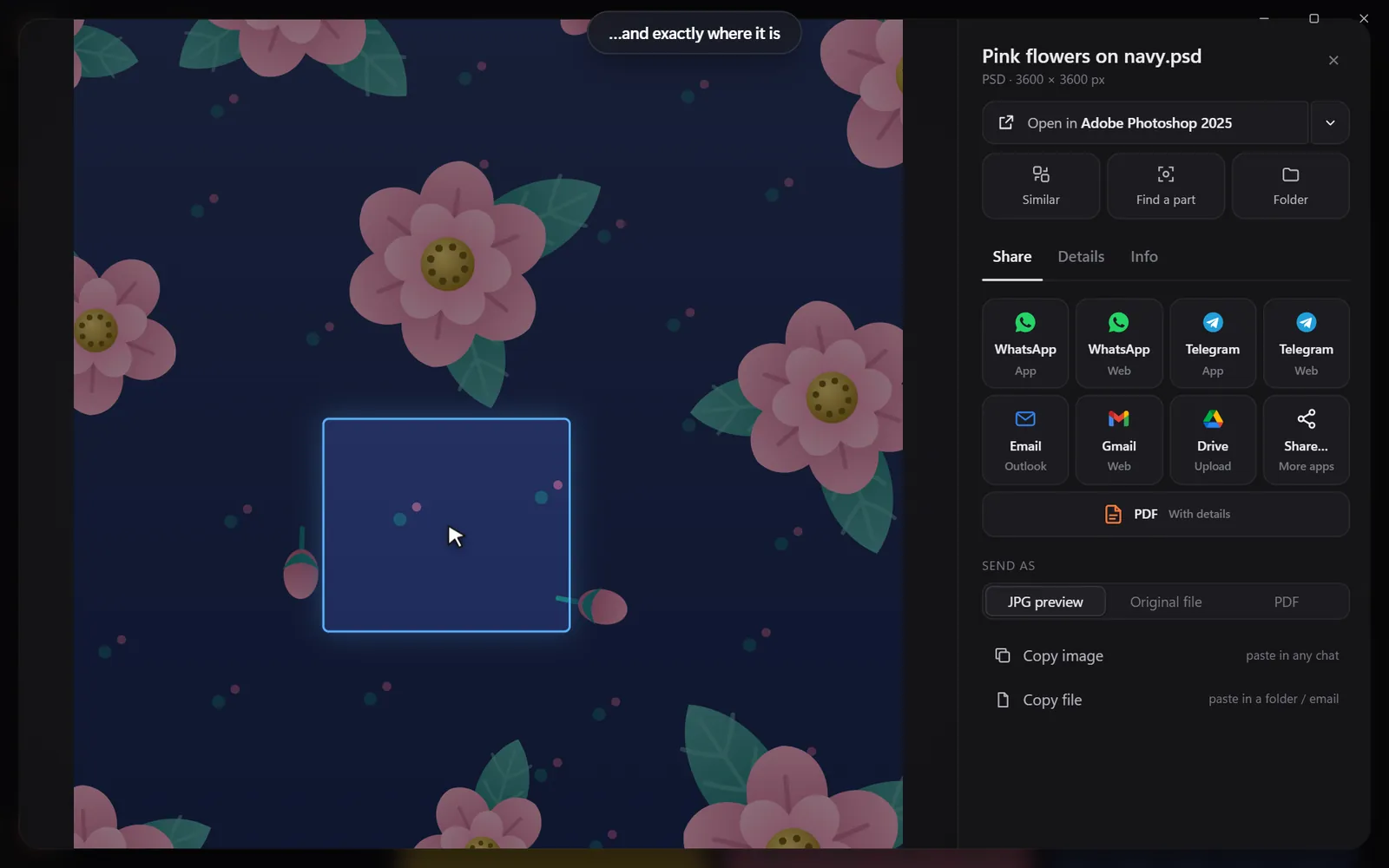
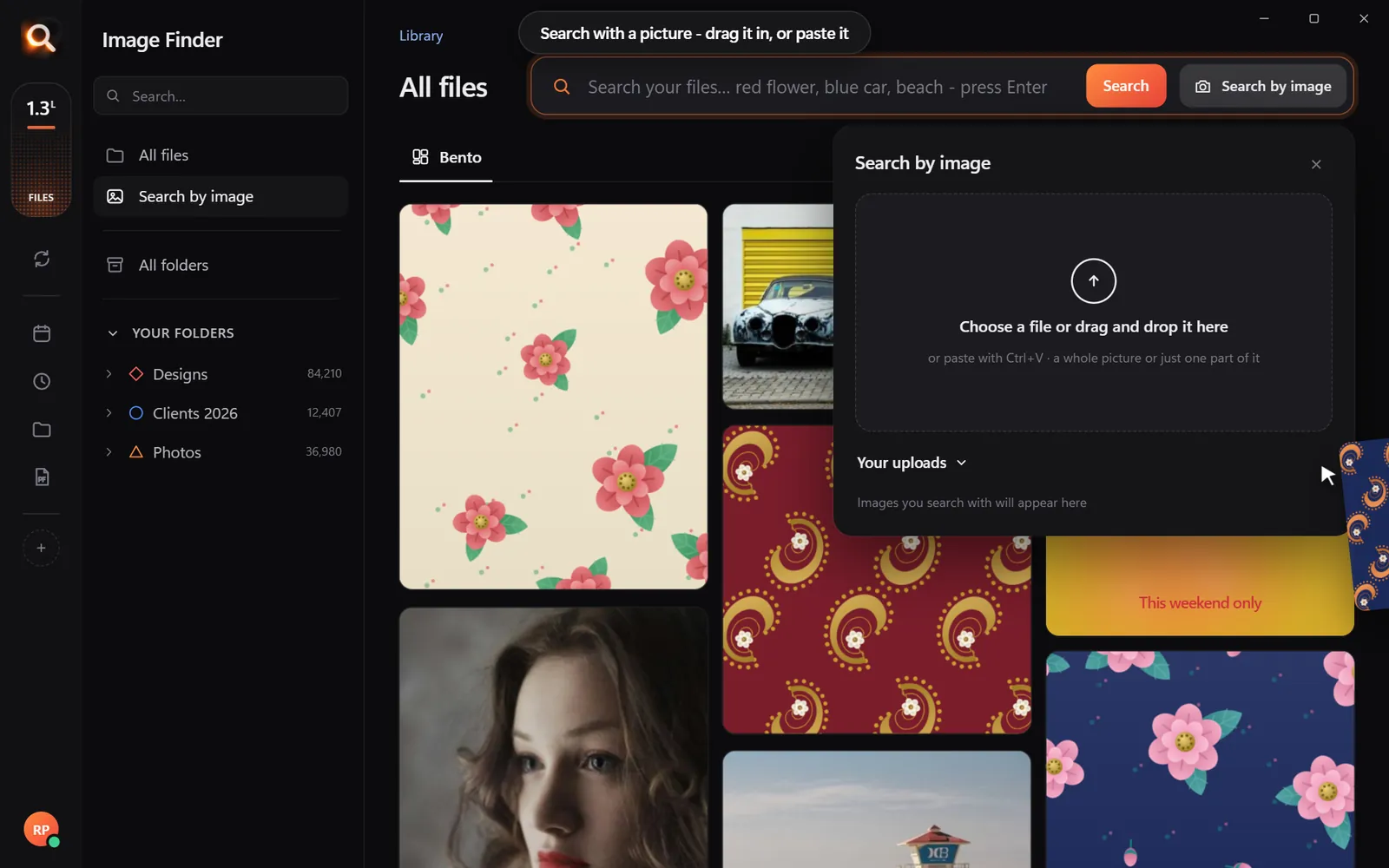
Draw a box around a motif in any print and find every file that uses it - across seasons.
Build a mood board from your own archive
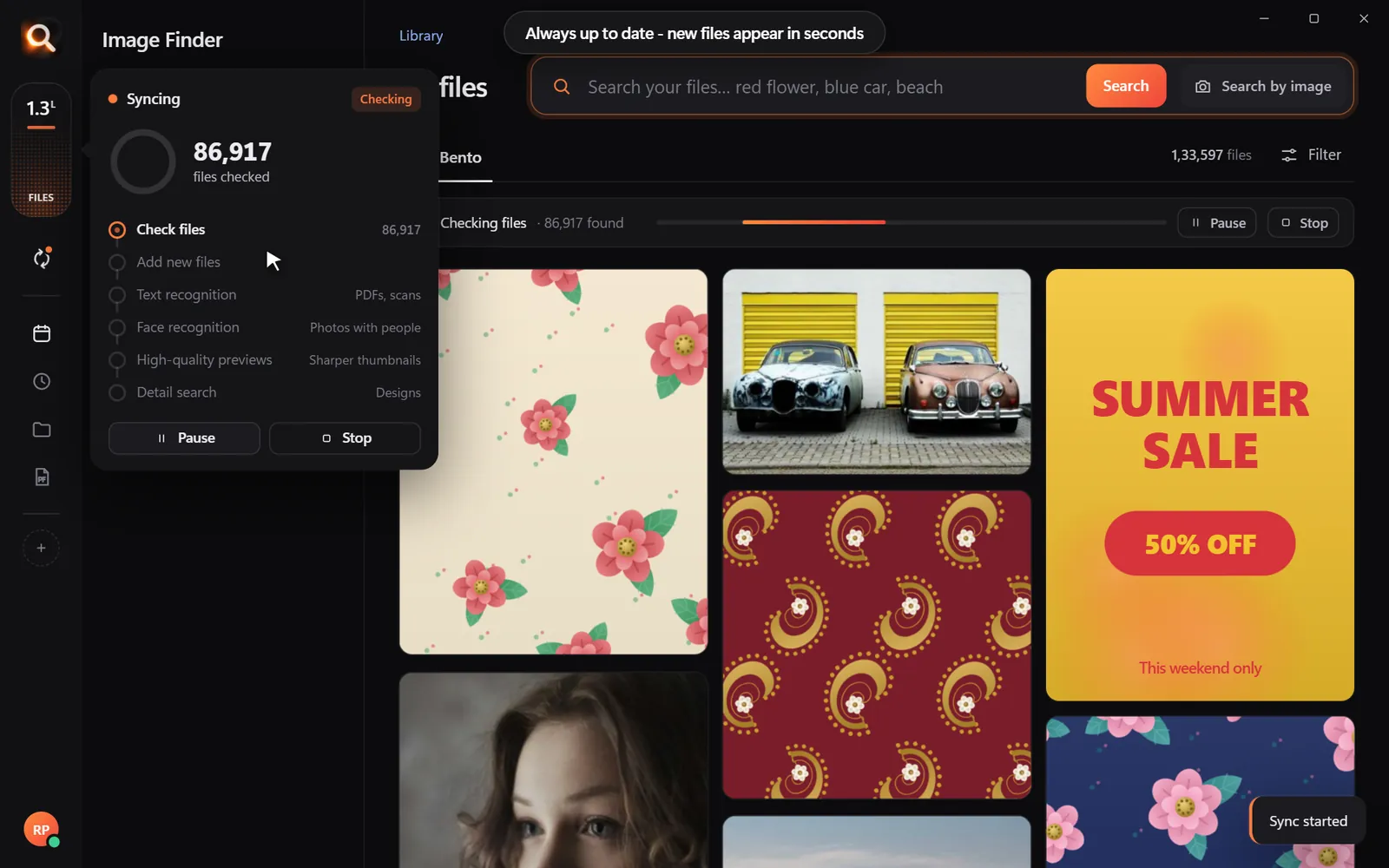
Image Finder for fashion designers works on Windows and Mac, with real previews of AI, PSD, CDR, PDF and photo files.
Naming that helps (but is not required)
If you like names, keep them short and consistent: 2026SS_print_paisley-navy_v2.ai. Season, kind of file, a few words, version. Search does not depend on it - but people browsing folders will thank you.
Working with factories and buyers
Keep fabric swatches findable
Scan or photograph every new swatch on a plain background and save it to Library/Fabrics. Later, drop in a photo of a garment and find the closest fabric in seconds - or pick its color and see every matching swatch.
The fashion file problem in numbers
A small label with two collections a year easily produces 2,000-5,000 new files per season: 300 sketches, 150 print files with five colorways each, swatch scans, fit photos, lookbook selects and tech packs. Five years in, that is 20,000-50,000 files - most named things like print_final_v3_NEW.ai.
Sketch to sample: where each file belongs
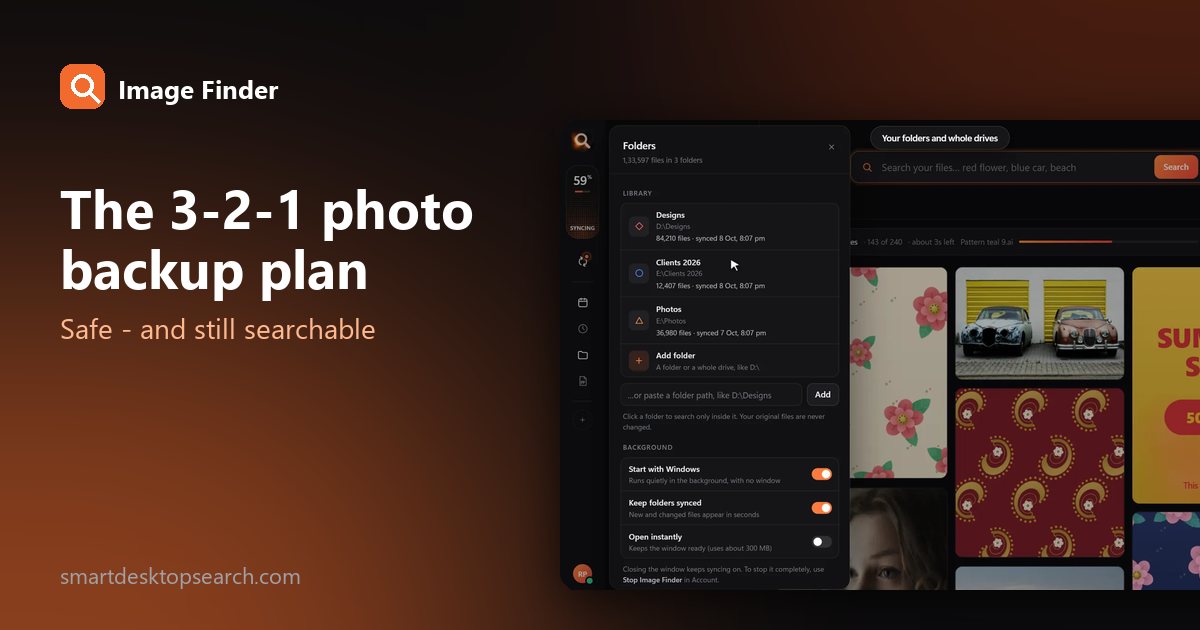
| Stage | Files | Where |
|---|---|---|
| Research | Reference photos, street style, vintage finds | Library/References |
| Design | Hand sketches (phone photos), flats | Seasons/<season>/Sketches |
| Prints | Repeats, colorways, placement prints | Seasons/<season>/Prints |
| Development | Tech packs, fit photos, comments | Seasons/<season>/Development |
| Sales | Line sheets, lookbook | Seasons/<season>/Lookbook |
| Materials | Swatch scans, trim photos | Library/Fabrics |
Searches fashion teams use every day
- "floral midi dress sketch" - finds phone photos of sketches, whatever they are named.
- Pick navy + "stripe" - every navy stripe print and photo.
- Draw a box around a motif - every print that uses that paisley, across seasons.
- Drop in a buyer's photo - "do we have anything like this?" answered with your own work.
- Type a style number printed on a tech pack - Image Finder reads words in images and PDFs.
Colorways without chaos
Every print usually comes in four to eight colorways. Keep them in one folder per print, and do not worry about naming each one: search the print with one colorway and the others come up as look-alikes. Filter by color to pull out just the colorway a buyer asked for.
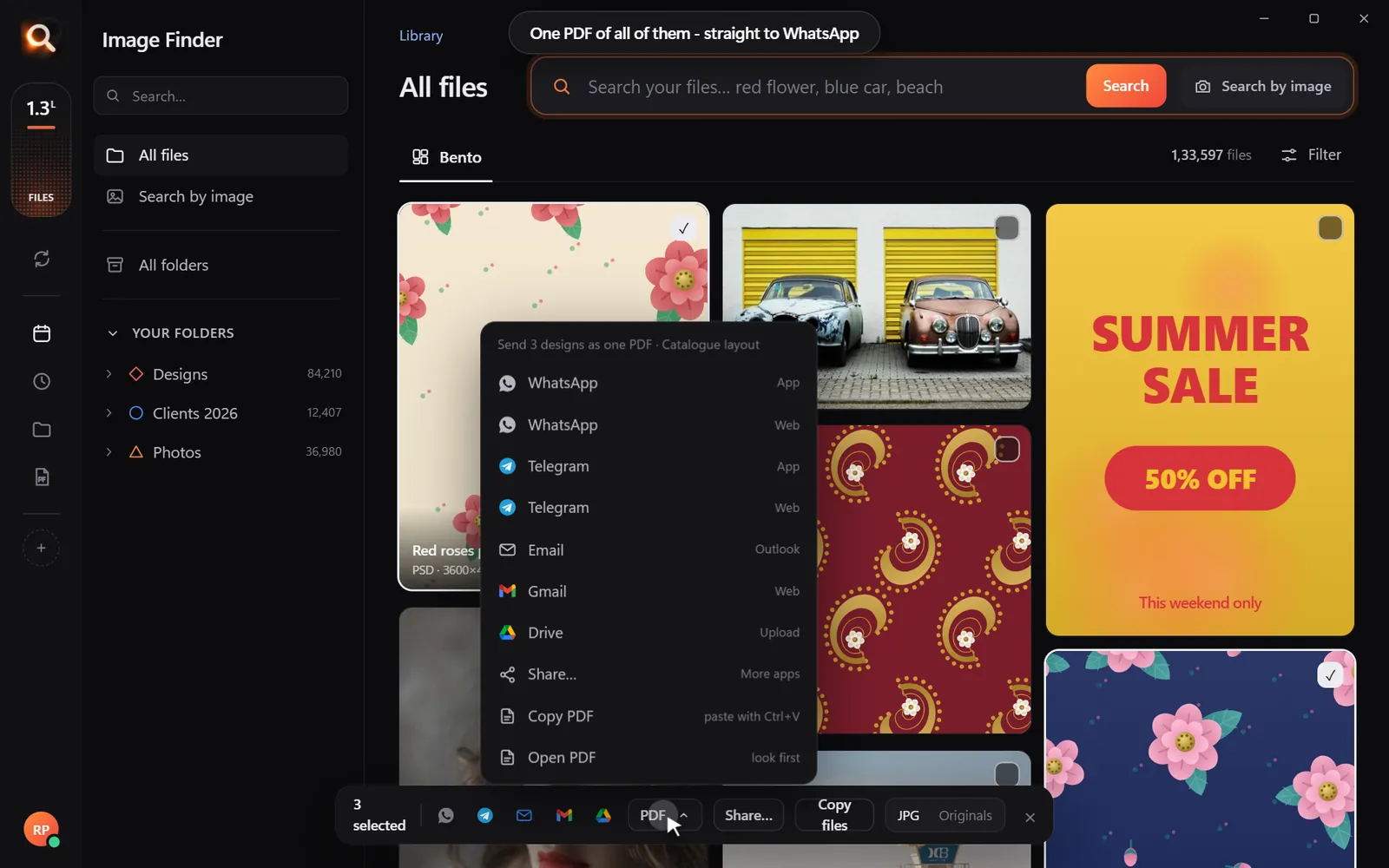
Line sheets and lookbooks faster
Protecting unreleased collections
Unreleased designs are valuable. Uploading them to an online tool to make them searchable means trusting someone else's servers. Image Finder searches on your own computer, offline - collections stay in your studio until you launch them.
Questions people ask
How should fashion designers organize their files?
By season, then by kind of file (sketches, prints, lookbook), with a shared library for fabrics and references. Visual search covers whatever ends up in the wrong place.
Can I search sketches photographed on my phone?
Yes. Phone photos (JPG, HEIC) are searched by what they show.
Does it work with print files in Illustrator?
Yes. AI, EPS, SVG, PSD and PDF print files get real previews and are searched like photos.
How do I find every colorway of one print?
Search with one colorway: the others come up as look-alikes. Use the color filter to pull out a specific colorway.
Can I search the text on tech packs?
Yes. Words printed in images and PDF pages are searchable, so style numbers and fabric names can be found.
Windows and Mac. Private, offline, no subscription.