 +
+
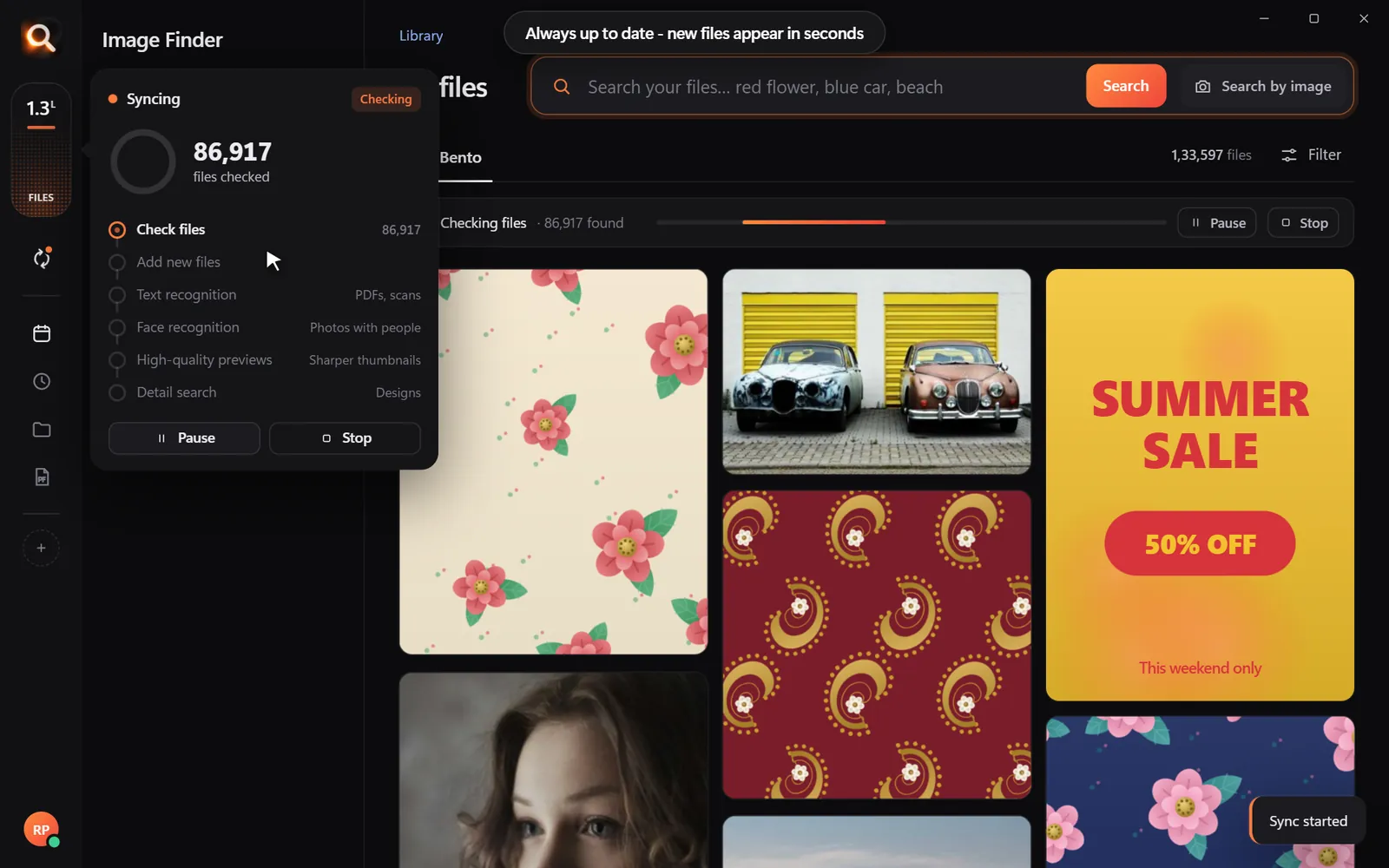
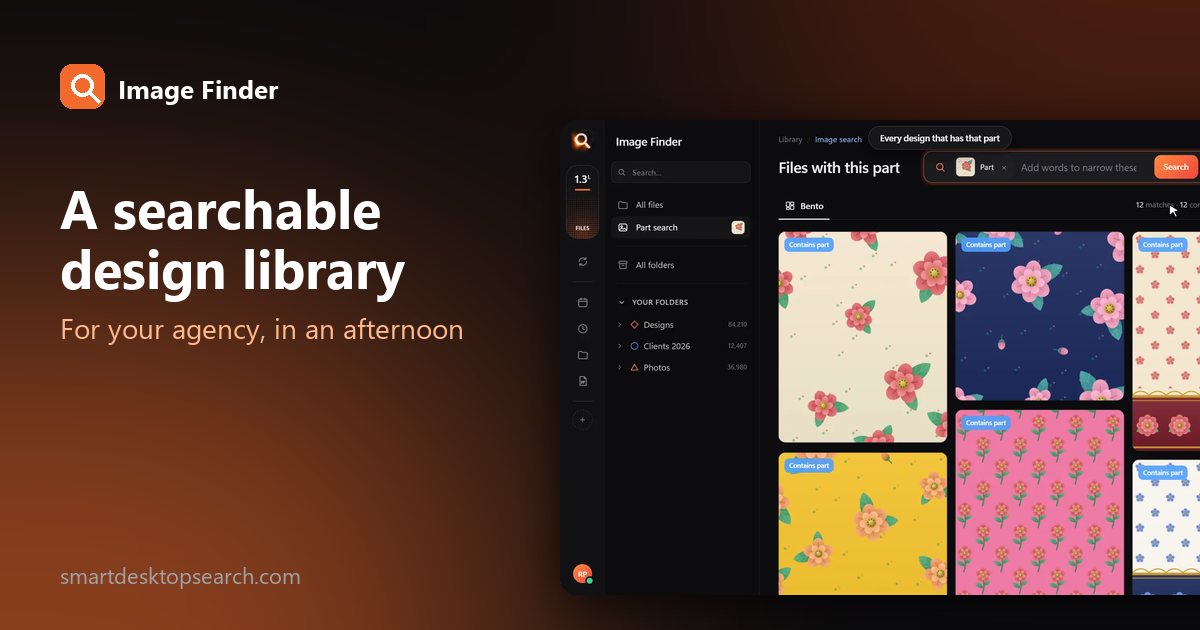
Agencies are full of excellent work nobody can find. The banner you made in 2022 would be perfect for this pitch - if anyone remembered which client folder it is in. Here is a practical way to build a searchable design library for your agency, in an afternoon.
0 hours a year spent looking for files - with a search that takes a second, that is about 0 working days back.
Step 1: one home for finished work
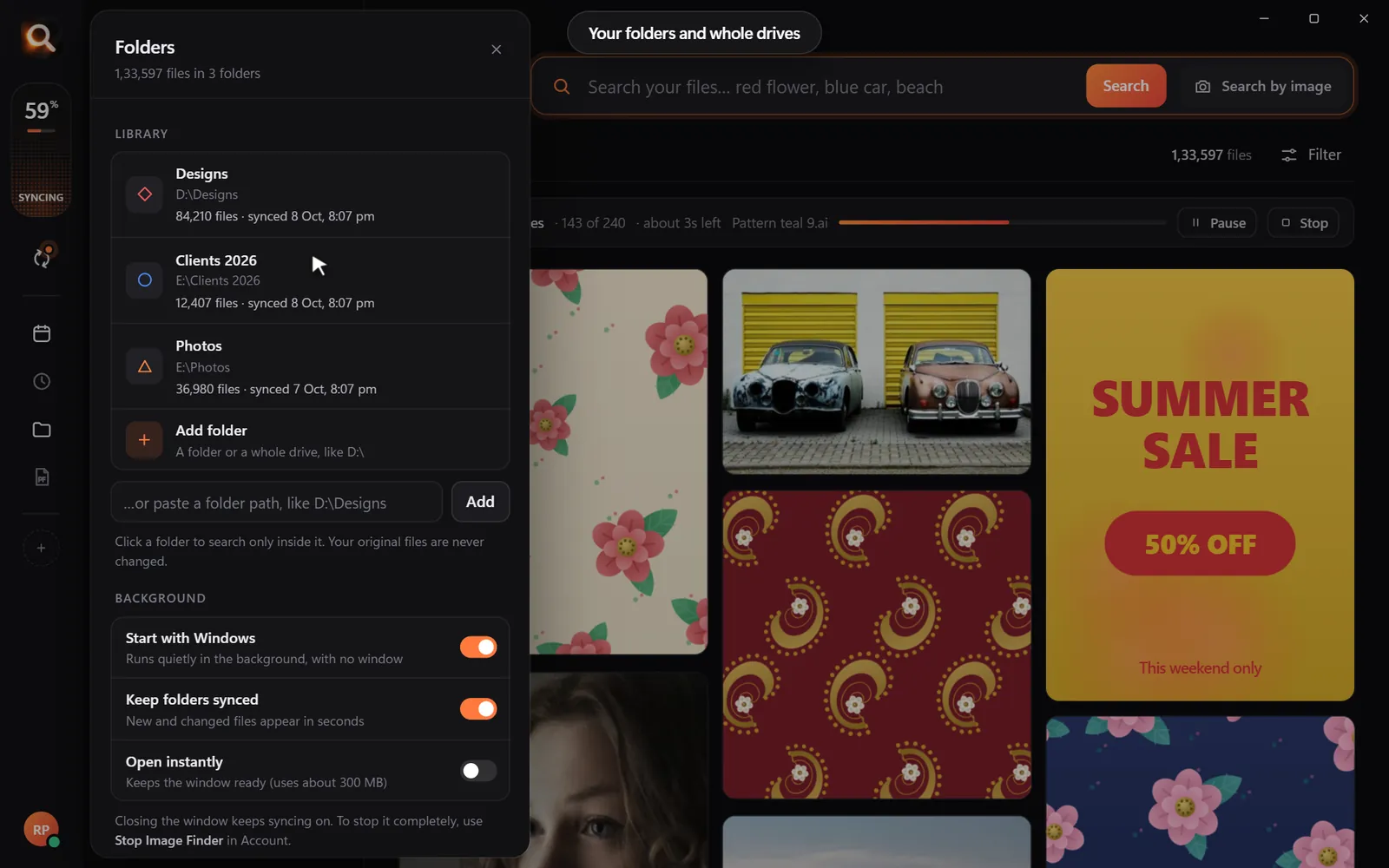
You do not need a perfect structure - you need one place. Create a shared or synced folder (Dropbox, Google Drive, OneDrive or a server share synced to each computer):
| Folder | What goes in |
|---|---|
Clients/<client>/<year> | Finished work, as it is now |
Brand/<client> | Logos, fonts, approved brand files |
Archive | Old drives and projects, copied in as they are |
Copy old project drives into Archive without renaming anything. Search will take care of the mess.
Step 2: make it searchable on every computer
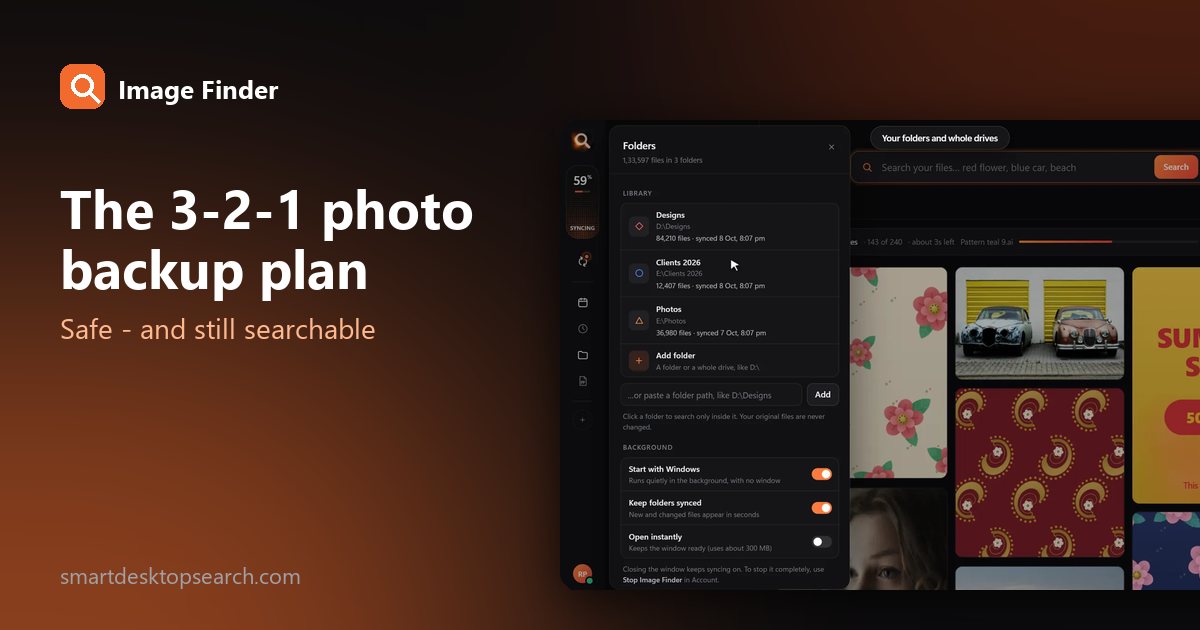
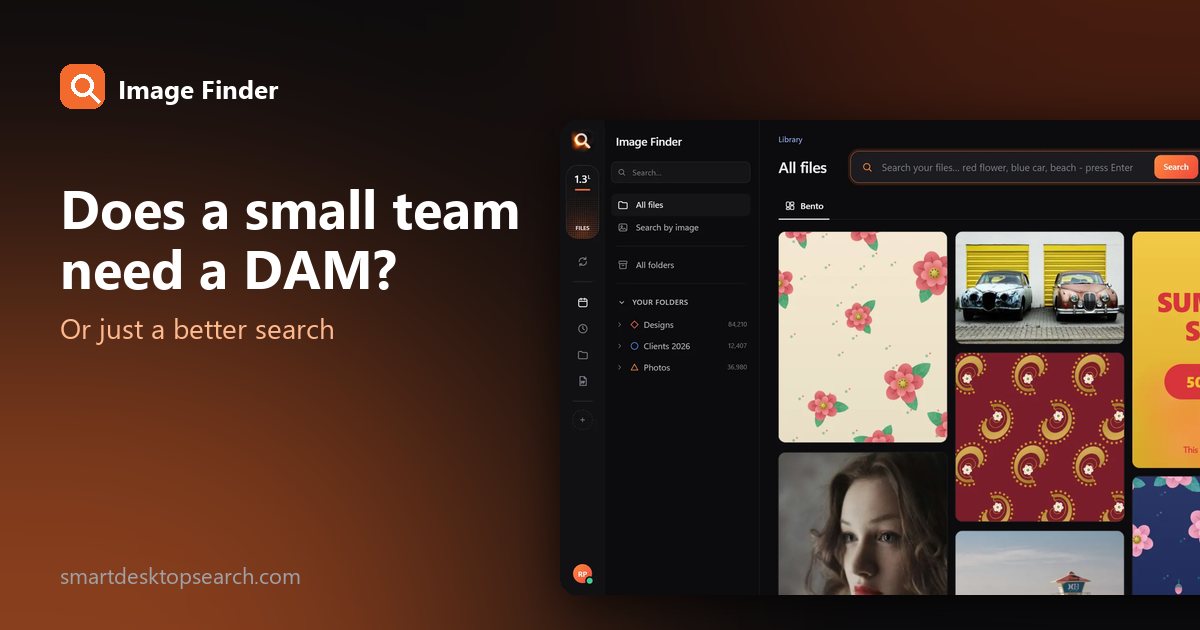
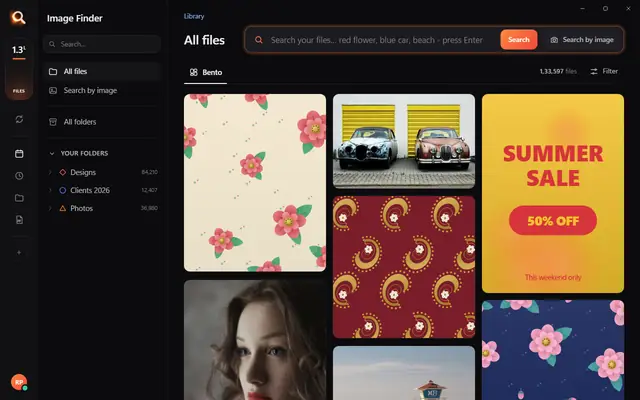
Install Image Finder on each designer's computer and add the shared folder. Each person can then:
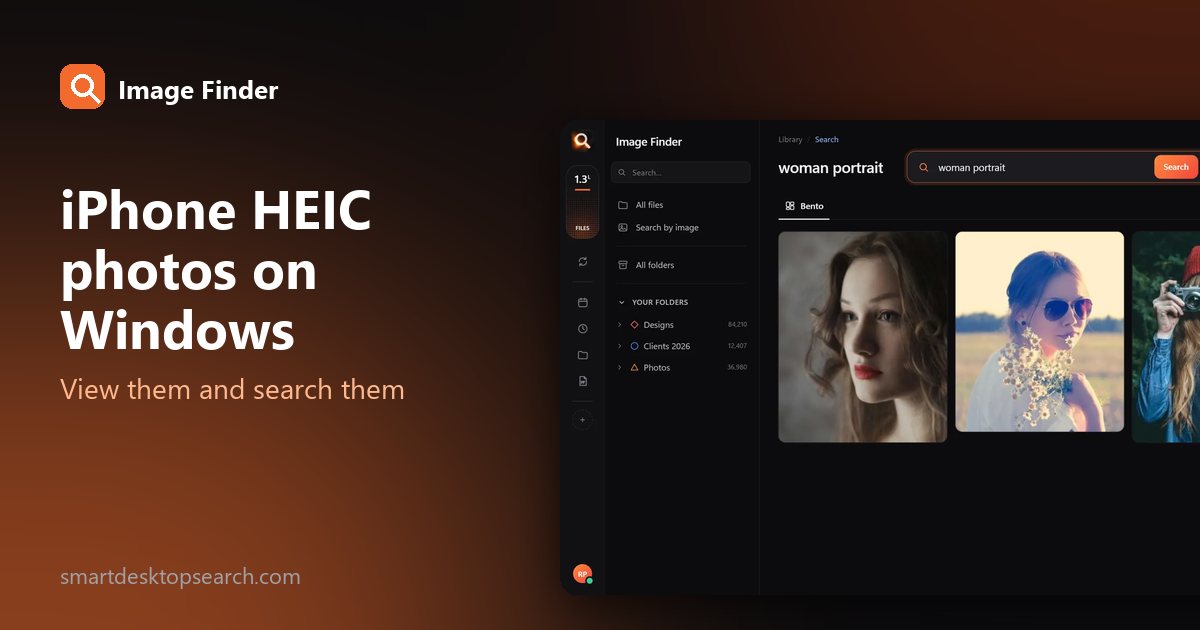
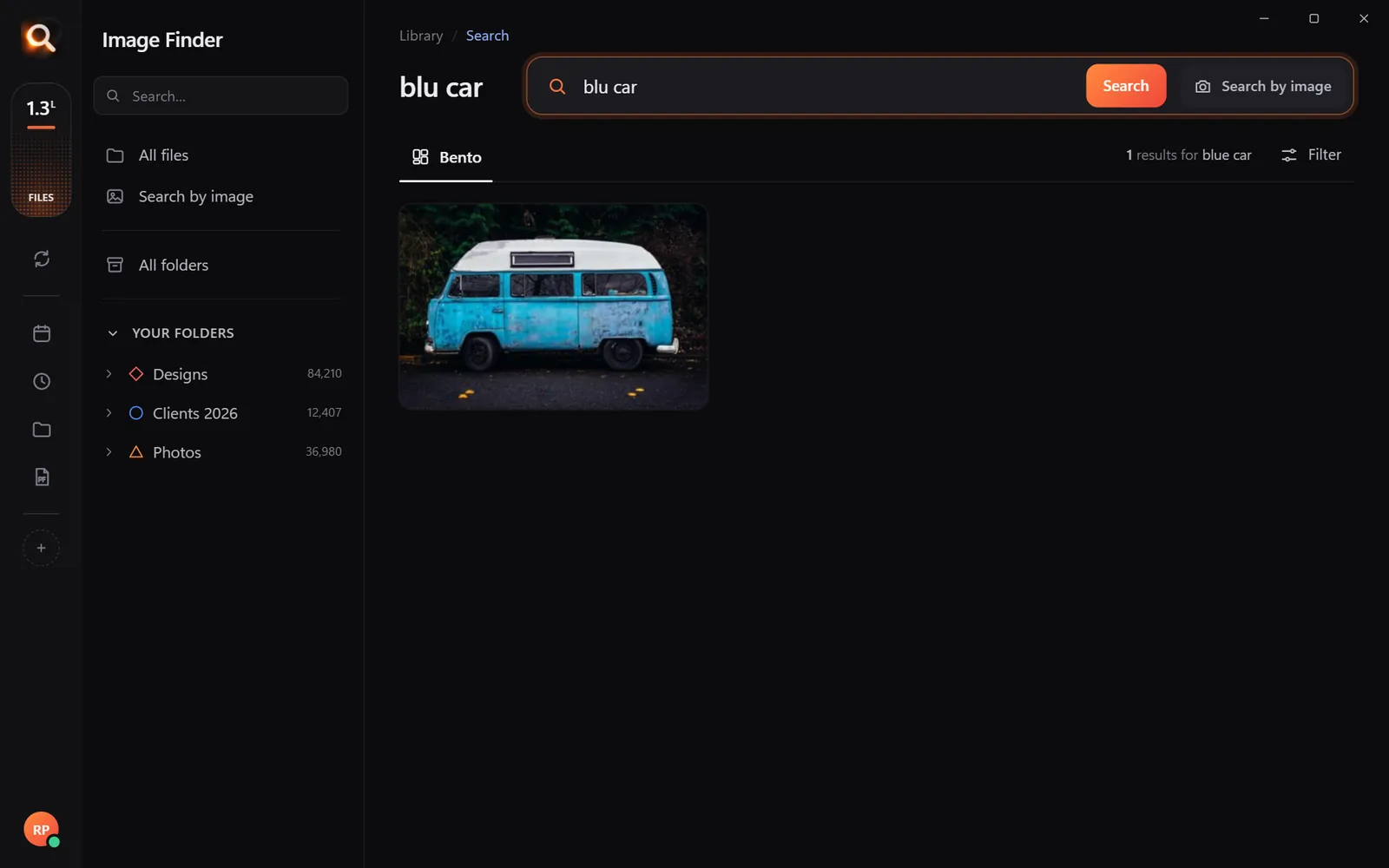
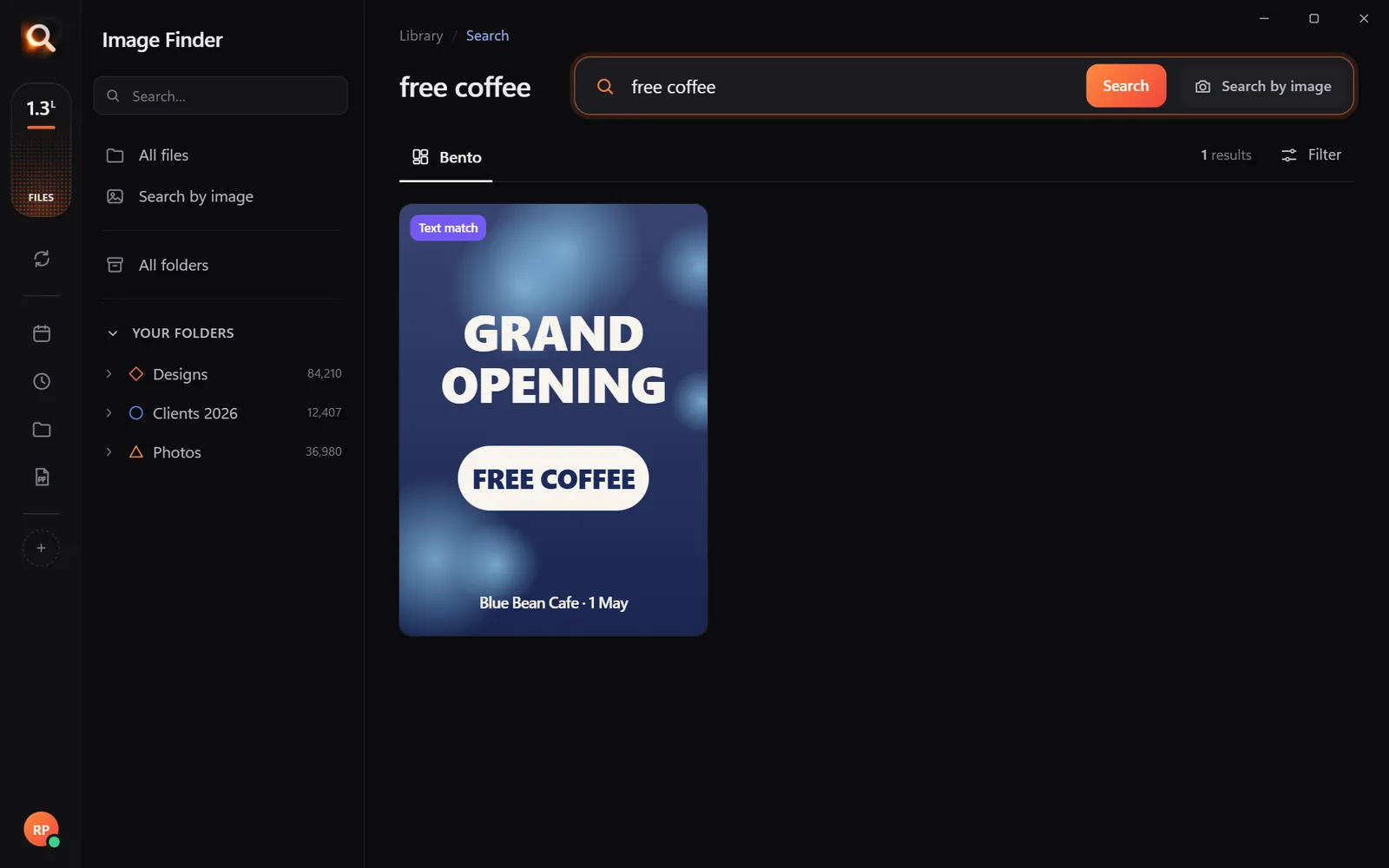
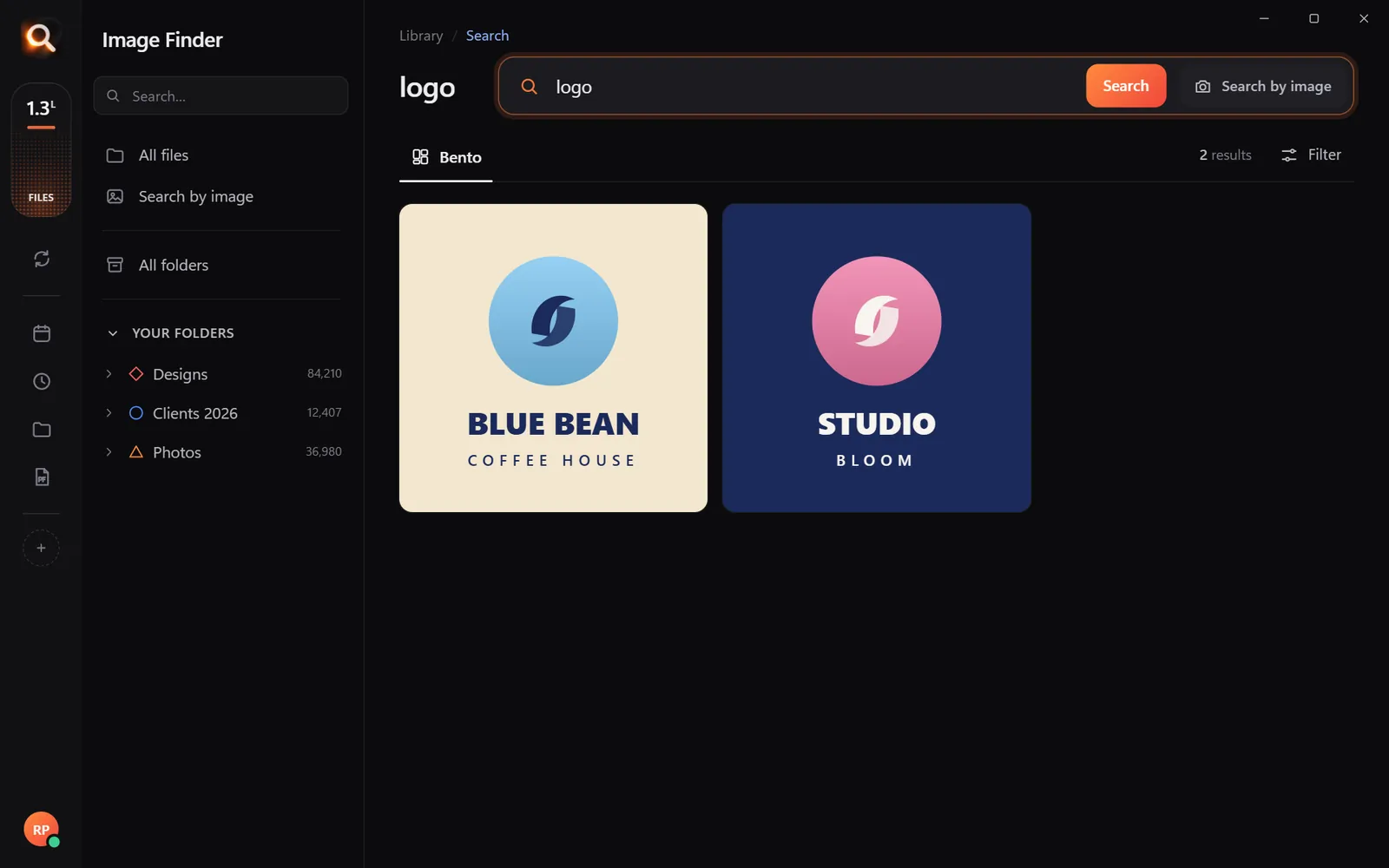
- describe a design - "navy banner with gold text", "coffee logo";
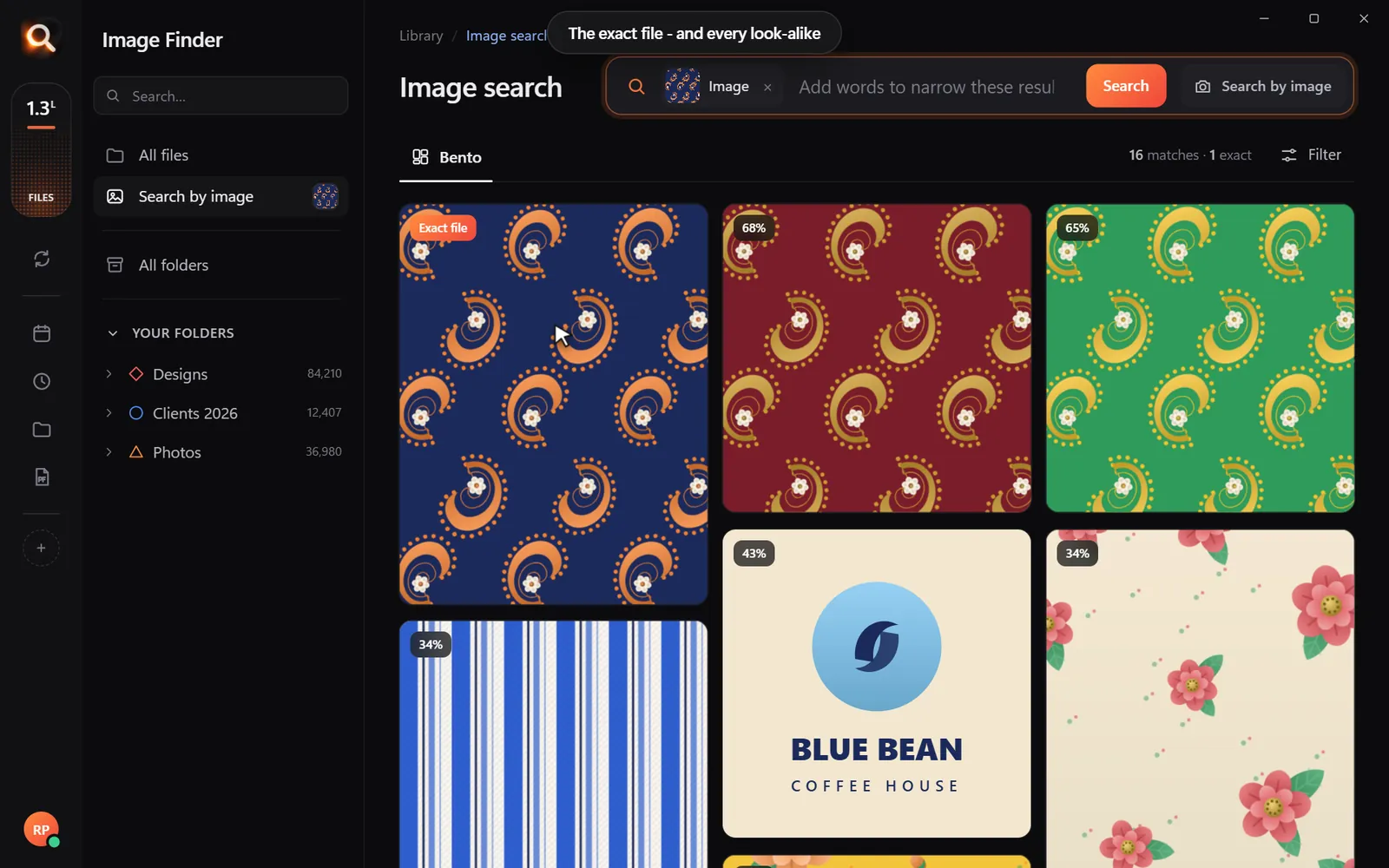
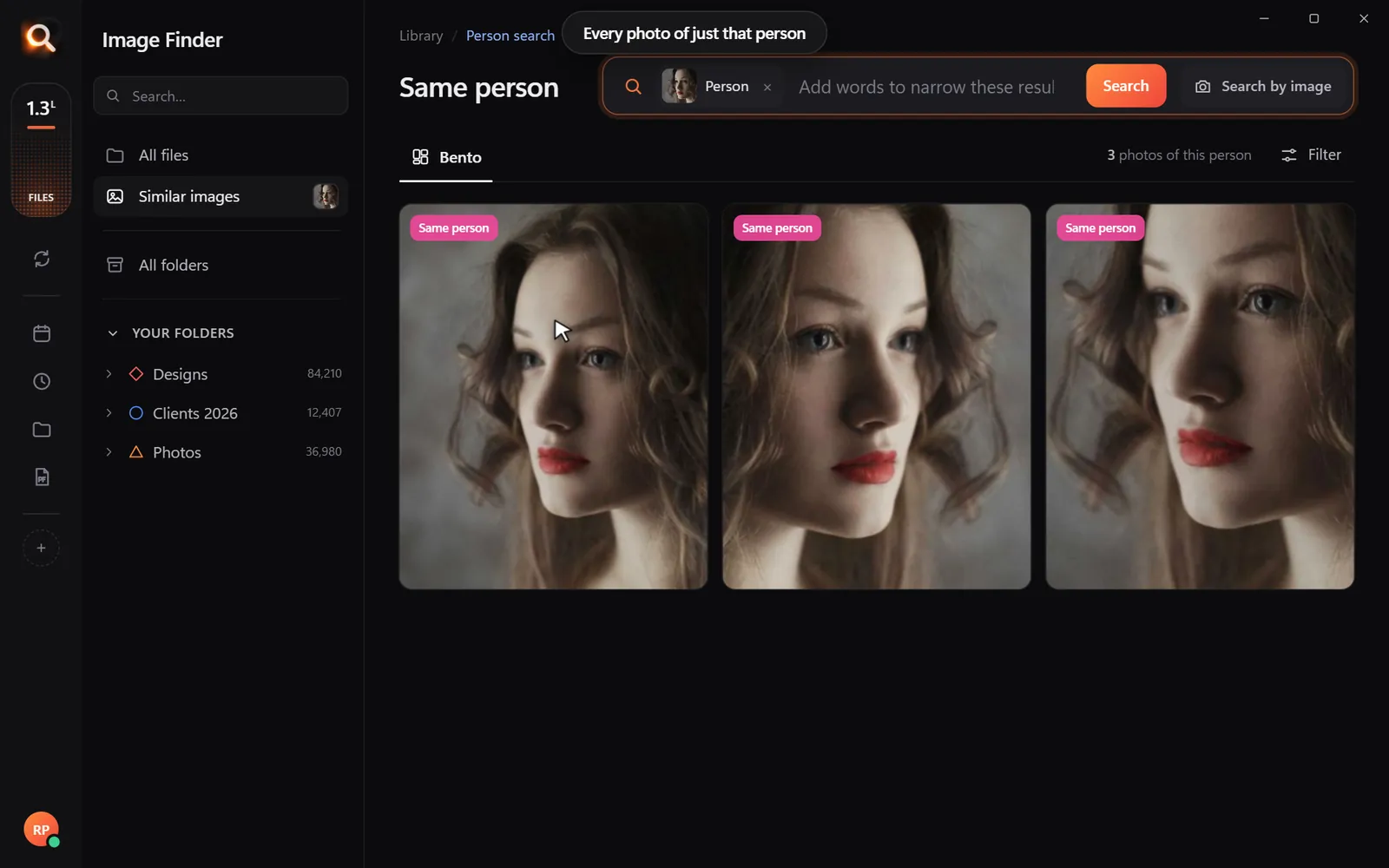
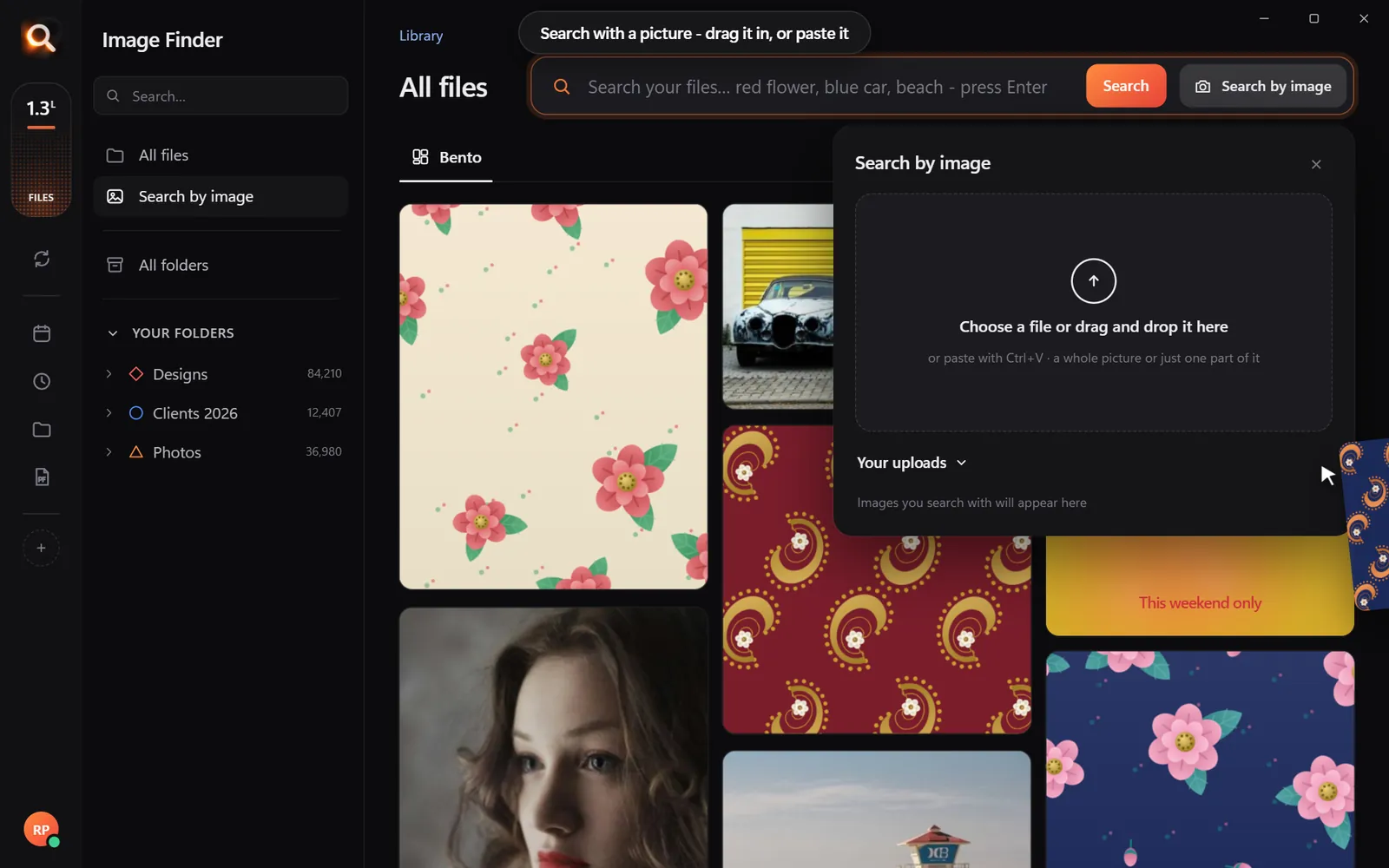
- drop in a screenshot or a client's photo to find the original file;
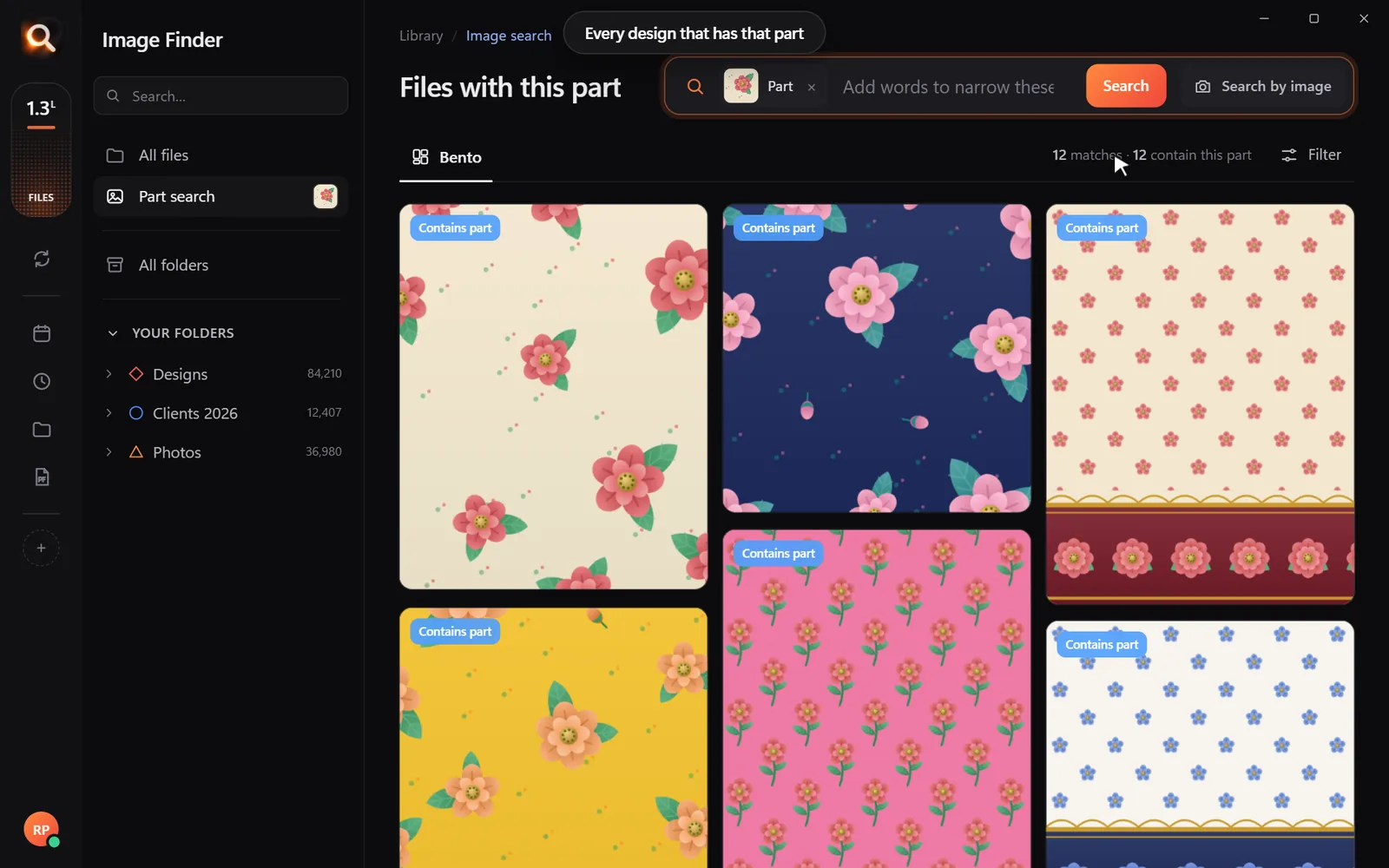
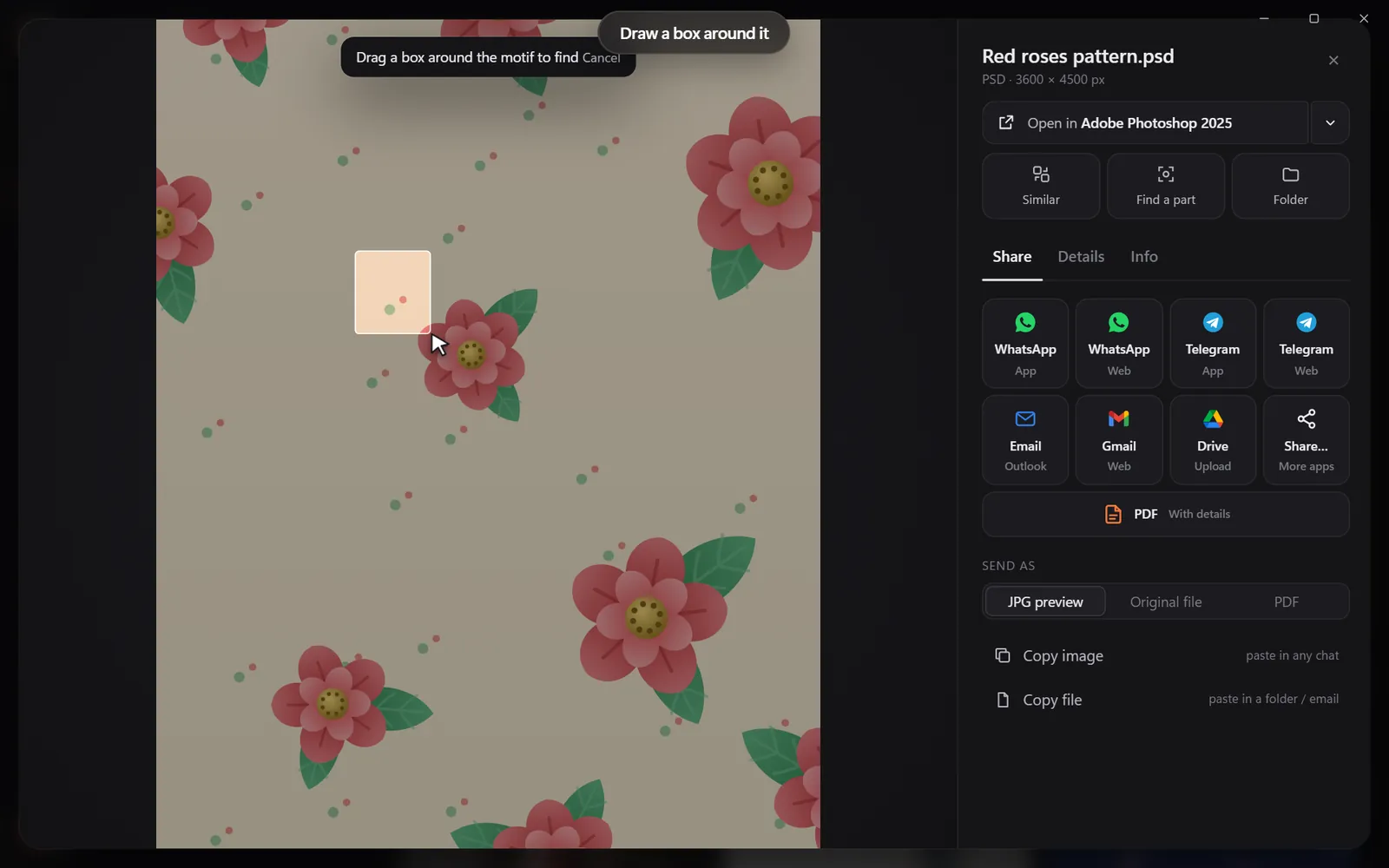
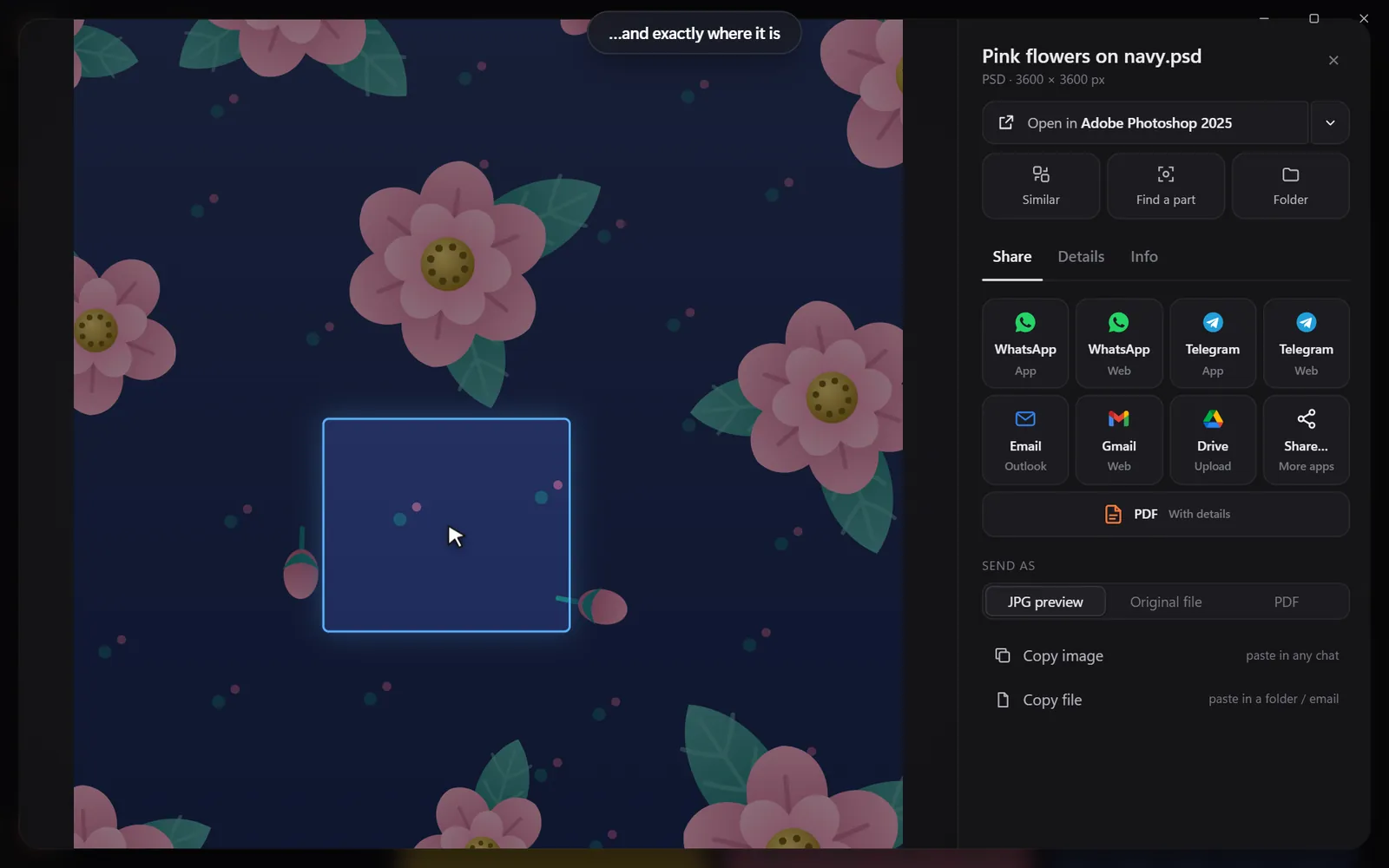
- draw a box around a motif or logo to find every file that uses it;
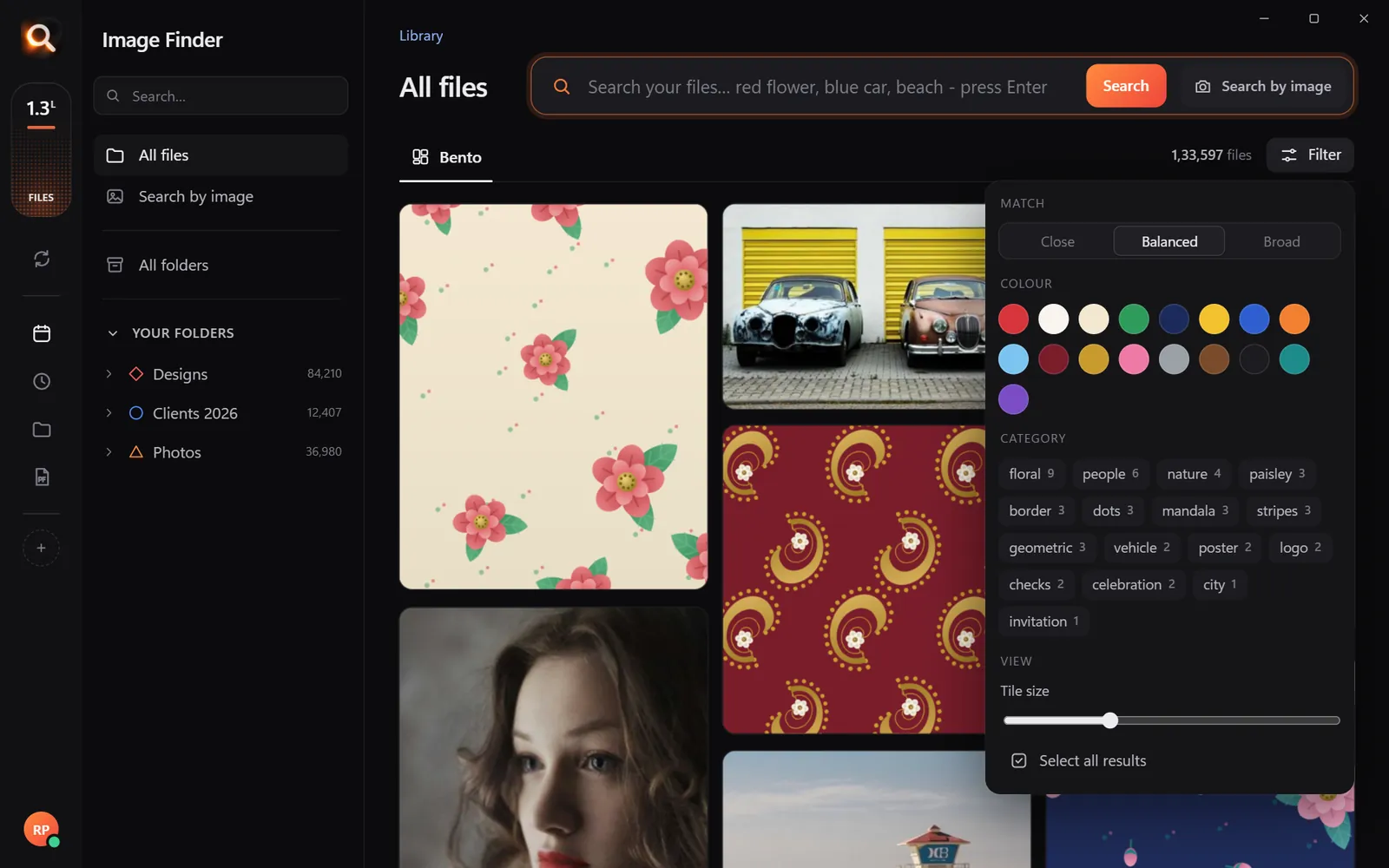
- filter by color to see everything in a client's palette.
Step 3: three habits
Step 4: send work in one click
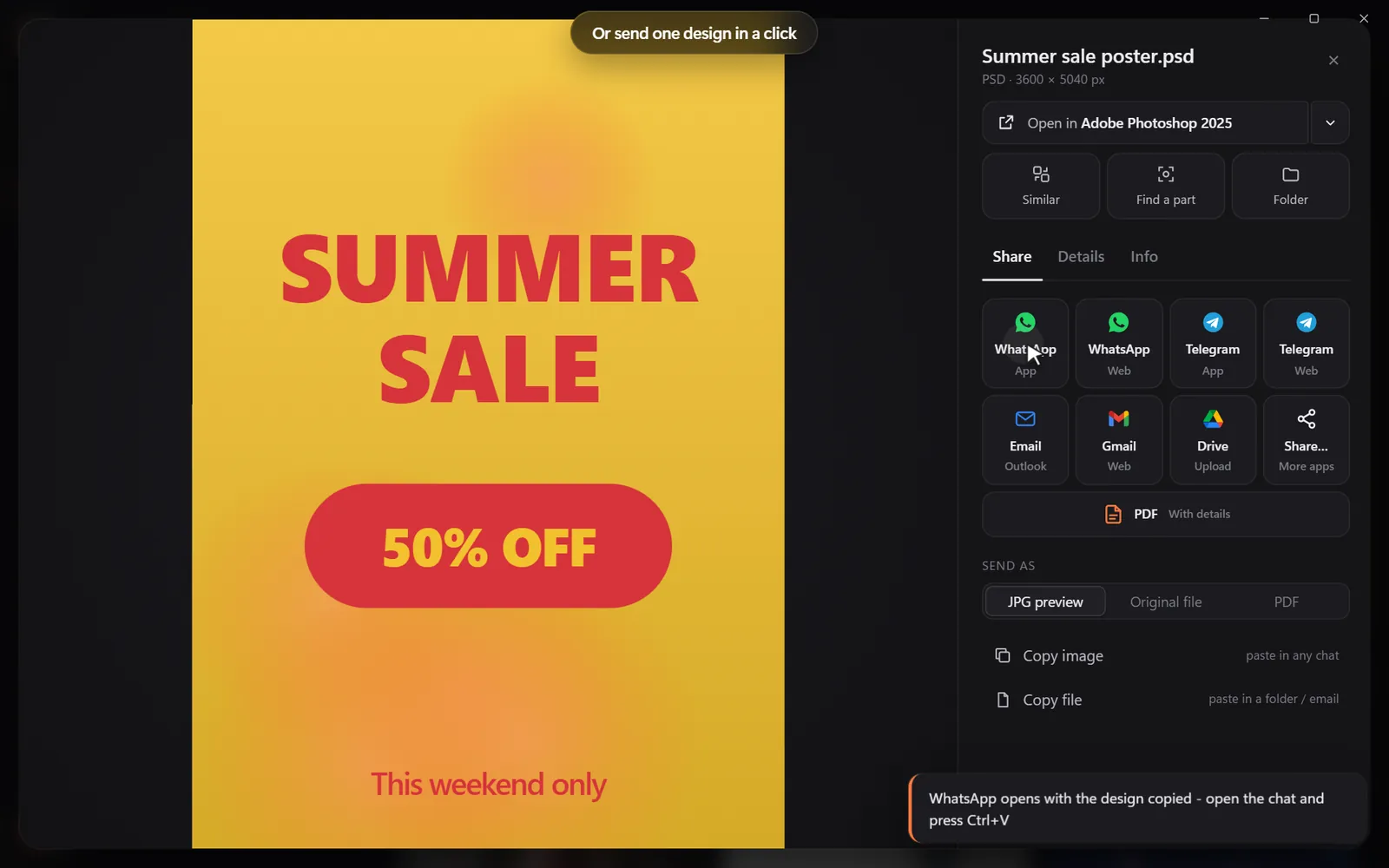
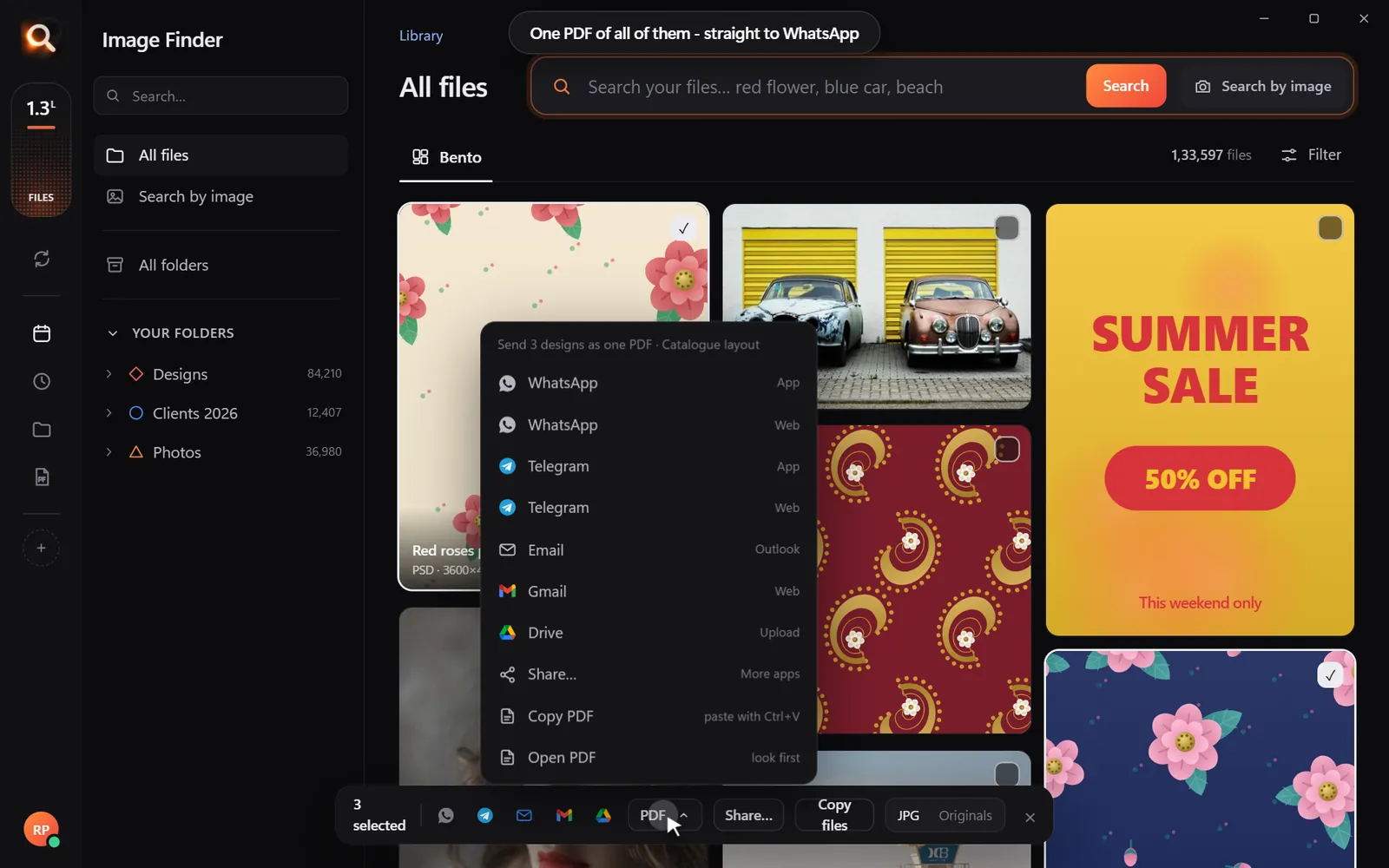
When a client asks "can we see similar ideas?", search, pick five designs and send them as one neat PDF - straight to email or WhatsApp. See how to send pictures from your PC in one click.
What changes for the team
| Before | After |
|---|---|
| "Who has the file for the 2022 banner?" in chat | Anyone searches "2022 banner navy gold" |
| Re-exporting JPGs to show past work | Send a preview or a PDF from search |
| Designers recreating assets they cannot find | Find the original and adapt it |
| New hires lost in the drive | New hires search on day one |
Pitch decks from past work
Searching your own archive is the fastest way to build a pitch: search the client's industry ("coffee", "fitness", "real estate"), pick your best related work and make one PDF. Ten minutes instead of an afternoon of digging.
The afternoon, hour by hour
Hour 1: decide what goes in
List every place work lives today: the server, Dropbox, old external drives, laptops of former staff, email attachments. Do not sort anything yet - just gather.
Hour 2: copy, don't reorganize
Copy everything into the shared Archive folder as it is. Resist the urge to rename or restructure; it takes weeks and breaks the moment the next deadline hits.
Hour 3: install and add
Install Image Finder on each designer's computer, add the shared folder, and let it build previews in the background. Large archives take a while the first time; new work is added as it appears.
Hour 4: test with real requests
Ask each designer for three things they recently could not find. Search for them together. This is the moment the team gets it.
Searches agencies run every week
| Request | Search |
|---|---|
| "Have we done a coffee brand before?" | coffee logo, coffee cup packaging |
| "Find that banner with the gold border" | banner gold border, or filter gold + banner |
| "Which files use the client's old logo?" | Draw a box around the old logo |
| "Show me our best Christmas campaigns" | christmas poster, snow red gold |
| "Where is the final version, not the draft?" | Drop in the client's screenshot - the matching file comes first |
Pitching with past work
New-business pitches are where a searchable library pays for itself. Before the pitch, search the client's industry and style - "luxury skincare packaging", "bold sports poster", "minimal tech landing page" - select the strongest ten and make a PDF. In half an hour you have a tailored credentials deck made of real work.
Onboarding new designers
New hires usually spend their first weeks asking where things are. With a searchable library, give them three searches on day one: the agency's biggest client, "logo" and "final". They see the agency's work, its style and how files are kept - without a tour.
Brand changes and logo audits
When a client changes their logo, the dangerous part is the old one still hiding in templates. Draw a box around the old logo in any file and search: every file that still contains it comes up, ready to update.
Licences and costs
Image Finder is licensed per computer, paid once per period - 1, 2 or 3 month plans, no auto-renewal. Right now it is just ₹1 a day, so an agency can set up the whole team at no cost and decide later.
Questions people ask
How do I organize design files for a team?
Keep one shared home for finished work, a simple folder per client and year, and use visual search instead of strict naming rules.
Can several designers search the same files?
Yes. Each designer runs Image Finder on their own computer over the same synced folder - one licence per computer.
Does it handle PSD and AI files?
PSD, PSB, AI, EPS, SVG, CDR, PDF and more get real previews and are searched by what they show.
How long does it take to make an archive searchable?
Setup takes minutes. Building previews for a large archive runs in the background - often a few hours for hundreds of thousands of files - and you can search while it works.
Do we need to rename our old files?
No. Search looks at what files show, so messy names do not matter.
Windows and Mac. Private, offline, no subscription.