Shirt & T-shirt mockup online for men's prints
or drop it here · nothing is uploaded
- Upload
- Adjust
- Download
How to use the shirt & t-shirt mockup
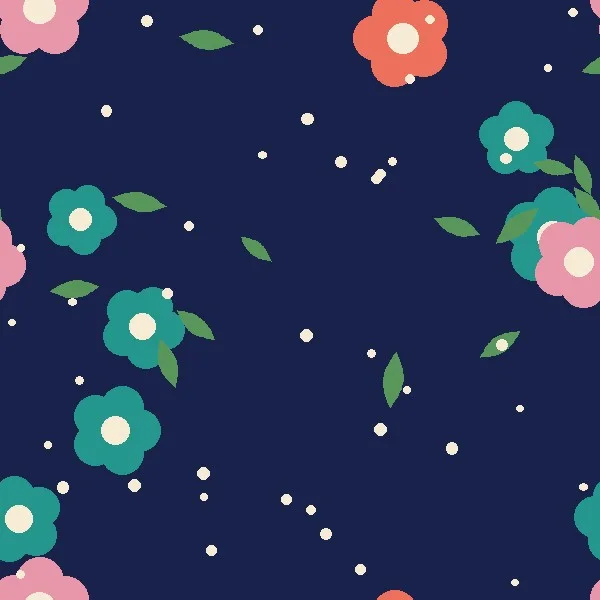
- Add your printYour shirting fabric, an all-over print or a T-shirt design.
- Choose shirt or T-shirtOn a model, on a hanger or laid flat.
- Set the print sizeMake the print bigger or smaller - collar and cuffs in the same print or a plain colour.
- DownloadOne mockup or all of them in a ZIP.
Made for
- Shirting mills and men's wear designers
- Print-on-demand and T-shirt sellers
- Garment exporters sending options to buyers
- Tailors and boutiques showing fabric options
About this tool
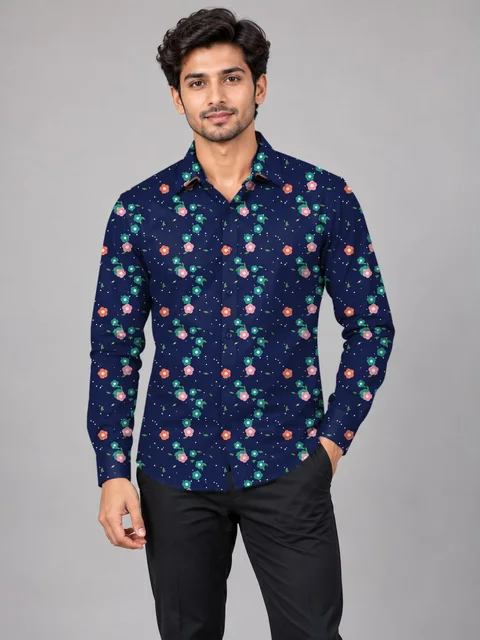
Choosing a shirting is easier when you see it as a shirt. Add a fabric design and it covers a real men's shirt or T-shirt photo - body, sleeves, collar and cuffs - with the real folds and light. Change the print size until it looks right, then download the mockup to send to a buyer. The work happens in your browser: your design is never uploaded.
Questions
How do I make a shirt mockup of my fabric?
Add your shirting or print design, choose Shirt or T-shirt and a photo. The design covers the body, sleeves, collar and cuffs with the real folds and light. Change the print size until it looks right.
Can the collar and cuffs be a different colour?
Yes - choose Plain colour under Collar & cuffs and pick the colour.
Does it work for T-shirt prints?
Yes. Choose T-shirt; an all-over print covers the whole T-shirt.
Which file types can I use?
JPG, PNG or WEBP.
Is my design uploaded?
No. The mockup is made in your browser, on your own computer.
Is there a T-shirt mockup PSD free download?
You do not need one - make the T-shirt or shirt mockup right here online and download it as a JPG. No Photoshop, no sign-up.
Can I use the mockups for my online store or print on demand?
Yes - the mockups are yours to use on your store, catalogue and social media.
More tools
Saree mockup
Put your saree design on a model, a mannequin or a folded saree - body, border, pallu and blouse each in its place.
Kurti & suit mockup
See your kurti, bottom and dupatta designs on a model - each from its own file.
Repeat pattern maker
See your motif as fabric: straight, half-drop, brick or mirror repeat - and download the repeat tile.
CDR viewer & CDR to JPG
See any CorelDRAW CDR file without CorelDRAW, and save it as JPG or PNG.
Watermark & design number
Stamp your name, logo and a running design number on 100s of designs at once - before you send them.
Colourway maker
One design, many colour options: change its colours in a click and download every colourway.