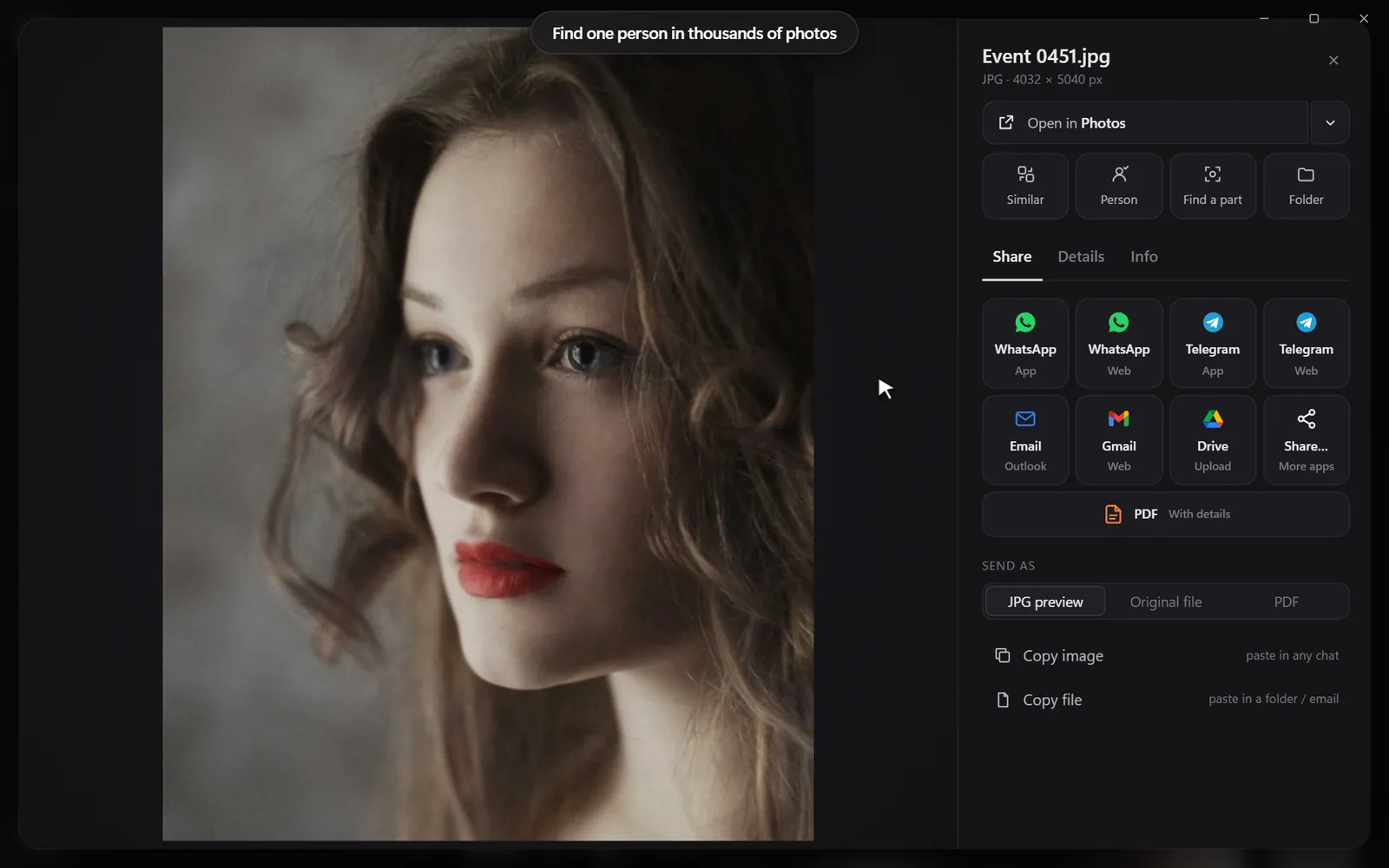
By colour
Pick a colour and the photos with the most of it come first - or narrow any search to it.
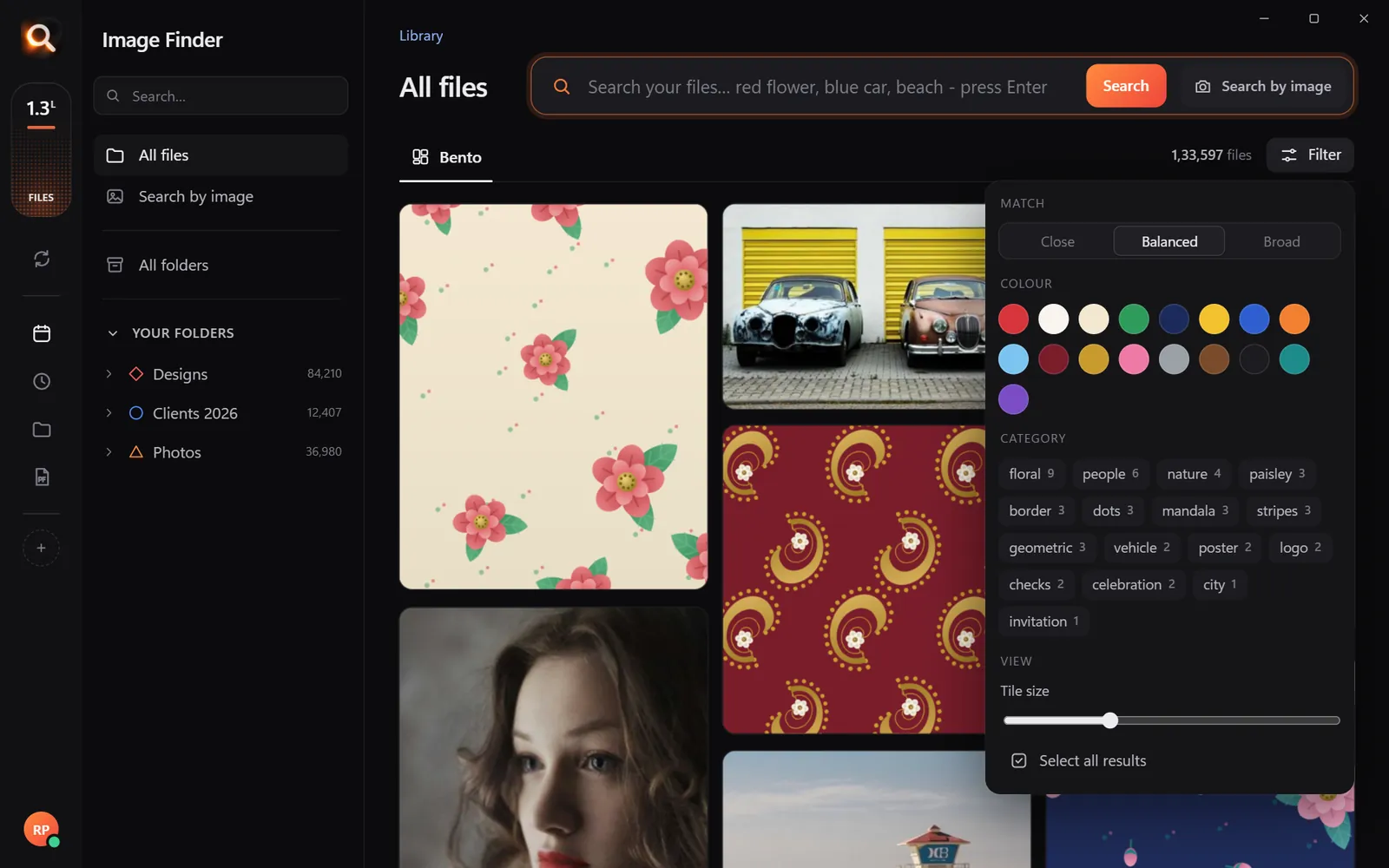
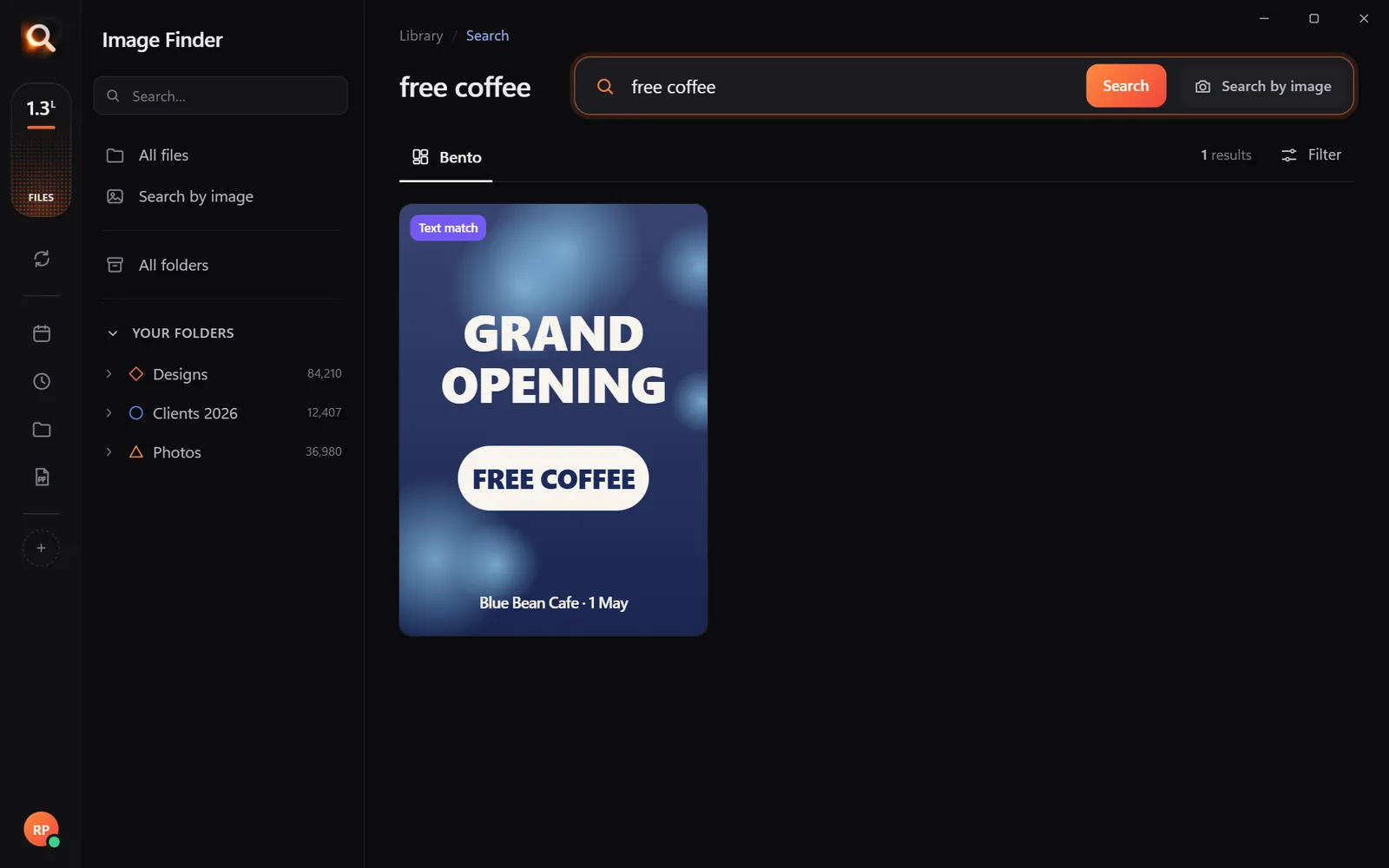
Type what you see - “dog on the beach”, “receipt from Costco” - and the right photo, design or PDF appears in a second. Nothing uploaded, nothing to rename.
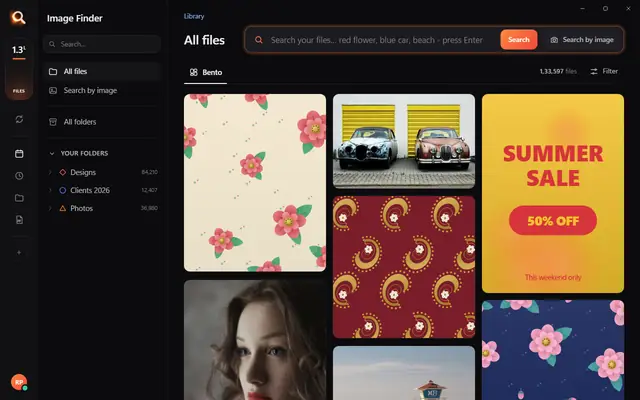
The real Image Finder window with sample files - click anywhere in it to try it yourself. In the app it searches hundreds of thousands of your own files in a fraction of a second, all on your PC. Open it full screen
Reads 107 kinds of files, straight from your folders
It looks at every picture on your computer once - what is in it, the colours, the faces, the words - so you can find any of them by simply describing it. Even with a hundred thousand files.
 +
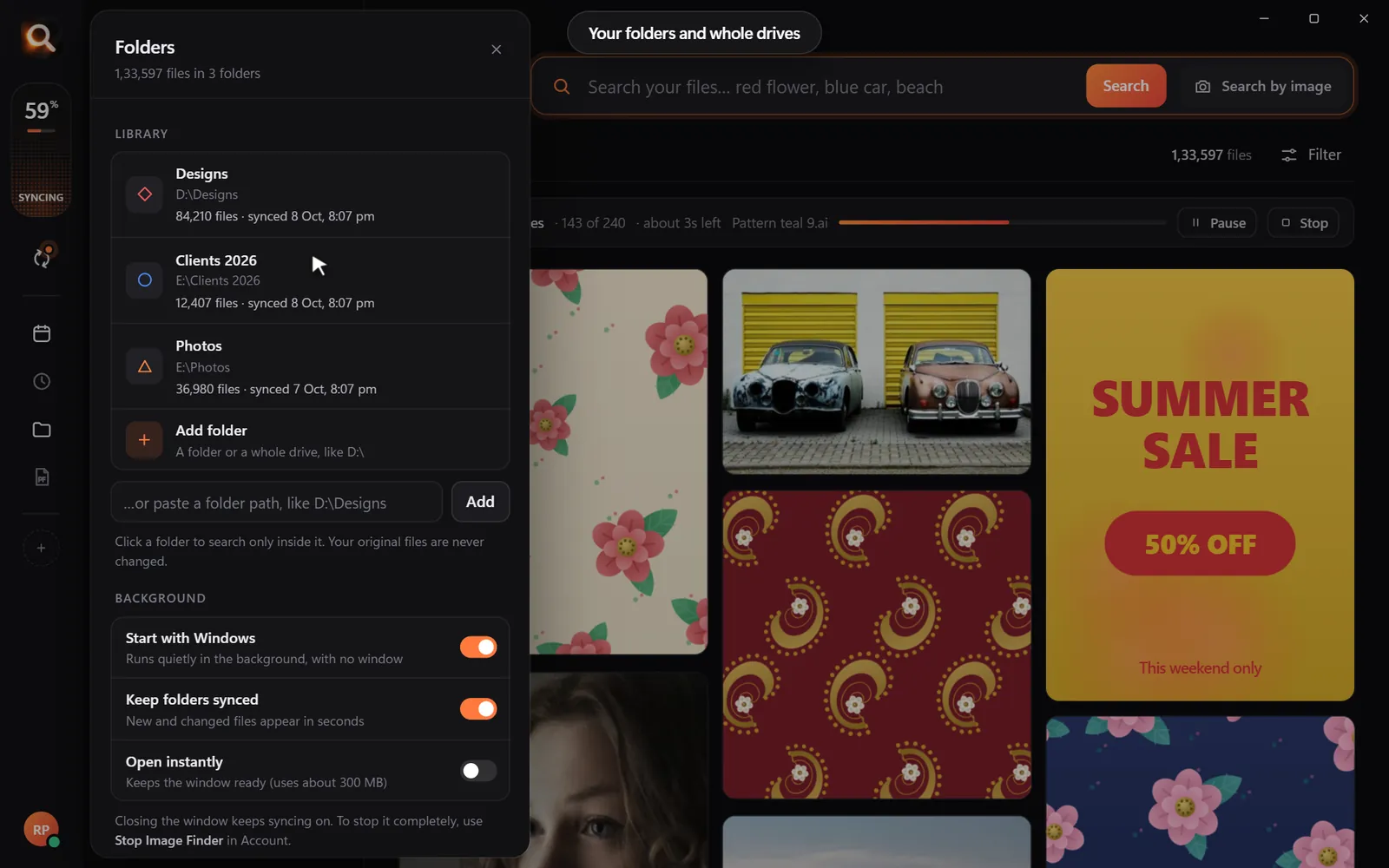
+Choose folders or whole drives. No importing, no renaming.
Every picture is looked at once, in the background.
Type what you see, drop in a picture, or pick a face.
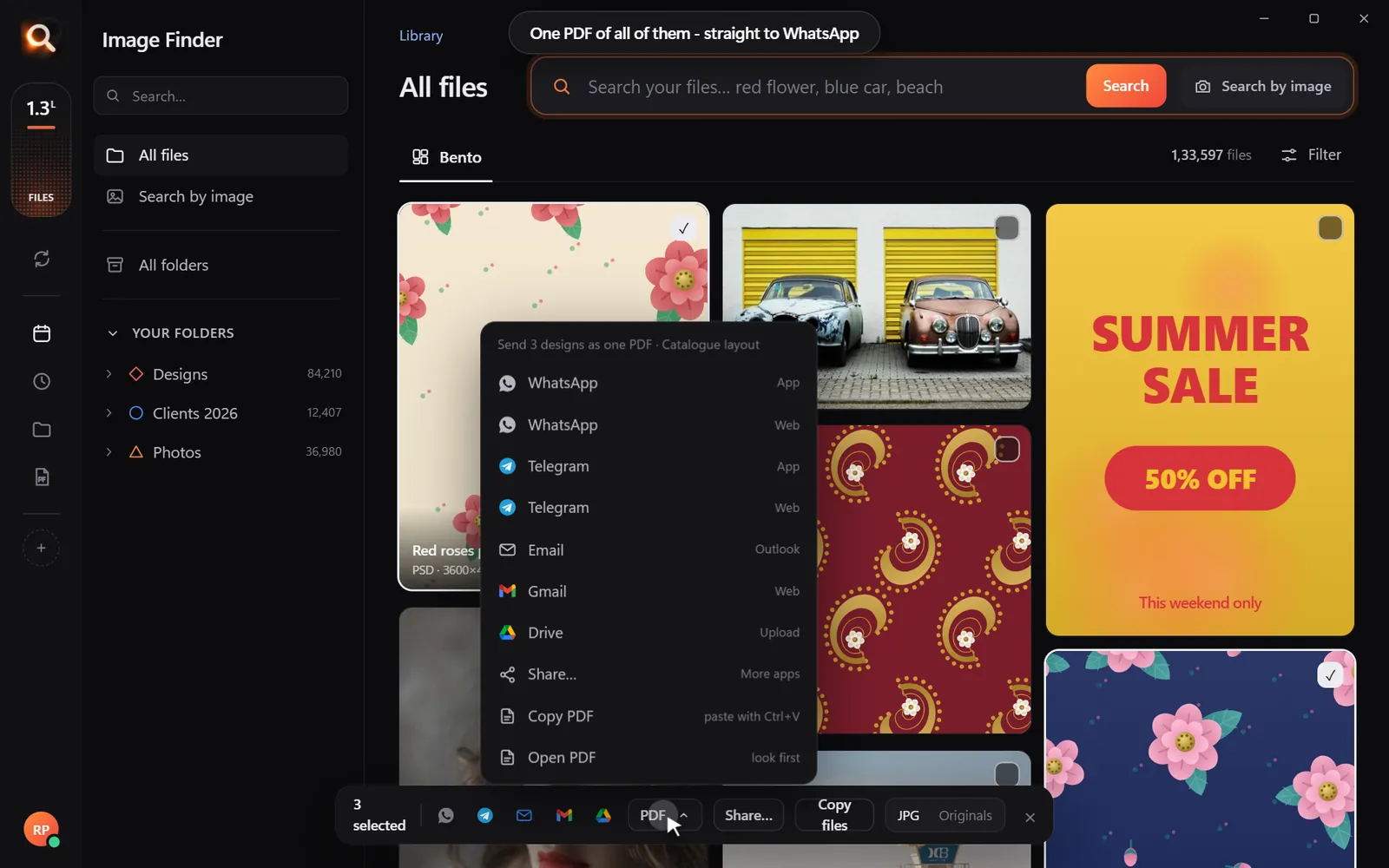
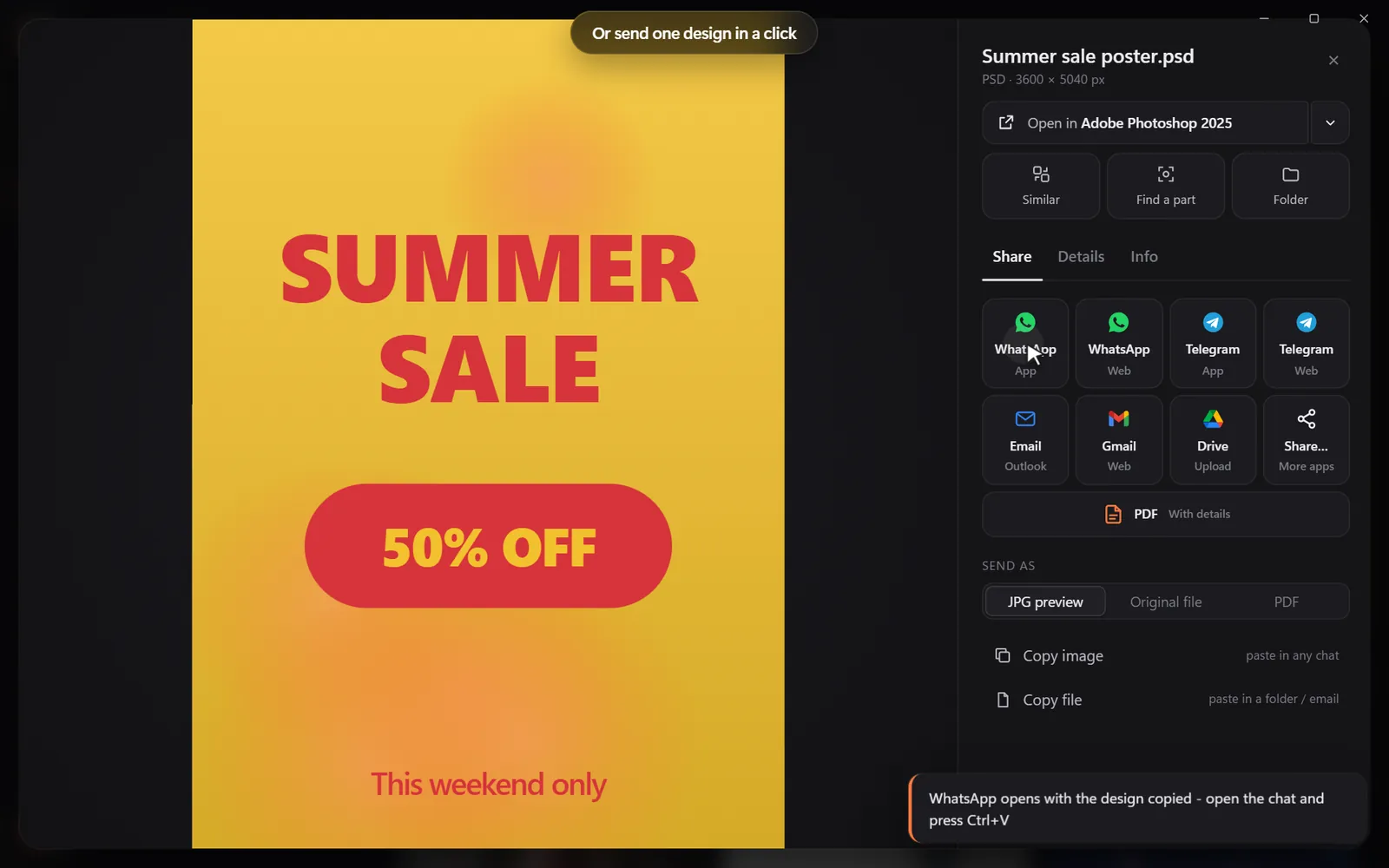
Open it, copy it, or send many as one PDF.
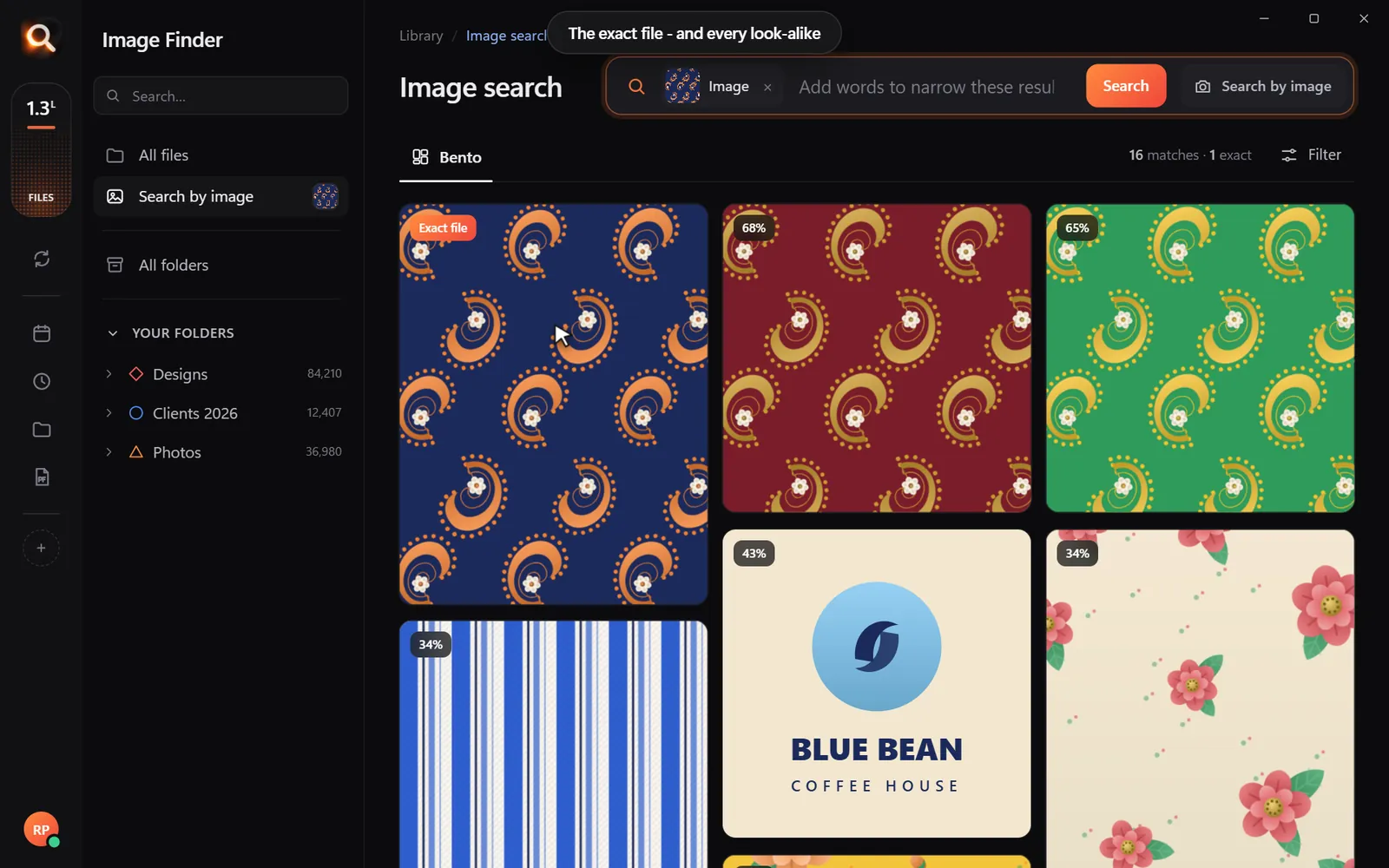
Search by picture
A blurry screenshot, a photo of a print, a crop someone sent you. Drop it in and get the full-size original - and every look-alike, even after crops and filters.
Understands pictures the way you do - not by their file names.
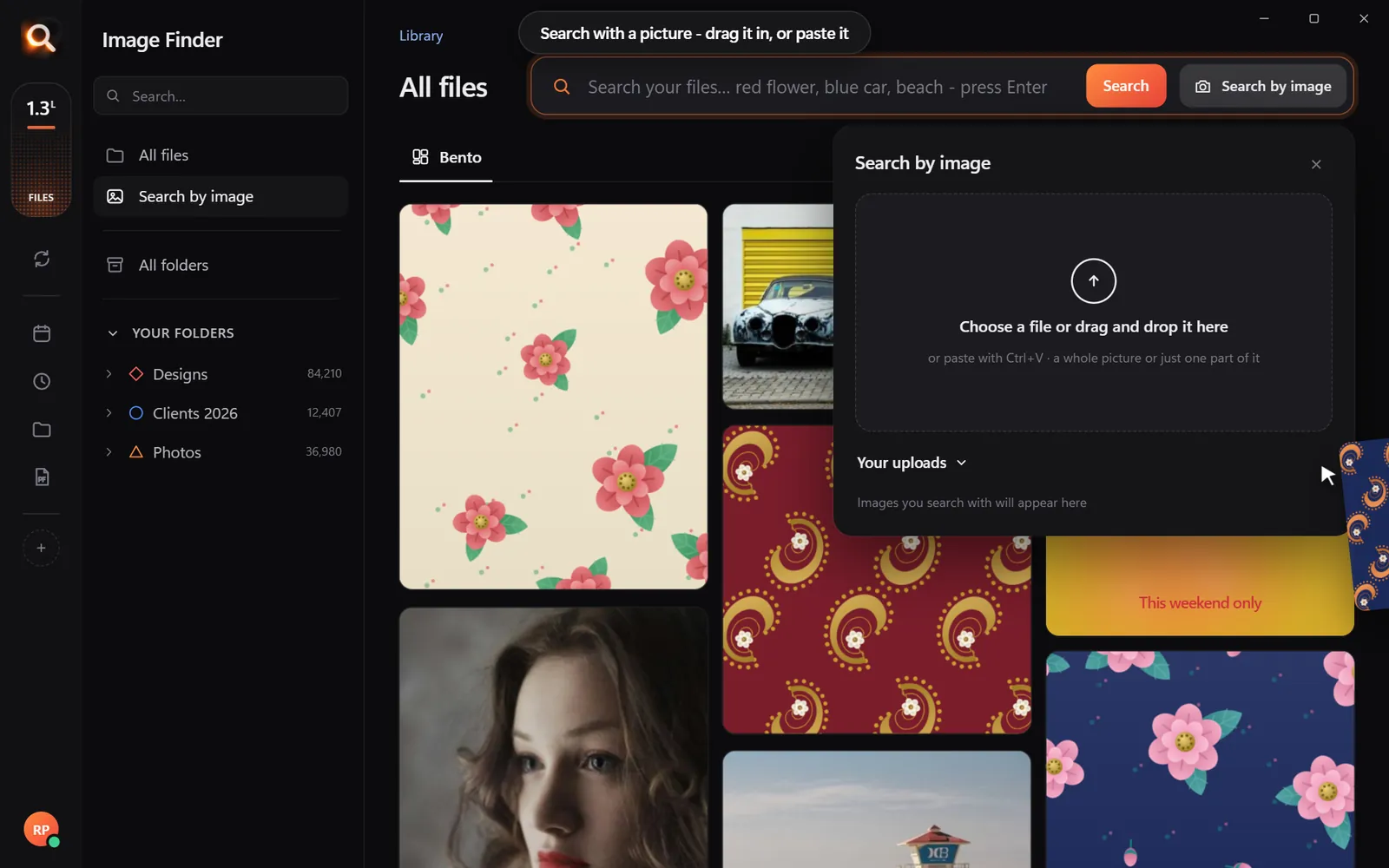
Every result opens in the app you made it in, copies with one click, or goes out as one tidy PDF.
Search
You never remember a file name. You remember a colour, a face, a word on a sign. That is enough.
Pick a colour and the photos with the most of it come first - or narrow any search to it.
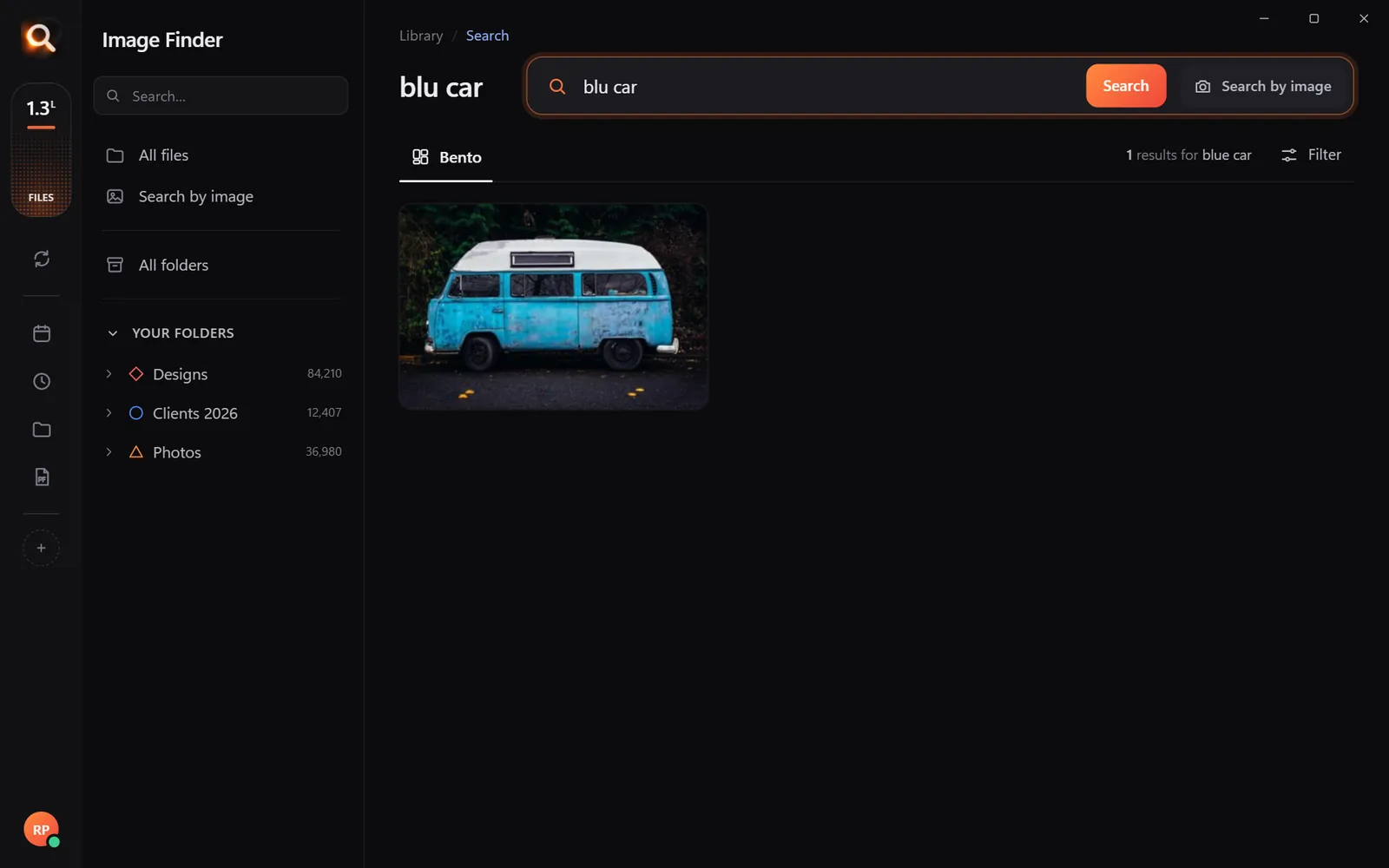
"blu car" finds the blue car.
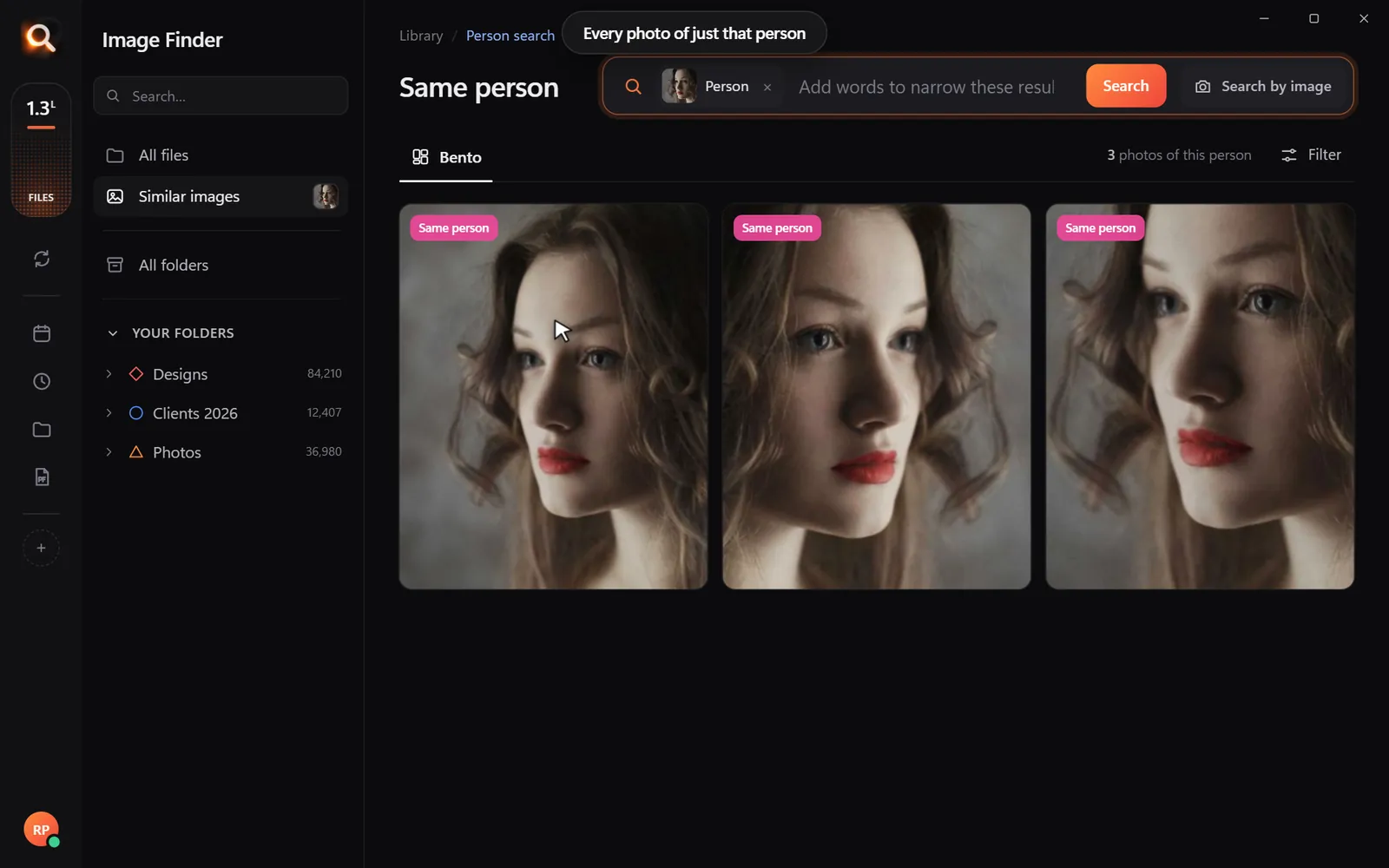
Pick a face once - from every folder and every drive.
Screenshots, receipts, posters and scanned PDFs.
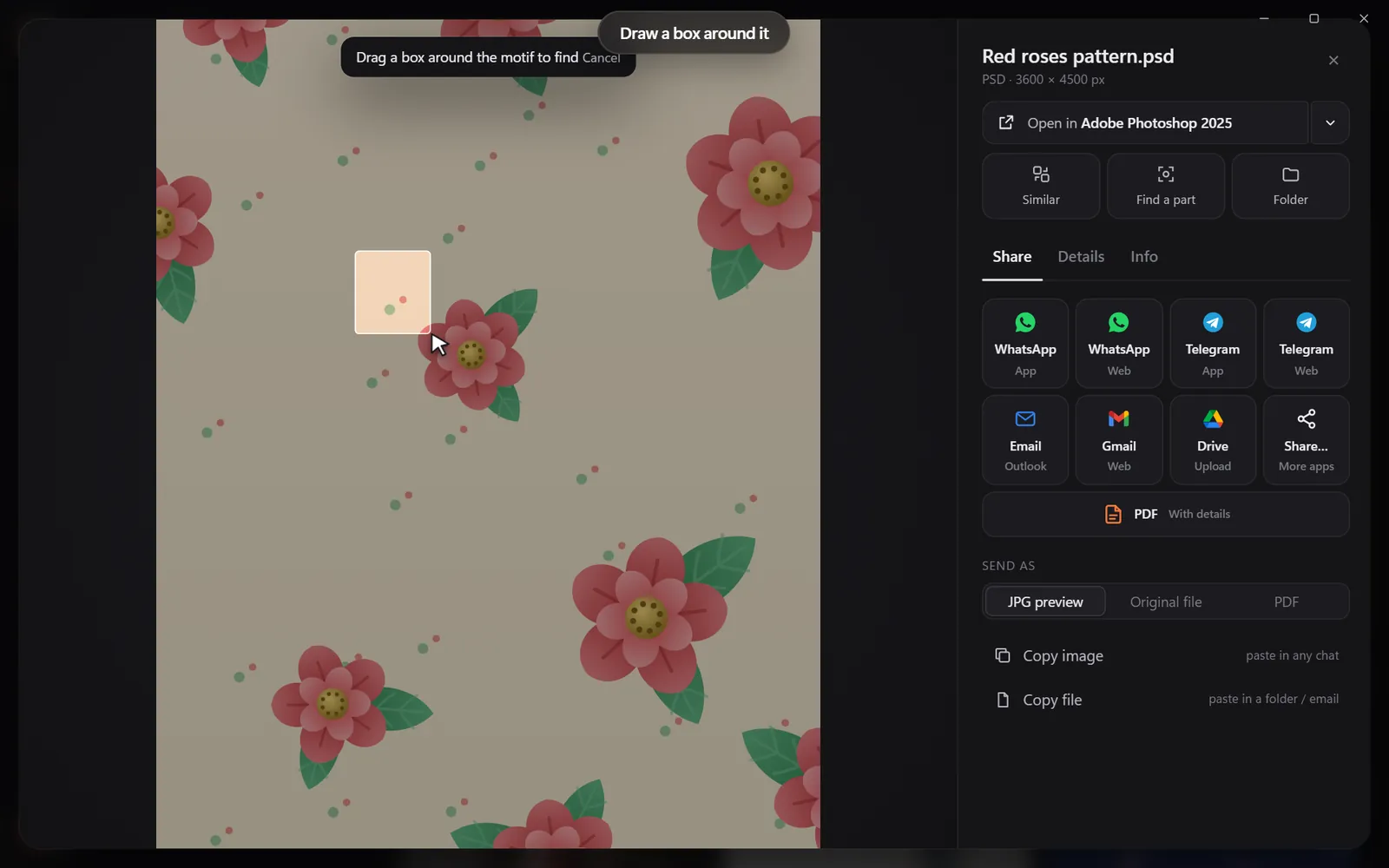
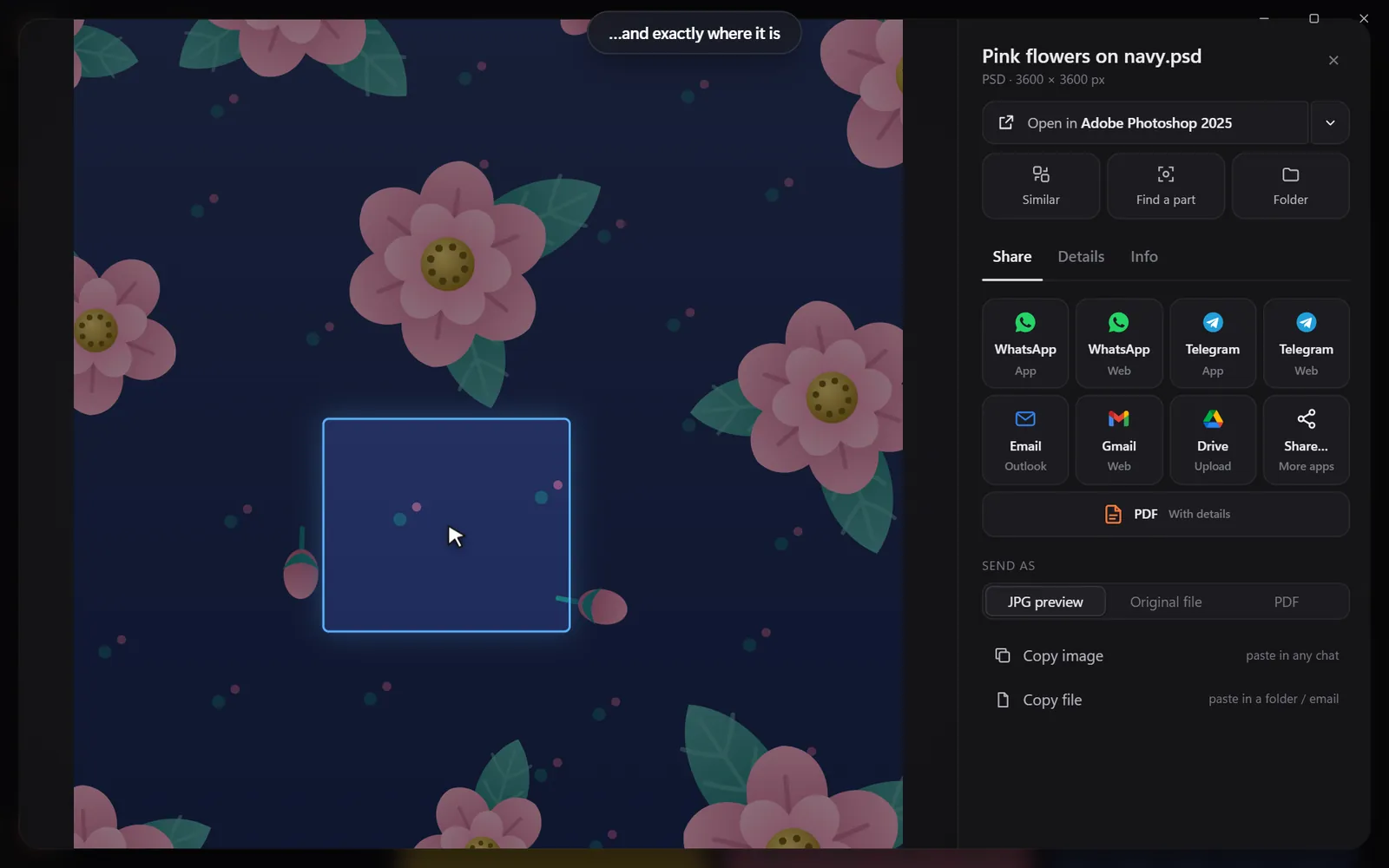
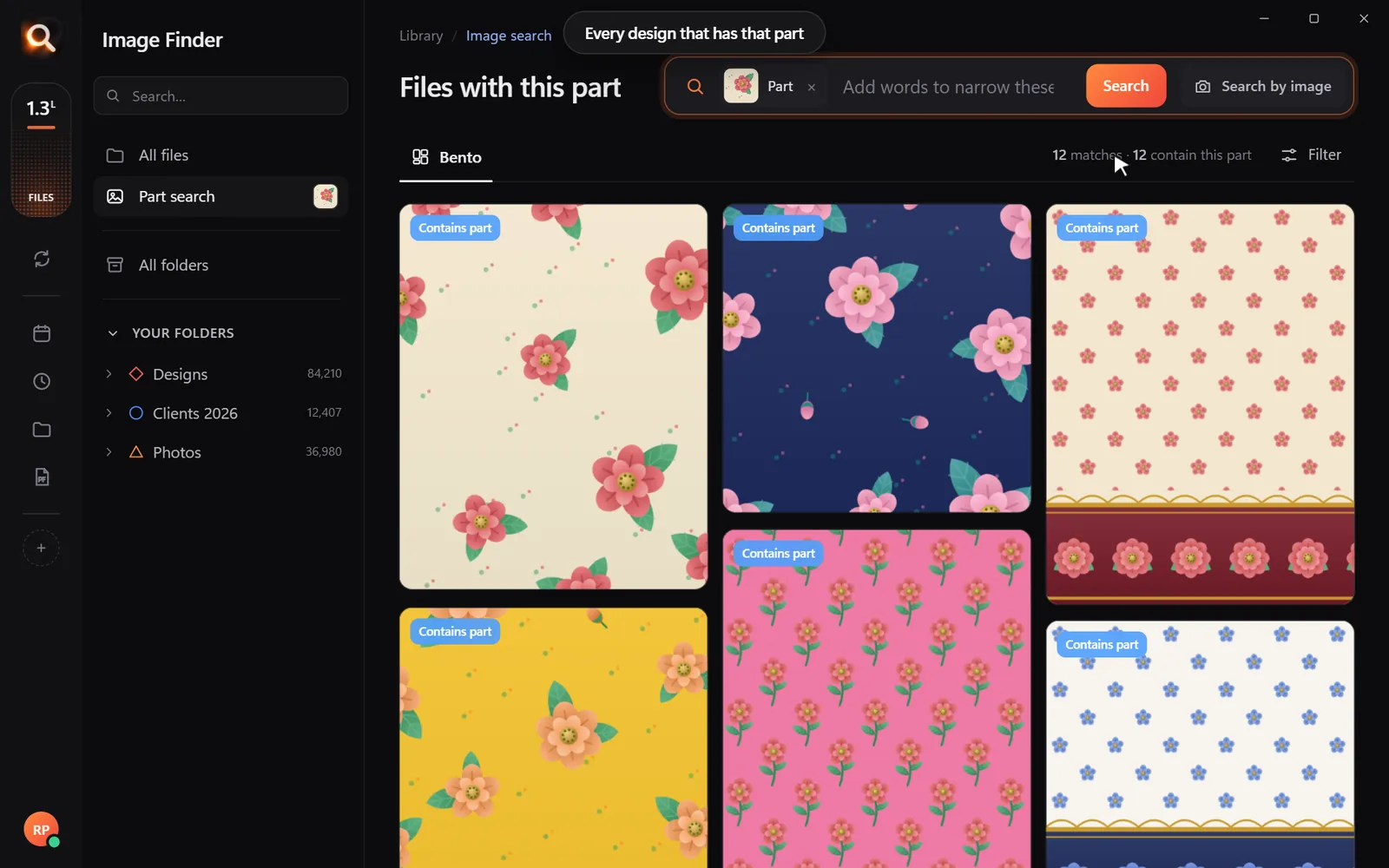
Draw a box around a logo or a motif.
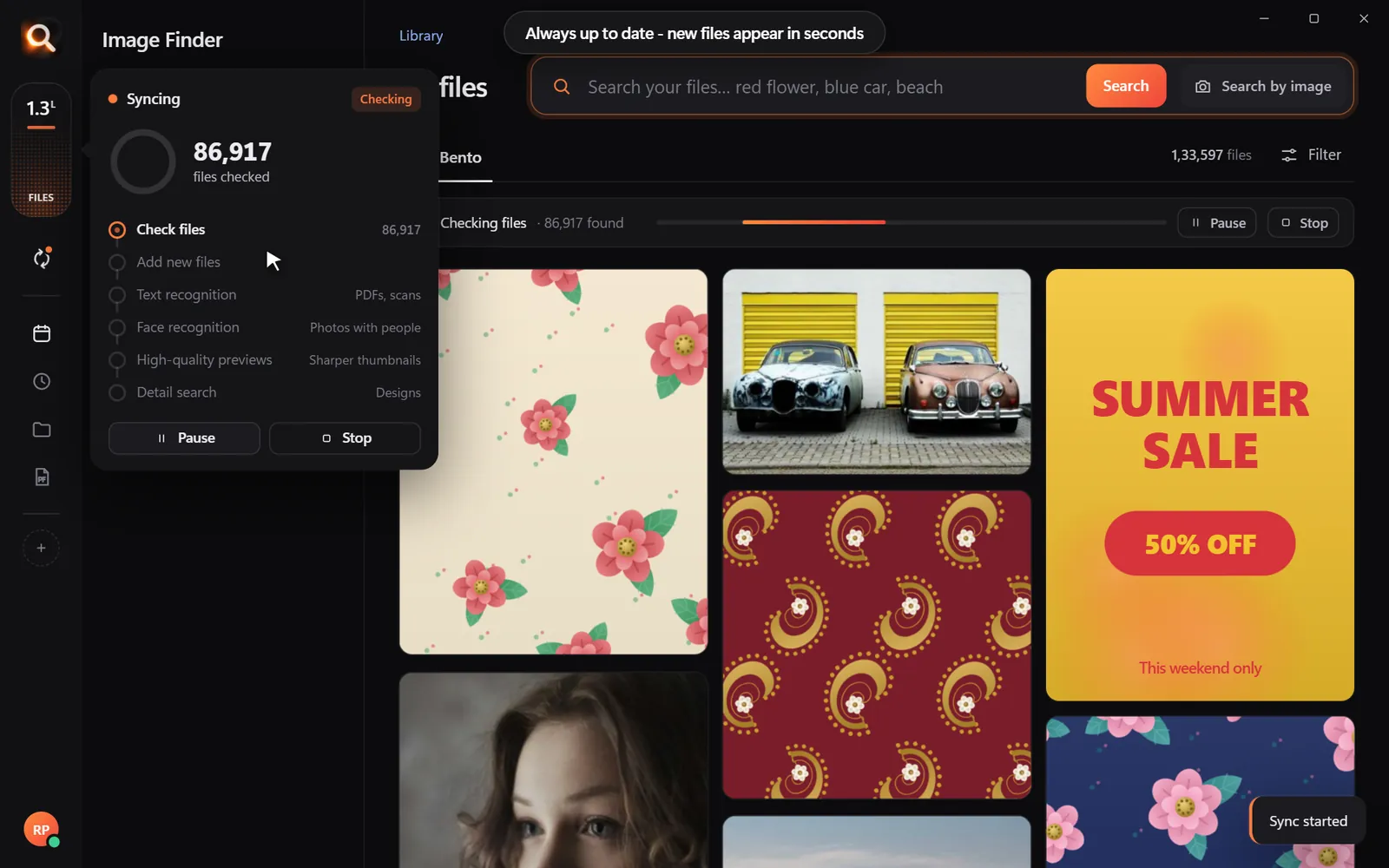
New files appear within seconds, by themselves.
Point it at Pictures, Desktop, a whole disk or an external drive. Unplugged drives stay findable, so you know which one to grab.
JPG, PNG, HEIC, camera RAW, PSD, AI, EPS, SVG, PDF, Office files, fonts and videos.
Pictures inside archives are searchable - without unzipping anything.
Unplugged drives stay findable, so you know which one to grab.
New and changed files appear within seconds, by themselves.
Search 100,000+ files about as fast as you can type.
"blu car" finds the blue car. The meaning matters, not the spelling.
It reads your library once in the background and pauses while you work.
Windows 10 and 11, Macs with Apple chips and Intel Macs.
Private
The AI runs on your own PC or Mac. No upload, no cloud copy, no account full of your pictures that could leak.
Your photos, designs and searches stay on your disk. Only your licence is checked now and then.
On a plane, in a basement studio, when the internet is down - search works the same.
Pay once for the time you choose. Nothing renews by itself, nothing to cancel.
Made for real libraries
What people type - and what it saves them.
the one by the window, spring shoot
Pick a client's face once - every shot of them, across every drive.
blue logo on white
final_FINAL_v3.psd is not a search term. Find PSD, AI and SVG by how they look.
blue mug white background
Five thousand product shots, one blue mug - found in a second.
grandma at the cake table
Twenty years of photos, searchable without uploading a single one.
fractions worksheet
Worksheets and slides, found by the words printed on them.
white kitchen with island
Every listing photo by room, feature or view.
summer sale poster
Ten people, one shared drive, nobody hunting for files any more.
mitosis slide
Every lecture screenshot, searched by the words on the slide.
Compare
Pricing
Every feature in every plan. No subscription - nothing renews by itself.
Start with 30 days free - every feature, no credit card. Start your free trial
One licence works on one computer. Your days start when you activate it.
Yes - 30 days with every feature, and no credit card. When it ends, the app asks you to choose a plan. Nothing is charged automatically, and your library stays exactly as it is.
No. Image Finder runs entirely on your computer. Your photos, designs and searches never leave it - there is no cloud copy to leak. Only your licence is checked online now and then.
Yes. There are versions for Macs with Apple M-series chips and for older Intel Macs, plus Windows 10 and 11.
107 types: JPG, PNG, HEIC (iPhone), WEBP, camera RAW (NEF, CR2, CR3, ARW, DNG), PSD, AI, EPS, SVG, PDF, Office files, fonts and videos - including files inside ZIP and RAR archives.
No. You pay once for the time you choose; nothing renews by itself and there is nothing to cancel.
No renaming, no tagging, no importing. Point it at your folders or whole drives and it reads them by itself - new files appear within seconds.
It reads your library once in the background and steps aside while you work. Searching takes about a tenth of a second, even with 100,000+ files.
Yes - see the refund policy. And with the free trial you can be sure before you pay anything.
Every feature, no credit card. Find the first photo you have been looking for in the next five minutes.
Start free trialTips for finding, organising and sharing your designs faster.
Find any photo, design or PDF on your computer in seconds. Free for 30 days - no card.